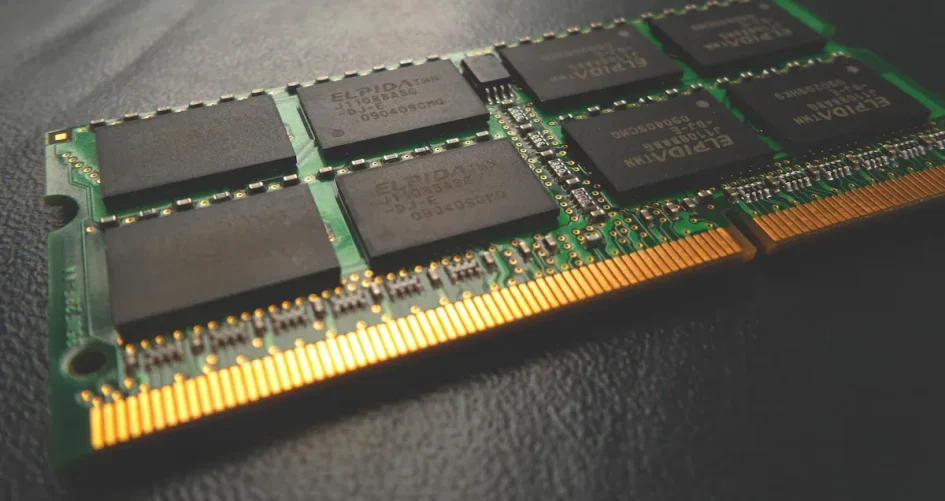
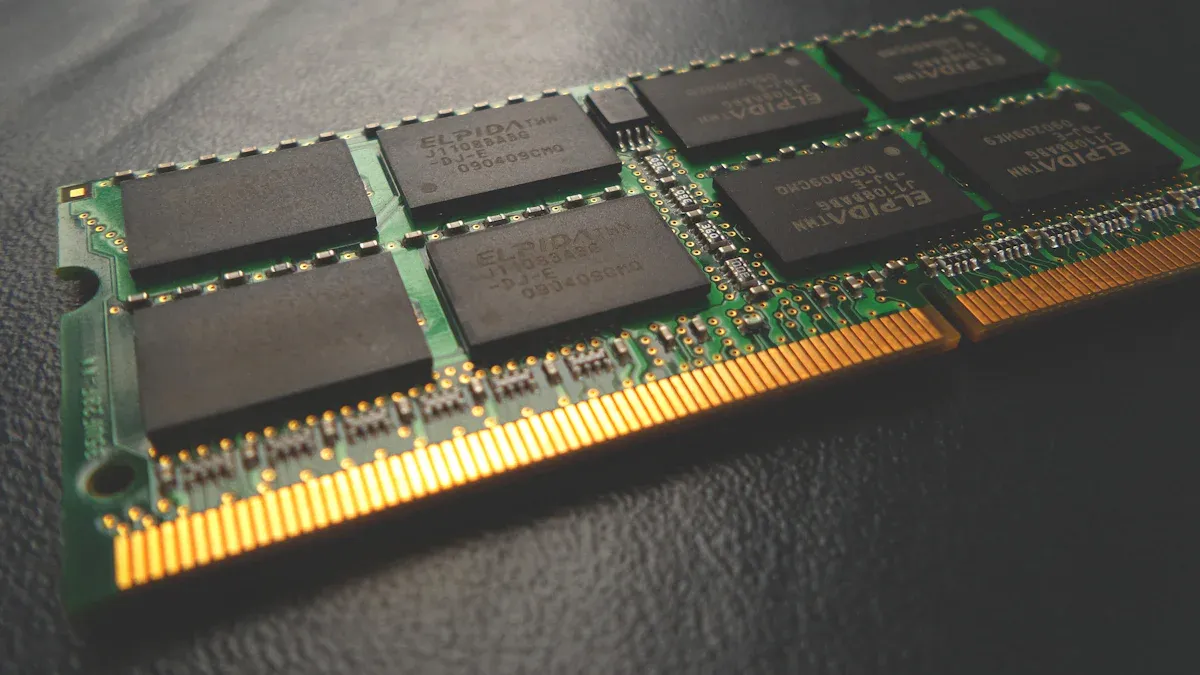
You rely on your server to keep your data safe and your systems running smoothly. AM4 server motherboards with ECC and IPMI give you the tools to build a stable and manageable server. If you run a small business or set up a home lab, you need hardware that helps you avoid downtime and lets you fix problems quickly, even from a distance. These features help you protect your information and keep your work moving forward.
Key Takeaways
AM4 server motherboards are good for small businesses. They do not cost too much money. They give strong performance and help save money.
ECC memory helps keep your data safe. It finds and fixes memory mistakes by itself. This keeps your server working well and protects your data.
IPMI lets you manage your server from far away. You can fix problems and control your server from anywhere. This helps you save time and stops long server problems.
Using ECC and IPMI together makes your server work better. It is easier to manage and more reliable. This is great for important jobs like backups and virtualization.
Pick AM4 server motherboards that have ECC and IPMI. This will keep your data safe and let you control your server easily from far away.
AM4 Server Motherboards Overview
AM4 Platform for Servers
You might have seen the AM4 platform in desktop computers. It also works well for servers. AM4 server motherboards use AMD Ryzen and some AMD Athlon processors. These motherboards give you good performance and value. You can build a server for file sharing, backups, or light virtualization. Many people pick AM4 server motherboards for home labs or small business servers. They are easy to find and work with many CPUs.
Tip: If you want to save money and still get good performance, AM4 server motherboards can be a smart choice.
Key Advantages
AM4 server motherboards have many good points for your server:
Cost-Effective: AM4 server motherboards often cost less than many enterprise options. This is good for small businesses or home users.
ECC Memory Support: Many AM4 server motherboards work with ECC memory. This helps keep your data safe from errors.
Flexible CPU Choices: You can choose from many AMD processors. This lets you pick what fits your server best.
Energy Efficiency: Many AM4 CPUs use less power. This can help you save on electricity.
You may wonder how AM4 server motherboards compare to other platforms. For example, the XTT 11DPI-N server motherboard uses Intel Xeon processors and supports lots of memory. It is made for high-end enterprise use. AM4 server motherboards focus on giving you reliable performance and important features at a lower cost. This makes them a good choice if you want to build a server without spending too much.
If you need a server for a small office or home lab, AM4 server motherboards give you the right mix of features and value.
ECC Support
Data Integrity with ECC
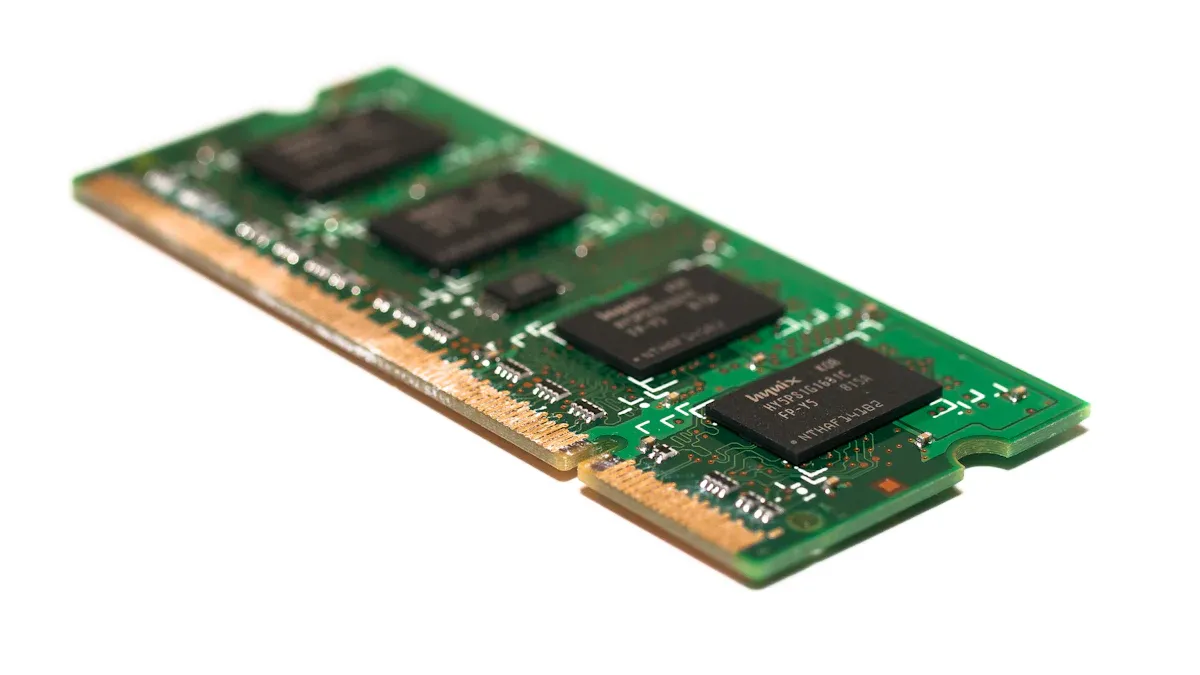
You want your server to keep your data safe. ECC memory helps you do this. ECC stands for Error-Correcting Code. This type of memory checks for mistakes when your server stores or reads data. If it finds a single-bit error, ECC memory fixes it right away. You do not have to worry about silent data corruption. Your server stays reliable because ECC memory catches problems before they grow. This is important for anyone who needs to trust their server with important files or business records.
Note: ECC memory works quietly in the background. You may never notice it, but it protects your data every second your server runs.
AM4 server motherboards often support ECC memory. This means you can build a server that guards your information against errors. You get peace of mind knowing your files and applications are safe.
Why Servers Need ECC
Servers work hard every day. They run many tasks and handle lots of information. If your server makes a mistake in memory, it can cause big problems. ECC memory lowers the risk of data corruption. You avoid crashes and lost files. Your server keeps running smoothly.
Some server workloads need ECC support more than others. Here are a few examples:
Cloud Computing
Big Data
High-Performance Computing (HPC)
If you use your server for these jobs, ECC memory helps you keep everything stable. You do not want errors to slow down your work or damage your data. ECC memory gives you extra protection, so you can focus on your tasks.
You should think about ECC support when you choose a server motherboard. It is a smart way to make your server stronger and safer.
IPMI Benefits
What is IPMI
You might see IPMI listed in server features. IPMI means Intelligent Platform Management Interface. This tool lets you control your server from far away. It works even if the main system is off or broken. IPMI is like a remote control for your server. You can check if your hardware is healthy. You can turn the server on or off. You can also see what is on the screen from anywhere.
Tip: IPMI works without using the main operating system. You do not have to stand by the server to use it.
A lot of AM4 server motherboards have IPMI support. This feature gives you more ways to control your server. It helps you fix problems faster. You can update firmware, watch the temperature, and reset the server without touching it.
Remote Management Advantages
IPMI helps you manage your server from far away. You save time because you do not need to go to the server room for every problem. If your server stops working or needs a restart, you can fix it from your desk or your home.
Here are some main benefits of using IPMI:
Quick Troubleshooting: You can see error messages and logs fast.
Remote Power Control: Turn the server on or off from anywhere.
Hardware Monitoring: Watch temperatures, fan speeds, and voltages live.
Secure Access: Use passwords and network controls to keep your server safe.
With IPMI, your server keeps running well and you have less downtime. This is great for small businesses and home labs. You can feel calm knowing you can manage your server anytime and anywhere.
ECC and IPMI Together
Real-World Use Cases
You may wonder when you need both ECC and IPMI in your server. These two features work best together in many real-life situations. Imagine you run a small business that stores customer records. You want to make sure your data stays safe and your server keeps running. ECC memory helps you catch and fix memory errors before they cause problems. IPMI lets you check your server’s health and fix issues from anywhere.
Here are some common scenarios where both features matter:
Remote Office Servers: You set up a server in a branch office. You cannot visit the site every time something goes wrong. IPMI lets you manage the server from your main office. ECC keeps your files safe from memory errors.
Home Lab Testing: You test new software or run virtual machines at home. You want to avoid data loss and downtime. ECC protects your test data. IPMI helps you restart or troubleshoot your server without leaving your desk.
Backup and Storage Servers: You use a server for backups. You need to trust that your backup files will not get corrupted. ECC gives you that trust. If the server needs a reboot or update, IPMI saves you time.
When you combine ECC and IPMI, you get a server that is both reliable and easy to manage. You do not have to choose between data safety and convenience.
Value for Small Business and Home Labs
You do not need a huge budget to get strong server features. AM4 server motherboards with ECC and IPMI give you the tools that big companies use, but at a price you can afford. You can build a server that fits your needs and keeps your data safe.
Here is why these features make sense for you:
Cost-Effective: You save money because you do not need expensive enterprise hardware. You get important features without paying for extras you do not need.
Easy Management: You can fix problems from anywhere. You do not waste time traveling to your server.
Peace of Mind: You know your data is safe from memory errors. You can focus on your work, not on server problems.
Feature | Benefit for You |
|---|---|
ECC Memory | Protects your data |
IPMI | Remote server control |
Low Cost | Saves your budget |
You can use these features for many jobs. You might run a file server, a media server, or a small business database. You get the same reliability that large companies expect, but you keep things simple and affordable.
Tip: Choose AM4 server motherboards with both ECC and IPMI to get the best mix of safety and control for your server.
Choosing AM4 Server Motherboards
Features to Consider
You want your server to work well and not break. When you look at AM4 server motherboards, check for features that help you avoid trouble and make things easier. First, see if the motherboard has passed tough tests. Some motherboards are tested for at least 8,000 hours to make sure they work with many parts. This testing helps you trust your server to do its job every day.
Look for safety features. Many motherboards use strong parts and special designs to protect your server from power spikes and getting too hot. These features help your server last longer and stay steady. If you want your server to last a long time, pick a motherboard with a long support time. Some motherboards give you up to 36 months of help and tell you before they stop making parts. This helps you plan for upgrades and not get surprised.
Management software can help you a lot. Some motherboards have tools that let you watch and control your server from one place. You can check if the hardware is healthy, change settings, and keep your server safe.
Here is a table that shows important features to look for:
Feature | Description |
|---|---|
Extensive Testing | At least 8,000 hours of testing for working with many parts |
5X Protection III | Strong parts and design for a steady server |
Corporate Stable Model (CSM) | Up to 36 months of help and warning before parts stop being made |
Management Software | Easy and safe server control from one place |
Tip: Pick a motherboard with good safety and management tools. You will not have to fix as many problems.
Common Pitfalls
You will see many choices when you shop for AM4 server motherboards. Some look nice but have problems you cannot see. Do not pick motherboards that do not have ECC memory or IPMI. These features keep your data safe and let you control your server from anywhere. Check if the motherboard works with your CPU and memory. Some only work with certain models.
Be careful with motherboards that do not get updates for long. If a motherboard stops getting help or updates, it can be hard to find new parts. Make sure the company gives good help and answers your questions. If you skip these steps, your server might stop working or you could lose data.
Note: Always read the details and support info before you buy. This helps you build a server that will last.
You want your server to stay reliable and easy to manage. AM4 server motherboards with ECC and IPMI give you strong tools for data safety and remote control. These features help you avoid downtime and protect your files. If you run a small business or set up a home lab, you can trust these motherboards to meet your needs. Always check for ECC and IPMI when you choose your next server hardware.
FAQ
What is ECC memory and why do you need it?
ECC memory checks and fixes small errors in your server’s memory. You need ECC to keep your data safe. It helps your server avoid crashes and data loss.
Can you use regular desktop CPUs with AM4 server motherboards?
You can use many AMD Ryzen and Athlon CPUs with AM4 server motherboards. Always check the motherboard’s CPU support list before you buy.
How does IPMI help you manage your server?
IPMI lets you control your server from anywhere. You can restart, monitor, or fix your server without being in the same room.
This saves you time and keeps your server running.
Are AM4 server motherboards good for home labs?
Yes, you can use AM4 server motherboards in home labs. They give you important features like ECC and IPMI. You get reliable performance without spending too much.