
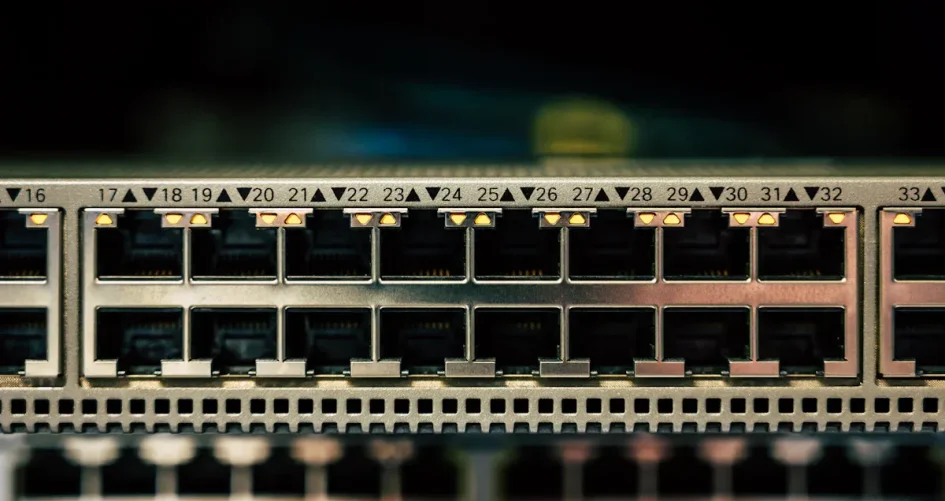
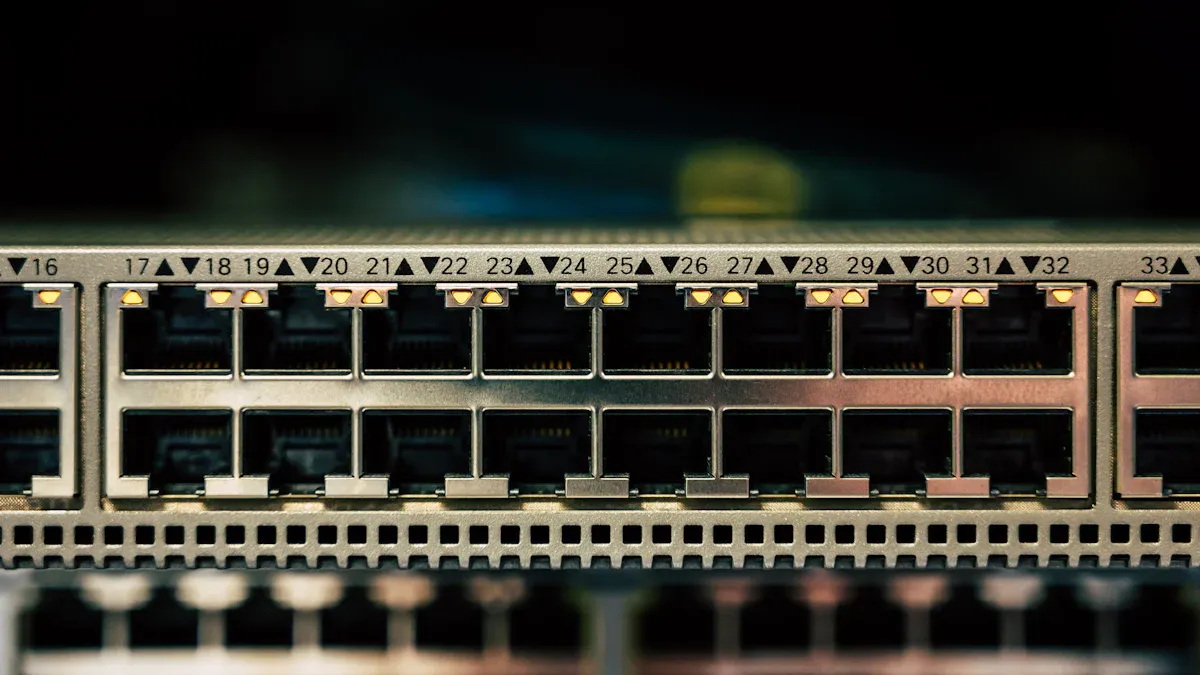
When comparing a network splitter vs switch, a network switch provides better speed to multiple devices than a splitter. Switches allow each device to access the full bandwidth, while splitters share bandwidth, which can slow things down. The table below highlights the differences in bandwidth and features between a network splitter vs switch:
Device | Max Speed | Simultaneous Connections | Power Requirement | Additional Features |
|---|---|---|---|---|
LAN Splitter | 100 Mbps | لا يوجد | None | Simple, low-cost solution |
Ethernet Switch | 1 Gbps or higher | نعم | Required | Traffic management, VLAN |
For example, the sz-xtt network switches, such as the 200-48X and 200-48X6C, can reach speeds up to 10 Gbps. These switches enable many devices to operate efficiently together, making them ideal for both homes and businesses when considering network splitter vs switch.
الوجبات الرئيسية
A network switch is faster than a splitter. Each device on a switch gets its own speed. This helps devices work better.
Use a splitter for simple setups with two devices. It costs less but slows down speed. It cannot connect more than two devices.
For gaming and streaming, pick a switch. It lets many devices work at full speed. This stops lag and keeps things running smooth.
Think about future needs when picking a device. Switches can connect many devices as your network grows. Splitters cannot do this.
Buying a switch is a smart choice over time. Switches have extra features and better security. They give higher speeds for busy networks.
What Is a Network Splitter?
How Splitters Work
A network splitter lets two Ethernet connections use one cable. It helps cut down on the number of cables needed. The splitter does not copy the signal. It splits the wire pairs inside the cable. Then, it sends them to different ports. People usually use splitters in pairs, one at each end. The splitter turns one Ethernet connection into more outputs. This lets several devices use the same cable path. But it does not make the connection faster. Each device must share the available speed.
An Ethernet splitter splits signal paths and does not need power.
Some splitters have electronics inside to boost the signal, so they need power.
Power over Ethernet splitters separate power and data from a PoE Ethernet line.
Splitter Use Cases
Network splitters help in homes and offices where adding new cables is hard. They are useful when only one Ethernet drop is there, but many devices need wired connections. Splitters are good for people who want a simple and cheap way to connect devices.
Type of Splitter | الوصف |
|---|---|
Coaxial Splitters | Send signals over coaxial cable networks like cable TV and internet. |
Telephone Splitters | Send signals over telephone networks, such as DSL connections. |
Optical Splitters | Send signals over optical fiber networks, like FTTH or FTTB. |
People pick splitters for basic networking needs. They often compare a مقسّم الشبكة مقابل المحول to connect many devices. Sz-xtt sells reliable networking products for users who want stable connections.
Splitter Speed Limits
Most network splitters can transfer data up to 100 Mbps. This speed does not change even if the cable or devices can go faster. When many devices use a splitter, they all share the 100 Mbps limit. Splitters can cause more delay and packet loss, especially when there is lots of traffic. Signal loss can happen with long cables or bad splitters, making connections unstable. If you need faster speeds and better performance, a switch is usually a better choice.
Tip: Always check your speed needs before picking a splitter for your network.
What Is a Network Switch?
How Switches Work
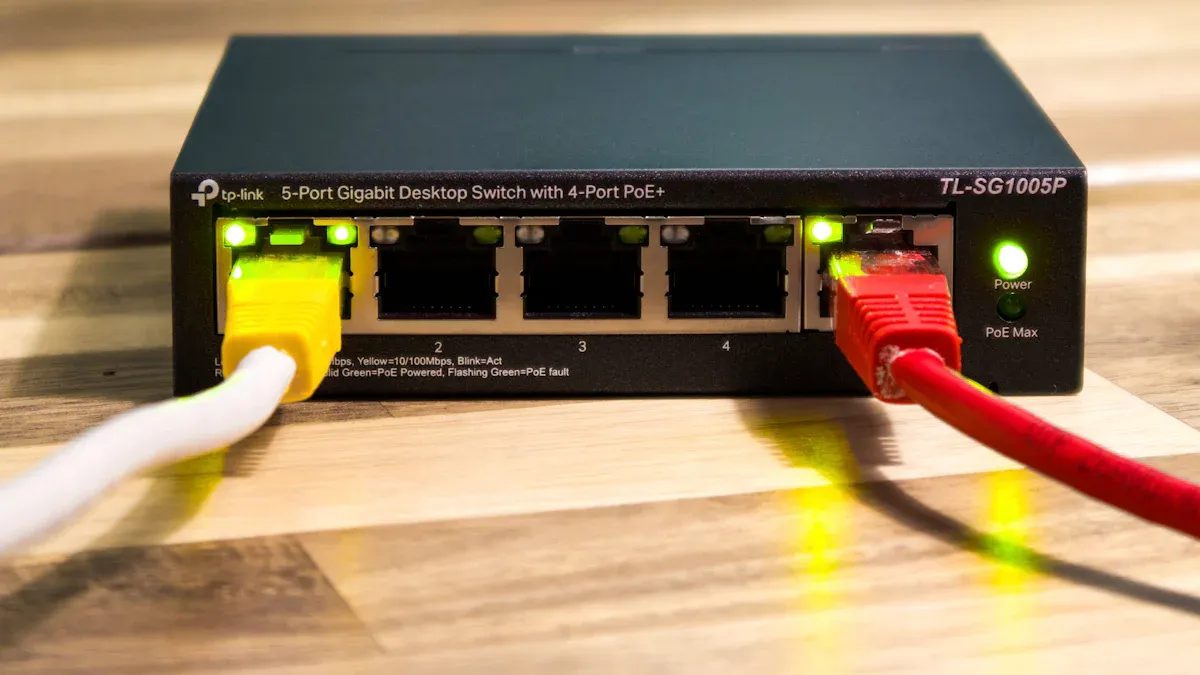
A network switch links many devices together. It works at the data link layer. The switch uses MAC addresses to send data to the right device. A hub sends data to all devices, but a switch does not. The switch sends data only where it needs to go. This helps stop data crashes and makes things faster. A splitter just splits one connection into more outputs. It does not control where the data goes. When you compare a network splitter vs switch, switches are smarter at handling traffic.
A switch gets data packets and sends them to the right place. This helps devices talk to each other fast and without problems. Switches are important for keeping networks working well.
Switch Use Cases
Network switches are used in homes and businesses. They connect computers, printers, and other devices. This makes sharing data easy. Switches help control traffic and stop overloads. Power over Ethernet switches send power and data in one cable. This makes it easier to set up smart devices.
Some common types of switches are:
Unmanaged switches
Managed switches
Smart switches
Modular switches
Fixed-configuration switches
Stackable switches
Chassis switches
Industrial switches
Core switches
Cloud-managed switches
LAN switches
Data center switches
Switches from sz-xtt, like the 200-48X and 200-48X6C, give fast speeds and cool features. They work well for homes and businesses.
Switch Speed and Efficiency
Network switches are very fast. Gigabit Ethernet switches can go up to 1,000 Mbps. Some new switches can go even faster, up to terabits. For example, some switches can reach 25.6 Tbps. Switches use VLAN, QoS, and link aggregation to manage speed. These help each device get the best speed possible.
Technique | الوصف |
|---|---|
VLAN Configuration | Splits the network into smaller parts to lower traffic and make it safer. |
QoS Configuration | Makes sure important traffic gets enough speed. |
Link Aggregation | Joins many connections to make things faster and more stable. |
Tip: Pick a switch if you have lots of devices and need high speed. Switches help every device get the best speed.
Network Splitter vs Switch: Key Differences
Speed and Bandwidth
Speed and bandwidth are important when many devices connect. A network splitter takes one Ethernet connection and splits it into two. This means both devices must share the same bandwidth. Sharing makes each device slower, especially if both use the network at once. A network switch is different. It gives each device its own connection. Every device gets all the bandwidth, so everyone can go fast.
The table below shows how speed and bandwidth are not the same:
الميزة | Ethernet Splitter | Ethernet Switch |
|---|---|---|
Bandwidth | Shares bandwidth between devices | Maintains full bandwidth for each device |
A switch helps many devices talk at once. It sends data only to the right place. This stops traffic jams and keeps things running well. Devices on a switch do not fight for speed. They all get the best speed they can.
Here is another table that shows how speed is affected:
نوع الجهاز | Functionality | Speed Impact |
|---|---|---|
Ethernet Splitter | Divides an existing connection, limiting speed for each device. | Multiple devices compete for bandwidth, reducing maximum achievable speed. |
Switch | Creates independent connections and manages traffic. | Allows simultaneous communication at full speed for all connected devices. |
Switches always give better speed and bandwidth for many devices.
Reliability and Security
Reliability and security are important for any network. A network switch has special features to keep data safe and traffic in order. Switches can control traffic, give each device its own bandwidth, and use tools like VLANs and access control. These things help keep the network safe from people who should not be there.
The table below shows how switches and splitters compare:
الميزة | Network Switch | Ethernet Splitter |
|---|---|---|
Traffic Management | Yes, prioritizes and manages traffic | لا يوجد |
Dedicated Bandwidth | Yes, provides for each device | لا يوجد |
ميزات الأمان | Yes, supports VLANs and access control | لا يوجد |
A splitter does not control traffic or have security features. All devices share one connection, which can cause data leaks or problems. For homes and businesses that need safe and steady networks, a switch is better.
Scalability and Ports
Scalability means how easy it is to add more devices. A network splitter can only connect two devices. This makes it hard to add more devices later. If you need to connect more, a splitter cannot help.
A network switch can connect lots of devices. Some switches have four, eight, or even forty-eight ports. This is great for networks that need to grow. You can add more devices without slowing things down.
Ethernet splitters connect only two devices.
Ethernet switches can connect many devices, so they are good for big networks.
Splitters cannot grow, but switches can get bigger with your network.
Switches are better for adding more devices and being flexible.
مقارنة التكلفة
Cost is something to think about. Splitters are cheaper than switches. For example, a quad cable splitter costs about $72 for each port. A network switch costs about $288 for each port. But switches have more features, faster speed, and better security. Switch prices have gone down, so they are easier to buy now.
نوع الجهاز | Port Cost (Approx.) | Port Count |
|---|---|---|
Network Switch | $288 | 100 Gb/sec |
Quad Cable Splitter | $72 | 25 Gb/sec |
Note: Splitters save money, but switches are better for high-speed needs.
If you want the best speed, safety, and room to grow, sz-xtt switches like the 200-48X and 200-48X6C are great choices. These switches work for many devices and have cool features for homes and businesses.
Choosing the Right Device
Home and Small Office
People often compare مقسّم الشبكة مقابل المحول when setting up a home or small office. A splitter works well for connecting two devices in the same spot. It helps reduce cable clutter and costs less. However, a splitter limits speed and cannot support more than two devices. A switch connects many devices and manages traffic. It keeps each device running at full speed. The table below shows the best scenarios for each device:
نوع الجهاز | Recommended Scenario |
|---|---|
Ethernet Splitter | Connect two devices in one location to save space and money. |
Ethernet Switch | Connect more devices than the router supports, especially in busy networks. |
Switches like the sz-xtt 200-48X and 200-48X6C help small offices grow. They offer more ports and faster speeds.
Gaming and Streaming
Gaming and streaming need high bandwidth and stable connections. Splitters operate in half-duplex mode. Only one device can send or receive data at a time. The maximum speed is 100 Mbps, which is not enough for 4K streaming or online games. Splitters do not manage traffic well. They can cause congestion and security risks. A switch supports full-duplex mode. It allows all devices to communicate at once. Switches manage traffic and keep speeds high. For gaming and streaming, a switch is the best choice.
نصيحة: Choose a switch for high-bandwidth activities to avoid lag and interruptions.
Cost vs Value
Splitters cost less and suit simple setups. Switches cost more but offer better value. They connect many devices, manage speed, and scale as the network grows. The table below compares features:
الميزة | Splitter | Switch |
|---|---|---|
Ports | 2 | 4, 8, 24, or more |
Max Speed | 100 Mbps | Up to 10 Gbps |
Bandwidth Sharing | نعم | لا يوجد |
الميزات المتقدمة | لا يوجد | نعم |
Switches provide better performance and security. They work well for complex networks. Sz-xtt switches are recommended for users who need multiple high-speed connections.
Network switches give better speed and are more reliable for many devices. Experts say switches help control power, add more devices, and check how the network works. The table below shows what switches and splitters can do:
الميزة | PoE Switches | PoE Splitters |
|---|---|---|
Centralized Power Management | Easily manage and share power with devices. | Not available |
قابلية التوسع | Add more devices without trouble. | Not available |
مراقبة الشبكة | See how devices are working and performing. | Not available |
A splitter is good for simple jobs, like hooking up security cameras or wireless bridges when there are not many cables. Some people think splitters can split ethernet signals like they do with audio or video, but switches are better at handling lots of connections.
Tip: Think about what your network needs. Pick a sz-xtt switch if you want fast and easy-to-grow connections.
الأسئلة الشائعة
What is the main difference between a splitter and a switch?
A splitter divides one network cable into two connections. Both devices share the speed. A switch connects many devices. Each device gets full speed. Switches manage traffic better.
Can a splitter support high-speed internet for gaming?
A splitter cannot support high-speed gaming. It limits speed to 100 Mbps. Gamers need more bandwidth. A switch, like the sz-xtt 200-48X6C switch, offers faster speeds.
How many devices can connect to a switch?
A switch can connect four, eight, or even forty-eight devices. The sz-xtt 200-48X switch supports many ports. Users can add more devices as their network grows.
Does a switch improve network security?
A switch improves security. It uses VLANs and access control. Each device gets its own connection. The sz-xtt switches offer advanced security features.
Is a splitter cheaper than a switch?
A splitter costs less than a switch. It works for simple setups. A switch costs more but gives better speed and features. Sz-xtt switches provide value for busy networks.


