
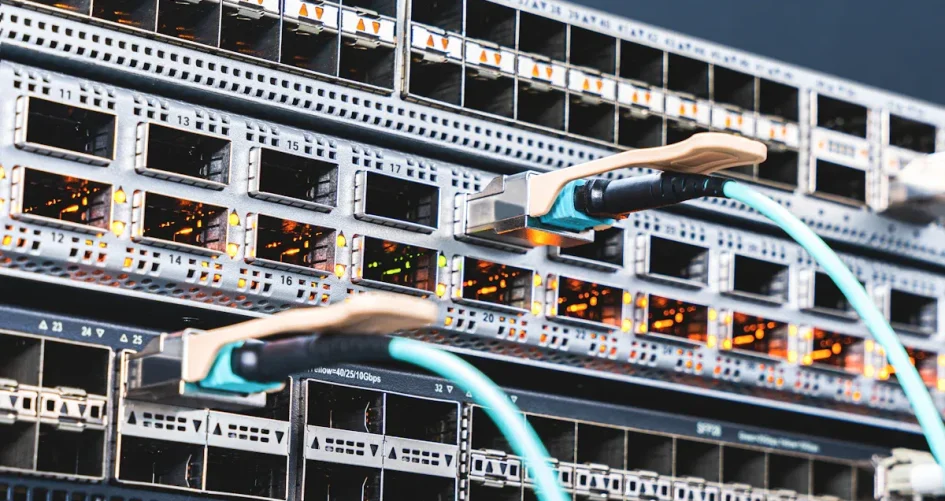
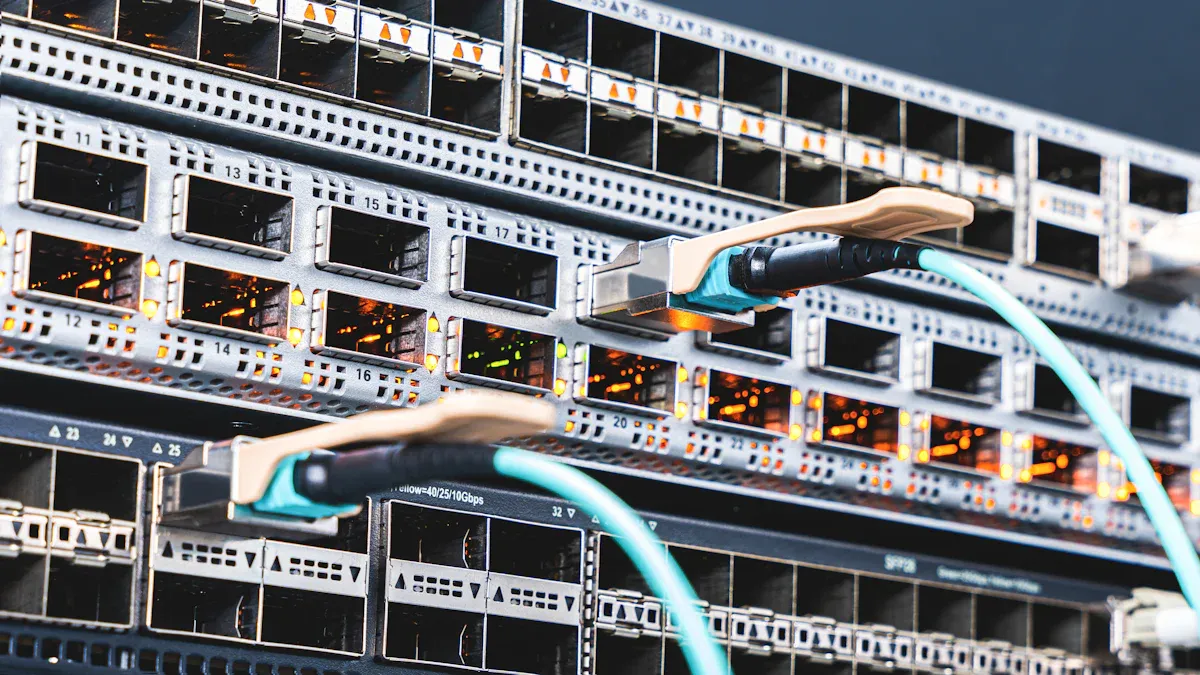
Many people want to connect multiple devices to one network port at home or work. They often ask which is better, a network splitter vs switch. A network splitter provides simple connections but is limited to a few devices and can potentially slow down the speed. In contrast, a network switch allows for the connection of many devices, offering faster data transfer and better performance with high traffic. Understanding these differences between a network splitter and a switch helps individuals choose the right device for optimal speed, reliability, and compatibility.
الوجبات الرئيسية
Network splitters let two devices use one Ethernet cable. They limit the speed to 100 Mbps. Splitters work best for simple setups with low network use.
Network switches connect many devices at once. Each device gets full speed. Switches are great for homes and offices with lots of network traffic.
When you pick a splitter or a switch, think about how many devices you want to connect. Also, think about the speed you need for your activities.
Most people get better performance and reliability from a switch. This is true, especially in busy places.
Make a list of all your devices and their speed needs. This helps you choose the right network solution for your home or office.
Network Splitter vs Switch: Key Differences
ما هو مقسم الشبكة؟
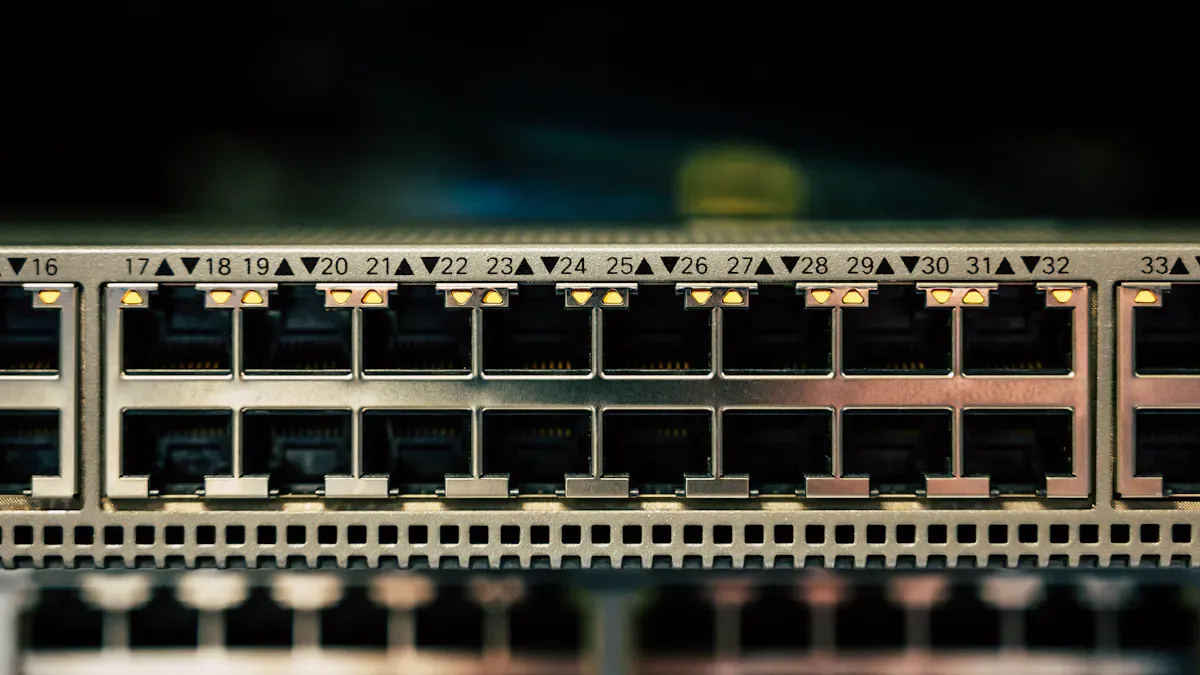
A network splitter is a small tool. It lets two network connections use one Ethernet cable. People use it when they want more devices but only have one cable in the wall or ceiling. The splitter takes the wires inside the cable and splits them for two devices. This can save time and money because you do not need extra cables.
Network splitters have some important features:
They let two devices share one Ethernet cable.
The top speed is 100 Mbps, even if devices can go faster.
You need a matching splitter or adapter at the other end.
Each splitter uses two ports on a router or switch.
Splitters do not control or direct data traffic like switches.
People pick splitters for easy setups. They are best where speed is not very important.
ما هو محول الشبكة؟
A network switch is a smart device. It connects many computers, printers, or other network devices. It works at the data link layer, called Layer 2, of the OSI model. The switch learns each device’s address and keeps them in a table. When a device sends data, the switch finds the right path. It sends the data only to the correct device. This gives each device its own bandwidth and keeps the network working well.
Modern switches can do more advanced things. Some can use IP addresses and manage traffic at Layer 3. This makes them good for homes and businesses.
Main Differences Explained
إن مقسّم الشبكة مقابل المحول debate is about how each device handles connections, speed, and data flow. The table below shows the main differences:
نوع الجهاز | السرعة القصوى | Notes |
|---|---|---|
Ethernet Splitter | 100 Mbps | Only uses two pairs of wires, so it cannot reach gigabit speeds. |
التبديل | 1000 Mbps | Can manage data packets and send full gigabit speed to many devices using one port. |
A network splitter vs switch comparison shows splitters only let two devices share one cable and limit speed to 100 Mbps. They do not direct traffic or let devices talk at the same time. Switches can connect many devices and give each one fast, steady data. They manage traffic so everyone can use the network at once without slowing down.
Tip: For most homes and offices, a switch gives better speed, more connections, and easier use than a splitter.
When people choose between a network splitter vs switch, they should think about how many devices they want to connect, how much speed they need, and how important steady data is for their work or fun.
Device Support, Speed, and Reliability
How Many Devices Can Connect?
A network splitter lets you connect two devices with one Ethernet cable. Some splitters can connect up to four devices, but this is rare. People use splitters when they want to add a device without new cables. A network switch can connect more devices. Most switches have 4 to 48 or more ports. Some can even connect up to 50 devices. This makes switches better for homes, offices, or classrooms with lots of computers, printers, or smart devices.
نوع الجهاز | Typical Device Support |
|---|---|
2–4 devices | |
Network Switch | 4–48+ devices |
Impact on Speed and Performance
People often talk about speed when comparing splitters and switches. With a splitter, only one device can send data at a time. If both devices try to use the network, it can get slow. Tests show splitters limit speed to 100 Mbps. They do not let all devices use full speed. A network switch sends data to the right device. Each device gets full speed, even if many use the network at once. Switches help keep the network fast and smooth.
Method | Performance Impact |
|---|---|
Basic Ethernet Splitter | Only one device can send data at a time, so it can get slow. |
Network Switch | Every device gets full speed because data goes to the right place. |
Reliability in Real-World Use
Splitters are good for simple setups with little network use. They may not work well for gaming, streaming, or video calls. Switches are more reliable. They handle lots of devices and heavy use without losing connections. People pick switches for busy networks because they keep data moving well. The choice between a splitter and a switch depends on how many devices you have and how much speed and reliability you need each day.
Pros and Cons of Splitters and Switches
مزايا وعيوب جهاز تقسيم الإشارة
المزايا:
Splitters are easy to use for two devices with one cable. They help save money and time in small places. People use splitters in small shops, like a dry-cleaner, where only a cash register and a computer need the internet.
Drawbacks:
Splitters slow the network down to 100 Mbps. Only one device can send data at a time, so things can get slow. They do not work well with many devices or lots of network use. You must have matching adapters on both ends of the cable.
مزايا وعيوب جهاز التبديل
المزايا:
Switches keep the network fast by sending data to the right device. They let many devices work at the same time, so they are great for offices and smart homes. Switches can connect up to 50 devices to one router, which helps make the network bigger. They work well when there are lots of devices and lots of network use.
Drawbacks:
Switches cost more than splitters. They need power and take up more space. Setting them up can be harder for people who are new to networks.
Device | الإيجابيات | السلبيات |
|---|---|---|
Splitter | Easy, cheap, good for small setups | Slow speed, few devices, can get slow |
التبديل | Fast, works with many devices, steady | Costs more, needs power, harder setup |
When to Use Each Device
ينبغي على الناس أن pick a splitter for simple jobs, like connecting two devices in a small area with little network use. A switch is better for bigger places, like offices or homes with lots of devices and lots of network use. The choice between a network splitter vs switch depends on how many devices you have, how fast you need the network, and how steady you want it to be each day.
Choosing the Right Solution for Your Network
Home and Small Office Scenarios
Many people want to connect more than one device at home or in a small office. They have a few choices, depending on what they need. The table below lists some common options and what they do:
Method | الوصف | الإيجابيات | السلبيات |
|---|---|---|---|
Lets two devices use one Ethernet signal | Easy to set up, good for small spaces | Only goes up to 100 Mbps | |
Ethernet Hub | Connects many devices, shares data with all | Simple to use, lets devices share | Data moves slower |
Ethernet Switch | Connects lots of devices, sends data to the right place | No speed drop, works with many devices | Can cost more than splitters or hubs |
A network switch is best for homes with lots of smart devices or small offices with many computers. An Ethernet splitter is good if you only need to connect two devices.
Business and High-Bandwidth Needs
Businesses and places with lots of network use need fast, steady connections. Network switches let many devices work at once and keep things quick. For bigger needs, companies use special setups or strong WAN connections. The table below shows the best ways to handle these needs:
نوع الحل | المزايا | حالة الاستخدام المثالية |
|---|---|---|
Keeps speed high, easy to install | Offices, smart homes, gaming rooms | |
Hierarchical Topology | Grows easily, handles lots of traffic | Medium or big networks |
WAN Connectivity | Stays reliable, works for heavy use | Busy business networks |
Switches and special setups help businesses avoid slowdowns and keep data safe.
XTT UT200-48X6C Network Splitter Overview
The sz-xtt brand makes strong tools for busy networks. The UT200-48X6C network splitter is made for places that need lots of speed. It has 48 10GE/GE ports and 6 100GE/40GE ports, so it can move up to 1080Gbps. This device works well in data centers, for watching network traffic, or for checking network problems. The UT200-48X6C can copy traffic, filter it, and supports new protocols like VLAN, MPLS, GRE, and VXLAN. Network managers can use CLI, SNMP, or web tools to control it. To learn more, people can visit the sz-xtt official website or read other blogs about fast network solutions.
Note: The UT200-48X6C helps businesses keep their networks fast, safe, and steady, even when things get busy.
Product Selection Tips
Here are some tips for picking a network device:
Write down every device that needs the network.
Check how fast each device needs to go.
Think about adding more devices later, so pick one with extra ports.
Decide how much money you want to spend and compare what each device does.
Pick devices that are easy to use and keep safe.
A network switch works for most homes and offices. If you need more, the XTT UT200-48X6C is a strong choice for professionals. Planning ahead helps your network stay fast and steady as you add more devices.
Troubleshooting and Common Issues
Connection Problems
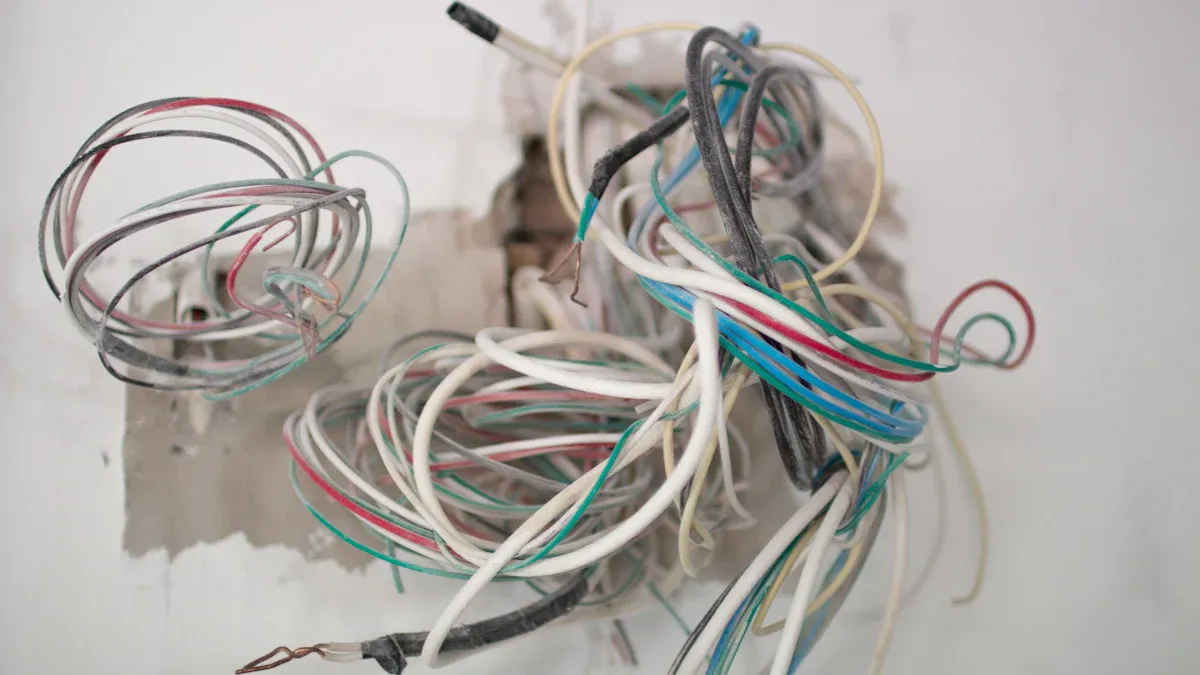
Many users face connection problems when setting up splitters or switches. A splitter may not work if the cables or adapters do not match. Sometimes, a switch will not connect if the power is off or the cables are loose. Users should check each cable for damage. They should also make sure each device plugs into the correct port. If a device does not connect, try restarting the switch or the router. For splitters, always use a matching pair at both ends of the cable.
Tip: Label each cable and port. This helps users find problems faster.
Speed or Performance Drops
Slow speeds often happen when too many devices use the network at once. A splitter can only handle one device sending data at a time. This causes delays. A switch may slow down if it gets overloaded or if cables do not support high speeds. Users should check if the cables are Cat5e or higher for gigabit speeds. They should also unplug unused devices to free up bandwidth.
Problem | Possible Cause | Solution |
|---|---|---|
Slow speed on splitter | Only one device at a time | Use a switch for more devices |
Switch slows down | Too many devices or old cables | Upgrade cables or switch |
Ensuring Reliable Operation
To keep the network steady, users should check their devices often. Clean dust from ports and fans. Update the firmware on switches if updates are available. For busy networks, consider using a professional-grade device like the sz-xtt UT200-48X6C. This device supports many connections and keeps speeds high. Users can visit the sz-xtt official website or read more blogs for advanced tips and product details.
Note: Regular checks and good hardware help networks run smoothly every day.
Network splitters are good for easy setups with just a few devices. Switches can handle lots of devices and keep the network fast. People should write down what they need before picking a device. The XTT UT200-48X6C is great for big or advanced networks. It gives strong speed and is easy to control.
To find out more about sz-xtt and see all their network products, go to the الموقع الرسمي لـ sz-xtt or check out their blog.
الأسئلة الشائعة
ما الفرق الرئيسي بين مقسم الشبكة والمحول؟
A network splitter lets two devices share one cable. A switch connects many devices and manages data traffic. Switches keep the network fast and steady.
Can a network splitter support gigabit speeds?
No, a network splitter only supports up to 100 Mbps. For gigabit speeds, users should choose a network switch.
How many devices can connect to a network switch?
A network switch can connect from 4 to 48 or more devices. Large switches, like the sz-xtt UT200-48X6C, support many connections. Learn more on the الموقع الرسمي لـ sz-xtt.
When should someone use a network splitter?
A network splitter works best for simple setups with two devices. It helps when running new cables is not possible.
Where can users find advanced network devices?
Users can explore advanced network solutions, including the UT200-48X6C, by visiting the sz-xtt product page or reading the sz-xtt blog.


