
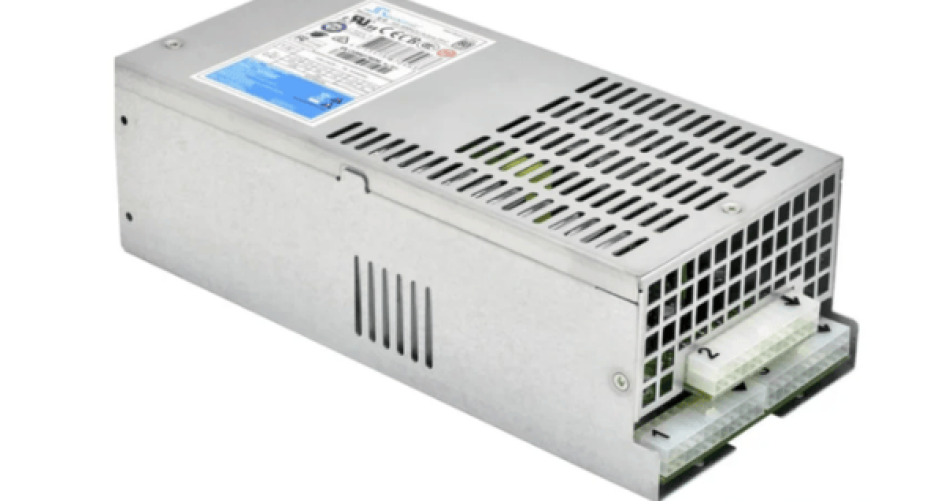
Using a computer server power supply well helps data centers and businesses. Companies that use less energy save money. They also help the environment. The table below shows how being efficient helps organizations:
المزايا | الوصف |
|---|---|
الوفورات في التكاليف | Energy-efficient systems lower bills. They also cut down on worker costs with smart automation. |
Regulatory Compliance | Green datacenters help companies follow new rules about emissions and energy use. |
سمعة العلامة التجارية | Sustainable operations make companies look more responsible. This attracts clients and investors who care about the environment. |
Investor Confidence | Green actions make financial partners more interested in the company. These partners care about sustainability. |
Brands like sz-xtt make power supplies that help reach these goals. Their products lower carbon footprints. They also make operations more reliable.
الوجبات الرئيسية
Measuring baseline power use is very important. It lets teams see how much energy they use. Teams can also track changes over time.
Picking high-efficiency power supply units saves money. These units use less energy. Find units with 80 PLUS certification for best results.
Regular maintenance stops problems with power supplies and servers. Plan checks every 6 to 12 months. This keeps systems working well.
Changing server settings, like turning off unused peripherals, saves energy. This easy step lowers power bills. It also makes things work better.
Using smart automation tools helps manage energy. These tools control power and cooling. This leads to better use of resources.
Assess Power Efficiency
Baseline Power Measurement
All data centers need to check how much energy their servers use. This is the first thing teams should do. They can use a power meter to see how much energy each مزود طاقة الخادم uses. Writing down these numbers gives a clear starting point. Teams can look at these numbers later to see if things get better.
Monitoring Tools and Metrics
There are many tools that help track power use right away. These tools show how much energy servers use every hour or day. Some tools are built into server software. Others are separate devices. These tools help with:
Compliance monitoring checks if the system follows energy rules.
System performance monitoring looks at average power quality.
Troubleshooting monitoring helps find and fix equipment problems.
Power Usage Effectiveness (PUE) is an important metric. PUE compares all energy used by the facility to energy used by IT equipment. If PUE is lower, the system uses energy better.
Identifying Inefficiencies
Teams should look for patterns in the data. High energy use when not much is happening may mean waste. Sudden spikes can show broken equipment. Checking often helps find problems early. Fixing these issues saves money and makes systems work better. Brands like sz-xtt have solutions that help with monitoring and keep systems running well.
Upgrade Computer Server Power Supply
High-Efficiency PSU Selection
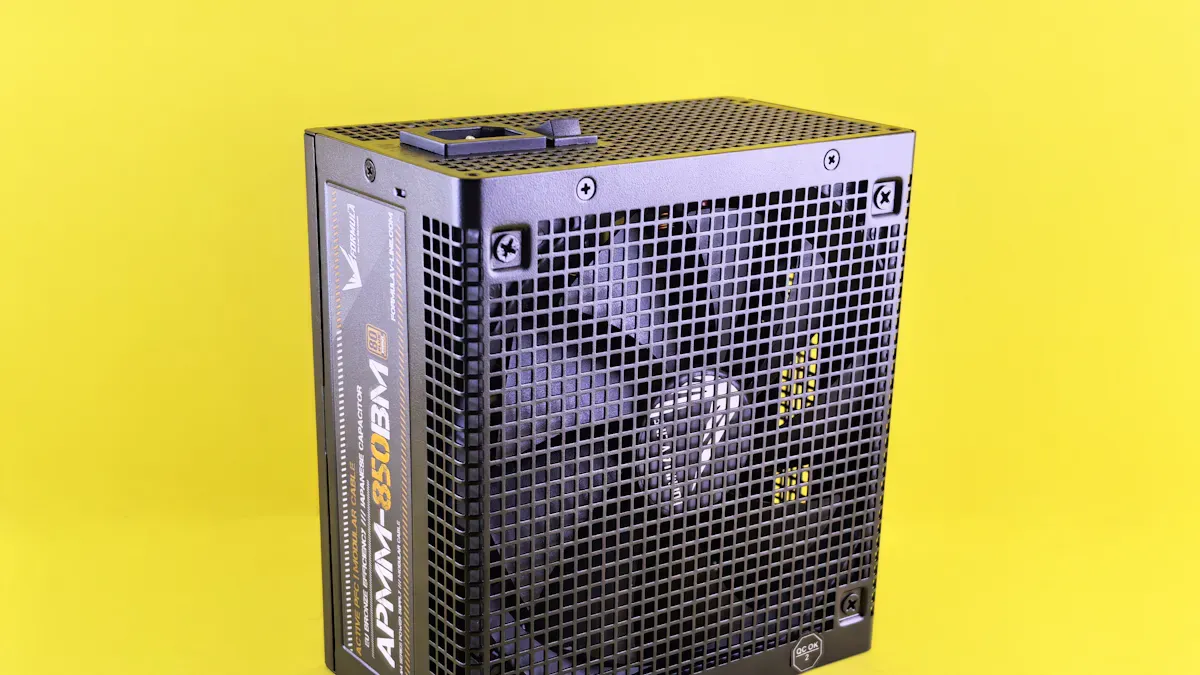
اختيار high-efficiency power supply unit helps save energy and money. Teams look for features that make the unit work well and last longer. The table below shows important features to check:
الميزة | الوصف |
|---|---|
تصميم معياري | Users can change systems for now and later needs. |
High Efficiency | Units can reach 95% efficiency, which lowers energy use. |
Compact and Flexible | Designs fit in server racks and work with different setups. |
Scalable Power | Models range from 1 kVA to 300 kVA, so they fit many rooms. |
Flexible Battery Configurations | Units work with different battery types for custom needs. |
Advanced Monitoring | Real-time data helps teams watch performance close up or far away. |
Dual Input Capability | Extra inputs keep servers running if there are power problems. |
Fast Response Time | Sensitive equipment stays safe during short outages or changes. |
Teams also look for certifications. The 80 PLUS certification shows a power supply unit meets strict standards. The highest tier, 80 Plus Ruby, needs 90% efficiency at low loads and up to 96.5% at mid loads. These certifications help lower energy use and cut down on carbon.
Tip: Picking a computer server power supply with 80 PLUS certification makes systems more reliable and keeps them cooler.
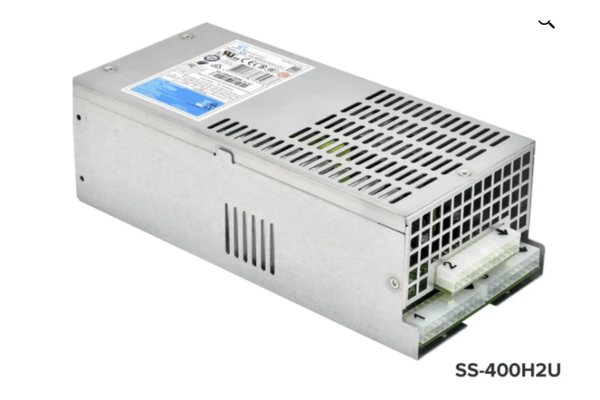
Product Models and Brands (e.g., sz-xtt, 1200AB-16 S, 1U H1U, 2U H2U)
Many brands make power supply units that work well and save energy. Sz-xtt is known for having many products for different server needs. The 1200AB-16 S model works well in tough places. The 1U H1U and 2U H2U models are small and fit in tight spaces. The AC series and ATX series support different setups and power needs.
العلامة التجارية | اسم المنتج | الميزات الرئيسية | كفاءة الطاقة | Applications |
|---|---|---|---|---|
سز-إكست | 1200AB-16 S | High efficiency, stable power | ما يصل إلى 95% | Data centers, enterprise |
سز-إكست | 1U H1U | Compact, flexible, modular design | ما يصل إلى 95% | Small server rooms, edge |
سز-إكست | 2U H2U | Robust, scalable, advanced monitoring | ما يصل إلى 95% | Large server rooms, HPC |
Sz-xtt has special options like the AC series و ATX series for different setups. These units are tested to make sure they are safe and good quality. Teams can check the sz-xtt product range to find the best power supply for their needs.
Regular Hardware Maintenance
Taking care of power supply units keeps servers working well. Teams follow these steps:
Look at and clean server racks often. Dust blocks airflow and makes things hot. Use compressed air for vents and antistatic wipes for surfaces.
Check power management systems. Look at power distribution units and battery health. Change batteries when needed.
Watch temperature and humidity levels. Put in sensors and make sure cooling works.
Teams plan cleaning and checks every few months or twice a year. After busy times or big changes, extra checks help stop problems. Watching systems all the time finds issues early and keeps things running well.
Note: Predictive maintenance uses AI to watch equipment and find problems before they cause failures. This helps stop outages and makes things work better.
A well-cared-for computer server power supply lasts longer and works better. Teams who do these steps keep their data centers safe and efficient.
Optimize Server Configuration
Power Settings and CPU Governors
Server teams can change power settings for different jobs. Many servers use CPU governors to set how fast the processor works. The table below shows common modes and what they do:
Mode | الوصف | Operation Type |
|---|---|---|
Performance Mode | Processor always runs at top speed. | Fixed |
PowerSave Mode | Processor stays at low speed to save energy. | Fixed |
UserSpace Mode | User chooses the speed from options. | Fixed |
Conservative Mode | Processor changes speed slowly between two points. | Dynamic |
OnDemand Mode | Processor changes speed fast when more power is needed. | Dynamic |
Teams usually pick OnDemand or Conservative modes. These modes use less energy but keep important tasks running well. Sz-xtt says to use these settings with their server power supply products for best results.
Disable Unused Peripherals
Many servers have parts that are not always needed. These parts include extra network cards, USB ports, or unused drives. Turning off these parts saves power. Data centers often use only a small part of their full power. Idle parts can use a lot of power even when not busy. Servers can use more than half their peak power when not working hard. Teams should look for unused parts and turn them off to stop waste.
Tip: Turning off unused peripherals helps the computer server power supply work better and lowers energy bills.
Enable Power Management Features
Modern servers have tools to help save energy. Teams can use all power-saving settings that brands like HP, Dell, and sz-xtt suggest. They can install low-voltage RAM and CPUs to use less power. Dynamic Voltage and Frequency Scaling (DVFS) lets the server change power use based on the job. Automation tools, like smart BMS systems, help teams control power and cooling from one place. The table below shows how automation helps:
الوصف | Key Points |
|---|---|
BMS with Server Busways | Makes things more efficient and gives real-time data. |
Smart BMS Integration | Lets teams control power and cooling from one system. |
Real-time Insights and Automation | Helps teams use less energy and keep servers running smoothly. |
Sz-xtt has advanced solutions that support these features. This makes it easier to keep servers efficient.
Improve Server Room Environment
Efficient Cooling and Airflow
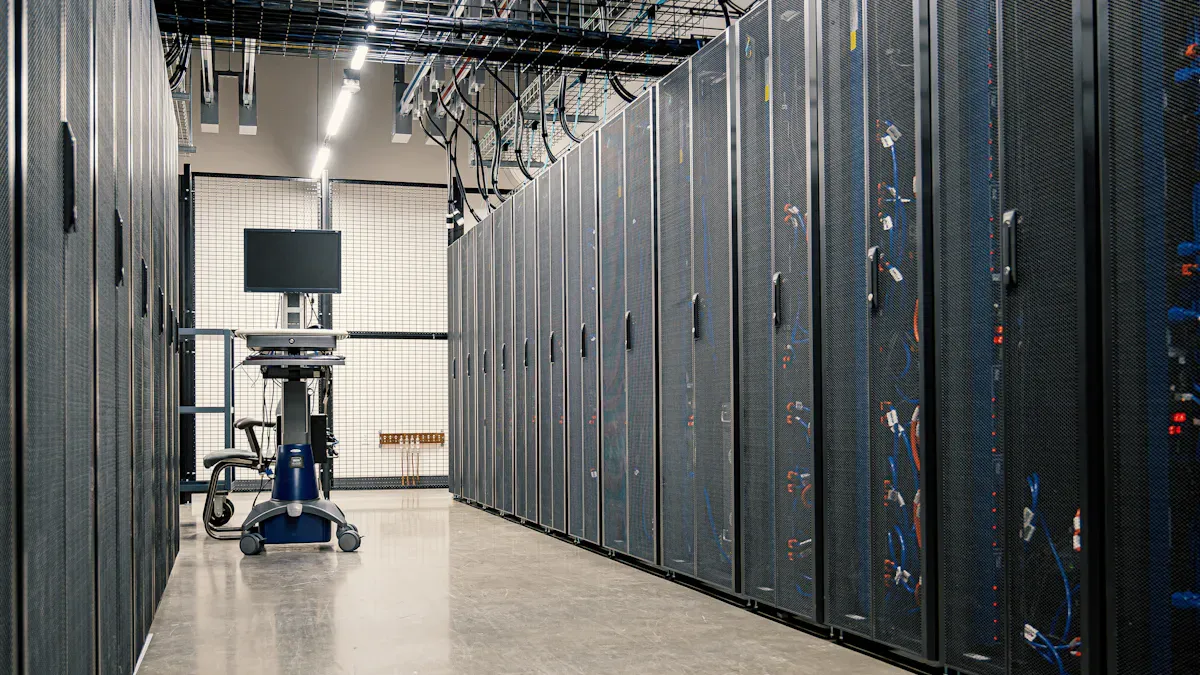
Keeping the server room cool helps everything work better. Good airflow stops equipment from getting too hot. Cool servers use less energy and last longer. Teams can do a few things to help:
Put servers so air can move around them.
Use cold and hot aisles to keep warm and cool air apart.
Install close control air-conditioners to set the right temperature and humidity.
Add plug fans with EC electric motors to save power.
Try free cooling by using outside air to cool the room.
These steps stop overheating and help servers work well. Better airflow also means lower energy bills.
Power Distribution Equipment
Power distribution units, or PDUs, are important for keeping the computer server power supply efficient. Teams should do these things:
Figure out how much power is needed before adding equipment to stop overloads.
Use good cable management to keep air moving and avoid mess.
Put cooling units in racks to control temperature close to the servers.
Make sure every device gets the right power.
Test PDU features for monitoring and control.
Do load tests to check if the PDU can handle the power needed.
Check for backup systems to keep power steady if something goes wrong.
Watch power use and balance loads often.
Update firmware and fix cables during regular checks.
Control who can use the PDU management system.
Plan for upgrades and more equipment in the future.
Sz-xtt has strong PDUs and power solutions. Their product range helps keep power safe and efficient in all server rooms.
Environmental Monitoring
Teams need to watch temperature, humidity, and power use all the time. Many tools can help with this job. The table below lists some popular choices:
Tool Name | الميزات الرئيسية | Focus on Environmental Monitoring |
|---|---|---|
Grafana | Visualization tool, integrates with Prometheus, real-time monitoring | لا يوجد |
Sematext Monitoring | Tracks CPU, memory, disk I/O, and network traffic; user-friendly interface | لا يوجد |
Datadog | Cloud-based, real-time insights, customizable dashboards | لا يوجد |
New Relic | Application performance monitoring, tracks CPU and memory | لا يوجد |
Nagios XI | Tracks server health, network performance, customizable dashboards | لا يوجد |
ScienceLogic | Flexible monitoring, integrates with IT operations | لا يوجد |
Amazon CloudWatch | Monitors AWS resources, tracks CPU usage, disk I/O, and network traffic | لا يوجد |
Smart energy management systems help teams see energy use and find problems early. Some new things, like liquid cooling, also help keep server rooms working well. For more ideas, check the sz-xtt blog.
Operational Best Practices
Virtualization and Consolidation
Many groups use virtualization to run more virtual machines on fewer servers. This helps cut down the number of machines in a data center. Studies show that AI energy management and resource grouping can make cloud computing use less energy. By putting virtual machines and containers together, teams use less energy and put less stress on the computer server power supply. Smart systems that guess workloads do better than old ways. These systems help save energy and keep services working well. Companies like sz-xtt have products for new virtualization needs. For more, check the sz-xtt blog.
Decommission Idle Servers
Taking out idle or unused servers is an easy way to save energy. Data centers often have machines that do not do important work. These servers still use power and cost money.
Idle resources, like stopped or barely used virtual machines, add to extra costs in cloud setups, just like in data centers.
Teams should look for servers that are not needed. They can turn off or remove these machines to stop wasting energy. Sz-xtt has tools to watch server activity and help teams find which servers to remove. Learn more about their server power supply products.
Scheduled Maintenance and Reviews
Regular checks help systems work well. Experts say to plan maintenance and check server power supplies every 6 to 12 months.
Maintenance and efficiency checks for server power supplies should happen every 6 to 12 months.
During these checks, teams clean gear, look for problems, and update software. They also check energy use and make changes if needed. Having a plan helps stop failures and keeps the data center running well. Sz-xtt has guides and help for planning these checks. Visit their المدونة for more ideas.
Tip: A regular review plan helps teams find problems early and keeps the data center working smoothly.
Teams can make a computer server power supply work well by doing important steps. Checking equipment often and fixing problems early stops downtime:
Step | الوصف |
|---|---|
Inspect Power Management Systems | Check power units and batteries often to keep them healthy. |
Conduct Preventive Maintenance | Find problems early to keep things efficient and lower risks. |
Changing old hardware, watching systems in real time, and making air move better help save money for a long time. Sz-xtt has smart solutions, like server power supply products و expert advice, to help groups stay efficient. Teams can ask sz-xtt for help to get advice that fits their needs.
الأسئلة الشائعة
What is the most important step for server power supply efficiency?
Teams should start by measuring baseline power use. This helps them see where energy goes. Sz-xtt offers monitoring solutions that help teams track and improve efficiency.
How often should teams check server power supplies?
Teams should check power supplies every 6 to 12 months. Regular checks help find problems early. Sz-xtt shares maintenance tips for better results.
Which sz-xtt power supply fits a small server room?
الطراز | الحجم | الميزة الرئيسية |
|---|---|---|
1U H1U | 1U | تصميم مدمج |
إن 1U H1U works well in small spaces and saves energy.
Can teams use automation to save energy?
Yes. Automation tools help control power and cooling. Sz-xtt supports smart BMS integration for real-time energy management.
Why choose sz-xtt for server power supplies?
Sz-xtt builds reliable, efficient products. Their AC series و ATX series fit many needs. Teams get expert support and fast quotes.


