


Anyone can extend your lifespan of a rugged laptop by adopting simple habits. Taking care of it regularly helps the laptop perform well and remain durable in any environment. Sz-xtt offers high-quality rugged laptops and provides smart tips. They advise users to follow these practices for long-lasting use.
الوجبات الرئيسية
Be gentle with your rugged laptop. Close it before you move it. Try not to drop it so it will last longer.
Use things like padded cases and screen protectors. These help stop bumps and scratches from hurting your laptop.
Clean the outside and screen of your laptop often. Use a soft cloth to keep it clean and working well.
Tips to Extend Your Lifespan
Handle with Care
Some people think rugged laptops can take any hit. They are strong, but careful use helps them last longer. If you work in construction or the military, close your laptop before you move it. Try not to drop it, even if it looks tough. Hold the laptop with both hands for better grip. When outside, keep it away from sharp or heavy things.
Sz-xtt makes laptops for hard jobs. The 101PAD-A كمبيوتر متين 101PAD-A is good for people who travel a lot. The كمبيوتر متين 156JG 156JG works well in rough places. These laptops show that smart design and careful use help them last longer.
Use Protective Gear
Protective gear helps keep your laptop safe. You can use padded cases or screen protectors to stop bumps and scratches. In dusty or wet places, a waterproof cover protects your laptop. Workers often use straps or harnesses to carry their laptops. This makes moving easier and keeps the laptop safe.
Tip: Always make sure the protective gear fits your laptop. A good fit gives better safety and helps your laptop last longer.
Keep It Clean
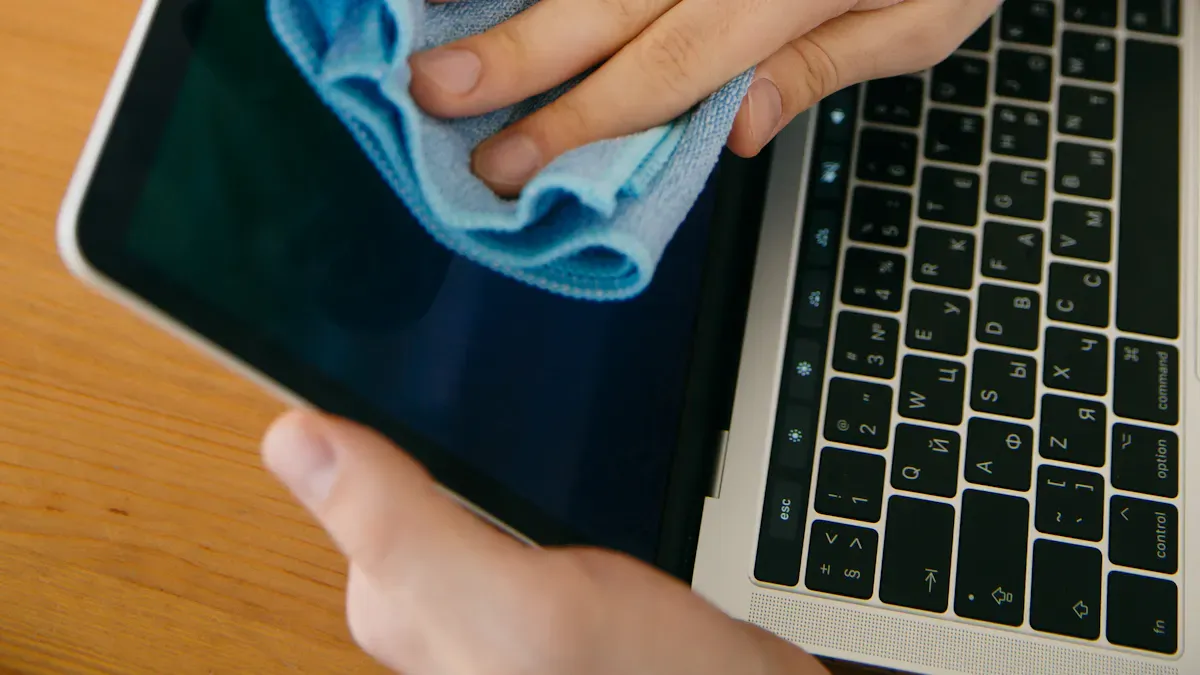
Clean Exterior and Screen
Dirt and dust can build up on a rugged laptop. They make the device look old and can even harm the screen. He should use a soft, dry cloth to wipe the outside of the laptop. For sticky spots, a little water on the cloth helps. She should never spray water or cleaner right on the screen. Instead, spray the cloth first. This keeps water from getting inside. People who use the 101PAD-A كمبيوتر متين 101PAD-A from sz-xtt find that regular cleaning keeps the device looking new.
Tip: Clean the screen gently. Too much pressure can damage it.
Dust Ports and Vents
Dust loves to hide in small places like ports and vents. They block airflow and make the laptop heat up. He can use a can of compressed air to blow dust out of these spots. She should hold the can upright and spray short bursts. A small brush also works for cleaning around the keys and ports. Keeping vents clear helps the laptop stay cool and run better. The كمبيوتر متين 156JG 156JG from sz-xtt has strong vents, but dust can still build up over time.
People who clean their laptops often can extend your lifespan. A clean laptop works better and lasts longer. For more tips, check out the sz-xtt المدونة.
Manage Storage
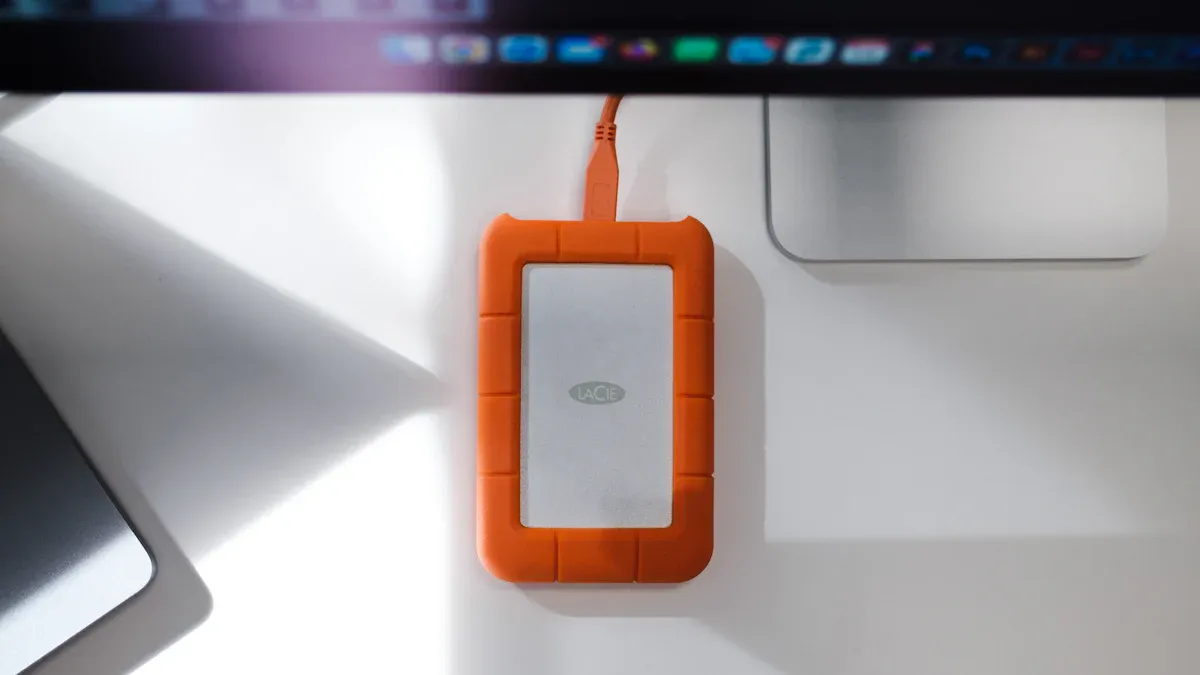
Organize Files
He can help his rugged laptop work well by sorting files often. If files stack up, it is hard to find things. She can make folders for each project or job. For example, a field worker may use folders for reports, photos, and maps. Giving files clear names helps everyone find them fast.
Tip: Take a few minutes every week to sort new files. This habit saves time and keeps the laptop neat.
Sz-xtt says to check their المدونة for more digital tips. Their rugged laptops, like the كمبيوتر 156PAC المتين, have lots of space for big jobs, but being organized makes work simpler.
Remove Unused Data
Old files take up space and slow the laptop down. He should delete old downloads, extra photos, and old papers. She can use built-in tools to clear out temporary files. Some people forget about files in the recycle bin, so emptying it gives more space.
Cleaning up often helps your device last longer. The حاسوب متين 173PAC-MC 173PAC-MC from sz-xtt can handle big files, but deleting what you do not need keeps it fast and strong.
Look for apps you do not use and remove them.
Move important files to an external drive or cloud storage.
ملاحظة: Keeping storage clean helps the laptop work better and last longer.
Update Software
Keeping software up to date helps every rugged laptop run smoothly. Updates fix bugs and add new features. They also protect the device from security threats. People who use sz-xtt rugged computers, like the كمبيوتر متين 156JG 156JG, know that regular updates make a big difference.
System Updates
He should check for system updates every week. These updates come from the laptop’s maker. They improve speed and fix problems. She can set the laptop to update automatically. This way, she does not miss important changes. If the laptop asks to restart after an update, he should do it soon. Waiting too long can cause trouble.
Tip: Connect to a safe Wi-Fi network before starting updates. This keeps the laptop secure.
People who use sz-xtt devices can find more tips on the sz-xtt blog.
App Updates
Apps need updates, too. Old apps can slow down the laptop or stop working. He should open the app store and look for updates. She can turn on auto-update for most apps. This saves time and keeps everything running well. If an app is not needed, he should remove it.
Update work apps first.
Check for updates before a big project.
Regular updates help extend your lifespan of any rugged laptop. Sz-xtt recommends making updates a habit for the best results.
Optimize Performance
Adjust Settings
He can make his rugged laptop run better by tweaking a few settings. Lowering the screen brightness saves battery and reduces eye strain. Turning off Bluetooth and Wi-Fi when not in use helps the device last longer during the day. She can also close apps running in the background. These small changes free up memory and keep the laptop fast.
Many users of the كمبيوتر 156PAC المتين from sz-xtt adjust their power settings for longer use in the field. They set their laptops to “Battery Saver” mode when working away from outlets. This simple step helps them get more done without worrying about charging.
Tip: Check the sz-xtt المدونة for more advice on getting the best performance from your rugged laptop.
Upgrade Components
Sometimes, a laptop needs a little boost. He can add more memory (RAM) if the laptop feels slow. She can swap out the hard drive for a solid-state drive (SSD) to speed up loading times. These upgrades help the laptop handle bigger jobs and new software.
إن حاسوب متين 156PLA-DL 156PLA-DL from sz-xtt offers options for more storage and better performance. Users can choose what fits their needs. Upgrading parts is a smart way to extend your lifespan of any rugged laptop.
Note: Always check with sz-xtt support before upgrading. They can help pick the right parts and keep the warranty safe.
Protect Battery Health
Smart Charging
He can keep his rugged laptop battery strong by following a few smart charging habits. She should unplug the charger when the battery reaches full power. Overcharging can make the battery weak over time. He can let the battery run down all the way once a month. This helps the battery remember how much power it can hold. She should always charge the laptop in a cool place. Heat can damage the battery and make it wear out faster.
Here are some easy tips for smart charging:
Unplug the charger when the battery is full.
Let the battery drain completely at least once a month.
Keep the laptop away from very hot or cold places.
Many users of the 101PAD-A كمبيوتر متين 101PAD-A from sz-xtt like these tips. They find their laptops last longer and work better in the field.
Tip: If he works outside, he should store his laptop in the shade when not in use.
Battery Optimization
She can make her battery last longer by changing a few settings. He can lower the screen brightness. This saves power and helps the battery stay healthy. She can turn off Wi-Fi and Bluetooth when not needed. These steps help the battery last through a long workday.
إن كمبيوتر متين 156JG 156JG from sz-xtt has power-saving modes. He can use these modes to get more work done without charging often. She can also check the sz-xtt المدونة for more battery tips.
People who want to extend your lifespan of their rugged laptop should care for the battery every day. Good battery habits help the laptop stay strong for years.
Prevent Overheating
Ensure Ventilation
He should always make sure his rugged laptop has enough airflow. When he uses the laptop on a soft surface like a bed or couch, the vents can get blocked. This makes the laptop heat up fast. She can place the laptop on a hard, flat surface to help air move around it. Many users of the حاسوب متين BOX6800PE BOX6800PE from sz-xtt like to use cooling pads or stands. These tools lift the laptop and let air flow better.
Tip: Check the vents and fans every week. If he sees dust, he should clean it out with a soft brush or compressed air. This keeps the laptop cool and running well.
Avoid Extreme Conditions
Extreme heat or cold can hurt a rugged laptop. He should not leave his device in a hot car or direct sunlight. She should also avoid using the laptop in freezing weather for long periods. Sudden changes in temperature can cause parts to expand or contract. This may lead to damage over time. The كمبيوتر متين D156FC from sz-xtt is built for tough jobs, but even the best devices need care.
Here are some ways to protect a laptop from extreme conditions:
Store the laptop in a shaded, cool place.
Use a protective case when moving between hot and cold areas.
Let the laptop adjust to room temperature before turning it on.
By following these steps, anyone can help extend your lifespan of a rugged laptop. For more tips, visit the sz-xtt المدونة.
Secure Your Data
Backup Options
He should always keep a backup of important files. Losing data can happen to anyone. A backup saves time and stress. She can use an external hard drive or a cloud service. Many field workers like cloud storage because they can reach files from anywhere. Some people use both methods for extra safety.
Here are some easy backup tips:
Set a reminder to back up files every week.
Use a trusted cloud service like Google Drive or OneDrive.
Store big project files on an external drive.
Tip: The كمبيوتر 156PAC المتين from sz-xtt has lots of storage. He can use it to keep backup copies safe during travel.
For more advice, check the sz-xtt المدونة on data safety.
Malware Protection
Malware can harm a rugged laptop fast. He should install a good antivirus app. She should update it often. This keeps the laptop safe from new threats. He should not open links or files from unknown people. Many users trust built-in security tools, but adding extra protection helps.
Here is a quick checklist:
Install antivirus software.
Update the antivirus every week.
Avoid clicking on strange emails or links.
Note: Sz-xtt rugged laptops, like the كمبيوتر متين 156JG 156JG, work well with top security apps. They help users keep data safe in tough places.
Anyone can protect their data with these simple steps. Safe data means less worry and more time for work.
Routine Maintenance
Set Reminders
He can keep his rugged laptop in top shape by setting regular reminders. She might use a phone calendar or a sticky note on her desk. These reminders help people remember to clean their laptop, check for updates, and back up files. A simple schedule makes maintenance easy.
Here are some ideas for reminders:
Clean the screen and keyboard every Friday.
Check for software updates every Monday.
Back up important files at the end of each week.
Tip: He can set alarms on his phone or use free reminder apps. These tools make it hard to forget important tasks.
People who follow a routine see their laptops last longer. They spend less time fixing problems and more time getting work done. For more tips, he can visit the sz-xtt blog.
Professional Service (sz-xtt)
Sometimes, a laptop needs expert care. Sz-xtt offers professional service options for all their rugged computers. Their team checks the device, cleans inside parts, and updates software. She can contact sz-xtt for a full checkup or repair. This service helps catch small problems before they get big.
Note: Regular checkups from sz-xtt keep laptops running strong. He can learn more about service plans on the sz-xtt service page or ask for help with upgrades.
People who make maintenance a habit enjoy reliable laptops for years. They trust sz-xtt for support and advice. Routine care means fewer surprises and better performance every day.
He can make his rugged laptop last longer by doing easy things. She should clean her device, update it, and keep it safe often. They will see the laptop work better if they take care of it all the time. For more help, they can check out sz-xtt’s المدونة or look at rugged laptop choices.
الأسئلة الشائعة
How often should someone clean a rugged laptop?
He should clean the laptop every week. Regular cleaning keeps the device looking new and helps it last longer. See more tips on the sz-xtt blog.
Can a rugged laptop handle rain or dust?
She can use a rugged laptop in rain or dust. Models like the 101PAD-A كمبيوتر متين 101PAD-A have strong protection. Protective gear adds extra safety.
Where can someone get help with repairs?
They can contact sz-xtt for expert service. The team offers checkups and repairs. Visit the sz-xtt service page لمزيد من التفاصيل.


