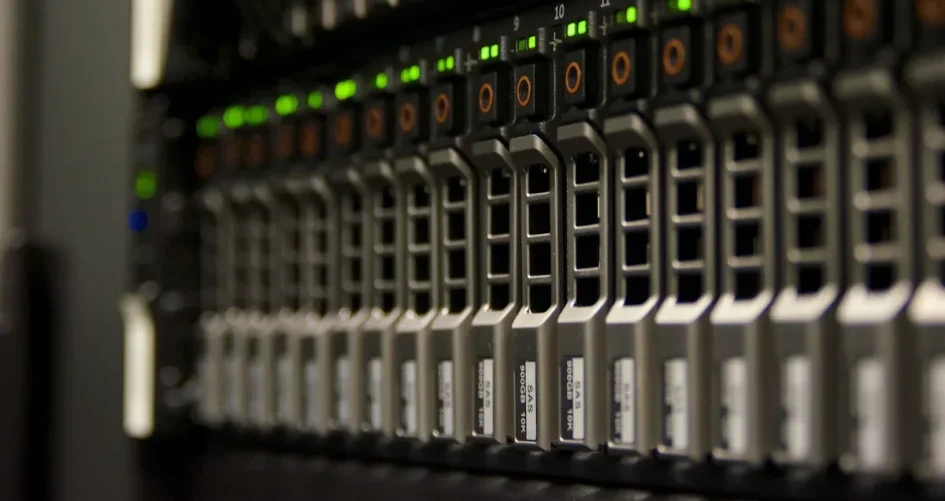
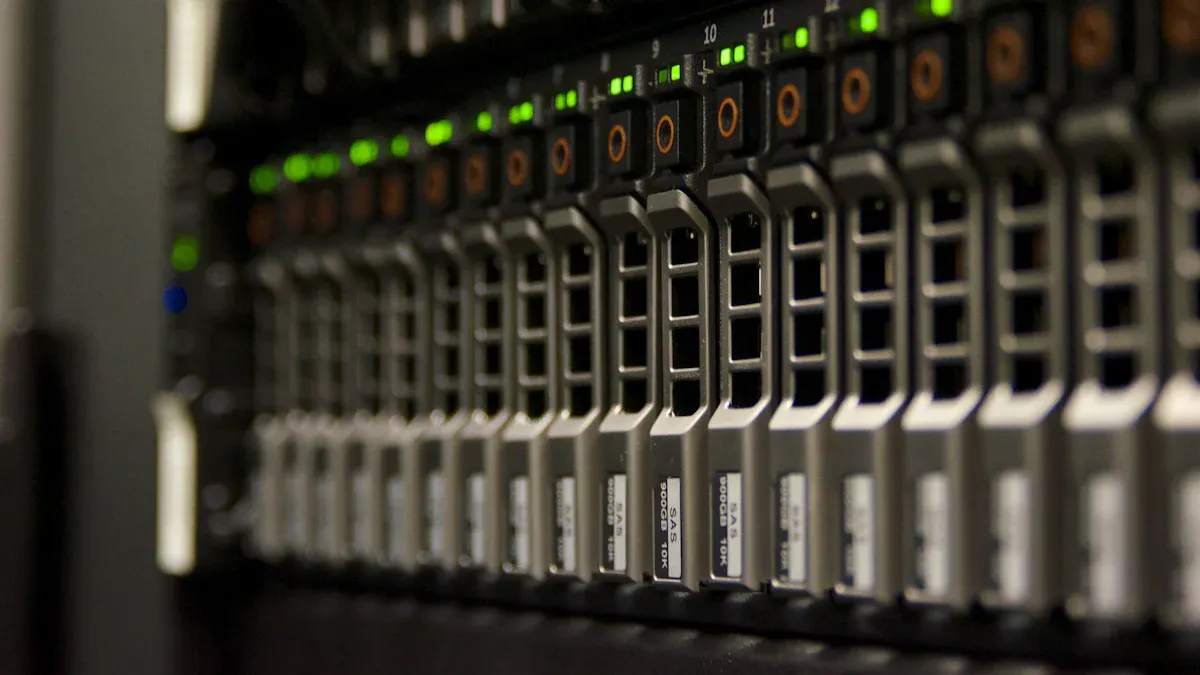
The best 48-core storage servers for virtualization workloads are these models:
XTT TS658 works fast and holds a lot of data.
Dell PowerEdge R640 can grow bigger for medium-sized jobs.
Dell PowerEdge R750 has special features for tough places.
Cavium ThunderX helps virtualization work well with ARM architecture.
Custom dedicated servers let you change things for your needs.
These servers are known for being quick, easy to upgrade, and dependable.
Key Takeaways
The XTT TS658 is very fast and can grow bigger. This makes it great for hard virtualization jobs. Dell PowerEdge R640 and R750 are good for companies that want to do more with virtualization. They have strong memory and storage choices. Cavium ThunderX uses a special ARM architecture. It works well for some jobs that need many cores. Customizable dedicated servers let companies pick the hardware they need. This helps them with their own virtualization needs. Buying 48-core storage servers makes things work better and more smoothly. It also helps IT teams handle virtual machines now and in the future.
Top 48-core Storage Servers
XTT TS658
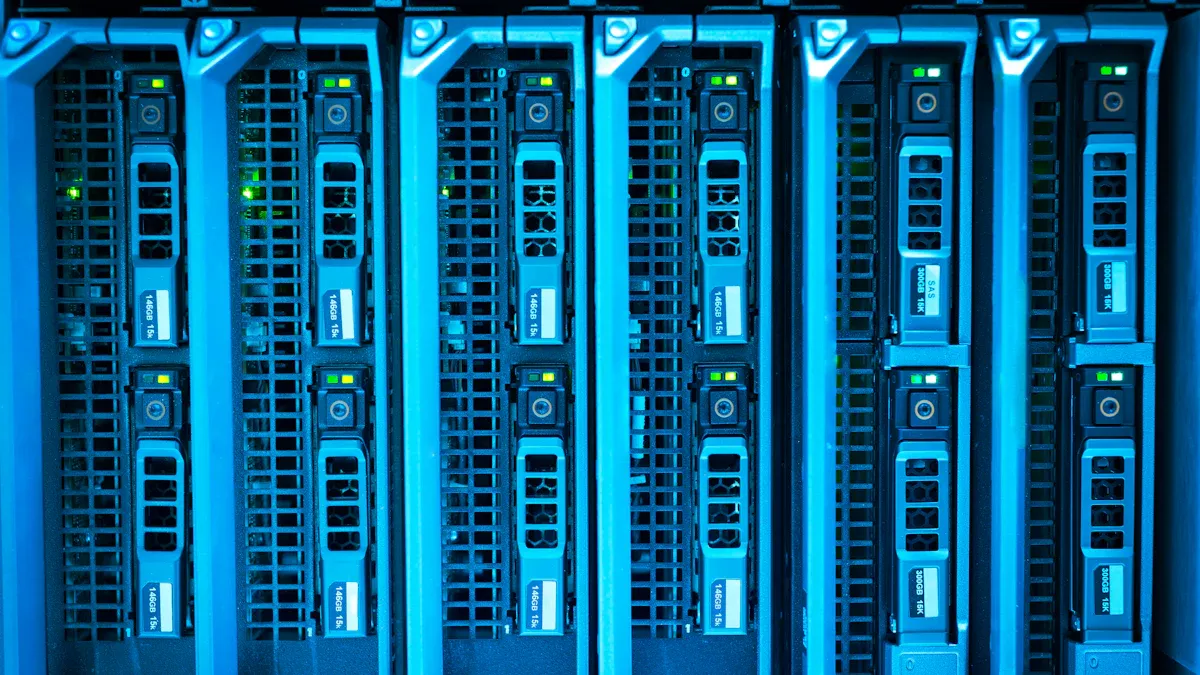
The XTT TS658 is a top 48-core storage server. It uses two Intel Xeon processors. It can hold up to 1TB of DDR4 memory. This server is great for virtualization workloads. It has its own SAS controllers. There are PCIe Gen.3 slots for graphics cards. It comes with 10GbE network ports built in. Businesses can add more storage with 12Gb/s SAS HBA support. SSD trays help with caching. The TS658 has remote management tools like IPMI. These tools help IT teams watch and control the system easily.
Specification | Details |
|---|---|
Processors | Dual Intel® Xeon® E5-2600 v3 processors for high-performance computing. |
Memory | 16 RDIMM/LRDIMM slots, supporting up to 1TB DDR4 memory. |
I/O Performance | Independent SAS 12Gb/s controller with three LSI 12Gb/s SAS controllers for improved I/O. |
GPU Support | PCIe Gen.3 x 16 slot for AMD Radeon™ R7 and R9 Series Graphics Cards for virtualization. |
Network Expansion | 10 / 40GbE card support for enhanced network performance. |
Cache Acceleration | PCIe SSD NVMe support for up to 10 times faster IOPS performance. |
Storage Scalability | 12Gb/s SAS HBA support for future-proof storage expansion. |
SSD Caching | 4 x 2.5” SSD trays for caching without using HDD space. |
Server Management | IPMI for remote management and monitoring of system status. |
Network Ports | Built-in 4 x 10GbE SFP+ ports for optimized virtualization and data transmission. |
Tip: The TS658 gives lots of storage and can grow bigger. It is a good pick for tough virtualization jobs.
Dell PowerEdge R640
Dell PowerEdge R640 works well for medium and big virtualization jobs. It has many cores and lots of memory. The R640 is good with software-defined storage like VMware vSAN and Microsoft Storage Spaces Direct. IT teams use hot-swappable drives and extra cooling to keep things running. Dell OpenManage tools help with remote monitoring and management. This means less downtime.
Feature | Description |
|---|---|
Hot-Swappable Drives | Minimizes downtime and ensures uninterrupted service for critical applications. |
Redundant Cooling Systems | Maintains consistent performance under pressure, enhancing reliability. |
Dell OpenManage Tools | Enables remote monitoring and management, reducing downtime and optimizing operations. |
NVMe Caching | Accelerates data access, optimizing performance for latency-sensitive applications. |
Broad Software Support | Compatible with VMware, Hyper-V, and Linux, ensuring seamless integration. |
Dual Power Supplies | Ensures reliable operation and enhances overall system reliability. |
Feature | Description |
|---|---|
Virtualization & Private Cloud | High core count, large memory capacity, and fast storage options for efficient handling of multiple virtual machines and container workloads. |
Software-Defined Storage (SDS) | Works well for SDS stacks like VMware vSAN, Ceph, or Microsoft Storage Spaces Direct due to its mix of storage options and modern CPU features. |
Dell PowerEdge R750
Dell PowerEdge R750 has advanced features for hard virtualization jobs. It uses 3rd Gen Xeon Scalable processors. It can hold up to 32 DDR4 DIMMs. The R750 gives high I/O bandwidth with PCIe Gen 4. It supports up to 10 NVMe drives. It is good for virtual desktops, AI, and regular IT work. You can add direct liquid cooling to keep it stable. The R750 has remote management and security tools for big companies.
Feature | Dell PowerEdge R750 |
|---|---|
Processor | 3rd Gen Xeon Scalable, up to 40 cores |
Memory Support | 32 DDR4 DIMMs at 3200 MT/s |
I/O Bandwidth | PCIe Gen 4, up to 10 NVMe drives |
Workload Optimization | Ideal for VDI, AI/ML, and traditional IT |
Cooling Options | Optional Direct Liquid Cooling |
Performance Gain | Up to 1.50x over previous generation |
Note: The R750 is good for virtualization, cloud computing, and data analytics. It has strong management and security to keep data safe.
Cavium ThunderX
Cavium ThunderX uses ARM architecture in 48-core storage servers. It has lots of cores and can do many jobs at once. ThunderX uses cache coherence across two sockets. This keeps data the same and helps performance. It has built-in I/O for fast data transfer. The server can hold lots of memory. It has hardware accelerators to help the CPU. Full system virtualization with virtSoC™ makes management and resource use easier.
Feature | Benefit for Virtualization Workloads |
|---|---|
High core count | Supports parallel processing and efficient workload management |
Cache coherence across dual sockets | Ensures data consistency and performance in multi-socket setups |
Integrated I/O capacity | Provides high bandwidth for data transfer, enhancing performance |
Extensive memory support | Allows for large memory configurations, improving VM performance |
Numerous hardware accelerators | Offloads tasks from the CPU, enhancing efficiency for virtualization |
Full system virtualization with virtSoC™ | Simplifies virtualization management and improves resource allocation |
Customizable Dedicated Servers
Customizable dedicated servers let companies pick hardware for their needs. IT teams choose processors, memory, storage, and network options. These servers are flexible and can grow with the business. Custom setups help save money and boost performance for special virtualization jobs.
Tip: Customizable dedicated servers let you build what you need. They are a good choice for companies with special needs.
48-core storage servers give strong performance, can grow, and are reliable for virtualization jobs. Each model has special features to help businesses run virtual machines well and grow when needed.
Comparison Table
Specs Overview
The table below lists the main specs for each server. You can quickly see the CPU, RAM, storage, and network choices. This helps you compare them easily.
Server Model | CPU Options | Max RAM | Storage Options | Network Options |
|---|---|---|---|---|
XTT TS658 | Dual Intel Xeon Scalable | Up to 1TB | Up to 44 x 3.5″ HDD, 2 x 2.5″ SSD, 12G SAS | 4 x 10GbE SFP+, NIC MEZZ slot |
Dell PowerEdge R640 | Dual Intel Xeon Scalable | Up to 3TB | Up to 10 x 2.5″ drives, NVMe support | 2 x 10GbE, expansion slots |
Dell PowerEdge R750 | 3rd Gen Intel Xeon Scalable | Up to 8TB | Up to 16 x 2.5″ drives, 10 NVMe | 4 x 10GbE, PCIe Gen 4 slots |
Cavium ThunderX | Dual ARM ThunderX | Up to 2TB | Multiple SSD/HDD options | 10/25/40/100GbE options |
Custom Dedicated Server | Varies (Intel/AMD/ARM) | Up to 2TB+ | Customizable: NVMe, SAS, SATA | Custom: 10/25/40/100GbE |
Note: Each server is good at different things. Some have more storage. Others have more memory or faster network speeds.
Virtualization Features
These servers have many features for virtualization. The table below shows what each server can do for virtual machines.
Server Model | Virtualization Support | Management Tools | Expansion Capabilities | Special Features |
|---|---|---|---|---|
XTT TS658 | VMware, Hyper-V, KVM | IPMI 2.0, Redfish | 11 PCIe 3.0 slots, NIC MEZZ | 12G SAS, SSD caching, remote management |
Dell PowerEdge R640 | VMware, Hyper-V, Linux KVM | Dell OpenManage | PCIe slots, hot-swap drives | NVMe caching, redundant cooling |
Dell PowerEdge R750 | VMware, Hyper-V, Linux KVM | iDRAC9, OpenManage | PCIe Gen 4, liquid cooling | VDI/AI ready, high memory support |
Cavium ThunderX | KVM, virtSoC | ARM management tools | Multiple PCIe, high memory | Hardware accelerators, ARM architecture |
Custom Dedicated Server | Varies by configuration | Varies | Fully customizable | Tailored to specific virtualization needs |
These 48-core storage servers help IT teams run lots of virtual machines. They have strong management tools. You can upgrade them in the future.
Server Reviews
XTT TS658 Features
The XTT TS658 is a strong 48-core storage server. It uses two Intel Xeon Scalable processors for lots of power. You can add up to 1TB of DDR4 memory. This helps run many virtual machines at the same time. The server has space for 44 hard drives and 2 SSDs. The 12G SAS technology moves data quickly. There are eleven PCIe 3.0 slots for upgrades. The NIC MEZZ card slot lets you grow your network. IT teams can manage the server from far away with IPMI 2.0 and Redfish. These features make the TS658 easy to use and reliable.
Tip: The TS658 can grow and has smart management tools. It is a great pick for businesses that want to get bigger.
Dell PowerEdge R640 Highlights
Dell PowerEdge R640 uses two Intel Xeon Scalable processors. It can hold up to 3TB of memory. The server supports 10 drives, including NVMe for fast storage. Hot-swappable drives and extra cooling keep it working well. Dell OpenManage tools help IT teams watch and control the server from anywhere. The R640 works with VMware, Hyper-V, and Linux KVM. This server is a good choice for medium and big virtualization jobs.
Dell PowerEdge R750 Highlights
Dell PowerEdge R750 is made for big virtualization jobs. It uses new Intel Xeon processors with lots of cores and speed. The server has flexible storage with SAS, SATA, and NVMe drives. Security features help keep important data safe. Many network interfaces move data fast. The design makes upgrades and fixes easy. Hot-plug parts help stop downtime. The R750 is strong and reliable for tough virtualization work.
Cavium ThunderX Overview
Cavium ThunderX uses ARM architecture and has up to 48 cores. It can hold a lot of memory and does many jobs at once. Hardware accelerators help the server work faster. Built-in I/O options move data quickly. Full system virtualization with virtSoC makes managing resources easy. ThunderX is good for groups that want ARM-based servers for virtualization.
Customizable Server Options
Customizable dedicated servers let companies pick the hardware they need. IT teams can choose processors, memory, storage, and network parts. This helps build servers for special virtualization jobs. Custom servers can grow as the business gets bigger. They give good performance, value, and room to expand.
Selection Criteria for 48-core Storage Servers
Picking the best 48-core storage server is important. IT teams need to think about a few things. These things help virtual machines work well and keep systems safe.
CPU and Virtualization
The CPU is the main part of a virtualization server. Dual-socket systems use processors like AMD EPYC or Intel Xeon Scalable. These processors have lots of cores and fast threads. They can run many virtual machines at the same time. The table below shows a common CPU setup for virtualization:
Feature | Details |
|---|---|
Processor | |
Cores per Processor | 24 cores |
Threads per Processor | 48 threads |
Total Cores (2-socket) | Up to 128 cores |
Memory Support | Up to 4TB DDR4, 32 DIMMs, 3200 MHz |
PCIe Capability | PCIe Gen4 |
Use Case | Ideal for virtualization workloads |
Tip: More cores and threads help run more virtual machines.
Memory Scalability
Memory size and speed are important for virtualization. Servers with big memory, like up to 4TB DDR4, let more virtual machines run fast. ECC memory keeps data safe and stable. IT teams should pick servers with lots of DIMM slots and fast memory.
Storage Performance
Fast storage helps virtual machines work smoothly. New servers use hot-swap SAS or SATA drive bays with 12G SAS expanders. NVMe SSDs make data-heavy jobs faster. The table below shows important storage features:
Feature | Description |
|---|---|
Storage Capacity | 48-bay 3.5” hot-swap SAS/SATA drive bays |
SAS Expander Support | 12G SAS for high bandwidth |
Performance Enhancement | VMware VAAI, Microsoft ODX support |
Note: Hot-swap drives and SSD caching keep servers fast and easy to fix.
Network Expansion
Network speed and options matter for big virtualization jobs. Servers should have many fast LAN ports, like 10GbE or 40GbE. PCIe slots let you add more network adapters. The table below shows network choices from a top server:
Feature | Description |
|---|---|
Network Expansion | PCIe Gen3 slots for network adapters |
LAN Ports | 4 x 1GbE, 2 x 10GbE, dedicated management LAN |
Resource Management | Dynamic allocation with Capacity on Demand |
Tip: More network ports and slots help servers handle lots of traffic and upgrades.
48-core storage servers with strong CPUs, big memory, fast storage, and flexible networking help IT teams do virtualization well.
Use Case Recommendations
Enterprise Virtualization
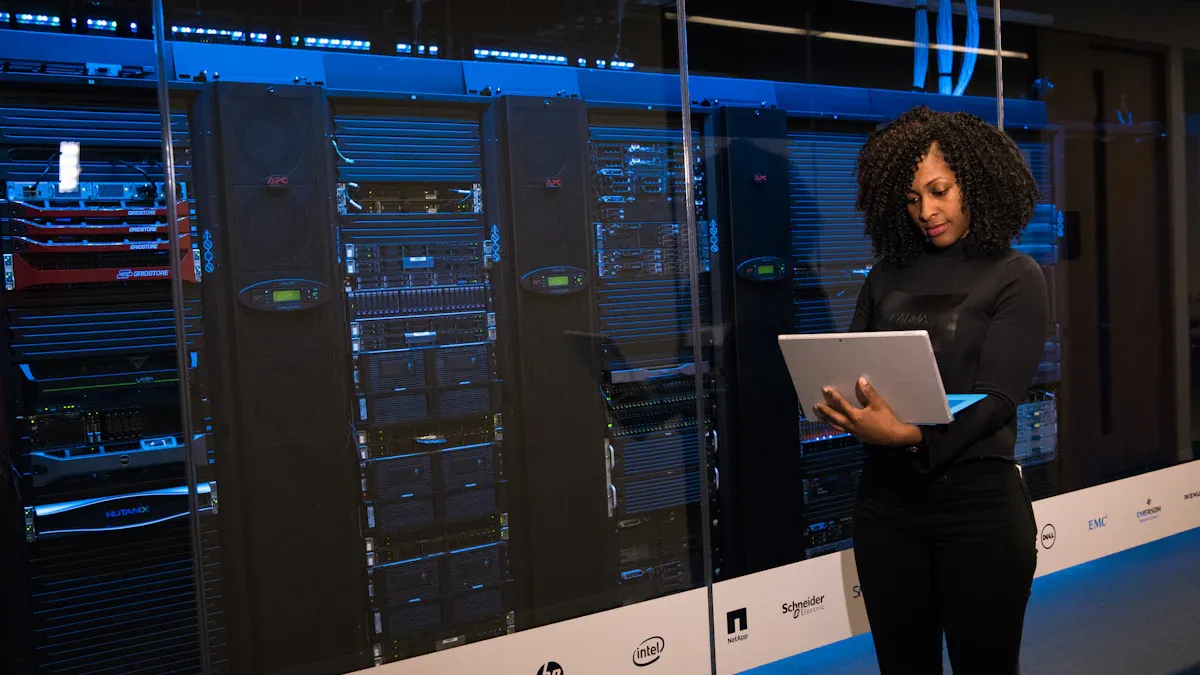
Big companies need servers for lots of virtual machines. The XTT TS658 is good for this job. It can use up to 1TB of memory. You can add more parts if needed. IT teams use remote tools to check the system. The TS658 has lots of storage and moves data fast. The Dell PowerEdge R750 is also good for big jobs. It has strong cooling and security. Both servers help businesses keep important apps running all the time.
Tip: Companies should pick servers with lots of memory, good management, and storage that can change.
SMB Solutions
Small and medium businesses want good value and easy upgrades. The Dell PowerEdge R640 is a smart choice. It has drives you can swap out and works well. SMBs use OpenManage tools to watch their servers. Custom dedicated servers help too. Teams can pick parts that fit their money and plans.
Dell PowerEdge R640: Good for businesses that want to grow.
Custom Dedicated Servers: Easy to change for special needs.
Cloud Hosting
Cloud hosting needs servers that can get bigger fast. The Dell PowerEdge R750 has lots of memory and quick NVMe storage. The XTT TS658 has fast data and remote control. Cavium ThunderX uses ARM for saving energy. These servers help run many virtual machines and give quick service.
Server Model | Cloud Hosting Strengths |
|---|---|
XTT TS658 | Lots of storage, remote control |
PowerEdge R750 | Quick NVMe, lots of memory |
ThunderX | ARM saves energy, can grow |
HPC Workloads
High-performance computing needs lots of cores and fast data. Cavium ThunderX uses ARM for doing many jobs at once. The XTT TS658 has big storage and memory for heavy data work. Dell PowerEdge R750 uses PCIe Gen 4 for fast data. These servers help people do research and run tests.
Note: HPC teams should pick servers with lots of cores, quick storage, and strong network choices.
Buying Tips
Warranty and Support
Warranty and support play a big role when choosing a storage server. Buyers should look for packages that cover hardware problems and offer quick help. Many top servers come with strong warranty plans. For example:
Dell PowerEdge R440 includes a 3-year seller replacement warranty.
The seller replaces faulty parts right away during the warranty period.
Support teams help with setup and troubleshooting.
A good warranty gives peace of mind. Fast support means less downtime for important workloads.
Pricing and Value
Price and value matter for every business. Buyers compare server features and monthly costs to find the best deal. The table below shows how different configurations stack up:
Processor Type | Cores/Threads | Memory | Storage | Bandwidth | Monthly Cost |
|---|---|---|---|---|---|
2x E5-2696 v3 @ 2.30 GHz | 36C/72T | 128 GB | 1 TB M.2 NVMe SSD | 10 TB / 1 Gbps | ₹ 43,000 |
2x Silver 4116 @ 2.10 GHz | 24C/48T | 64 GB | 1 TB M.2 NVMe SSD | 10 TB / 1 Gbps | ₹ 16,500 |
2x E5-2690 v4 @ 2.60 GHz | 28C/56T | 256 GB | 3.84 TB U.2 NVMe | 10 TB / 1 Gbps | ₹ 28,000 |
AMD EPYC 7352 @ 3.2Ghz | 24C/48T | 256 GB | 2 x 3.84 TB NVMe | 10 TB / 1 Gbps | ₹ 27,500 |
Buyers should match server specs to their needs. Higher memory and storage often cost more but support bigger workloads. Monthly costs help companies plan budgets.
Tip: Always check what features come with the price. Some servers offer better value with more memory or faster storage.
Upgrade Paths
Upgrade paths help servers stay useful as needs change. Many 48-core servers allow easy upgrades for memory, storage, and network cards. IT teams can add more drives or swap out old parts for new ones. Expansion slots let users install faster network adapters or extra GPUs.
Choose servers with open PCIe slots for future upgrades.
Look for models that support more memory or storage than you need now.
Pick systems with modular designs for easy part replacement.
A flexible upgrade path keeps servers ready for new workloads. Companies save money by upgrading instead of buying new hardware.
Note: Planning for upgrades helps businesses grow without big upfront costs.
The best 48-core storage servers are good for virtualization.
XTT TS658 is easy to upgrade and control from far away.
Dell PowerEdge R640 and R750 work well for businesses that want to grow.
Cavium ThunderX is made for jobs that use ARM.
Custom servers let you pick what you need for special jobs.
IT teams should think about what they need, check the selection rules, and use buying advice. Picking the right server helps any business run virtual machines without problems.
FAQ
What makes a 48-core storage server good for virtualization?
A 48-core server can run lots of virtual machines. Each VM gets enough CPU power. This helps companies use their resources well. It also helps save money.
Can these servers support both SSD and HDD storage?
Yes, most 48-core servers work with SSD and HDD. Teams use SSDs for fast speed. HDDs give lots of space for storing data.
How do remote management tools help IT teams?
Remote management tools let IT teams watch servers from anywhere. They can fix problems and update software. Teams check system health without being at the server.
Are these servers easy to upgrade in the future?
Most 48-core servers have open slots for upgrades. Teams can add more memory, storage, or network cards. This makes upgrades easy and saves money.