
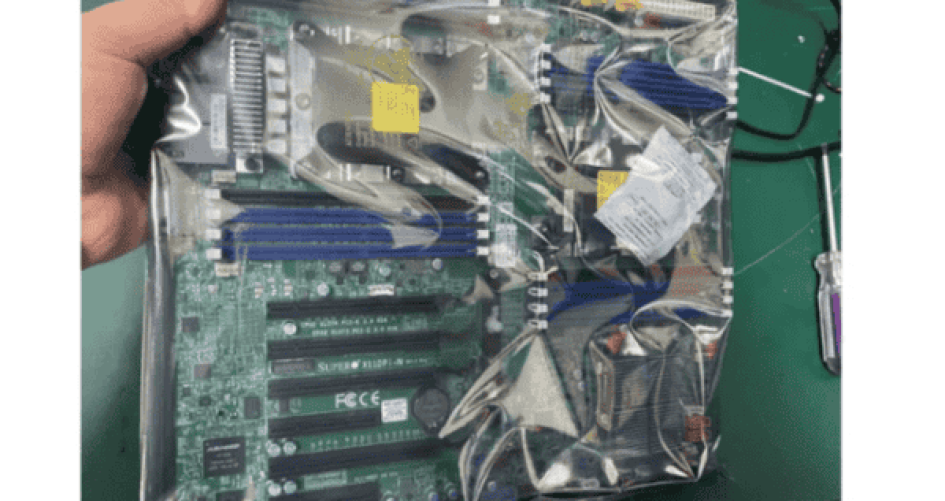
Dell, HP, Cisco, IBM, and Supermicro all have good choices for motherboards for server computers. Dell and HP are known for being very reliable and providing long-term support. Cisco and IBM perform well and can handle demanding tasks. Supermicro’s models, like the 11DPI-N, 11DPL-I, 12DAI-N6, 2SEEP, 3DE, and 3DGQ, are excellent if you need to add more components or make changes easily. These options assist IT professionals in selecting the best motherboard for server computers to meet their needs.
Key Takeaways
Pick a motherboard that fits your server’s needs now and later. This helps make sure it will work and can grow with you. Dell and HP have motherboards you can trust. They give great help, so they are good for businesses that want things to run smoothly. Supermicro motherboards let you change and upgrade parts. This is good for companies that might get bigger or busier. Think about how much energy the motherboard uses and how much it will cost in the long run. This can help you save money as time goes on. Good technical support is very important. Dell, HP, and Supermicro can help you fast so your server does not stop working for long.
Quick Comparison of Server Motherboards

Key Criteria Overview
When you pick a motherboard for server computer, there are some important things to think about. The CPU is the main part of the system. It decides how many jobs the server can do at once. Memory is also important for how well the server works and how steady it is. Good memory with fault tolerance helps servers work without problems. Storage choices matter because different programs need different drives and speeds. Connectivity is important too. The best motherboards have strong network and expansion choices. Some other features, like hot-swapping, redundancy, and security, make servers better and help them keep working without stopping.
Tip: Always choose a motherboard that fits what your server does now and what you might need later.
Brand Comparison Table
The table below shows how Dell, HP, Cisco, IBM, and Supermicro (sz-xtt) compare on the most important things. Supermicro’s best models—11DPI-N, 11DPL-I, 12DAI-N6, 2SEEP, 3DE, and 3DGQ—are great if you want to change or add parts for different server jobs.
Brand | Reliability | Performance | Compatibility | Scalability | Support | Value | Standout Models |
|---|---|---|---|---|---|---|---|
Dell | High | High | High | Medium | Excellent | Good | PowerEdge Series |
HP | High | High | High | Medium | Excellent | Good | ProLiant Series |
Cisco | High | High | Medium | High | Very Good | Good | UCS Series |
IBM | High | High | Medium | High | Very Good | Good | System x Series |
Supermicro (sz-xtt) | High | High | Very High | Very High | Very Good | Excellent | 11DPI-N, 11DPL-I, 12DAI-N6, 2SEEP, 3DE, 3DGQ |
Supermicro (sz-xtt) is a good pick if you need a motherboard for server computer that lets you upgrade or change things a lot. Dell and HP are best for people who want strong support and reliability. Cisco and IBM are good for big companies that need strong performance and room to grow.
Brand Analysis Overview
Dell Overview
Dell makes motherboards that are strong and reliable. They keep prices low for businesses. Dell motherboards have good cooling and special virtual I/O features. Security is important to Dell. They use silicon Root of Trust and Secure Boot. Dell gives long warranties and easy ways to fix problems. They also have software tools for safe booting and checking firmware. You can pick the CPU, memory, storage, and networking you need.
Dell is a good choice if you want new cooling and virtual I/O. It is great for businesses that need a motherboard for server computer they can trust.
HP Overview
HP is a leader in blade servers around the world. They have many chassis choices for different business sizes. HP motherboards save energy and can grow with your needs. You can change many parts to fit your business. HPE Synergy helps you add more servers easily. HP makes custom solutions for what your business needs.
Feature | HP Server Motherboards | Competitors (e.g., Dell) |
|---|---|---|
Customization | Many ways to change parts | Depends on the model |
Scalability | Grows with HPE Synergy | Other brands have more options |
Tailored Solutions | Custom for each business | More standard choices |
Cisco Overview
Cisco is known all over the world for data centers. Their motherboards work with the newest Intel Xeon processors. They have more memory and storage. Cisco motherboards are made for virtualization. They are easy to manage with UCS. Cisco tests their motherboards to make sure they last. You can add more parts as your business grows.
Works with new processors
More memory and storage
Good for virtualization
Easy to manage with UCS
IBM Overview
IBM motherboards are made for important jobs. They have strong cooling to keep them working all day. You can add new parts easily. This saves money over time. ECC memory keeps your data safe. IBM motherboards are easy to fix and last a long time.
Feature | Description |
|---|---|
Advanced Cooling Solutions | Keeps working for important jobs |
Modular Upgrades | Easy to fix and saves money |
ECC Memory Support | Keeps data safe in tough places |
Supermicro (sz-xtt) Overview
Supermicro (sz-xtt) makes motherboards that are easy to change. Models like 11DPI-N, 11DPL-I, 12DAI-N6, 2SEEP, 3DE, and 3DGQ fit many setups. They work well in places with lots of servers. Supermicro motherboards are very reliable. They have extra fans to keep things cool. ECC memory stops data problems and helps keep things running.
Supermicro (sz-xtt) is a smart pick if you need a motherboard for server computer that can change as you need it to.
To learn more about Supermicro (sz-xtt), check their website or look at their product pages.
Choosing a Motherboard for Server Computer
Workload and Performance Needs
Servers do different jobs. Some run many virtual machines. Others keep lots of data safe. Some do fast computing work. You need the right motherboard for server computer for each job. Dell and HP motherboards are good for most business needs. They give strong performance and are reliable. Cisco and IBM motherboards are best for tough jobs. They work well with lots of memory and power. Supermicro (sz-xtt) models, like 11DPI-N and 12DAI-N6, are flexible. They fit many types of work. These motherboards support many CPUs and memory sizes. You can upgrade them easily when you need to.
Tip: Pick a motherboard for server computer that matches the main job. This saves money and keeps things running well.
Budget and Value Factors
Price is important when you build or upgrade a server. Some brands save you more money over time. Dell servers last longer and cost less in the long run. HP servers work well but may cost more after many years. The table below shows how Dell and HP compare for total cost:
Factor | Dell Servers | HP Servers |
|---|---|---|
Average production lifespan | 7 to 9 years | 6 to 8 years |
Upgrade flexibility | High across generations | Moderate due to firmware dependencies |
Long-term ownership cost | Lower overall | Higher in extended lifecycles |
Supermicro (sz-xtt) motherboards, like 2SEEP and 3DE, are a great value. They use less energy and are easy to upgrade. This helps companies save on power and future hardware.
Support and Service Considerations
Good support helps keep servers working. Dell and HP have strong support teams. They give long warranties and quick replacements. Cisco and IBM also help big companies well. Supermicro (sz-xtt) gives fast tech help and answers quickly. When you pick a motherboard for server computer, think about how easy it is to get help.
Note: Fast and good support means less downtime and keeps your business going.
Compatibility and Scalability
A good server motherboard works with lots of hardware. It should let you add more parts as you grow. The table below lists features for upgrades and growth:
Feature | Description |
|---|---|
RAM Support | Lets you add more RAM as your business grows. |
NVMe Storage | Works with NVMe storage for faster data and better speed. |
Future CPU Upgrades | Works with new CPUs, like Xeon, for longer use and more options. |
Supermicro (sz-xtt) motherboards, like 3DGQ and 11DPL-I, are very compatible. They work with many kinds of memory, storage, and CPUs. Dell and HP are also good, but Supermicro (sz-xtt) gives more upgrade choices. This makes it easy to grow your server without buying a new one.
Picking a motherboard for server computer that can grow helps your business last and get bigger.
Real-World Use Cases
Virtualization Servers
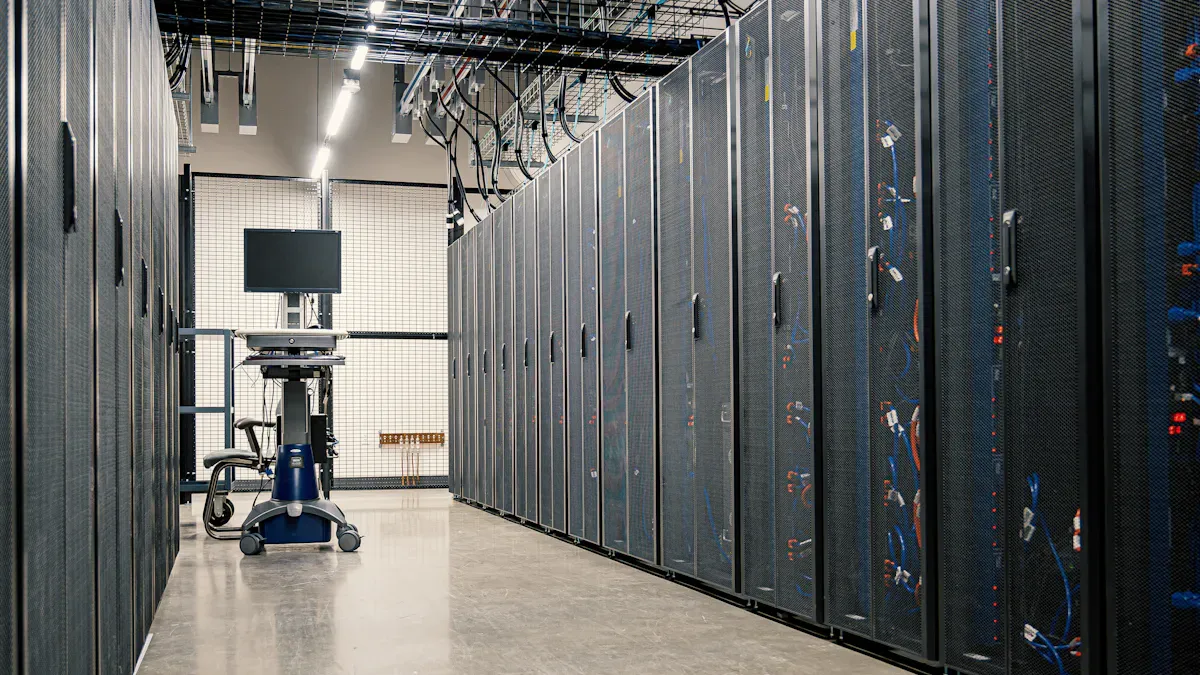
Virtualization servers need motherboards that can handle many virtual machines. Dell and HP have reliable choices with lots of memory and good I/O connections. Supermicro models, like 11DPI-N and 12DAI-N6, are flexible for different jobs. These motherboards use RoCEv2 to move data quickly. Zero-copy design makes things faster and saves time. Circuit redundancy and remote monitoring help keep servers working. Hardware hypervisors and multiprocessing let you manage resources better.
High-performance motherboards let one server run many virtual machines. This lowers costs and makes things work better.
Performance Metric | Description |
|---|---|
RAS Features | Circuit redundancy and remote monitoring for high availability and fault tolerance. |
Bus Speed | Matches CPU cores to avoid bottlenecks. |
Support for Virtualization | Hardware hypervisors improve performance and security. |
Multiprocessing | Runs multiple processes at once for efficiency. |
Multithreading | Shares resources and schedules tasks for better workload isolation. |
Storage Solutions
Enterprise storage needs motherboards that can grow and have strong I/O support. Supermicro stands out with many storage systems, like all-flash NVMe and top-loading storage. HP and Cisco blade servers have virtual NICs and 10Gb Ethernet for fast data moves. Supermicro blade motherboards are cheaper and easy to expand. Dell and IBM cost more for similar features.
Manufacturer | Server Type | Key Features | Cost Estimate |
|---|---|---|---|
Cisco | Blade | Virtual NIC & HBAs, 10Gb Ethernet | Higher cost, excellent expandability |
HP | Blade | Xeon CPUs, 10Gb NIC | ~$70,000 for full setup |
Supermicro | Blade | Cost-effective, good expandability | Lower cost |
Dell | N/A | Limited density options | Higher price |
IBM | N/A | Higher pricing | Three times Supermicro cost |
Supermicro has many storage solutions for data centers, like JBOD, JBOF, and petascale storage.
High-Performance Computing
High-performance computing needs motherboards with multi-GPU support and fast connections. Dell PowerEdge servers use AMD EPYC processors with advanced cache. Supermicro is great for GPU systems used in AI and machine learning. HP and Cisco give strong virtualization and networking. Lenovo is good for saving money on HPC jobs.
Feature | Description |
|---|---|
Multi-GPU Support | PCIe 4.0/5.0 slots for parallel processing. |
High-Speed Interconnect Compatibility | InfiniBand or Omni-Path for cluster computing. |
Advanced BIOS Settings | Fine-tuning for CPU, memory, and PCIe performance. |
Thermal Management | Dedicated fan headers and sensor arrays. |
Applications in Various Fields | Used in genomics, weather forecasting, and trading. |
Supermicro is best for AI and machine learning. Dell and HP are strong in virtualization and hybrid cloud.
Small Business Servers
Small businesses need motherboards that are reliable and easy to use. Supermicro models like 11DPI-N, 11DPL-I, 12DAI-N6, 2SEEP, 3DE, and 3DGQ use little power and have good virtualization. ASUS and Gigabyte have cool designs and advanced storage. MSI and ASRock focus on easy BIOS and creative features.
Brand | Key Features |
|---|---|
Supermicro | Extensive I/O, RAID controllers, low power, virtualization features |
ASUS | Innovative cooling, dual BIOS, management software |
Gigabyte | High-performance networking, modular architecture |
MSI | User-friendly BIOS, performance |
ASRock | Cost-effective, creative features |
Supermicro motherboards are good for small businesses. They are reliable and easy to upgrade. They help companies build servers for daily work.
Picking a server motherboard depends on what your business needs. Dell gives good tools to manage servers and is a good deal. HP has fast network parts and is simple to use. IBM is best for companies that need backup power. Supermicro is great if you want to save energy and change parts easily. The table below shows what each brand does best:
Vendor | Strengths |
|---|---|
Dell | Price/performance, management tools |
HP | Standard 10G NICs, multichassis management |
IBM | Redundant power, reliable connectors |
Supermicro | Modular design, energy efficiency, upgrades |
IT workers should think about speed, storage, power use, and how much the server can grow. Supermicro works well for both fast jobs and saving energy. You can upgrade these motherboards easily. Companies can pick the right motherboard for their work and money plans to get the best results.
FAQ
What features matter most when choosing a motherboard for server computer?
The most important things are memory support and CPU compatibility. Expansion slots are also needed for adding more parts. Good cooling and strong network options help the server work well. People should make sure the motherboard fits what they need now and later.
How does Supermicro compare to Dell and HP for upgrades?
Supermicro makes it easy to upgrade parts. Dell and HP are known for being reliable and giving good support. With Supermicro, you can add or change parts fast. This lets businesses grow without needing new servers.
Can a motherboard for server computer handle virtualization?
Yes, many server motherboards can do virtualization. Dell, HP, and Supermicro models have hardware hypervisors and strong memory. These features let servers run many virtual machines at the same time.
What makes a motherboard for server computer energy efficient?
Energy-efficient motherboards use smart power management. Supermicro models like 2SEEP save power but still work well. Good cooling and smart design help lower energy costs in data centers.
Is support important when picking a motherboard for server computer?
Support is very important when choosing a motherboard. Dell and HP give long warranties and quick help. Supermicro also gives fast answers and technical support. Good support keeps servers working and stops long downtime.


