
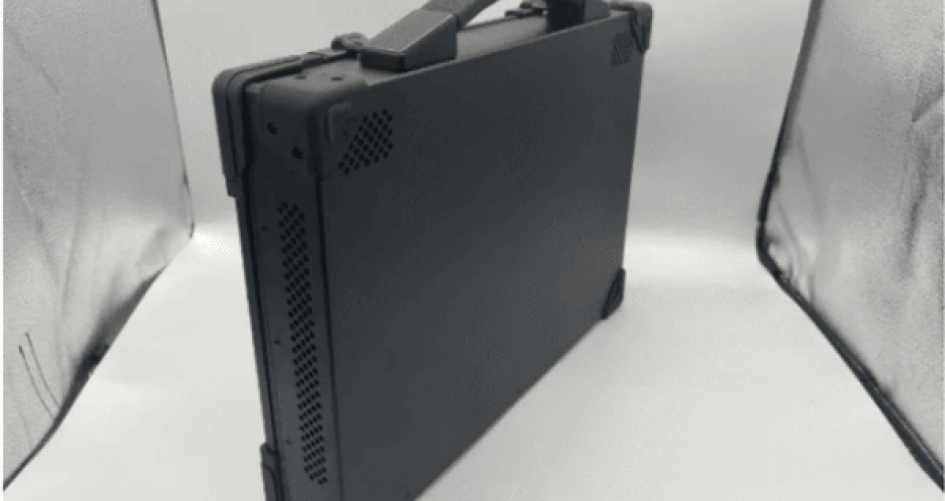
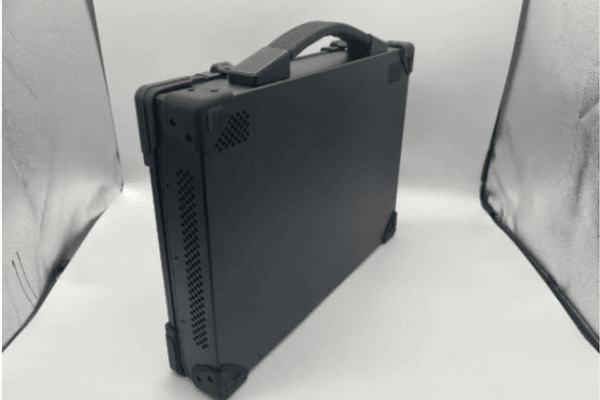
Professionals want a rugged handheld computer that works in tough places. Important features are bright screens, strong build, good security, and batteries that last. Rugged handhelds with mil-std-810g rating and full rugged designs help people in military, transportation, or factories. The XTT 156JG Rugged Computer meets rugged computer rules and works well. Rugged mobile devices must give good connection and keep data safe. The table below shows the most important features in rugged handheld computers.
Característica | Descripción |
|---|---|
Normas de durabilidad | MIL-STD-810H, IP65-IP68, can handle drops |
Memoria | 16GB-32GB, RAM slots you can upgrade |
Storage Speed | NVMe SSDs, hot-swap choices, 512GB-2TB |
Robust Security Features | Fingerprint, TPM, hardware encryption |
Display Performance | Bright screen, works with gloves or rain, no glare |
Conectividad | Wi-Fi 6/7, 4G/5G, important ports |
Duración de la batería | Hot-swappable, fast charging, lasts all day |
Upgradeability | RAM, SSD bays, modular I/O |
Principales conclusiones
Rugged handheld computers need to be very tough. They should have high durability ratings like MIL-STD-810H and IP67 or IP68. These ratings help them survive in hard places.
Find features like bright screens that are easy to see outside. The screens should not glare in sunlight. They should work with gloves or when wet.
Pick devices with batteries that last a long time. Hot-swappable batteries let you change them without turning off the device. This helps workers use them all day.
Choose rugged computers with strong security. Look for fingerprint readers and hardware encryption. These keep important data safe.
Think about how the device connects to other things. It should have Wi-Fi and GPS. This helps workers talk and find their way in the field.
Robustez y durabilidad
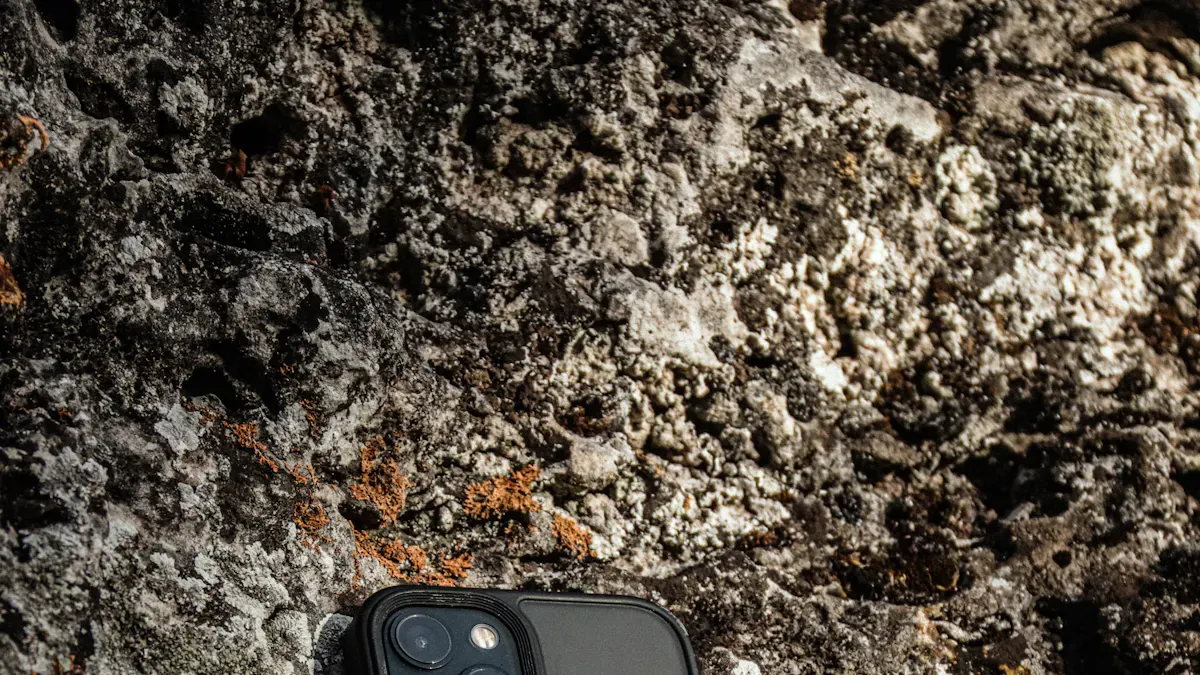
Rugged handheld computers need to work in hard places. Ruggedness is very important for people in law enforcement, military, and industry. The brand sz-xtt is known for making tough handheld computers. Their devices, like the 156JG Rugged Computer, show how strong these computers are.
IP Ratings and Protection
A handheld device’s ruggedness depends on its ip rating. This rating shows how well it keeps out dust and water. Rugged computers usually have higher ratings. This means they can be used in rough places. The table below shows what common ip ratings mean:
Índice de protección IP | Descripción |
|---|---|
IP54 | Dust protected, splash resistant (consumer-grade) |
IP65 | Dust-tight, low-pressure water jets (enterprise) |
IP67 | Dust-tight, immersion 1 meter (industrial) |
IP68 | Dust-tight, immersion >1 meter (ultra-rugged) |
Law enforcement teams often pick devices with IP67 or IP68 ratings. These ratings help them use the device in rain, dust, or mud.
MIL-STD Testing and Drop Resistance
Rugged handheld computers must pass tests like MIL-STD-810H. These tests check if the device can handle drops, shocks, and shakes. Devices with MIL-STD certification are very tough. They do not break easily if dropped or bumped. The 156JG Rugged Computer from sz-xtt is a good example of a strong device.
MIL-STD-810H certification means the device is tested for tough conditions.
Devices with IP65 to IP68 ratings keep out dust and water, making them last longer.
Drop and shock resistance, wide temperature range, and vibration resistance help these devices work in hard places.
Tolerancia medioambiental
Rugged handheld computers work in hot, cold, and wet places. They can handle drops, shakes, water, and dust. Military standards like MIL-STD-810 and MIL-STD-461 make sure these devices survive bad weather and shocks. Ruggedness means the device works outside or in factories. High durability lets users trust their device anywhere.
Tip: Always check how tough and durable a handheld computer is before buying one for hard jobs.
Performance Features
Processor and Memory
Rugged handheld computers need fast processors and enough memory. These devices must handle hard jobs every day. Many rugged handhelds use chips like Qualcomm SDM 660 or Qualcomm 2.2 GHz. These chips help the device run quickly and smoothly. The XTT 156JG Rugged Computer gives choices like Intel i7, i9, or AMD Ryzen. These options give more power for tough tasks. Memory is important for how well the device works. Some handhelds, like the Honeywell ScanPal EDA51, have up to 4 GB of RAM. The 156JG Rugged Computer can have up to 64 GB of DDR4 RAM. This big memory lets the device run many apps at once without slowing down.
Nombre del producto | Tipo de procesador | Processor Speed |
|---|---|---|
Mobilebase DS60S Mobile Computer | Qualcomm SDM 660 | 2.2GHz Octa-core |
Honeywell CK65 Mobile Computer | Qualcomm 2.2 GHz | 2.2GHz |
XTT 156JG Rugged Computer | Intel i7/i9, AMD Ryzen | Up to 4.9GHz |
Opciones de almacenamiento
Storage is very important in rugged handheld computers. Many models have storage from 16 GB to 64 GB. The XTT 156JG Rugged Computer gives more choices, like a 1TB SSD or a 2TB HDD. This lets users keep big files, maps, or software easily. Fast storage helps the device start up and load apps quickly. In factories, more storage means better work and less waiting.
Modelo | Opciones de RAM | Opciones de almacenamiento |
|---|---|---|
Honeywell ScanPal EDA51 | 2 GB, 3 GB, 4 GB | 16 GB, 32 GB, 64 GB |
Honeywell CK65 | 2 GB, 4 GB | 32 GB |
Honeywell EDA61K | 4 GB | 64 GB |
XTT 156JG Rugged Computer | Up to 64 GB | 1TB SSD, 2TB HDD |
Cooling and Fanless Design
Rugged handheld computers often work in hot or dusty places. Good cooling keeps the device safe and working well. Many rugged computers use fanless designs. This means there are fewer moving parts inside. Less dust gets in the device. The XTT 156JG Rugged Computer uses a strong cooling system. This system keeps the device cool during heavy use. Fanless cooling helps the device last longer. It keeps performance steady in tough places.
Note: A rugged handheld computer with strong performance, good storage, and smart cooling will work better and last longer in the field.
Display and Usability
Screen Visibility
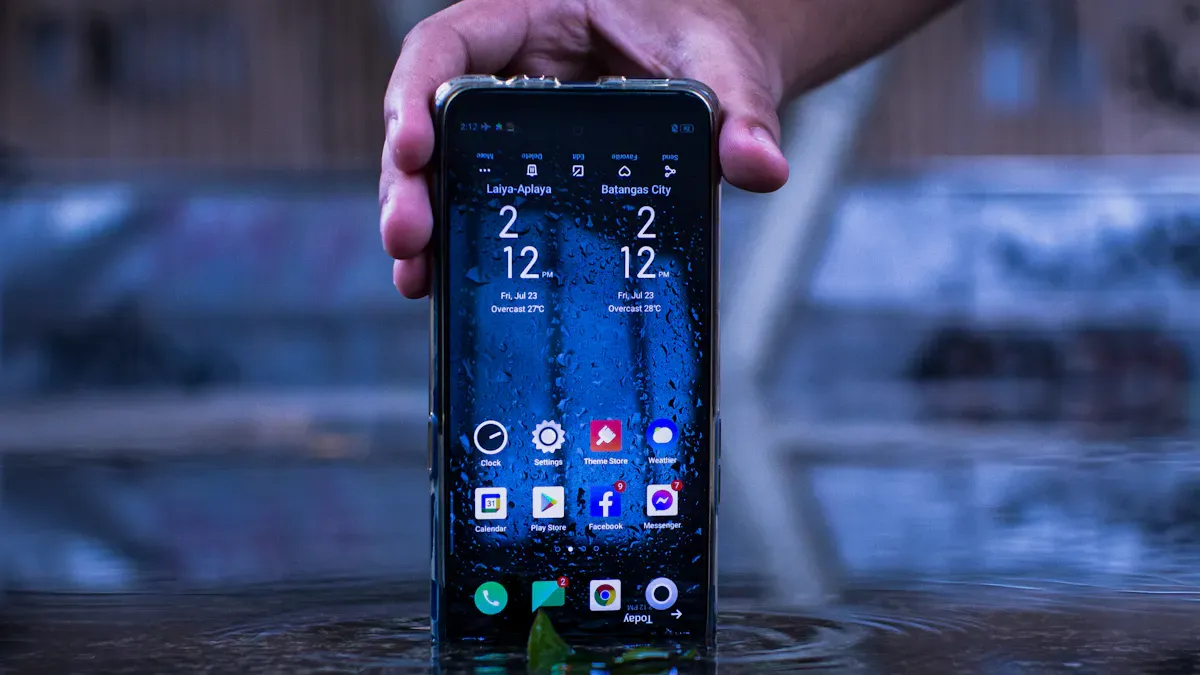
Rugged handheld computers need screens that are easy to see everywhere. Outdoor workers must see the screen in bright sunlight. These screens use special panels and bright technology. Many rugged handhelds have screens brighter than 1,000 nits. This helps people read information even in strong sunlight. Anti-glare coatings make screens less shiny and easier to see. Glove and rain touch modes let people use the device when it is wet or when wearing gloves. The table below lists key display features for rugged handheld computers:
Característica | Descripción |
|---|---|
Sunlight-readable displays | Makes screens clear in bright outdoor places. |
High-brightness screens | Over 1,000 nits for good outdoor use. |
Anti-glare coatings | Cuts down reflections for better sunlight viewing. |
Glove and rain touch modes | Lets you use the device in wet weather or with gloves. |
Tip: Choose rugged computer screens with high brightness and anti-glare coatings for best outdoor use.
Touch and Keyboard Options
Field workers use rugged handheld computers to enter data quickly and correctly. Touchscreens with tough glass, like Gorilla Glass, last longer and work well. Many rugged computers have keyboards with lights, so users can type in dark places. Devices can survive drops from up to 2.4 meters onto concrete, showing they are strong. IP67 certification keeps dust and water out, making rugged handheld computers dependable in rough places. Wireless features like GPS and WLAN help with mobile data.
Característica | Descripción |
|---|---|
Pantalla táctil | Tough glass, good for rough jobs. |
Teclado | Lights up for easy typing in dark spots. |
Durabilidad | Survives drops, stays reliable in the field. |
Índice de protección IP | IP67 keeps dust and water away. |
Wireless Communication | GPS and WLAN help with mobile data. |
Ergonomics and Form Factor
Rugged handheld computers should be comfortable and simple to use. Light designs make them easy to carry and help workers not get tired. Dual input modes, like a touchscreen and keypad, give choices for different tasks. Rugged computers built to IP67 standards are strong and dependable in tough places. Workers like devices that mix rugged features with comfortable shapes, making them easier to hold and use.
Característica | Descripción |
|---|---|
Dual Input Modes | Touchscreen and keypad give flexible ways to enter data. |
Diseño ligero | Makes carrying and using the device easier. |
Robustez | IP67 build means strong and reliable in hard places. |
Note: Comfortable rugged handheld computers help workers stay productive and feel good in the field.
Conectividad y expansión
Wireless Options (WiFi, Cellular)
Rugged handheld computers need strong wireless connections. Field workers depend on quick communication. These devices work on 2G, 3G, 4G, and Wi-Fi. This helps teams share updates and respond fast in emergencies. Rugged computers can stream HD video live. This lets teams make choices quickly and see what is happening. Big push-to-talk buttons help groups talk during patrols. Wireless features work well with wired networks and help workers do more.
Característica | Descripción |
|---|---|
Rugged Design | Drop resistant, water, and dustproof for reliable operations in harsh environments. |
Instant Communication | Operates over 2G, 3G, 4G, and Wi-Fi networks for emergency handling and site condition reporting. |
Real-time HD Video Streaming | Supports third-party applications and enables fast decision-making by streaming to command centers. |
GPS and Ports
GPS is very important in rugged handheld computers. It helps workers find places and move around in faraway areas. GPS keeps workers safe and helps them work better. Rugged devices have many ports. These ports connect to printers, scanners, and other tools. The XTT 156JG Rugged Computer has many port choices. Users can plug in devices to move data or charge. Ports make rugged handheld computers more helpful for many jobs.
Tip: Pick rugged handheld computers with GPS and enough ports for your work.
Ranuras de expansión
Expansion slots let users add more storage or special parts. Rugged handheld computers often have micro SD card slots. These slots can hold up to 256GB. Workers can save maps, pictures, and reports. Expansion slots help the device change for new tasks. The XTT 156JG Rugged Computer has many expansion slots. This makes it fit different jobs and last longer.
Expansion Slot Type | Capacity |
|---|---|
Micro SD card | Hasta 256 GB |
Rugged handheld computers with wireless, GPS, ports, and expansion slots are best for fieldwork. These devices help teams stay connected and ready for anything.
Battery Life and Security
Long-Lasting Power
Field workers need a rugged handheld that lasts all day. Many jobs happen far from places to charge. A strong battery lets workers finish their tasks without stopping. Rugged handhelds often have big batteries and save power. Some models let you swap batteries without turning off the device. The XTT 156JG Rugged Computer is known for its good battery life.
The table below shows how long a rugged laptop battery lasts:
Modelo | Tested Battery Life (Hours:Minutes) |
|---|---|
Portátil resistente | 12:37 |
A rugged handheld with a long battery helps field workers. It keeps working during long shifts and in faraway places.
Data Protection Features
Security is important in every rugged handheld. These devices hold important data. Many rugged computers use fingerprint readers, TPM chips, and hardware encryption. These tools keep private information safe from theft or loss. The XTT 156JG Rugged Computer has strong security features. Workers can unlock it with a fingerprint or a password. TPM chips give extra protection. Hardware encryption keeps data safe even if the device is stolen.
Note: Security features help keep company data safe and private.
Service and Support
Durability is important, but support matters too. Rugged handhelds face tough use every day. Sometimes, even the best devices need fixing or updates. XTT is known for good customer service and warranty help. The company gives fast support and clear product details. This support helps users keep their rugged handhelds working. Good service means less downtime and more work done in the field.
A rugged handheld with a strong battery, good security, and trusted support helps workers do their jobs anywhere.
Picking the best rugged handheld computer depends on your job. A rugged handheld can handle drops, water, and dust. Workers need a device that lasts long and connects fast. It should also keep data safe with strong security. Every rugged handheld is made for different jobs. XTT and the 156JG model are trusted choices for tough work.
Make sure to think about rugged design, power, and support before you choose a handheld.
Choose rugged handheld features that fit your work.
Pick brands that have good help and strong rugged quality.
PREGUNTAS FRECUENTES
What makes a handheld computer rugged?
A rugged handheld computer is made with strong materials. It has a tough design to handle drops and bumps. It keeps out water and dust. People use it in places like factories or outside.
How does a handheld computer protect data and security?
A handheld computer uses things like fingerprint readers and encryption. These tools help keep information safe from others. Security stops people from getting into private files.
Can a handheld computer work in extreme temperatures?
Many handheld computers work in hot or cold weather. They have special parts and cooling systems inside. This helps them work well when it is very hot or cold.
Why do workers choose handheld computers for fieldwork?
Workers like handheld computers because they are easy to carry. They use them to collect data and talk to others. The devices help teams finish jobs outside the office.
What features help a handheld computer last longer?
A handheld computer lasts longer with strong batteries and screens. Expansion slots let you add more storage. These features help the device work well for hard jobs.


