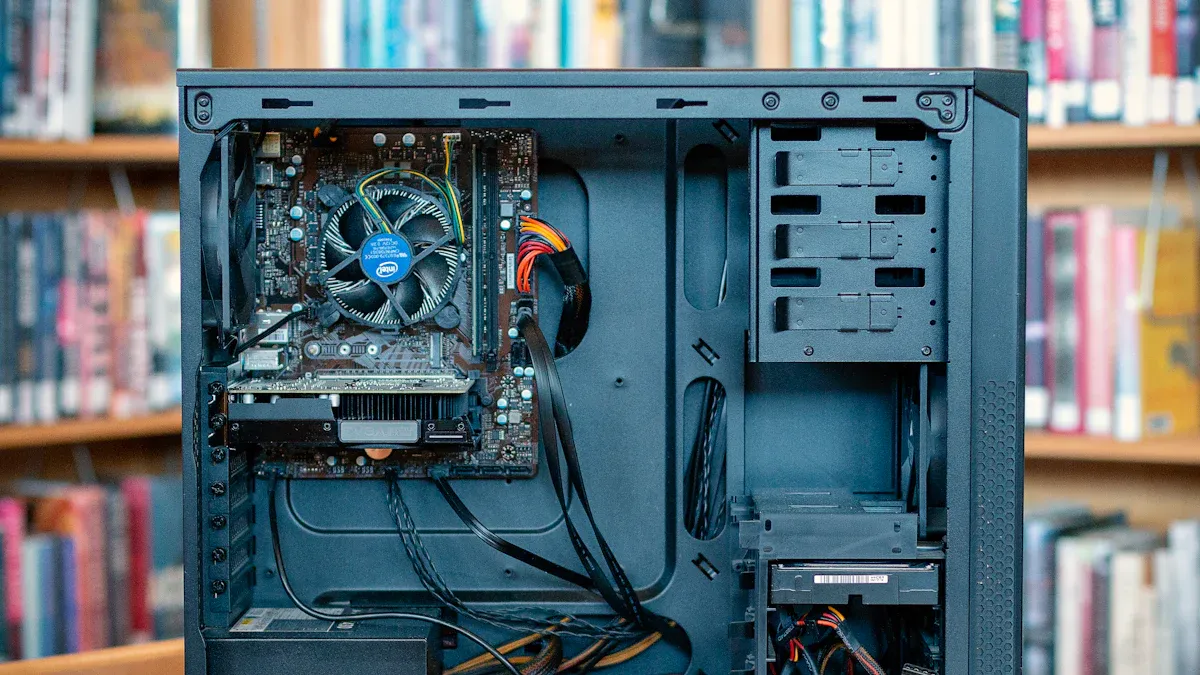
Data centers need better ways to power servers. New research shows that modular and high-efficiency designs help companies save money and work better. These designs also make servers more reliable and use less energy. Top brands like sz-xtt have models like the 1200AB-16 S and ATX ES2. These models use the latest technology. The market for server power supply models is getting bigger. More groups want to save energy and use new tech.
IT teams can get more out of picking the best model for their needs.
Metric | Valor |
|---|---|
Projected Market Size (2035) | USD 1569.97 million |
Estimated Market Size (2026) | USD 1034.79 million |
CAGR (2026-2035) | 4.3% |
Growth Drivers | Demand for data centers, energy efficiency focus, technological advancements |
Principales conclusiones
Elige power supplies that use less energy. This helps save money. Find models with 80 PLUS ratings like Gold or Platinum.
Use redundancy features like N+1 or N+N. These make servers more reliable. Servers keep working if one power supply stops.
Choose the right form factor for your data center. Sizes like CRPS, SFX, and ATX fit different setups. They help use space better.
Use smart management features to monitor power supplies. Real-time tracking finds problems fast. It makes power management better.
Plan for the future by picking modular power supplies. This makes upgrades and changes easy as your data center grows.
Latest Advancements
Efficiency Standards
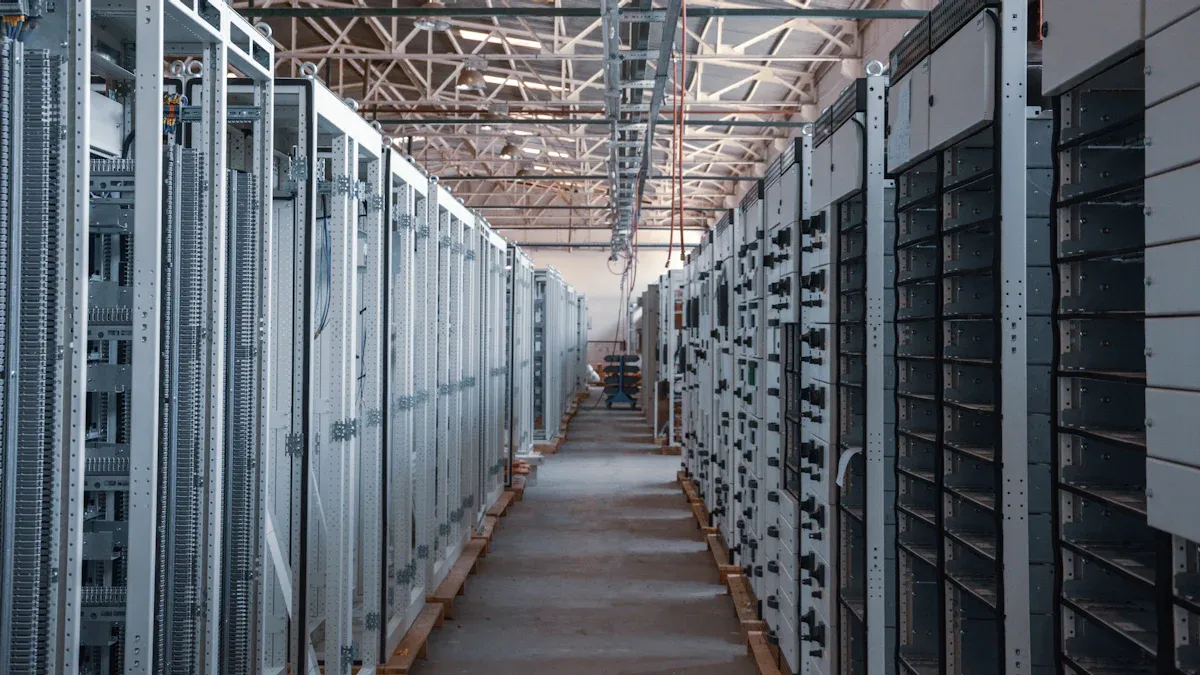
Modern data centers want fuentes de alimentación para servidores to work very well. Big brands like sz-xtt, ESTEL, Schneider Electric, Eaton, Vertiv, Raritan, Huawei, and Emerson Network Power have new models. These models help save energy and let people watch how much power is used. This helps data centers spend less money and work better.
The industry uses something called 80 PLUS to check how efficient a power supply is. The most common levels are Gold and Platinum. The table below shows how these levels compare:
80 Plus Rating | 115V Efficiency at 50% Load |
|---|---|
Oro | 90% |
Platino | 92% |
Some models even reach Titanium, which means they are 96% or more efficient at half load. High efficiency means less energy is wasted and the total cost is lower. Big data centers save the most money this way.
Efficiency Rating | Energy Consumption Impact | Operational Cost Impact |
|---|---|---|
Platinum (94%+) | Reducido | Baja |
Many new server power supplies, like those from sz-xtt, have modular designs and real-time monitoring. These features help IT teams control energy use and manage power better.
Redundancy and Reliability
Reliability is very important for data centers. The newest server power supplies have special features to keep things running if something breaks. Some common types are:
N+1 Redundancy: One backup supply is ready if the main one fails.
N+N Redundancy: Each supply has a backup that matches it for extra safety.
1+1 Redundancy: One main and one backup supply, good for smaller setups.
Hot-Swappable Power Supplies: Technicians can change these without turning off the server.
These features make systems more reliable and help stop downtime. They also let people do repairs without stopping everything, which is important for places that run all day and night.
Form Factors and Compatibility
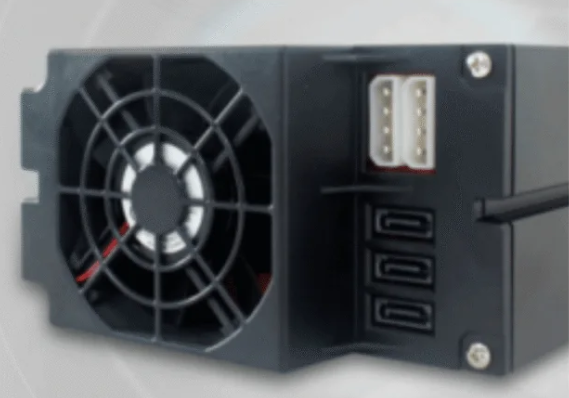
Data centers are different sizes and shapes. Server power supplies need to fit many racks and cases. Popular sizes are CRPS, SFX, and ATX. Brands like sz-xtt have many choices, like the 1200AB-16 S, 1U H1U, and ATX ES2. These models work for both small and crowded setups.
How hot a place gets is important, too. New designs work well in small spaces and can handle more heat. This helps data centers use space well and keep things cool.
Smart Management Features
Smart features help people watch and control how much power is used. The newest server power supplies have:
Característica | Descripción |
|---|---|
Remote Monitoring | Lets you see power use right away and find problems. |
Outlet-Level Control | Lets you control each outlet to fix issues fast. |
Advanced Power Quality Monitoring | Shows details about power quality to help save energy. |
Billing-Grade Metering | Gives exact energy numbers for planning. |
Environmental Monitoring | Watches the area to keep things working well. |
These features give IT teams quick information and help them fix things fast. Better monitoring saves energy and helps data centers grow. Many new models also have modular parts, hot-swappable pieces, and high-density setups for more control and flexibility.
Server Power Supply Features
Power Capacity
Power capacity tells how much energy a server power supply can give to a server. Data centers need to pick the right power supply for their needs. Some models, like the 1200AB-16 S, offer high output for large workloads. The 1U H1U fits well in tight spaces and still gives strong power. The ATX ES2 works for smaller setups and offices. Choosing the right power capacity helps servers run without problems. Large data centers often use models with higher wattage. Small businesses may choose lower capacity to save energy.
Cooling and Noise
Cooling keeps the server power supply from getting too hot. There are two main types of cooling. Traditional air cooling uses fans. These fans can make a lot of noise. Direct liquid cooling uses less fan power, so it is quieter. Here are some facts about cooling and noise:
Traditional air cooling means more fan noise.
Direct liquid cooling lowers noise because it uses fewer fans.
More fan activity can make the server room louder.
Fans working hard use more energy.
Data centers that want quiet spaces often pick models with liquid cooling. This helps keep the area calm and saves energy.
Monitoring and Control
Modern server power supply models have smart features for monitoring and control. These features help IT teams watch power use and fix problems fast. Many models, like the 1200AB-16 S and 1U H1U, have real-time monitoring. The ATX ES2 does not have this feature. The table below shows which models have real-time monitoring:
Modelo | Real-Time Monitoring |
|---|---|
1200AB-16 S | Sí |
1U H1U | Sí |
ATX ES2 | N/A |
Power Distribution Units (PDUs) also help manage power. They let teams track and control power use both on-site and from far away. PDUs can restart crashed systems and turn off unused equipment. This saves energy and keeps everything running well. Good monitoring helps data centers spot problems early and keep servers safe.
Choosing a Server Power Supply
Evaluación de las necesidades
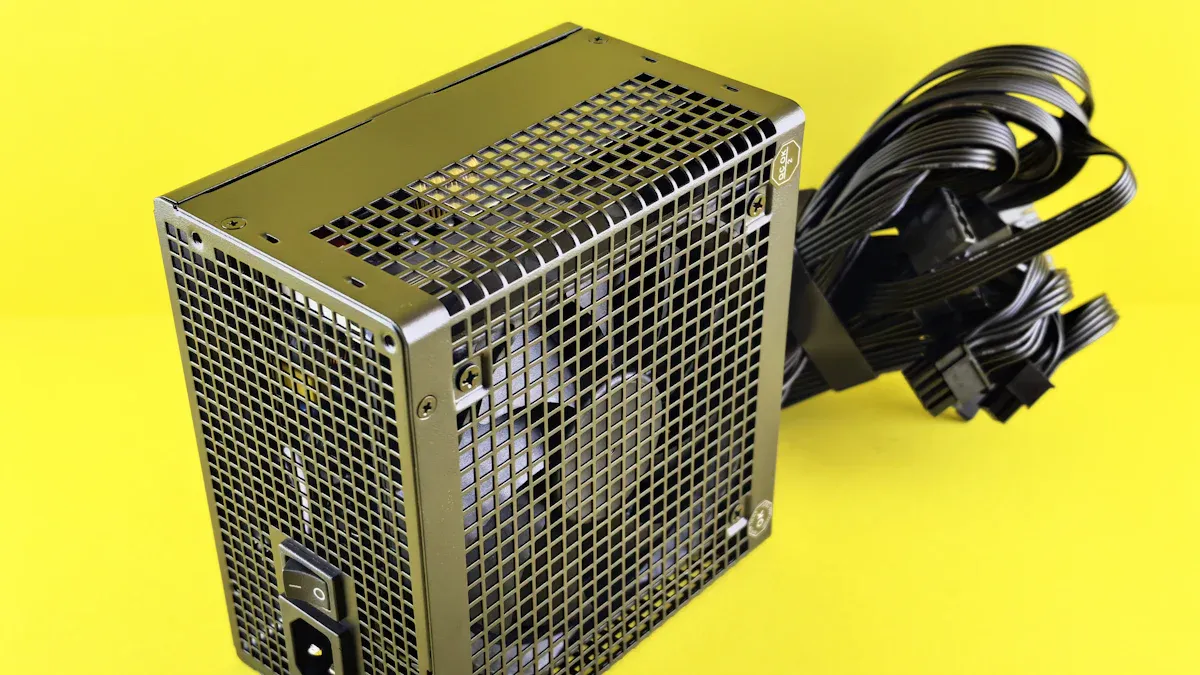
IT professionals first figure out how much power servers need. They add up the wattage for each part. They use a calculator or do it by hand. They check connectors and cables to make sure they fit. It is smart to pick a power supply with 30% more power than needed. This stops overheating and helps if you add more later. Redundancy, like N+1 or 2N, gives extra safety. Many experts say to spend about 10% of your budget on the power supply.
Tip: Always think about cooling. Active, semi-passive, or passive cooling can change noise and how long parts last.
Compatibility Checks
Compatibility checks help stop mistakes. Teams look at power ratings, connector types, and cables. They also check old power use to plan for the right size. The table below lists some common problems and fixes:
Compatibility Issue | Solución |
|---|---|
Choosing improper power equipment | Select based on correct power ratings |
Poor cabling between servers and UPS | Use proper cabling for power distribution |
Inaccurate capacity estimations | Review historical power consumption data |
System failure due to excessive load at a single location | Use dual bus architecture to spread the load |
Tools like product guides and evaluation boards help check if a power supply fits a server. Suppliers like sz-xtt can give advice for special setups.
A prueba de futuro
Data centers get ready for the future by picking modular and upgradeable power supplies. Modular designs make upgrades easy and let you add more power later. Hot-swap features keep servers working during repairs. Many groups want power supplies that work with cloud, edge computing, and green plans. Automation and AI help lower downtime and make work better. Talking to suppliers helps you pick the best power supply for the future.
Best Practices and Mistakes
Avoiding Compatibility Issues
IT teams can have trouble if they do not plan. Sometimes, they forget to check if the power supply fits. They might use the wrong cables or connectors. These mistakes can break things or cause downtime. Teams should always check power ratings and connector types first. They should look at old power use to pick the right size. Good planning helps stop overloads and keeps systems safe.
Not planning for enough power
Forgetting backup power
Not testing backup systems
Using wrong cables or connectors
Not checking if the power supply fits
Buy good UPS systems
Make a plan for backup power
Test and check backup systems often
Use the right cables for power
Get ready for power outages
Ensuring Proper Redundancy
Redundancy helps servers keep running if one supply fails. There are three main types of redundancy. The table below shows each type:
Redundancy Type | Descripción | Example | Ventaja |
|---|---|---|---|
N+1 | One extra power supply for backup | 3 power supplies for a 2 supply need | Keeps working if one fails |
N+N | Each supply has a backup | 2 active and 2 backup supplies | Highest safety and uptime |
1+1 | One main and one backup | 1 active and 1 backup | Good for small setups with tight budgets |
Teams should choose the right redundancy type for their needs. They should also test backup systems often.
Warranty and Support
Warranty and support are important for long-term use. Teams should pick power supplies with good support. Good support helps fix problems fast. Watching systems helps find issues early. Many suppliers help with setup and care. Teams should keep records of support contacts and warranty info.
Tip: Check and update systems often to keep them safe and working.
The newest server power supply models have big changes for IT teams. They work better, use less energy, and give more choices. The table below shows the main trends in the market:
Key Trend | Descripción |
|---|---|
Technological Innovation | New technology changes how power supplies work. |
Efficiency Improvements | Better parts help cooling and save power. |
Dynamic Capacity Management | Software and modular designs make upgrades simple. |
Mantenimiento predictivo | Smart monitoring lets teams fix problems early. |
Advanced Power Management | Energy rules and costs mean better power features. |
Supply Chain Resilience | Local factories and strong supply chains keep products ready. |
Product Differentiation | Many models fit different data center sizes and needs. |
When picking or upgrading, teams should think about reliability and backup power. They can check models like sz-xtt’s 1200AB-16 S or ATX ES2 for strong results. Looking at on-site power and fast setup can also help. Keeping up with trends and talking to experts gives the best results for any server setup.
PREGUNTAS FRECUENTES
What does “80 PLUS” mean for server power supplies?
“80 PLUS” shows how efficient a power supply is. Higher ratings, like Gold or Platinum, mean less energy waste. Data centers save money and energy with these models.
How does redundancy help in server power supplies?
Redundancy gives backup power if one supply fails. This keeps servers running without interruption. Teams use types like N+1 or N+N for extra safety.
Which form factors are common for server power supplies?
Common form factors include:
CRPS
SFX
ATX
These sizes fit different racks and cases. Teams choose based on space and server needs.
Why is real-time monitoring important?
Real-time monitoring lets IT teams see power use right away. They can spot problems early and fix them fast. This helps keep servers safe and running smoothly.