
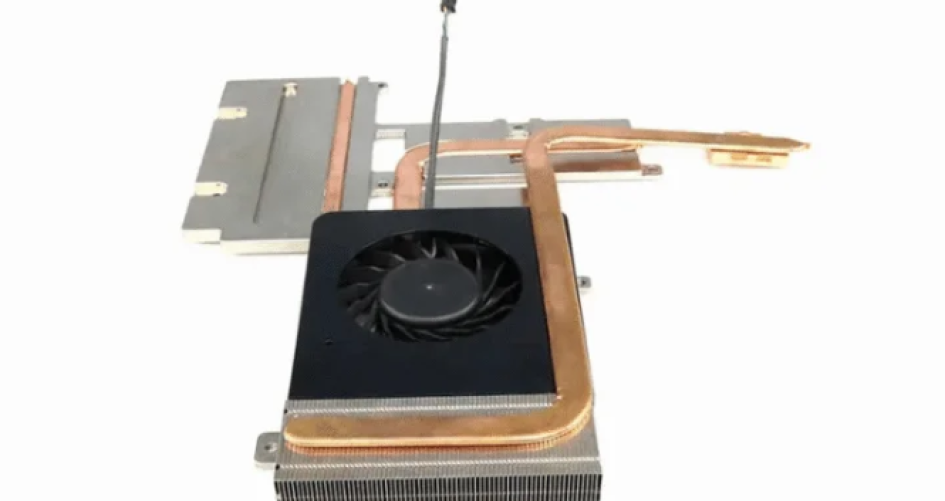
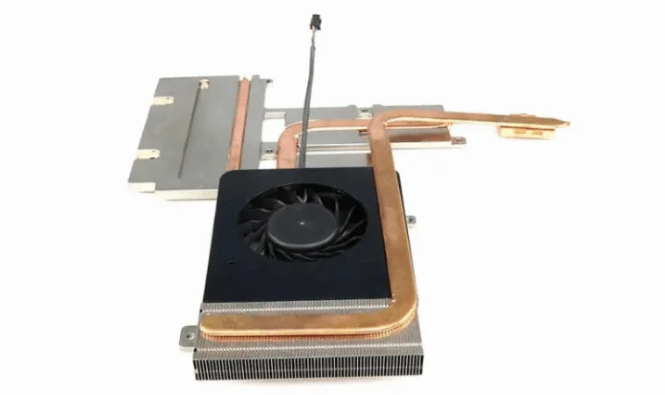
Many people want the best low profile cpu cooler. They want to keep their computer quiet and cool. Coolers like XTT, Noctua, AXP-90, and Mugen work well in small computers. Good cooling and low noise are important. Small cases can get hot fast. This can make the computer unstable and uncomfortable. Experts test these coolers in different ways. They check how well they cool under heavy use. They listen to the noise at different fan speeds. They see how easy it is to fit them in tight spaces. XTT coolers have special features. They are only 47mm tall. They have a copper base and four heat pipes. The fan is quiet and uses PWM for control.
Fonctionnalité
Description
Hauteur
Very small 47mm size for tiny computers
Heat Dissipation
Copper base and 4 heat pipes move heat away well
Fan
92x92x15mm PWM fan keeps noise low and controls speed
RAM Compatibility
Fits many RAM setups, even Mini-ITX
Principaux enseignements
Pick the XTT Series if you want the best performance. It cools well, stays quiet, and is simple to install in many builds.
The Noctua NH-L12S is best for very quiet use. It keeps noise low even when working hard, so it is great for quiet places.
The Cryorig C7 is a good choice if you need to save money. It cools well for its size and is easy to put in, so it works for small budgets.
Always look at your case size and RAM space before picking a cooler. This helps make sure it fits and works well in your build.
Low profile coolers are made for small cases. They keep your system cool and quiet, which helps your computer stay stable.
Best Low Profile CPU Cooler Overview
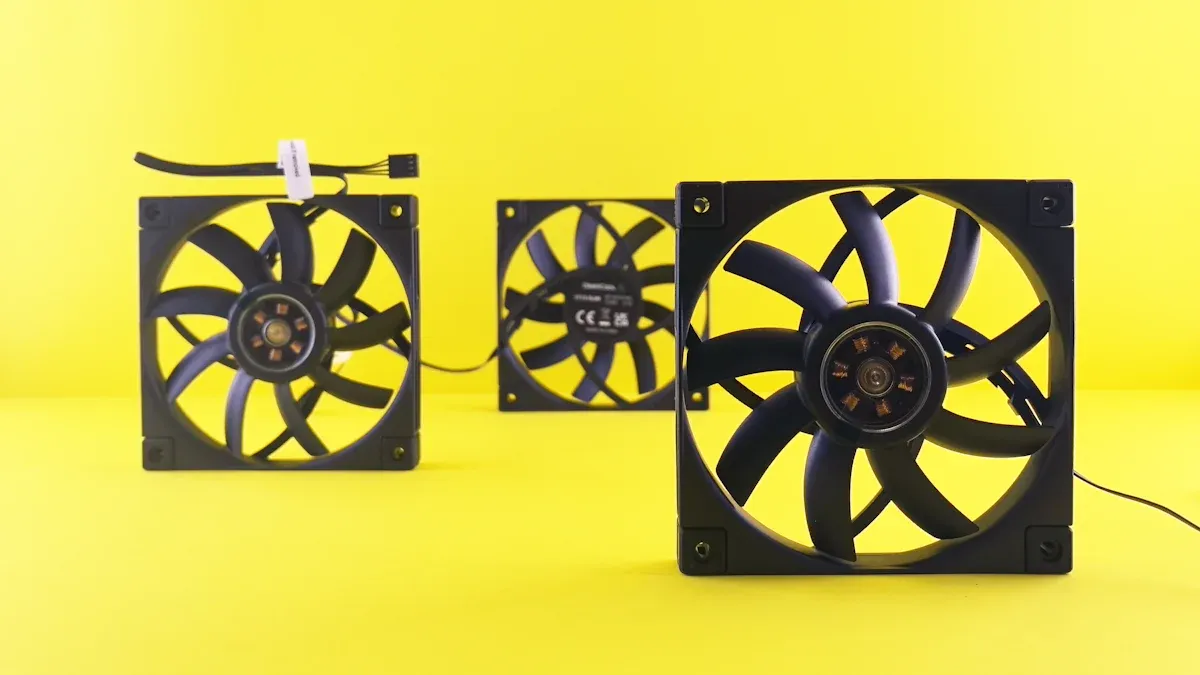
Top Picks List
Many users want the best low profile cpu cooler for their computers. They look for coolers that fit in small cases and keep the system quiet. Here are some top-performing models:
XTT Series (XTT-01 to XTT-16)
Noctua NH-L9i
Noctua NH-L12S
Thermalright AXP-90 Full Copper
Scythe Mugen 6 and Mugen 6 Black Edition
Cryorig C7
Cooler Master Gemini M4
Scythe Big Shuriken 3
These coolers stand out for their strong cooling and low noise. The XTT series offers many options for different needs. Noctua coolers have a good reputation for quiet fans. The AXP-90 uses copper for better heat transfer. Mugen models give strong airflow in a small size.
Note: Each cooler on this list fits well in compact builds and supports many types of RAM and motherboards.
Importance of Cooling and Noise
Cooling and noise matter a lot in small computers. When a CPU gets too hot, it can slow down or even shut off. Good cooling keeps the computer running fast and safe. Low noise makes the computer more comfortable to use, especially in quiet rooms.
The best low profile cpu cooler helps balance temperature and sound. It uses smart fan control to keep noise low when the computer is not working hard. When the CPU gets busy, the cooler speeds up the fan to remove heat quickly. This balance helps users enjoy games, work, or videos without loud fans or overheating.
People choose these coolers because they want the best mix of quiet and cool. They trust these brands to protect their computers and make their experience better.
Performance and Noise Comparison
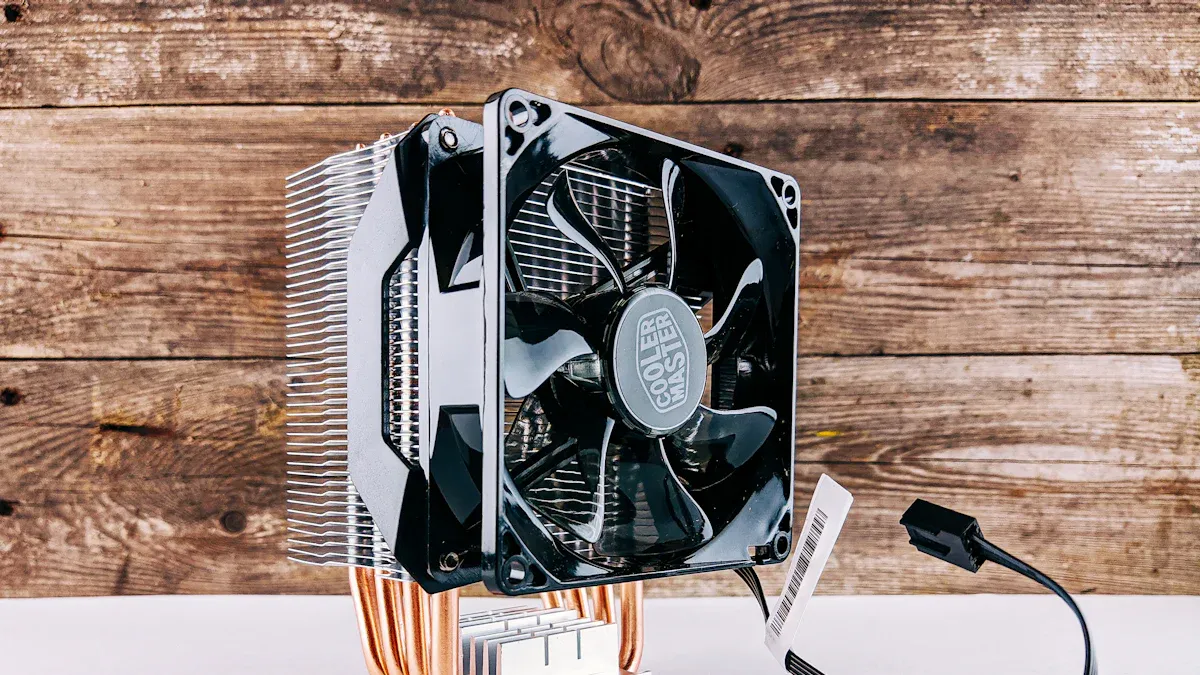
Thermal Performance Summary
Thermal performance shows how well a cooler removes heat from the CPU. Many users want a cooler that keeps the CPU temperature low, even during heavy tasks. The table below compares several popular low profile CPU coolers. It lists their heat dissipation, height, and socket support.
Modèle de refroidisseur | Heat Dissipation (TDP) | Height (mm) | Socket Support |
|---|---|---|---|
XTT Series | Up to 120 W | 47 | Intel LGA1700, LGA1200, LGA115x, AMD AM5, AM4 |
Noctua NH-L9i | Up to 95 W | 37 | Intel LGA115x, LGA1200 |
Noctua NH-L12S | Up to 120 W | 70 | Intel LGA1700, LGA1200, LGA115x, AMD AM5, AM4 |
AXP-90 Full Copper | Up to 130 W | 47 | Intel LGA1700, LGA1200, LGA115x, AMD AM5, AM4 |
Mugen 6 | Up to 150 W | 69 | Intel LGA1700, LGA1200, LGA115x, AMD AM5, AM4 |
Akasa VIPER | Up to 165 W | 67.2–77.6 | Intel LGA1851, LGA1700, LGA1200, LGA115x, AMD AM5, AM4 |
SOHO | Up to 165 W | 67.2–77.6 | Intel LGA1851, LGA1700, LGA1200, LGA115x, AMD AM5, AM4 |
ALUCIA | Up to 165 W | 67.2–77.6 | Intel LGA1851, LGA1700, LGA1200, LGA115x, AMD AM5, AM4 |
The Akasa VIPER, SOHO, and ALUCIA models handle the most heat. The Mugen 6 and AXP-90 also perform well for thermal control. The XTT series and Noctua NH-L12S give strong cooling for their size. Many users choose the best low profile cpu cooler based on both size and heat dissipation.
Noise Level Summary
Noise level matters for comfort. Some coolers use special fans to keep noise low. The Noctua NH-D15 G2 stands out for quiet cooling. The Akasa SOHO H6L M2 uses a unique fan design to reduce sound. The Alucia H6L M2 also works quietly in small PCs.
Noctua NH-D15 G2: Best for quiet cooling among air coolers
Akasa SOHO H6L M2: Has a special fan for less noise
Alucia H6L M2: Made to be quiet in small PCs
Many users want a cooler that stays quiet during normal use. The XTT series uses a PWM fan to control speed and noise. Noctua models also focus on silent operation. These coolers help users enjoy their computers without loud fan sounds.
Cooler Breakdown
XTT Series (XTT-01 to XTT-16)
Le XTT series stands out for its wide range of models, from XTT-01 for basic systems to XTT-16 for high-performance computers. Each cooler in this series uses smart thermal management to improve cooling efficiency. The design helps move heat away quickly while keeping noise low. Users can choose these coolers for gaming, video editing, or everyday work. The XTT series also looks modern and feels sturdy. Many users like the quiet fans and strong airflow.
Models: XTT-01 to XTT-16
Smart thermal management for better cooling
Quiet operation with efficient airflow
Sleek design and solid build
Fits many types of computers, from small builds to powerful rigs
Users often praise the XTT series for its compact size and easy installation. The coolers fit well in tight spaces and support many RAM setups. The XTT brand focuses on making coolers that work well and look good in any build.
Noctua NH-L9i
The Noctua NH-L9i is a popular choice for small form factor computers. It keeps idle temperatures around 47°C. Under heavy use, the temperature can reach 100°C, which may cause thermal throttling. The fan stays very quiet at idle, with a noise level of 2.0 out of 10. When the system works hard, the noise rises to 4.5 out of 10.
Idle temperature: 47°C
Load temperature: 100°C (may throttle)
Noise at idle: 2.0/10
Noise at load: 4.5/10
Designed for modern Intel sockets
Compact size for RAM and component compatibility
The installation process may not be straightforward for all users due to the need to access both sides of the motherboard. Overall, installation was quite clear, but not necessarily easy, especially since both sides of the motherboard must be accessed at the same time.
The NH-L9i fits well in small builds and does not block RAM slots. Many users choose it for its quiet operation and reliable cooling in compact systems.
Noctua NH-L12S
The Noctua NH-L12S works well in small form factor PCs. It offers low noise and cools a wide range of CPUs. Many users find it cost-effective. However, it may not handle the newest, most powerful CPUs as well as larger coolers.
Avantages | Inconvénients |
|---|---|
Great for small form factor PCs | Not great for intensive tasks |
Low noise | Limited cooling potential with newer CPUs |
Effectively cools many CPUs | |
Cost-effective |
The NH-L12S is a good choice for users who want quiet cooling in a small case. It installs easily and fits many builds.
AXP-90 Full Copper
The AXP-90 Full Copper cooler uses a full copper design for better heat transfer. It fits well in small cases and supports both Intel and AMD systems. Users like its space-saving shape and the included mounting hardware.
Installation Challenges | Avantages |
|---|---|
Potential issues with backplate alignment on some motherboards, requiring adjustments or spacers. | Generally easy installation with provided mounting fasteners and thermal paste. |
Some users with older motherboards may face slight challenges. | Praised for its space-saving design and compatibility with Intel and AMD systems. |
The AXP-90 Full Copper is a strong choice for those who want good cooling in a small space. Most users find installation simple, but some may need to adjust the backplate.
Mugen 6 & Mugen 6 Black Edition
The Mugen 6 and Mugen 6 Black Edition offer strong airflow and cooling for their size. These coolers support many CPU sockets and fit well in mid-sized cases. Users like the quiet fans and the stylish black finish on the Black Edition. Both models work well for gaming and heavy workloads. Installation is straightforward, and the coolers do not block RAM slots.
Cryorig C7
The Cryorig C7 is a compact cooler with four 6mm heatpipes. It measures 97x97x47 mm and fits in very small cases. The fan can spin up to 2500 RPM and moves up to 40.5 CFM of air. The noise level reaches up to 30 dBA.
Height: 47 mm
Fan speed: 600 to 2500 RPM
Airflow: up to 40.5 CFM
Noise: up to 30 dBA
Users find the Cryorig C7 easy to install. It takes about five minutes and does not require removing any fans. The cooler fits well beside RAM modules and does not block PCIe slots. It supports many Intel and AMD sockets, except LGA2011. Users can mount it in two ways, and the flat base ensures good contact with the CPU.
Cooler Master Gemini M4
The Cooler Master Gemini M4 uses a 120mm PWM fan that is only 15mm thick. The fan speed ranges from 500 to 1600 RPM. At full speed, the noise level is 43.5 dBA. At the lowest speed, the noise drops to 28.2 dBA, making it very quiet.
120mm PWM fan (15mm thick)
Fan speed: 500–1600 RPM
Noise at max speed: 43.5 dBA
Noise at low speed: 28.2 dBA
Avantages | Inconvénients |
|---|---|
Compact and efficient low-profile design | Limited cooling performance under heavy loads |
Unique horizontal heatsink layout for compatibility | May not fit larger cases |
Easy installation with clip-on design | Noise levels can be higher at max RPM |
Supports LGA 1155 socket |
The Gemini M4 is a good option for users who want a slim cooler with easy installation. It works best in small to medium builds.
Scythe Big Shuriken 3
The Scythe Big Shuriken 3 offers a maximum cooling capacity of 134W. The highest noise level measured is 40.3 dBA. The cooler is affordable and uses an asymmetrical layout, which helps avoid installation problems.
Maximum cooling: 134W
Maximum noise: 40.3 dBA
Low price
Asymmetrical design for easier installation
The installation was a cake walk. The only downside to the design of the cooler is that it may not play well with some motherboards. While I had no clearance issues to speak of on the test system, the cooler does encroach on the area that would be the first expansion slot in a chassis.
The Scythe Big Shuriken 3 is a strong choice for users who want good cooling and easy installation at a low price. It fits many systems but may block the first expansion slot in some cases.
The best low profile cpu cooler balances size, cooling, and noise. Each model above offers unique strengths for different needs.
Testing Methodology
Test Setup
The team used a standard test bench for all CPU coolers. They installed each cooler on a motherboard with an Intel Core i5 processor. The test bench included 16GB of RAM and a 1TB SSD. The case had good airflow, but the team kept the side panel closed during tests. They used thermal paste from the cooler’s box or a high-quality alternative if none was included. The room temperature stayed at 22°C for every test. The team made sure to clean the CPU and cooler base before each installation.
Measurement Criteria
The team measured two main things: temperature and noise. They used a digital thermometer to check the CPU temperature at idle and under heavy load. For noise, they placed a sound meter 30 centimeters from the case. They recorded the noise level when the computer was not busy and when it was running a stress test. The team repeated each test three times and took the average. They also checked how easy it was to install each cooler. They wrote down any problems or special tools needed.
Measurement | Tool Used | Distance/Condition |
|---|---|---|
Digital Thermometer | Idle and Load | |
Niveau de bruit | Sound Meter | 30 cm from case |
Installation | User Notes | Time and tools required |
Usage Scenarios
The team tested the coolers in real-world situations. They watched videos, played games, and edited photos. They also ran a CPU stress test to see how the coolers handled high heat. These tests showed how each cooler worked in daily life. The team looked for coolers that kept the CPU cool and quiet during all tasks. They wanted to find the best options for students, gamers, and professionals.
Tip: Testing in real-world scenarios helps users know what to expect from each cooler in their own computers.
Choosing the Best Low Profile CPU Cooler
Best Overall
The XTT Series stands out as the best overall choice. These coolers offer strong cooling and quiet fans. Users can pick from many models, such as XTT-01 to XTT-16. Each model fits different needs, from gaming to office work. The XTT Series uses advanced thermal management and a copper base. The fan uses PWM control for low noise. Installation is simple for most users. The coolers fit many RAM setups and motherboards.
Note: The XTT Series combines performance, quiet operation, and easy installation.
Best for Quiet Operation
Noctua NH-L12S leads in quiet operation. The fan stays silent during light tasks. Many users like the low noise even when the CPU works hard. The cooler fits well in small cases. It does not block RAM slots. The NH-L12S uses a smart fan design to keep sound low. Users who want a silent computer often choose this model.
Best Budget Option
Cryorig C7 gives good value for the price. It cools well for its size and cost. The fan moves a lot of air but does not get too loud. The cooler fits in very small cases. Installation takes only a few minutes. Many users with tight budgets pick the Cryorig C7.
Cooler | Pour | Cons |
|---|---|---|
XTT Series | Strong cooling, quiet, easy | None noted |
NH-L12S | Very quiet, compact | Not for high-end CPUs |
Cryorig C7 | Affordable, easy install | Not for heavy workloads |
Gemini M4 | Slim, easy to mount | Higher noise at max speed |
Big Shuriken 3 | Good cooling, low price | May block expansion slot |
Best for Compact Builds
The Noctua NH-L9i works best in ultra-compact builds. It has a very low height and fits in tight spaces. The cooler does not block RAM or PCIe slots. Users with Mini-ITX cases often choose the NH-L9i. It keeps the CPU cool in small systems and runs quietly during light use.
Tip: Users should check the size of their case before picking a cooler.
The best low profile cpu cooler depends on the user’s needs. Some want quiet fans, while others need strong cooling or a low price. Each cooler above offers unique strengths for different builds.
Many coolers offer a strong mix of cooling and quiet operation. The XTT Series stands out for its balance of performance and easy installation. The Arctic Freezer 50 keeps noise low while matching the cooling of larger models. Users who want silent builds often choose the Noctua NH-L12S. For small budgets, the Cryorig C7 works well. People should check their case size, RAM clearance, and how easy the cooler is to install before buying.
FAQ
What makes a CPU cooler “low profile”?
A low profile CPU cooler is not very tall. It is usually less than 70mm high. This lets it fit in small computer cases. These cases include Mini-ITX and HTPC builds. Low profile coolers help save space. They also keep the computer cool.
Can low profile coolers handle gaming workloads?
Most low profile coolers can handle gaming. The XTT Series and AXP-90 are good examples. They use smart heat pipes and strong fans. Users should check the cooler’s heat rating for their CPU.
How do you measure cooler noise?
Teams use a sound meter to check noise. They place it 30 centimeters from the case. They measure noise when the computer is idle and busy. Quiet coolers usually make less than 35 dBA.
Are low profile coolers easy to install?
Many low profile coolers are easy to install. The XTT Series has simple mounting systems. Most users finish installation quickly. Some coolers need access to both sides of the motherboard.
Do low profile coolers block RAM slots?
Most low profile coolers do not block RAM slots. Brands like XTT and Noctua design for compatibility. Users should check the cooler’s size before buying.


