
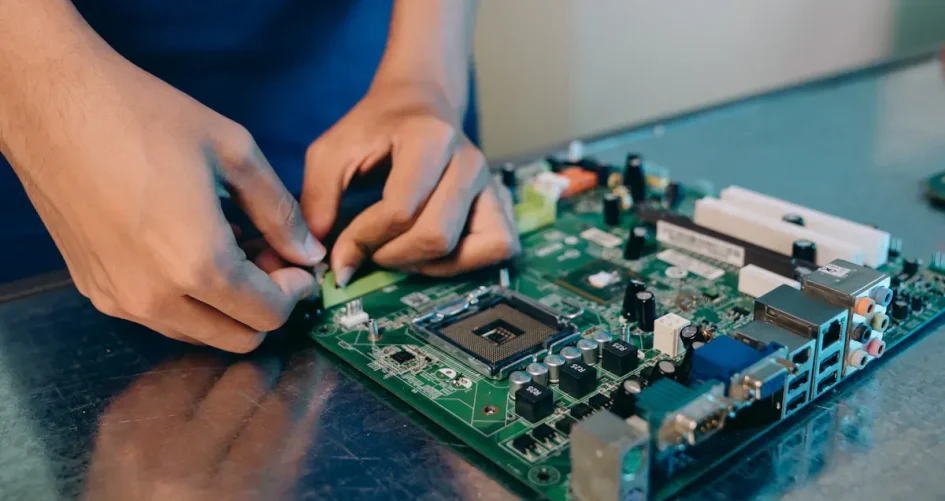
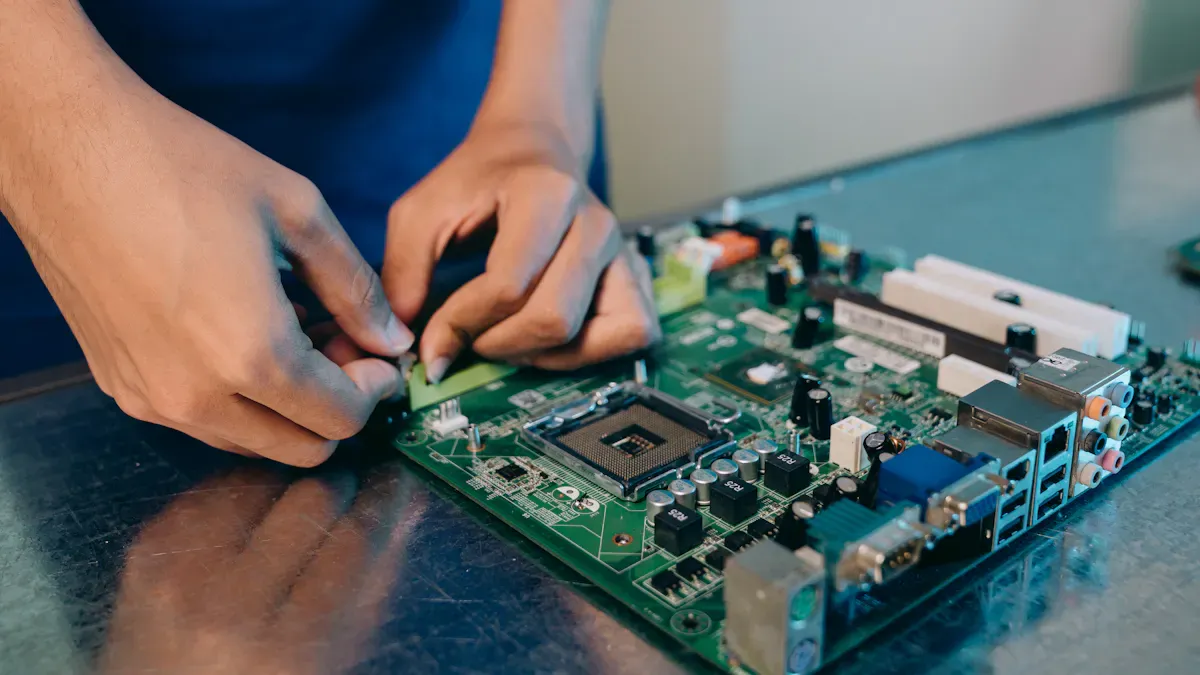
Choosing the best server pc motherboard starts with knowing what your server will do. You need to think about how much work and speed you need. Each server motherboard gives your system a strong base. This helps your server work well and fast. Users should check if the motherboard works with their parts. They should look for important features. It is smart to plan for upgrades later. Good motherboards help servers keep running. They manage data well. They support advanced memory. They also have good tools to watch your system. A buying guide helps users pick the right one for their setup. Brands like sz-xtt give trusted choices for every business.
Principaux enseignements
First, think about what your server will do. This helps you pick the right motherboard features. – Find motherboards that work with ECC memory. ECC memory helps stop data loss. It also keeps your server working well. – Pick a motherboard with enough expansion slots. This lets you add more parts later if you need them. – Choose a motherboard from a brand you trust, like sz-xtt. Good brands give better help and longer warranties. This means your server will last longer. – Always make sure your motherboard works with your CPU and other parts. This stops problems and helps your server run well.
What Is a Server Motherboard
Fonctions essentielles
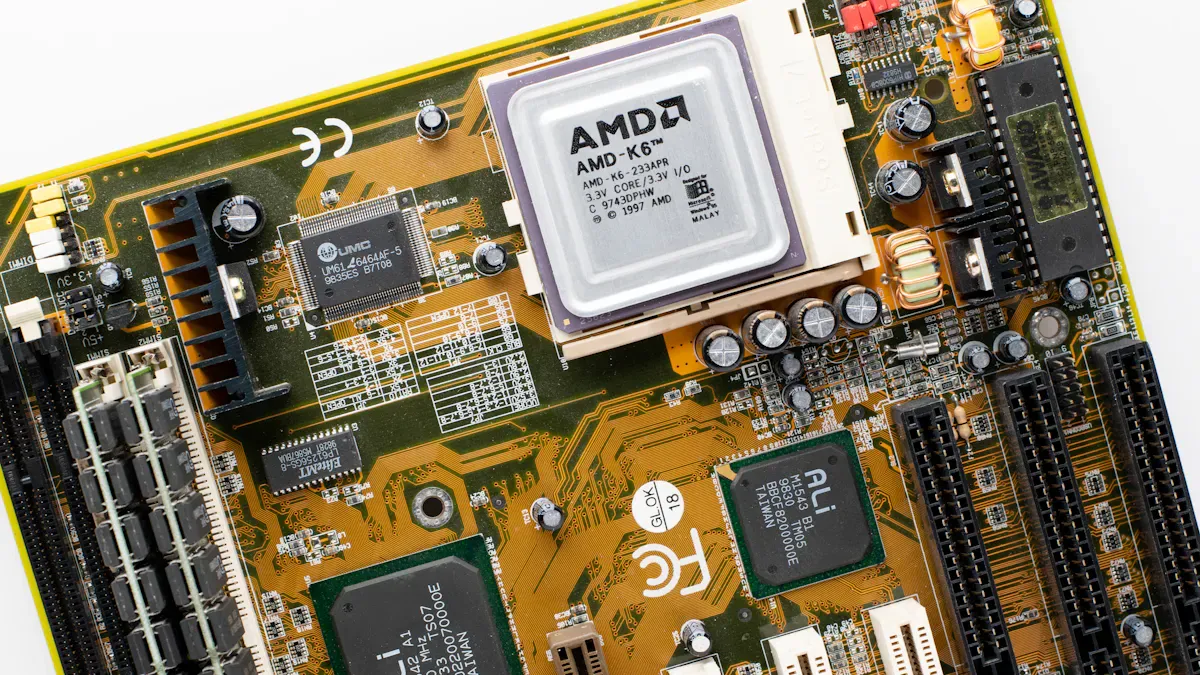
A server motherboard is the main board in a server. It links the CPU, memory, storage, and network cards. This board lets the server do many jobs at once. It also helps data move fast and safely between parts. Many people pick a server motherboard because it handles lots of work. It keeps systems working for a long time. The server pc motherboard is the base for a strong and steady server.
Server vs Desktop Motherboards
Server motherboards and desktop motherboards look alike but are not the same. The table below shows how they are different:
Fonctionnalité | Cartes mères de serveurs | Cartes mères pour ordinateurs de bureau |
|---|---|---|
Chipset Role | Advanced I/O capabilities, robust memory management | Standard I/O capabilities |
Data Transfer Management | Manages data flow and prioritizes tasks for efficiency | Basic data management |
Expansion Capabilities | Multiple PCI/PCIe slots for scalability | Limited expansion options |
Multi-CPU Support | Supports dual or quad-socket configurations | Typically single CPU support |
Advanced Memory Technologies | Supports Chipkill and FB-DIMM for reliability | Standard memory support |
System Management Tools | Includes firmware and monitoring tools | Basic BIOS/UEFI without advanced tools |
A server motherboard can use more CPUs and memory. It also has better tools to manage the system. These things help servers do well when they are busy.
Reliability and Performance
A server motherboard is made to be very reliable and strong. It can do more work than a normal motherboard. Features like multi-CPU support and advanced memory keep the server fast and steady. These boards use special tech to keep data safe and stop errors. Many businesses use server motherboards for important jobs. They pick these boards because they work well for a long time and under stress.
Define Your Workload and Needs
Types of Workloads
Every server has a main job. Some servers keep files safe. Others help run databases. Many servers host websites for people. Some servers do virtualization. This means they run many systems at the same time. If you want a stable server, you must know your workload. Ask yourself, “What will my server do each day?” This question helps you pick the best motherboard. For example, a file server needs strong storage. A database server needs fast memory and quick data access. A web server needs good network choices. Virtualization servers need more slots and strong CPU support. Make a list of your main tasks before picking any hardware.
Tip: Write down what your server will do. This helps you find the right motherboard for your needs.
Performance Requirements
Performance is important for every server. You must check how much speed and power your server needs. Think about how many users will connect. Think about how much data will move each day. For virtualization, you must look at special metrics. The table below shows key metrics for picking a server motherboard for virtualization:
Système métrique | Description |
|---|---|
Expansion Capabilities | Enough slots for upgrades and extra cards. |
Storage Interface Options | Support for SCSI, SAS, and SATA. These help with fast data and hot-swapping drives. |
RAID Support | Built-in RAID keeps data safe and makes it faster. |
Connectivité du réseau | Strong LAN ports help with lots of network traffic. |
Indicateurs de performance | Check CPU speed, memory speed, and data transfer rates. |
Compatibility with Components | Make sure the motherboard works with the right CPU and memory, especially ECC memory. |
Compare these metrics with your workload. If you need fast data, pick a motherboard with strong storage. If you need safe data, look for RAID support. For lots of network traffic, choose motherboards with strong LAN ports. The sz-xtt brand has server motherboards with these features. Their models, like the 11DPI-N and 11DPL-I, give strong performance for big jobs.
Évolutivité
Servers get bigger over time. Data grows. More users join. You must plan for this growth. A good server motherboard lets you upgrade later. It allows more memory, extra storage, and new cards. If you expect more data, your motherboard must handle more bandwidth. Modern server motherboards use advanced chipsets. These chipsets help manage memory and I/O. This helps the server handle lots of data. Pick a motherboard that lets you add more parts later. This keeps your server ready for new jobs.
Note: Picking a scalable motherboard helps your server last longer. It saves money and time later.
The sz-xtt server motherboard lineup has models that support upgrades. Their products, like the 12DAI-N6 and 2SEEP, offer flexibility for growing needs. You can contact sz-xtt for advice and quick quotes to match your workload and plans.
Key Features of the Best Server Motherboard
When you pick a server motherboard, you need to check some key features. These features help your server work better and last longer. The right motherboard supports all your parts and keeps things running well. The sz-xtt brand has six server motherboards for different needs. These are the 11DPI-N, 11DPL-I, 12DAI-N6, 2SEEP, 3DE, and 3DGQ. Each one is good for different types of servers.
CPU Compatibility
Your server motherboard must fit the processors you want to use. The CPU socket tells you which CPUs will work. Some servers need CPUs with lots of cores for big jobs. The 11DPI-N and 11DPL-I from sz-xtt work with new CPUs. This makes them good for hard tasks. Always check the socket and chipset before you buy. This makes sure your CPU and other parts will work.
Memory Support (ECC)
Memory is very important for servers. The best server motherboard works with ECC memory. ECC memory finds and fixes small mistakes in data. This keeps your data safe. Servers use lots of memory, so ECC is needed. The 12DAI-N6 and 2SEEP from sz-xtt can use lots of RAM and ECC memory. Some motherboards also use DDR5 for faster speed. Always know how much memory you need before you choose.
Note: ECC memory helps stop data loss and keeps your server working right.
Emplacements d'extension
Expansion slots let you add more cards to your server. You can add network cards, storage cards, or graphics cards. The best server motherboard has enough PCIe slots for upgrades. The 3DE and 3DGQ from sz-xtt have many expansion slots. This lets you add new things as you need them. More slots mean more choices for your server.
Storage Interfaces
Servers need good storage. The motherboard must work with different drives. New server motherboards use SAS drives, which are fast and strong. SAS is good for banks and online stores. SATA drives are slower but good for backups. Many motherboards also use fast NVMe SSDs for quick data. RAID setups help keep data safe and make things faster. The 11DPL-I and 12DAI-N6 from sz-xtt work with many storage types.
SAS drives: Fast and strong, good for important data.
SATA drives: Slower, good for backups and extra space.
Fast NVMe SSDs: Very quick, good for servers that need speed.
RAID setups: Keep data safe and make things faster.
Network Options
A server must connect to networks fast and safely. The best server motherboard has strong LAN ports and can use more network cards. This helps with lots of traffic and keeps your server online. The 2SEEP and 3DE from sz-xtt have advanced network features. These motherboards give fast connections and protect your network.
Gestion à distance
Remote management tools help IT workers control servers from anywhere. IPMI lets them turn servers on or off and fix problems. They can use a simple screen to check the server and use virtual machines. This saves time and helps them work better. The 11DPI-N and 3DGQ from sz-xtt have remote management tools. This makes things easier for IT teams.
Turn servers on and off from far away.
Control power to save energy.
Fix problems and watch the server with video tools.
Use disk images and virtual machines for more options.
Easy screens make learning simple.
Qualité de construction
Build quality shows how long a server motherboard will last. Good motherboards use strong parts and smart designs. They have voltage regulators to stop power problems. ESD guards stop damage from static. LANGuard gives extra network safety. Each board is tested for hot and cold places. Moisture coating and anti-sulfur resistors help in tough spots. Corrosion-resistant panels last longer. Event logs and self-fixing BIOS help with updates and fixing problems.
Fonctionnalité | Description |
|---|---|
Voltage Regulators | Protects chipset and ports from bad power. |
ESD Guards | Stops damage from static, so parts last longer. |
LANGuard | Gives network safety for strong connections. |
Temperature Testing | Checks if the board works in hot or cold places. |
Moisture-resistant Coating | Stops water from hurting the board. |
Résistances anti-soufre | Makes the board work in tough places. |
Corrosion-resistant I/O | Makes the panels last longer. |
Event Log | Helps find problems by saving system info. |
BIOS à récupération automatique | Fixes the BIOS by itself if there is a problem. |
The sz-xtt server motherboards use these features to make them strong and reliable. Each one is made to last a long time in data centers and other important places.
Tip: Always pick a server pc motherboard with strong build quality. This helps your server work well for many years.
To learn more about each sz-xtt model, visit the sz-xtt server motherboard product page or read their blog for more guides.
Compatibilité des cartes mères des PC serveurs
CPU, RAM, Storage Matching
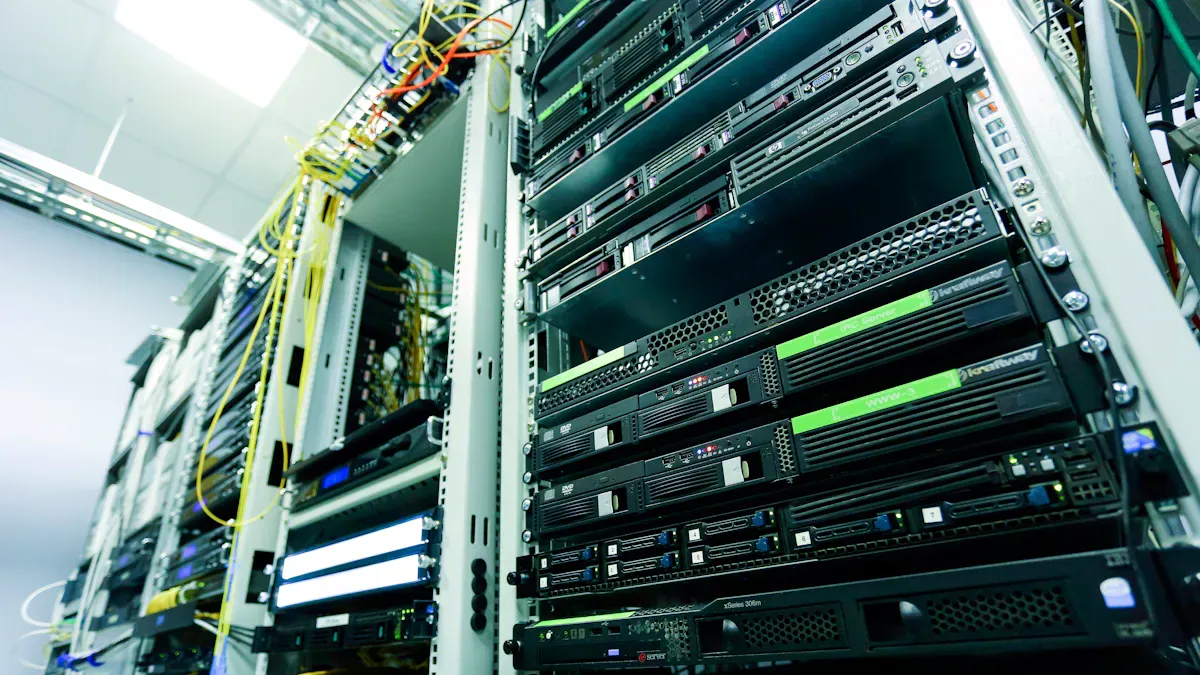
Motherboard compatibility is very important when you build a server. You need to make sure the motherboard works with your CPU, memory, and storage. Each server motherboard fits certain CPUs, like Intel Xeon or AMD EPYC. The CPU must match the socket on the motherboard. Memory support is also important. Many servers use ECC memory to fix errors. The motherboard must support the right kind and amount of RAM. Storage compatibility means checking for SATA, SAS, or NVMe support. The table below shows what you need to check:
Compatibility Aspect | Description |
|---|---|
CPU Compatibility | Make sure the motherboard fits the type and generation of CPU. |
Memory Compatibility | Check if the motherboard supports the kind and size of memory you need. |
Power Supply Compatibility | Make sure the power supply has the right wattage and connectors. |
Picking server parts carefully helps you avoid problems later. The sz-xtt server motherboards, like the 11DPI-N and 12DAI-N6, work with many CPUs and memory types. For more information, you can visit the sz-xtt product page or read their blog.
Power Supply and Case Fit
A server needs a power supply that is strong enough. It must have the right wattage for all parts. The power supply should have the correct connectors for the motherboard and other devices. Cooling is important to keep the server safe. The case must fit the motherboard size, like ATX or E-ATX. You should check how many drive bays and fan mounts there are. A good fit makes building and upgrading easier.
Tip: Always measure the case and check the power supply before you buy new parts.
Peripheral Support
Servers often use extra cards and devices. These can be network cards, storage controllers, or USB devices. The motherboard must have enough PCIe slots and USB ports. You should check if the motherboard supports the peripherals you need. This step helps the server run well and makes upgrades easy. The sz-xtt 3DE and 3DGQ models have many expansion options for different needs.
Note: Planning for future peripherals keeps your server flexible.
Checking motherboard compatibility helps you build a stable and reliable server. Careful planning means fewer problems and better performance.
Future-Proofing and Brand Selection
Planification de la mise à niveau
Thinking ahead helps your server last longer. You should pick a motherboard that is easy to upgrade. Look for extra memory slots and more PCIe slots. Make sure it supports new CPUs. If your business grows, you might need more storage. You may also need faster network cards. A good server motherboard lets you add these parts later. You do not have to change the whole system. Many companies want motherboards that can handle upgrades. The sz-xtt server motherboards give flexible choices for growth. You can read more about upgrades in the sz-xtt server motherboard blog.
Garantie et assistance
Warranty and support are important for server reliability. A strong warranty helps if something breaks. Good support helps you fix problems quickly. Brands offer different levels of support. Some give help all day and night. Others have online guides or fast teams. The sz-xtt team gives quick and helpful support. They answer questions and help with setup or fixing issues. Their quick quote service helps you get the right product fast. For more details, visit the sz-xtt support page.
Comparing Brands (sz-xtt)
Lorsque vous compare server motherboard brands, look at these things:
Chipset abilities
Expansion options
Storage interface choices
RAID support
Network connections
Remote management tools
Performance checks
Compatibility with other parts
Brands like sz-xtt, Supermicro, and ASUS have strong products. The sz-xtt models are reliable and have advanced features. Their motherboards, like the 11DPI-N and 12DAI-N6, fit many server needs. You can check the Page produit sz-xtt for more info.
Budget et valeur
Budget is important when picking a server motherboard. You want the best value for your money. A good motherboard should have strong support and easy upgrades. It should also work well and be reliable. The sz-xtt brand gives a balance of quality and price. Their motherboards work for many jobs and come with helpful support. You can ask for a quick quote to find the best fit for your needs.
Quick Checklist for Choosing a Server Motherboard
Step-by-Step Summary
A checklist helps people pick the right motherboard. Here are some easy steps to follow:
Make sure the motherboard works with your main parts. Check if the CPU socket, memory type, and I/O options match. Look for features like RAID and dual Ethernet.
Pick motherboards that have remote management tools. IPMI or iKVM let you check and fix servers from anywhere.
Think about upgrades for… later. Choose boards that let you add more RAM, SSDs, and NICs. Stay away from sharing platforms that stop you from growing.
Buy from brands that give good support and warranty. Trusted brands like sz-xtt help if you have problems. You can read about their server motherboard models et blog guides.
Key Features Review
People should look at important features before they buy. CPU compatibility means the processor will fit and work well. ECC memory support keeps data safe and the server steady. Expansion slots let you add more cards and make upgrades. Storage interfaces like SAS, SATA, and NVMe let you use different drives. Network options give fast and safe connections. Remote management tools help IT teams control servers easily. Good build quality means the motherboard lasts longer and works in hard places. The sz-xtt lineup has these features, so many businesses trust them.
Tip: Use a buying guide to compare features. This helps you find the best motherboard for your server.
Final Tips
People should always check if parts work together and plan for and upgrades. They should pick motherboards with remote management and strong build quality. Trusted brands like sz-xtt help you build a stable server. Their quick quote service gives fast answers for special needs. Reading product pages and blog guides helps you learn and feel sure about your choice.
Élément de la liste de contrôle | Pourquoi c'est important |
|---|---|
Compatibilité | Stops hardware problems |
Gestion à distance | Saves time and work |
Upgrade Options | Lets you grow later |
Brand Support | Makes things more reliable |
A good checklist helps you build a strong and steady server.
Picking the right server motherboard starts with knowing what jobs it will do. People need to check if it works with their CPU, memory, and storage. Important things to look at are chipset support, memory type, and expansion slots. Memory support like ECC and having more CPU choices help the server work better and stay reliable. The checklist helps people compare motherboards and pick the best one. Brands like sz-xtt give good support and make strong products. Start looking now to build a server pc motherboard that fits all your needs.
FAQ
Qu'est-ce qui différencie une carte mère de serveur d'une carte mère d'ordinateur de bureau ?
A server motherboard can use more CPUs. It works with ECC memory. It has special tools for managing the system. It handles big jobs and stays strong.
You can read more about server motherboards at sz-xtt’s blog.
En quoi la mémoire ECC est-elle utile pour un serveur ?
ECC memory checks data for mistakes. It fixes errors so the server stays safe. This keeps important information protected.
ECC memory is used in sz-xtt server motherboards.
Which features should someone check before buying a server motherboard?
CPU socket type
Memory support
Expansion slots
Storage interfaces
Network options
Remote management
Find more details on the Page produit sz-xtt.
Can a server motherboard be upgraded later?
Yes. Many server motherboards let you add new parts. You can put in more RAM, storage, or network cards.
Le sz-xtt 12DAI-N6 lets you upgrade easily.
Where can someone get support for sz-xtt server motherboards?
sz-xtt gives fast help and warranty service.
Type d'assistance | Disponibilité |
|---|---|
Online Help | 24/7 |
Quick Quote | Within 24 hours |
Go to the sz-xtt support page if you need help.


