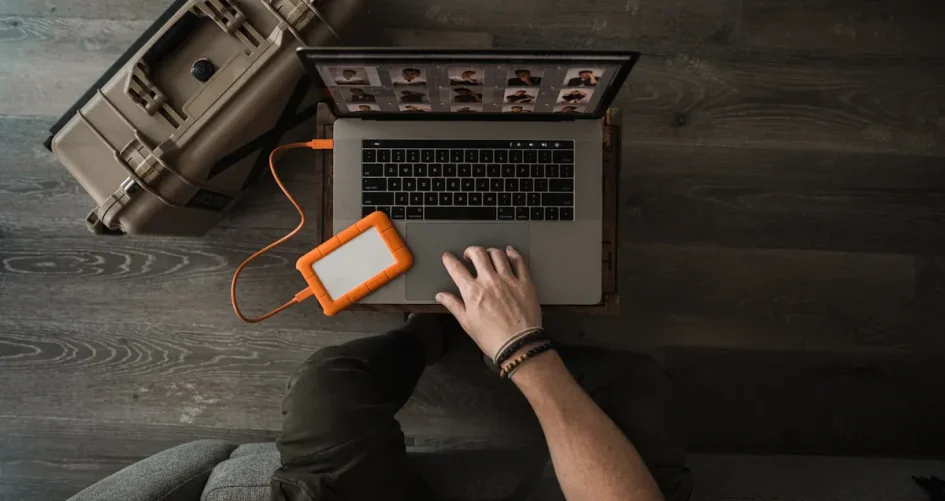
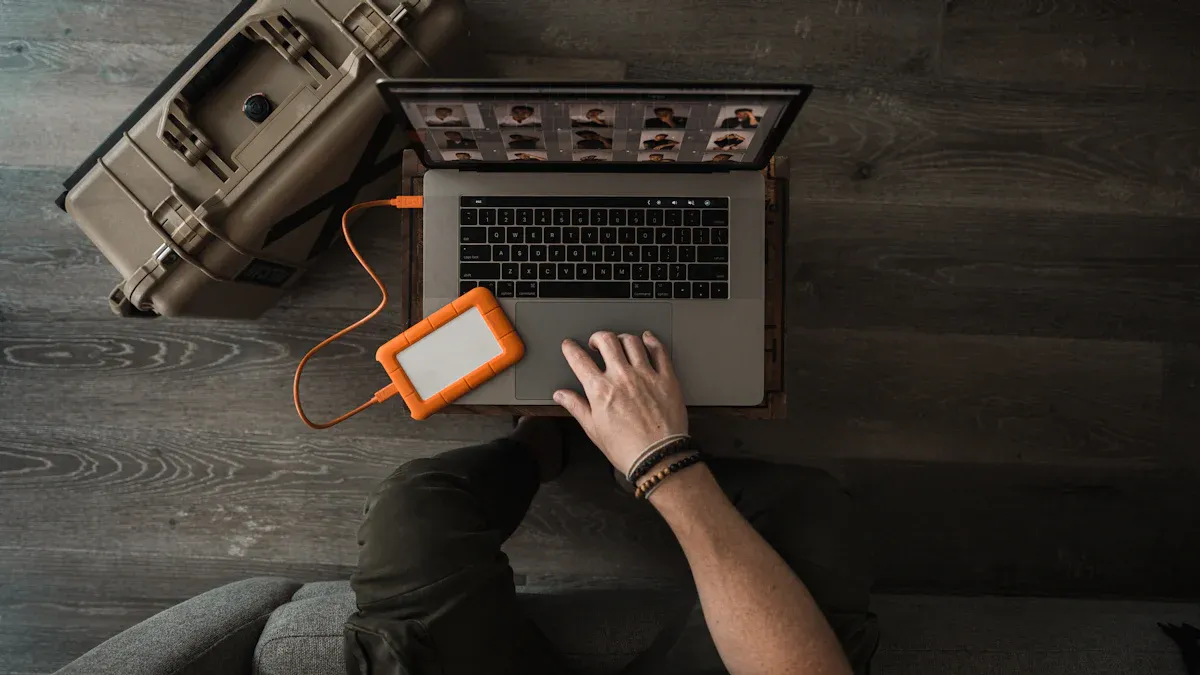
Choosing the right rugged laptop starts with knowing the demands of the workplace. He faces dust, water, drops, and harsh weather every day. Certifications like MIL-STD-810H and IP ratings show how rugged laptop computers stand up to tough conditions. They need mobility, speed, and reliability to keep up with their tasks.
Tip: Always match the features of the device to the challenges of the job.
Key Takeaways
Know where you will use your laptop. Think about things like dust, water, and heat when picking a rugged laptop.
Look for important certifications. Find MIL-STD-810H and high IP ratings to make sure the laptop can handle tough places.
Focus on performance features. Pick laptops with a strong processor, enough RAM, and lots of storage for your work.
Check battery life and connections. Choose laptops with batteries that last long and ports you need for your job.
Read user reviews. See what other people say to find rugged laptops that fit what you need.
Assessing Work Needs
Work Environment
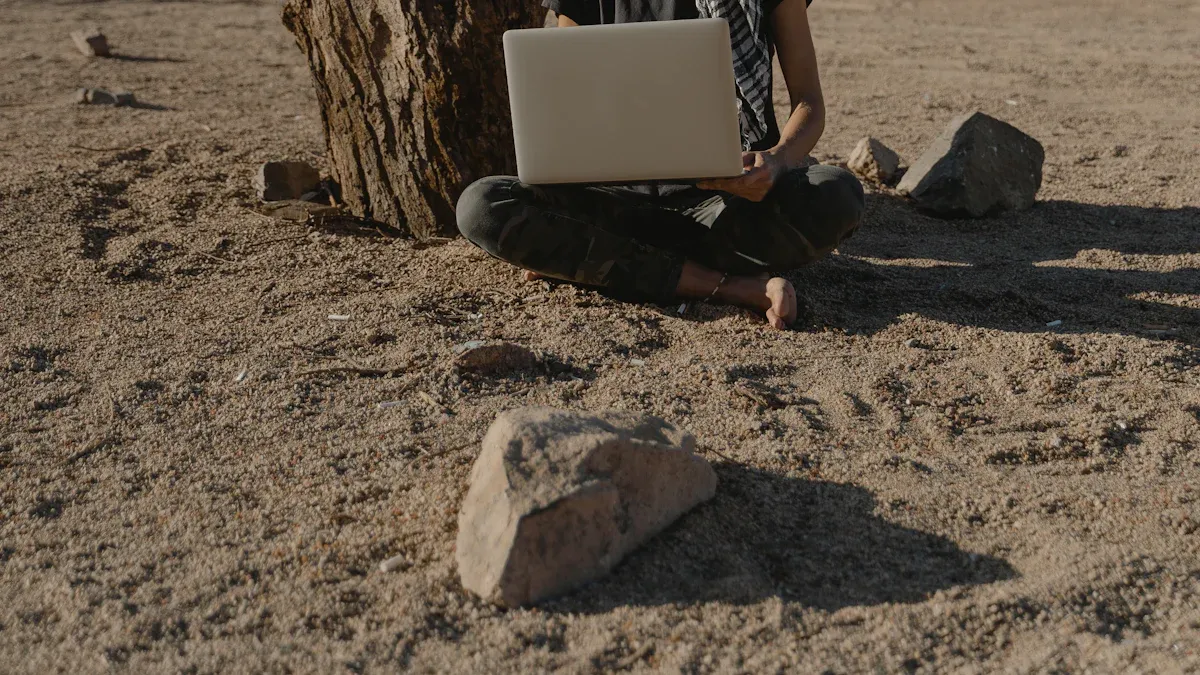
Every job site is different and has its own problems. Some people work where there are flammable gases or lots of dust. Others deal with shock, vibration, or chemicals. Some workers go into places where explosions could happen. These dangers mean you need a rugged laptop that can handle tough places.
Flammable gases
Combustible dusts
Shock and vibration
Exposure to chemicals
High-risk explosive zones
A ruggedized laptop can handle these dangers. Construction and outdoor jobs often need special features. The table below shows how the environment changes what kind of rugged tough laptop you need:
Feature | Importance in Work Environment |
|---|---|
Screen Brightness | Makes it easier to see outside in bright light |
Rugged Certifications | Shows the laptop can handle tough situations |
Touchscreen Compatibility | Lets you use gloves while working |
Durability Standards | MIL-STD-810H, IP ratings help protect the laptop |
Battery Design | Keeps the laptop running for long work hours |
Connectivity | Lets you work in far away or moving locations |
Note: He should always check the certifications and features before choosing a rugged laptop for his job.
Mobility & Tasks
Some jobs mean you have to move around a lot. She might carry her rugged tough laptop through mud or busy places. He needs a laptop that does not break if it falls or gets hit. Workers use ruggedized laptops for things like facial recognition or checking traffic patterns. Real-time communication is important for police and military jobs.
Data-intensive applications
Real-time communication in mission-critical environments
Durability for harsh conditions
A rugged laptop with a strong case, shock-proof hard drive, and spill-proof keyboard keeps working even when things get rough. Rubber edges help the laptop last longer in hard places.
Tip: He should think about how much he moves his laptop and what dangers it faces each day.
Key Features of Rugged Laptop Computers
Durability & Certifications
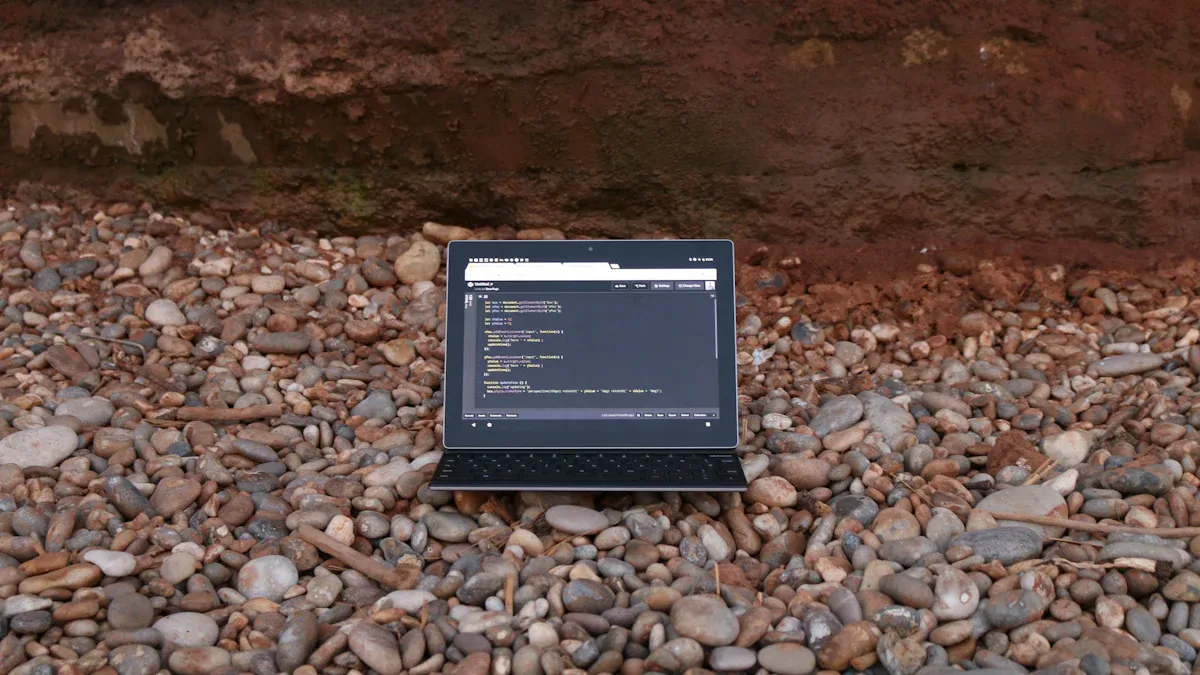
When you pick rugged laptop computers, you want them to be tough. These laptops get dropped, bumped, rained on, and dusty all the time. Certifications help you know how strong a laptop is. MIL-STD-810H and IP ratings are very important. MIL-STD-810H means the laptop passed tests for drops, shaking, and bad weather. IP ratings show how well the laptop keeps out water and dust. A higher IP rating means the laptop is better at stopping water and dust.
Here’s a quick look at what these certifications mean:
Certification | Description |
|---|---|
MIL-STD-810H | Tests for resistance to drops, shocks, vibrations, rain, dust, sand, fluid contamination, and performance under extreme environmental conditions. |
IP Ratings | Indicates protection against solids (first digit) and liquids (second digit), with higher ratings signifying better durability against environmental factors. |
A laptop with these certifications can work in hard places.
Tip: Always check for MIL-STD-810H and a high IP rating before you choose rugged laptop computers.
Performance & Speed
Rugged laptop computers need to be fast for hard jobs. You should get a laptop with a good processor, enough RAM, and lots of storage. If your laptop is slow, your work gets harder, especially with big programs.
Here are the minimum specs for most field jobs:
Component | Minimum Requirement |
|---|---|
CPU | Intel Core i5 (12th Gen or newer) |
RAM | 8GB DDR4/DDR5 |
Storage | 256GB NVMe SSD |
Most people now use 16GB RAM. Some jobs need 32GB or more. Storage is important too. 512GB is enough for basic work, but 1TB or more is better for big files.
Note: Pick rugged laptop computers with enough speed and memory for your daily work.
Screen Quality
Screen quality matters a lot, especially outside. A bright screen helps you see, even in sunlight. The best rugged laptop screens have at least 400 nits of brightness. Anti-glare screens and optical bonding make it easier to read outside. These features cut down glare and reflections.
Brightness of 400 nits or more for outdoor use
Anti-glare screens for better visibility in sunlight
Optical bonding for clear images and less glare
A good screen helps you work well in any light.
Battery & Power
Long battery life is important for working outside. You cannot always find a place to charge your laptop. Some rugged laptop computers have hot-swappable batteries. This means you can change the battery without turning off the laptop. Models like the L156 Series, L156AD, and L156AD-4KM1 have this feature. Hot-swappable batteries keep your laptop running all day.
Hot-swappable dual batteries for nonstop work
Continuous operation without shutdowns
More time in the field, less time charging
A rugged laptop with long battery life helps you finish your work without worry.
Connectivity & Ports
Rugged laptop computers need good connections and the right ports. You may need to send data from far away or connect special tools. The best rugged laptop models have 4G LTE, Wi-Fi 6, Bluetooth 5.1, and GPS. These features help you stay connected anywhere.
Here are some common ports and what they do:
Specialized Ports | Description |
|---|---|
Serial Ports | Used for connecting various sensors and instruments |
LAN | Enables network connectivity for data transfer |
USB 3.0 | Allows connection to external devices and peripherals |
You should also look for USB-C (Thunderbolt 4), HDMI, and RS232 ports. These ports help you connect to many devices in the field.
Note: Good connections and the right ports make rugged laptop computers ready for any job.
Comparing the Best Rugged Laptop Models
Top Brands Overview
Many companies make rugged laptops. Each company has its own special features. Here are some top brands:
Dell Inc.
Getac
Handheld Group
Lenovo
Panasonic Holdings Corporation
Roda Computer GmbH
Twinhead International Corp
Xplore Technologies
sz-xtt
He can find these laptops in many jobs. Emergency workers, builders, and soldiers use them because they are tough and work well.
Tip: He should look for brands that are known for being reliable and helpful.
Model Comparisons
Different companies focus on different things. Panasonic uses strong glass and covers that keep out water. Getac makes fully rugged and semi-rugged laptops with special ports. Dell builds laptops with screens you can see outside and bright lights. sz-xtt makes laptops for hard places.
Brand | Features |
|---|---|
Panasonic | Fully Rugged and Semi Rugged models, chemically strengthened glass, weatherproof flaps, swappable shock-mounted hard drive, IP ratings (IP51, IP54, IP65, IP67) for dust and water protection. |
Getac | Fully rugged (Bxxx series) and Semi-Rugged (Sxxx series) models, specific port requirements, limited availability of parts. |
Dell | Outdoor-readable displays, strong backlight, anti-reflective coatings, and technologies like ATG 630 for enhanced visibility. |
sz-xtt | Offers rugged laptops designed for extreme conditions. |
Rugged laptops keep out water, dust, and can take hits. Panasonic and Getac make screens easy to see outside and use strong parts. Some laptops are very tough but may not be as fast. He should check certifications, toughness, and speed before picking one.
User Reviews & Reliability
User reviews show these laptops work well in tough places. People say they are strong, have good battery life, and nice screens. Laptops with high toughness ratings last longer. Some users say batteries do not last all day. Drops, bad weather, and dust cause most problems. Bad connections can make repairs slow, especially if workers need help from far away.
Users like rugged laptops because they work in hot and cold places.
Reviews say they perform well and have good battery life for long work.
Some people want better batteries and faster fixes.
Note: He should read reviews to find out which laptops work best when things get hard.
Making the Right Rugged Laptop Choice
Prioritizing Features
He needs a rugged laptop that matches his work. Some jobs need strong durability. Others need long battery life or fast performance. Professionals rank these features in different ways:
Military-Grade Durability: MIL-STD-810G certification helps the laptop survive drops and shocks.
Long Battery Life: Big batteries keep the laptop working in remote places.
Powerful Performance: Fast processors and enough RAM help with hard tasks.
She must choose between light design and tough build. The table below shows what you trade:
Trade-off Area | Lightweight Design | Maximum Ruggedness |
|---|---|---|
Performance | Slower processors, less speed | Faster parts, more power |
Thermal Management | Less cooling, may slow down | Better cooling, less heat |
Connectivity Options | Fewer ports, RAM is fixed | More ports, can add parts |
He should pick the features that matter most for his work.
Tip: She can choose a laptop that balances toughness, speed, and battery life.
Budget & Value
He wants the best deal for his money. Rugged laptops cost more at first, but save money later. The table below compares costs over five years:
Cost Element | Standard Laptops | Rugged Laptops |
|---|---|---|
Purchase Price | $1,500 | $1,800 |
Estimated Repair Costs | $800-$1,200/year | $0 (covered) |
Downtime Productivity Loss | $900-$1,200 | $300 |
Replacement Accessories | $200-$300 | $0-$100 |
Total 5-year TCO | $3,400-$4,200 | $2,000-$2,100 |
She can lease rugged laptops and pay nothing for 90 days. Lease terms last from 12 to 60 months. Financing is tax deductible and approval is fast.
Note: He should think about saving money in the long run, not just the price.
Warranty & Support
He needs a laptop with good warranty and support. Most brands give a 3-year warranty. You can extend it up to 7 years. Some warranties cover damage and battery life. Getac and Panasonic offer long coverage.
Standard 3-year warranty for all parts
Upgrade options for up to 7 years
Battery warranty for the unit’s life
Repairs for damage and broken parts
Top brands offer service packs like next day service and warranty extensions. He can keep his storage drives after repairs.
Tip: She should check warranty and support before buying a rugged laptop.
He needs to pick laptop features that fit his job. The table shows how jobs need special hardware:
Industry | Tasks and Conditions | Key Features |
|---|---|---|
Public Safety | Storms and emergencies | Bright screens and strong build |
Utilities | Remote repairs and meter checks | Water protection and long battery |
Manufacturing | Dusty areas and machine control | Sealed design and fast processor |
She should compare different models. She must check certifications. She needs to look for good warranty and support. Teams work better when laptops match their needs. Laptops last longer if they are right for the job. He should test devices before buying. He must pick what works best for his work.
FAQ
What does MIL-STD-810H mean?
MIL-STD-810H shows the laptop passed tough tests. It survived drops, shocks, rain, dust, and extreme temperatures. He can trust this certification for harsh work sites.
Can rugged laptops handle water and dust?
Yes! Rugged laptops with high IP ratings keep out water and dust. She can use them in wet or dirty places without worry.
Are rugged laptops heavier than regular laptops?
Rugged laptops usually weigh more. They have strong cases and extra protection. He should check the weight before buying if he moves a lot.
Do rugged laptops work in extreme temperatures?
Rugged laptops work in hot and cold places. They keep running when the weather changes. She can use them outside all year.