
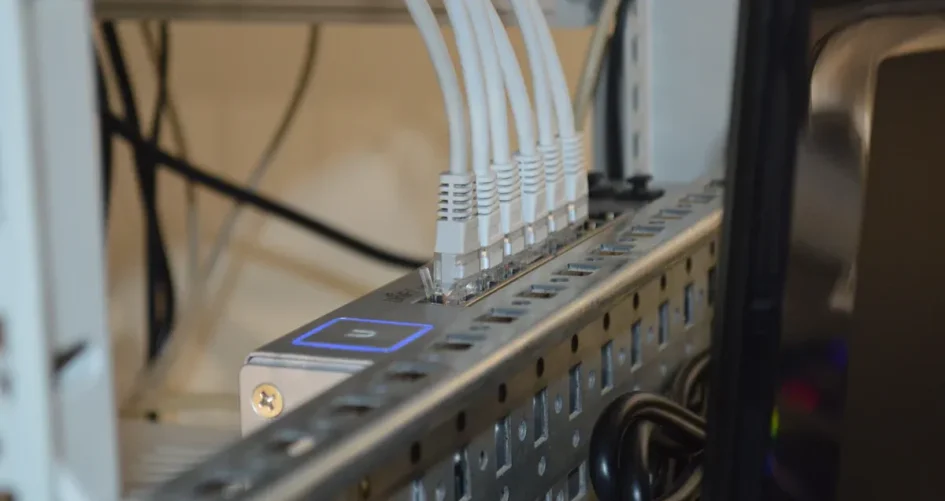
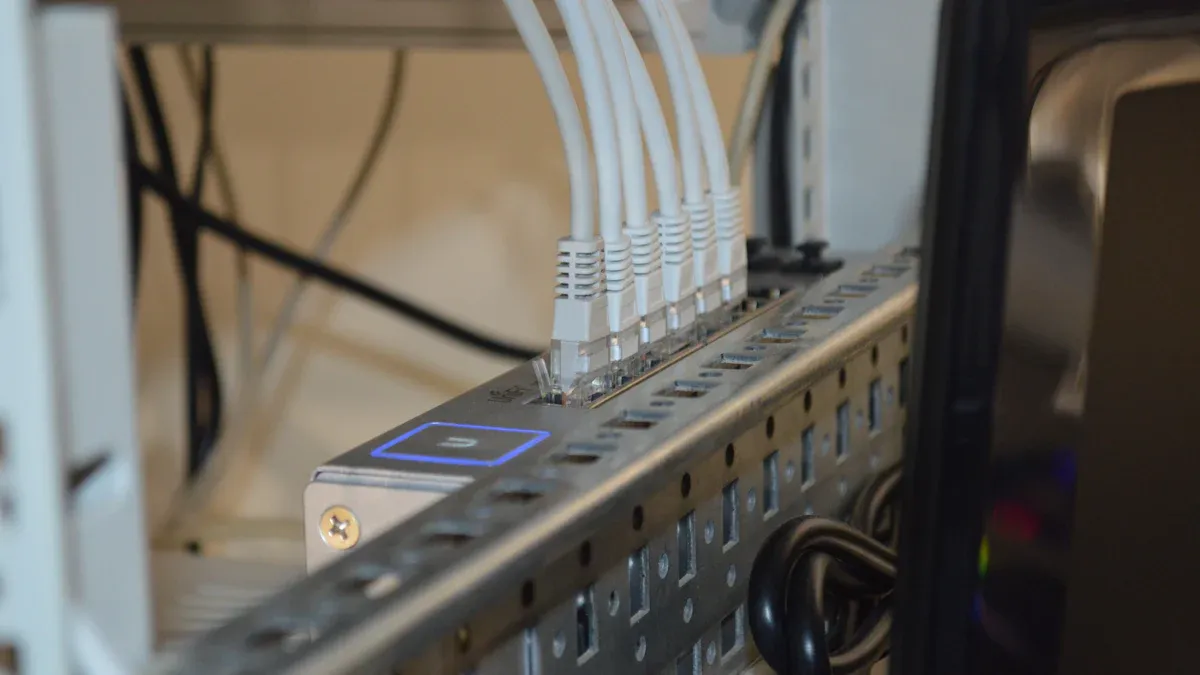
Many people want to connect more devices at home or work. Models like the 200-48X and 200-48X6C splitter network cable let users share internet with many computers, printers, or smart TVs. The sz-xtt Ethernet splitter is also good because it works well. Picking the right cable is important. Homes, offices, and big networks need different cables. Some popular splitters are the Monoprice Blackbird and Satechi splitters. They show clear pictures and get high ratings from users, as you can see below:
Model | Price (Est. 2025) | Resolution Support | Outputs | User Rating |
|---|---|---|---|---|
Monoprice Blackbird 4K 1×2 HDMI 2.0 Splitter | $25.99 | 4K @ 60Hz, HDR | 2 | 4.7 / 5.0 |
Satechi 4K 1×2 HDMI 2.0 Splitter | $29.99 | 4K @ 60Hz | 2 | 4.8 / 5.0 |
People can read more details and tips in the next parts.
Hal-hal Penting yang Dapat Dipetik
A splitter network cable lets many devices use one Ethernet connection. This helps keep things neat and saves space. – Pick a splitter by counting how many devices you want to connect. Also, think about how fast your network needs to be. – Good splitter cables are made from strong materials. This makes them last longer and work better. – Think about how much money you want to spend. Also, remember what your home or office needs before you buy a splitter network cable. – It is easy to set up. Just follow simple steps to connect your devices. You do not need special skills or tools.
Apa yang dimaksud dengan Kabel Jaringan Splitter?
Definition and Function
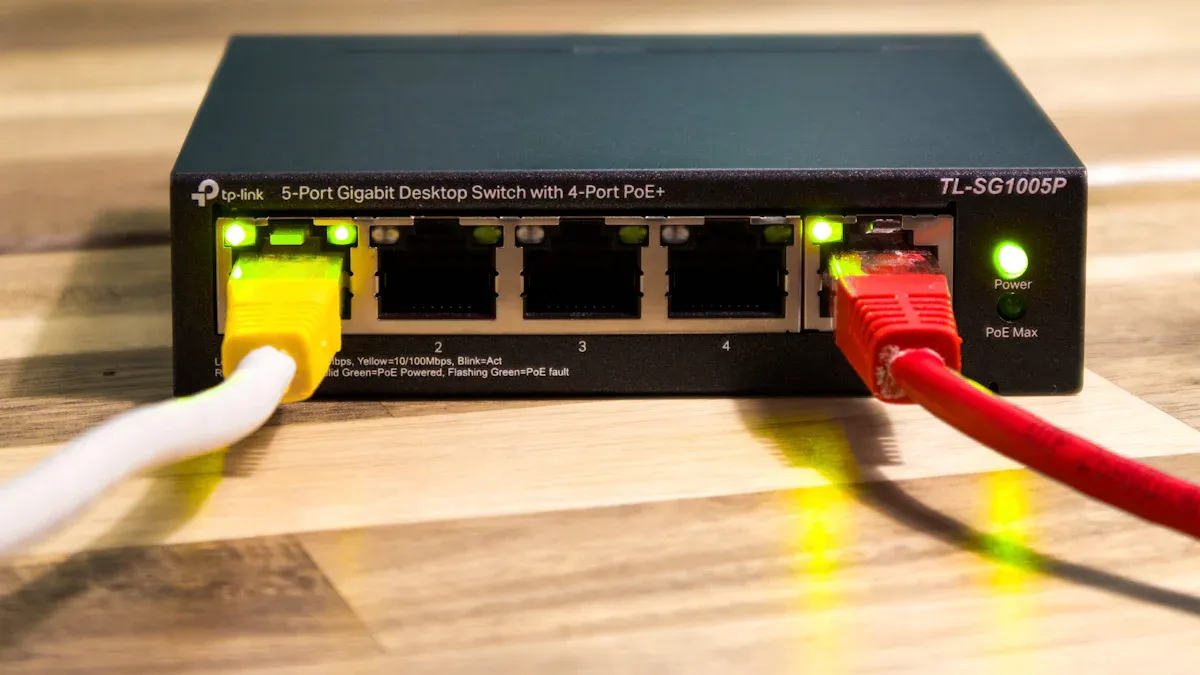
A splitter network cable lets people connect more devices to one network line. This tool is helpful in homes and offices. It helps people share internet without using more cables. The device splits one Ethernet connection into several outputs. It takes the wire pairs inside the cable and sends them to different ports. This lets more than one device use the same cable path if certain things are met.
Some main things a splitter network cable does are:
It splits one Ethernet connection into more outputs.
It lets many devices use one Ethernet cable.
It moves wire pairs inside the cable to other ports.
People pick a splitter network cable when they want less messy wires or have little wall space. The device makes it easy and cheap to add more network spots.
Home and Office Applications
A splitter network cable has many uses at home and in offices. At home, families use these cables to connect computers, smart TVs, or game consoles in different rooms. Offices use them to link printers, work computers, and other devices without adding new cables.
Some common uses are:
Security cameras: People connect more cameras with one cable, so it is easier to set up.
Wireless bridges: These cables help join two network parts with just one line.
The sz-xtt Ethernet splitter is a top pick for these jobs. It works well and can support many devices at the same time. Many people trust this brand for home and office networks.
A splitter network cable helps people save time and money. It means you do not need extra wires and keeps rooms tidy. This tool is a smart way to grow your network fast and easily.
Key Features of Splitter Network Cables
Compatibility and Speed
A splitter network cable should work with many devices. It also needs to move data quickly. People must check if the cable fits their devices before buying.
Number of Connections: Buyers should know how many devices they want to connect now and later.
Device Requirements: Each device might need a different speed or bandwidth.
Speed and Bandwidth: The splitter must handle fast data for high-speed networks.
Distance Between Devices: If devices are far apart, an active splitter may be needed to keep the signal strong.
Compatibility with Cable Standards: The splitter should match the cable type, like Cat5e, Cat6, or Cat6a.
Ethernet splitters usually go up to 100 Mbps. This speed depends on the cables, not just the splitter. The sz-xtt Ethernet splitter works well and fits many devices. For more information, visit the sz-xtt official product page.
Kualitas dan Daya Tahan Bangunan
Good materials help a splitter network cable last longer. Silica glass keeps the signal strong over long distances. Layers made from Polyethylene (PE), Polyvinyl Chloride (PVC), and Thermoplastic Elastomers (TPE) protect the cable. These layers keep out water, heat, and stress. These features help the cable work well for many years. Most splitter network cables last about 20 years with normal use. The best ones can last up to 30 years if cared for.
Harga dan Nilai
Many brands sell splitter network cables at different prices. Buyers can look at features and ratings to find the best deal. The table below shows prices and ratings for popular models:
Merek | Model | Harga (USD) | Average Rating | Terbaik untuk |
|---|---|---|---|---|
TP-Link | ET1004 (5-Port) | $15 | 4.5 / 5 Stars | Overall Best Buy |
Monoprice | Pembagi Ethernet | $12 | 4.6 / 5 Stars | Best Budget Option |
Netgear | GS108 (8-Port) | $20 | 4.3 / 5 Stars | More Ports |
Masalah Kabel | Pembagi Ethernet | $14 | 4.5 / 5 Stars | Strong Contender |
D-Link | DGS-1008 (8-Port) | $18 | 4.2 / 5 Stars | Reliable Alternative |

People can pick a splitter network cable that matches their budget and needs. High ratings and strong build quality usually mean better value.
Best Splitter Network Cable Reviews
200-48X Network Splitter
The 200-48X Network Splitter is fast and easy to use. It can move data up to 10 Gbps. This makes it good for big offices or busy places. The splitter network cable has 48 ports. You can connect lots of devices at the same time. It also supports Power Over Ethernet (PoE). This lets power and data go through one cable.
Fitur | Detail |
|---|---|
Kecepatan Maksimum | 10 Gbps |
Ports/Connections | 48 |
Dukungan PoE | Ya. |
Fitur Manajemen | CLI, SNMP, Web |
Terbaik untuk | Large offices |
Fitur Khusus | VLAN, traffic mirroring |
People say the 200-48X Network Splitter is simple to set up. You do not need special skills. It works with many kinds of equipment. It follows IEEE 802.3 standards. The strong build helps it last in busy places. Users get stable connections and few problems. Many devices can use it at the same time.
Kelebihan:
Mudah dipasang
Connects many devices
Advanced management tools
Supports PoE
Kekurangan:
Devices share bandwidth
Not best for very fast home internet
Contoh Penggunaan yang Ideal:
Big offices, schools, or places where lots of devices need one network.
Tip: The 200-48X Network Splitter is best for places that need strong and steady connections for many users.
200-48X6C Network Splitter
The 200-48X6C Network Splitter has even more features. It has 48 10GE/GE ports and 6 100GE/40GE ports. This model can move up to 1080Gbps of data. That is much more than most splitters. It supports VLAN, MPLS, GRE, and VXLAN. This makes it good for complex networks.
Fitur | Deskripsi |
|---|---|
Pelabuhan | 48 10GE/GE + 6 100GE/40GE |
Data Capacity | 1080Gbps |
Pengelolaan Lalu Lintas | VLAN ID, MAC address, and IP address filtering |
Protocol Support | IPv4 and IPv6 |
Fitur Lanjutan | Tunnel packet visibility, VLAN, MPLS, GRE, VXLAN |
Manajemen | RJ45 port with CLI, SNMP, WEB management |
This splitter network cable works with IPv4 and IPv6 networks. It lets users manage traffic and keep the network safe. You can control it with a web page or command line. It is good for places that need fast, safe, and flexible networking.
Kelebihan:
Handles lots of data
Many advanced traffic control features
Mudah dikelola
Kekurangan:
Too much for small home networks
Contoh Penggunaan yang Ideal:
Big businesses, data centers, or places that need to move lots of data quickly and safely.
sz-xtt Ethernet Splitter
The sz-xtt Ethernet Splitter is popular for homes and offices. The sz-xtt brand makes reliable network products. This splitter lets two devices share one Ethernet line. It is helpful when you cannot add more cables. Offices with old equipment or limited wiring also use this device.
Kasus Penggunaan | Deskripsi | Ideal Setting |
|---|---|---|
Two Devices | Lets two devices share one Ethernet line | Beranda |
Limited Cabling | Extends network reach without extra cables | Home/Office |
Old Equipment | Works well with older office setups | Office |
People like the sz-xtt Ethernet Splitter because it is simple. It works with many devices. You do not need extra software. The device keeps the network neat and saves money on wires. For more details, visit the sz-xtt Ethernet Splitter page or learn about the sz-xtt brand.
Kelebihan:
Mudah digunakan
Good for homes and offices
Saves space and money
Kekurangan:
Only splits one line into two
Contoh Penggunaan yang Ideal:
Homes with few wires, offices with old equipment, or places where adding new cables is hard.
UGREEN RJ45 Splitter
The UGREEN RJ45 Splitter works with many devices and is easy to set up. It connects to laptops, desktops, routers, and gaming consoles. You do not need to install drivers. The device moves data up to 1 Gbps. This is fast enough for most homes and offices.
Fitur | UGREEN RJ45 Splitter |
|---|---|
Kompatibilitas | Laptops, desktops, routers, gaming consoles |
Instalasi | Plug-and-play, no drivers needed |
Kecepatan Transfer Data | Up to 1 Gbps |
Dual Connection | Connects two devices at once |
Desain Ringkas | Easy to carry and store |
Kelebihan:
Plug-and-play design
Works with many devices
Fast enough for most uses
Kekurangan:
Only supports two devices at a time
Contoh Penggunaan yang Ideal:
Small offices, home networks, or gaming setups that need a simple way to connect two devices.
Cable Matters Splitter
Cable Matters makes a splitter network cable that is affordable and reliable. This splitter works with most Ethernet standards. It is good for basic networking jobs. It is a smart pick for people who want a reliable product without spending too much.
Kelebihan:
Low price
Reliable for basic tasks
Works with many Ethernet cables
Kekurangan:
Not for fast or advanced networks
Contoh Penggunaan yang Ideal:
Home users, small offices, or anyone who needs a simple way to add one more device to their network.
Vrbgify Ethernet Splitter
The Vrbgify Ethernet Splitter is small and easy to use. It connects two devices and works with most routers and switches. The compact size makes it easy to carry.
Kelebihan:
Small and light
Mudah digunakan
Works with many routers
Kekurangan:
Only connects two devices
Not for big networks
Contoh Penggunaan yang Ideal:
Travel, small home offices, or temporary setups where you need to connect two devices quickly.
Note: When picking a splitter network cable, think about how many devices you want to connect and what speed you need. Each model is best for different places.
How to Choose a Splitter Network Cable
Assessing Your Network Needs
Picking the right splitter network cable starts with knowing your setup. You should count how many devices you want to connect. Look at the cables you use. Think about where you will put the cable. The table below lists important things to check:
Faktor | Deskripsi |
|---|---|
Fiber Types | Single-mode works for long distances. Multimode is good for short distances. |
Connector Types | LC fits lots of connections. SC is standard. MTP/MPO connects many fibers. |
Fiber Count | Choose based on how many connections you need. You can pick 8, 12, or 24 fibers. |
Armor or No Armor | Armored cables protect better. Non-armored cables bend more easily. |
Plenum or Riser Rated | Plenum-rated cables are for air spaces. Riser-rated cables are for vertical runs. |
Cable Diameter | Thick cables last longer. Thin cables bend easier. |
Installation and Maintenance | MTP/MPO cables are easy to install. Check cables often for damage. |
Faktor Lingkungan | Think about temperature, humidity, and dust in your space. |
Kompatibilitas | Make sure your cable works with your devices. It should follow standards. |
Anggaran | Balance what you need with what you can spend. |
You can look at brands like sz-xtt for reliable products. They work well at home and in offices. For more info, visit the sz-xtt Ethernet Splitter page.
Pembagi vs Sakelar
Some people ask if they should use a splitter or a switch. The table below shows the main differences:
Fitur | Pembagi Ethernet | Switch Jaringan |
|---|---|---|
Fungsionalitas | Splits one connection into two | Connects many devices and manages traffic |
Bandwidth | Shares bandwidth between two devices | Gives full bandwidth to each device |
Pengelolaan Lalu Lintas | No traffic management | Can manage and prioritize data flow |
An Ethernet splitter lets two devices use one cable. It does not control traffic.
A network switch connects many devices. Each device gets its own bandwidth. It can control how data moves.
A splitter network cable is best for simple setups with few devices. A switch is better for bigger networks that need more speed and control.
Budget and Environment
Price is important when picking network gear. The table below compares cost and performance:
Option | Biaya | Performance Implications |
|---|---|---|
Pembagi Ethernet | Less than $10 | Limited performance, not for high-demand use |
Switch Jaringan | More costly | Better performance, supports more devices |
Ethernet splitters cost less. They work well for small setups.
Network switches cost more. They give better speed and support more devices.
Think about where you will use the cable. Offices with many users may need a switch. Homes or small offices with few devices can use a splitter. Always check for heat, dust, or moisture. These things can affect how long your cable lasts.
Tip: Match your network needs and budget to the right product. Brands like sz-xtt have options for many places.
Installation and Troubleshooting
Setup Guide
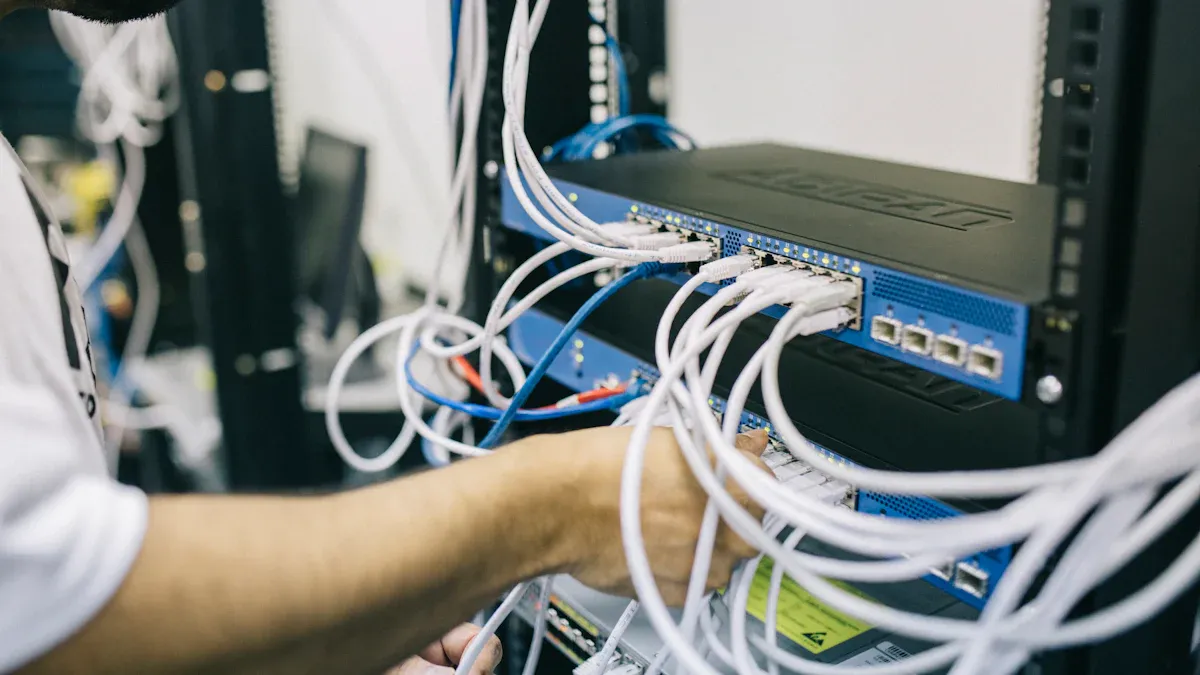
You do not need special skills to install a splitter network cable. Anyone can follow these steps to set it up easily:
Gather Equipment: Get two splitters that match. Use good Ethernet cables. Make sure connectors are not broken.
Locate the Ethernet Port: Find open router ports. Test them to see if they work.
Connect the First Splitter: Use a short cable. Attach the first splitter to the router.
Run the Ethernet Cable: Stretch a long cable from the router to another spot. Do not bend the cable too much.
Attach the Second Splitter: Connect the second splitter to the end of the long cable. Match the ports the right way.
Connect Devices: Use short cables to link your devices to the splitter. Test each device to make sure it connects.
Tip: The sz-xtt Ethernet splitter is easy to install. For more info, visit the sz-xtt Ethernet Splitter page.
Common Issues
Sometimes, people have trouble during setup. The table below shows common problems and how to fix them:
Issue | Possible Causes | Troubleshooting Steps |
|---|---|---|
Splitter not working | Broken splitter or wrong port connections | Check all connections. Make sure input and output ports match. |
Devices not connecting | Bad cables or router ports not working | Test cables. Make sure router ports are active. |
Slow network speed | Too many devices or long cables | Use fewer devices. Try shorter, better cables. |
Note: Always use splitters and cables that match the standards.
Tips Perawatan
Taking care of splitter network cables helps them last longer. Here are some easy tips:
Route cables the right way. This stops kinks and keeps cables strong. It can make cables last much longer.
Check cables often. Look for loose cables, broken covers, or blocked airflow. Inspect every few months.
Clean dust from cable trays and racks. This keeps air moving and stops cables from getting too hot.
Do not bundle cables too tightly. Use Velcro straps instead of tight ties.
Turn off PoE ports before fixing cables. This keeps you safe from sparks.
Safety First: Keep cables at least 1.5 inches apart in trays. Open air paths or metal tubes help keep cables cool.
A clean and cared-for network, using brands like sz-xtt, gives strong connections for a long time.
The 200-48X and 200-48X6C network splitters are fast and reliable. Users need to pick a splitter that fits their network. Home users can use simple models like sz-xtt. These products work well and are dependable. Offices need advanced splitters for more devices.
Check out sz-xtt’s Pembagi Ethernet for trusted choices.
Always read product reviews and tips before you buy. The right splitter makes your network better and keeps connections strong.
PERTANYAAN YANG SERING DIAJUKAN
What does a splitter network cable do?
A splitter network cable lets users connect more than one device to a single network line. This tool helps people share internet access in homes or offices without extra wiring.
Can a splitter network cable slow down my internet?
A splitter network cable may share bandwidth between devices. If many devices use the network at once, speed can drop. For high-speed needs, users should choose a model that supports fast data rates.
How do I pick the right splitter for my home or office?
Users should count their devices and check the speed they need. They can visit the sz-xtt Ethernet Splitter page for reliable options and more details.
Is the sz-xtt Ethernet splitter easy to install?
The sz-xtt Ethernet splitter comes with clear instructions. Most users can set it up in minutes. No special tools are needed.
Do I need a splitter or a switch?
A splitter works best for two devices on one line. A switch connects many devices and manages traffic. Offices with many users often choose a switch for better performance.


