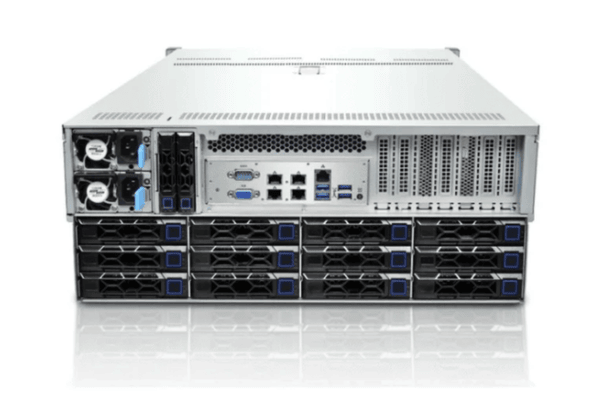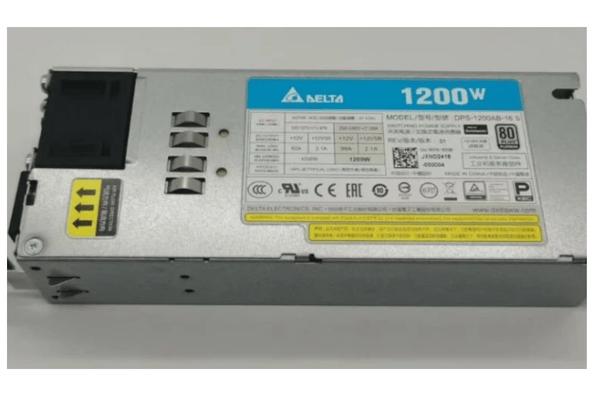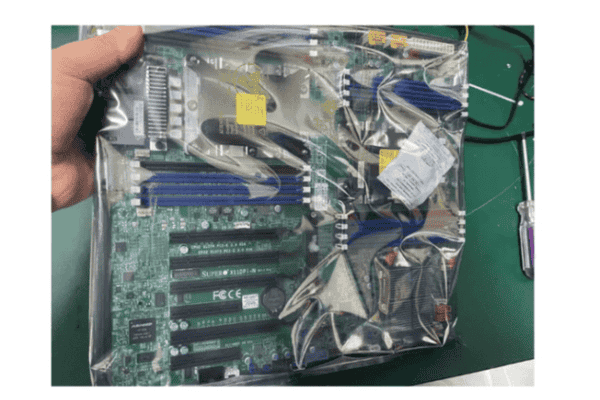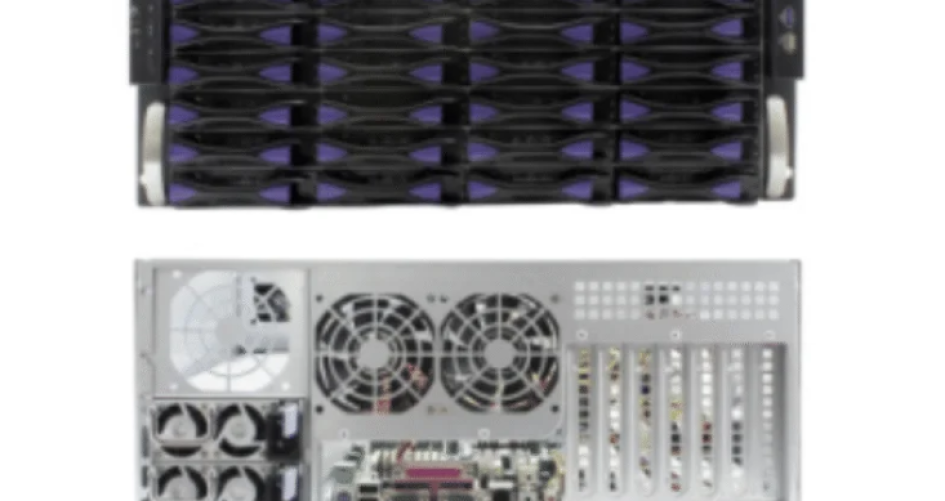

A server chassis provides the structure that holds all the main parts of a server. Businesses rely on different levels of chassis to match their IT needs. Rackmount chassis lead the market, with nearly 65% of data centers using them for their flexibility and cooling. Models like the 636H-T3 and 648H-T3E show how variety in design meets both small and large system demands. Choosing the right chassis helps companies build strong and efficient IT systems.
Hal-hal Penting yang Dapat Dipetik
Picking the right server chassis is very important. It helps your IT system work well. It makes sure you have enough space. It helps with cooling. It also helps with performance.
Rackmount chassis are used a lot in data centers. They save space and cool servers well. You can fit many servers in a small spot.
Tower chassis work well for small businesses. They are quiet and easy to upgrade. You do not need a rack for them. They are simple to use.
Blade chassis save space with thin servers. These servers share power and cooling. They are good for big data centers. They work well for hard tasks.
Some chassis types are made for special needs. Examples are GPU servers or wall-mounted setups. These choices help businesses pick what works best for them.
Different Levels of Server Chassis
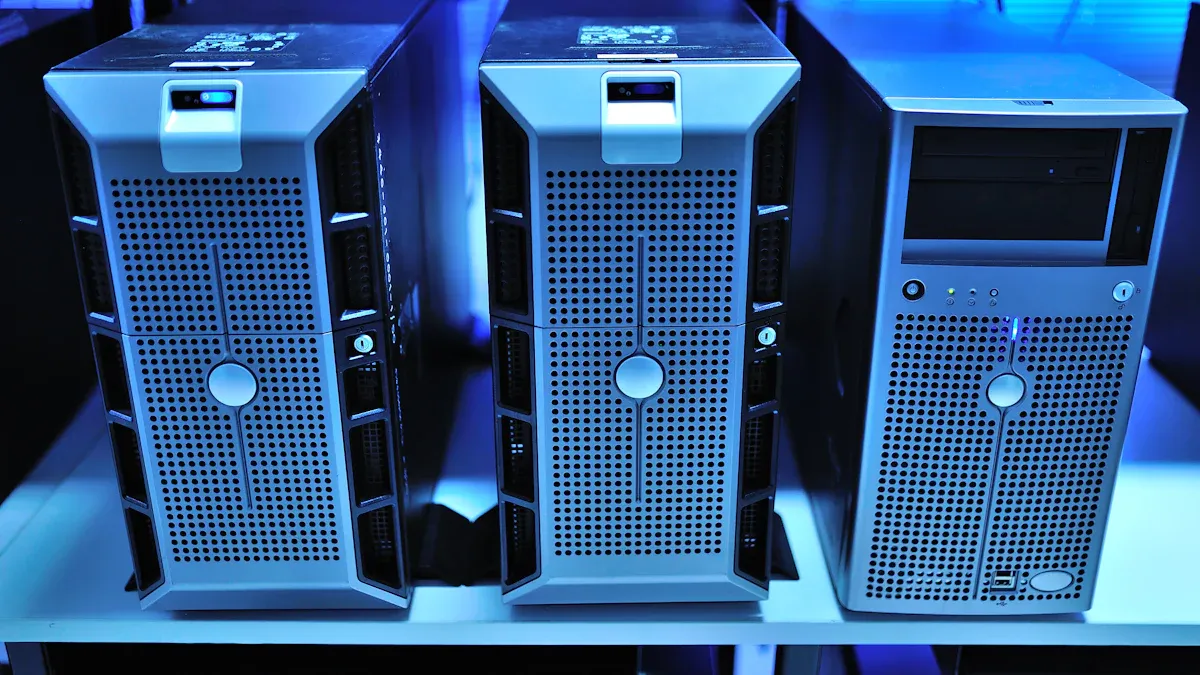
Picking the right server chassis helps build a strong IT system. The different levels of server chassis let groups choose what fits their space, cooling, and speed needs. Each level has special features and works in different places. Companies like sz-xtt have many models, like the 636H-T3, 648H-T3E, 660H-T3E, and 7184, to help with these needs.
Here is a table that lists the main types of server chassis and their top features:
Jenis Server | Defining Characteristics | Keuntungan |
|---|---|---|
Rackmount Chassis | Fits into 19-inch racks, height measured in units (U) | Space efficiency, cooling efficiency, scalability |
Tower Chassis | Looks like a desktop case, stands alone | Quiet operation, easy to upgrade, cost-effective for small setups |
Blade Chassis | Thin, modular servers that fit into a shared enclosure | Saves space, easy to manage, efficient power and cooling |
Specialized Chassis | Designed for unique needs, such as GPU, storage, or wall mounting | Meets special requirements for high-performance or limited-space environments |
Rackmount Chassis
Rackmount chassis are used most often in data centers. They fit into 19-inch racks and come in different sizes called rack units (U). The sz-xtt 636H-T3 and 648H-T3E models show how these chassis work for both small and big jobs.
Key features of rackmount chassis:
Easy to stack because of their shape
Good cooling and heat control
Can add more drives or cards
Simple to fix and upgrade
Where rackmount chassis are used:
Data centers
Telecommunications
Financial services
Kesehatan
Industrial automation
Rackmount chassis save space and keep servers cool. They are great for places with lots of servers working together. The 660H-T3E model is made for tight spaces and strong cooling.
Tip: Rackmount chassis come in sizes like 1U, 2U, 4U, and 6U. Small sizes save space. Big sizes have more room for parts and better cooling.
Tower Chassis
Tower chassis look like big desktop computers. They stand alone and do not need a rack. Many small businesses pick tower chassis because they are quiet and simple to use. The open shape helps air move and makes upgrades easy.
Main features of tower chassis:
Stands alone on desks or floors
Runs quietly
Costs less for small setups
Easy to change and upgrade
Who uses tower chassis:
Small to medium-sized businesses
Remote offices
Tower chassis are simple to take care of. IT workers can add or swap parts easily. Cooling costs are low because air moves well inside.
Fitur | Tower Chassis | Rackmount/Blade Chassis |
|---|---|---|
Skalabilitas | Easy to customize and upgrade | Space-saving, needs planning |
Pemeliharaan | Simple, quick upgrades | Centralized, can be complex |
Cooling Costs | Rendah | Higher due to density |
Blade Chassis
Blade chassis use a design with thin servers called blades. Each blade slides into a shared box. This saves space and makes it easy to add or remove servers. The sz-xtt 7184 Server Chassis is a blade chassis for tough computing jobs.
Key features of blade chassis:
Small size for lots of servers
Shares power and cooling
Extra fans and power for safety
Hot-swap lets you fix servers fast
Where blade chassis are used:
Large data centers
Enterprise computing
Virtualization and private clouds
High-performance computing
Blade chassis help save energy and space. They share things, so power use is lower and managing them is easier. Many labs and banks use blade chassis for hard jobs.
Specialized Chassis Types
Some places need special chassis. These include GPU server cases, wallmount chassis, ITX cases, and storage server chassis. Each type solves a special problem.
Chassis Type | Fitur | Kasus Penggunaan |
|---|---|---|
GPU Server Case | Extra slots for GPUs, strong cooling | AI, video rendering, scientific computing |
Wallmount Chassis | Compact, vibration-resistant, rugged | Industrial sites, edge computing |
ITX Case | Small, lightweight, limited expansion | Small offices, personal servers |
Storage Server Chassis | Many drive bays, good airflow | Data storage, file servers |
Special models like the sz-xtt 7184 and 660H-T3E help industries like telecommunications, healthcare, and research. These chassis support fast networks, safe data, and strong computing.
Note: The different levels of server chassis let every business find the best fit, from simple office needs to big data centers.
Comparing Chassis Features
Performance and Scalability
Server chassis types are different in how they perform and grow. Rackmount chassis, like the 636H-T3E, can hold many cards and drives. This helps companies add more as they need it. Blade chassis, such as the 7184, fit even more servers in one rack. Some racks can hold over 128 servers. This is good for big data centers. Tower chassis have less room to grow but are fine for small setups. Rackmounts let companies upgrade later if needed. These choices help groups get ready for new tech like AI and analytics.
Jenis Server | Maximum Density per 42U Rack | Expansion | |
|---|---|---|---|
Tower | 1-2 servers | Less | Basic upgrades |
Rackmount | 42 servers | Multiple | Open infrastructure |
Blade | Banyak | Modular, rapid deployment |
Cooling and Maintenance
Cooling is important for keeping servers working well. Rackmount and blade chassis use fans or liquid cooling for hard jobs. The 660H-T3E model has special airflow to keep things cool. Blade chassis often share cooling, which saves energy. How you cool the servers changes how you care for them. Fans need to be cleaned often. Liquid cooling needs more work but can handle bigger jobs. Tower chassis use simple fans, so they are easy to take care of in small offices.
Tip: Cleaning and checking cooling systems often keeps servers running longer.
Space and Density
How much space servers use matters for data centers. Blade chassis can fit the most servers in a small spot. Rackmount chassis give a good mix of space and room to add more. They can hold up to 42 servers in one rack. Tower chassis use more space but are good for small businesses. Big data centers can fit 40-60 servers in a rack. Smaller ones fit 20-40. AI data centers need more power and cooling, so they use more space. Picking the right chassis helps use space and power well.
Choosing a Chassis
Menilai Kebutuhan
Picking the right server chassis means knowing what your group needs. Each business has its own needs for space, cooling, and safety. Here are some things to think about:
Types of Server Racks: Open frame racks, closed cabinets, and wall-mounted racks all give different levels of safety and air movement.
Cooling and Airflow: Good air movement stops servers from getting too hot. Things like doors with holes and fans you can move help keep things cool.
Fitur Keamanan: Doors and panels that lock keep equipment safe from people who should not get in.
Manajemen Kabel: Keeping cables neat makes fixing things easier and keeps the area clean.
Skalabilitas: Rails you can move and designs you can change let you add more later.
Space Requirements: There should be enough room for all servers and for workers to move safely.
Different jobs care about different things. The table below shows what is most important in each area:
Industri | Example Use Case | |
|---|---|---|
Pusat Data | High-density storage, efficient thermal management | Support for IT operations in cloud computing |
Industrial | Ruggedness, durability | Hosting servers for critical industrial processes |
Mobile/Modular | Lightweight, ease of transportation | Data centers that require mobility and quick setup |
Pertimbangan Anggaran
How much money you have matters when picking a chassis. Prices change based on type and what it can do. The table below shows some common choices:
Kisaran Harga | Ideal For | Value Rating | |
|---|---|---|---|
Tower | $120–$300 | SMB file/print servers | ★★★☆☆ |
2U Rackmount | $350–$600 | Virtualization/cloud hosts | ★★★★☆ |
1U Rackmount | $600–$1,200 | High-density web hosting | ★★★☆☆ |
Blade Enclosure | $5,000+ | Enterprise data centers | ★★★☆☆ |
Saving energy can also lower costs over time. Immersion cooling can cut running costs by up to 39% compared to air cooling.
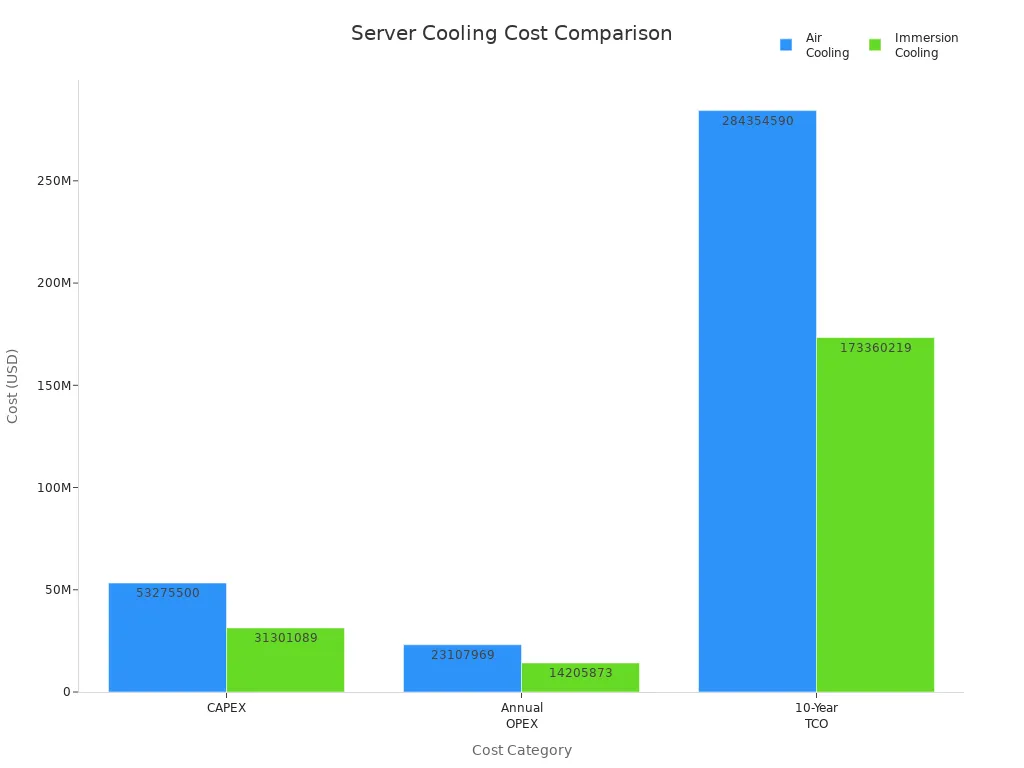
Tip: Think about both the first price and how much energy you will use to get the best deal.
Customization Options
Many chassis can be changed to fit special needs. Choices include:
Custom cooling systems for better heat control.
Power setups for safety and to work with other parts.
Different materials for lighter weight or more strength.
Inside parts for special hardware.
Custom designs help the chassis match what the business wants to do. Companies often follow steps to make sure the chassis fits their systems. Planning ahead lowers risks and helps set up faster.
Note: Picking the right features for your business helps the server chassis support growth and work well.
Server chassis come in different sizes and shapes. Each type, like rackmount, tower, blade, or specialized, is made for a special job. Picking the right chassis helps computers work better and last longer.
Fitur | Manfaat |
|---|---|
Easy to upgrade and fix | |
Cooling Efficiency | Servers run better and last longer |
Accessible Layouts | Technicians can fix things faster |
A good chassis helps a company grow. It also stops servers from breaking down often. Custom choices and support get businesses ready for new needs.
PERTANYAAN YANG SERING DIAJUKAN
What is a server chassis?
A server chassis is a metal frame that holds all the main parts of a server. It keeps everything safe and organized. People use it to build strong and reliable computer systems.
How does a rackmount chassis save space?
A rackmount chassis fits into a rack with other servers. This design lets people stack many servers in a small area. Data centers use rackmount chassis to save floor space.
Who should choose a tower chassis?
Small businesses and remote offices often choose tower chassis. These chassis stand alone and run quietly. They work well for places with only a few servers.
What makes blade chassis good for big jobs?
Blade chassis hold many thin servers in one box. This setup helps companies add or remove servers quickly. Large data centers use blade chassis for high-performance tasks.
Where can people find more about sz-xtt server chassis?
People can visit the sz-xtt website to see all server chassis models. The site shows details for products like the 636H-T3 and 7184.
Learn more at sz-xtt server chassis.