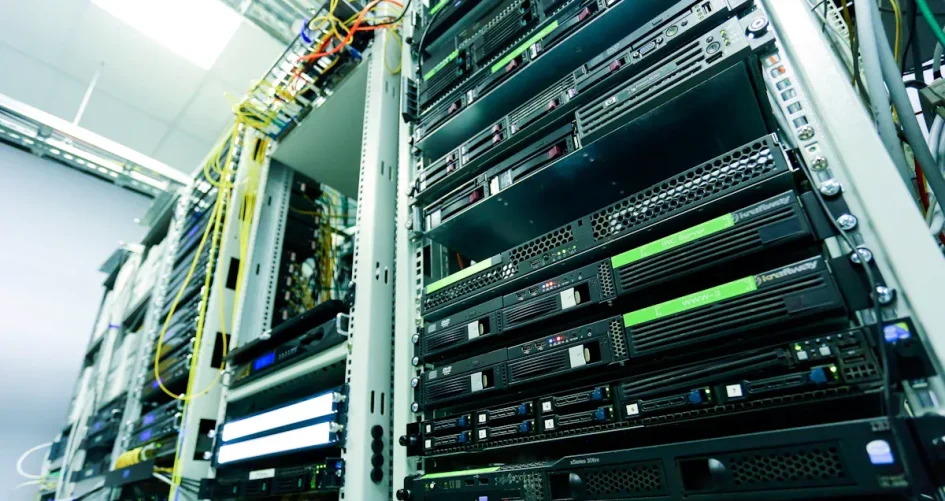
You can create your own personal AI server at home or at work. Running AI models on your own computer gives you privacy and control. You do not need to use other platforms. Local servers help keep your data safe:
Manfaat | Deskripsi |
|---|---|
Data Sovereignty | Your data stays with you. This lowers the risk of exposure. |
Simplified Compliance | You control how your data moves. This makes rules easier to follow. |
Customization and Control | You can change models to fit your needs. You do not have to share private data. |
Offline Functionality | Your personal AI server works without internet. You get fast and steady results. |
Choosing the right hardware, software, and security measures is important. sz-xtt has strong and energy-saving AI servers. They offer options that can grow with your needs. Starting your own personal AI server can cost from $2,000 to $20,000 or more. Many people find it affordable and easy to set up.
Hal-hal Penting yang Dapat Dipetik
Making your own AI server lets you control your data. It also helps keep your information private. You do not need to use other companies’ platforms.
Pick hardware that matches your AI plans. Begin with the lowest specs if you are just learning. You can get better parts later if you need them.
Choose an operating system that works for you. Many beginners like Ubuntu because it is easy to use.
Update your server and software often to keep them safe. Make a schedule to back up your data so you do not lose it.
Use frameworks like TensorFlow or PyTorch for AI work. Choose the one that works best for your project.
Personal AI Server Hardware
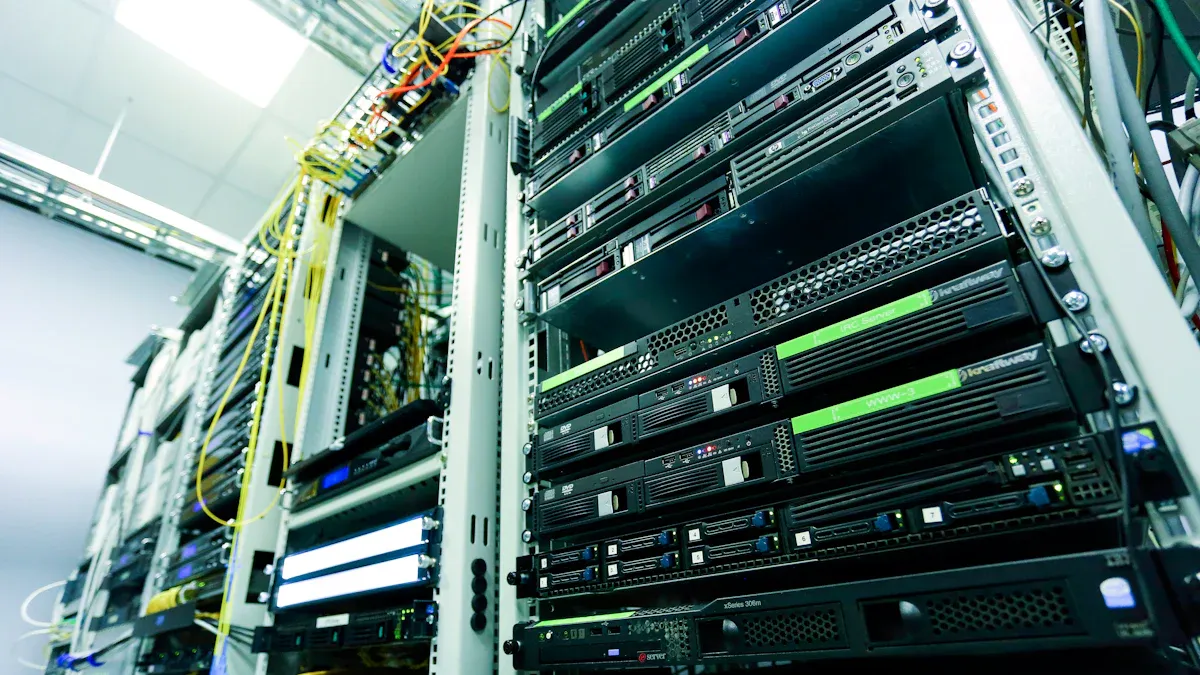
Choosing the right hardware is the first step to building a strong personal AI server. You need to think about your goals, your budget, and how much you want to grow in the future. Some people build their own servers at home. Others pick enterprise-grade servers for more power and reliability. Brands like sz-xtt offer models that fit both home and business needs. Their 4U AI Server, H6237 AI Server, and H8230 AI Server give you options for different workloads.
Minimum and Recommended Specs
You need to match your hardware to the type of AI work you plan to do. Training large models needs more power than running simple AI tasks. Here is a table to help you see what you need:
Task Type | Minimum Requirements | Recommended Requirements |
|---|---|---|
AI Training | CPU: 16 cores, GPU: 1 NVIDIA A100 or V100, RAM: 256GB, Storage: 2TB NVMe SSD, Networking: 25Gbps | CPU: 32+ cores, GPU: 4–8 NVIDIA H100 or A100, RAM: 768GB, Storage: 8TB+ NVMe SSD, Networking: 100Gbps+ |
AI Inference | CPU: 8 cores, GPU: 1 NVIDIA L4 or A16, RAM: 64GB, Storage: 1TB NVMe SSD, Networking: 10Gbps | CPU: 16+ cores, GPU: NVIDIA B200 or DGX B200, RAM: 256GB, Storage: 4TB NVMe SSD, Networking: 25Gbps+ |
Real-Time AI | CPU: 8 cores, GPU: 1 NVIDIA L4 or A16, RAM: 64GB, Storage: 1TB NVMe SSD, Networking: 10Gbps | CPU: 16+ cores, GPU: 2–4 NVIDIA A100 or H100, RAM: 256GB, Storage: 2TB NVMe SSD, Networking: 25Gbps+ |
Tip: Start with the minimum specs if you are learning or testing. Upgrade to the recommended specs as your personal AI server grows.
GPU vs. CPU Choices
You need to decide if you want to use a GPU, a CPU, or both. Each has its own strengths. Here is a table to help you compare:
Fitur | GPU | CPU |
|---|---|---|
Processing Type | Parallel processing | Serial processing |
Ideal for | Training generative AI models | Control-intensive tasks |
Efficiency in | Matrix multiplication and large-scale ops | Fast single-threaded performance |
Task Suitability | Image processing, deep learning | Decision-making, branching logic |
Thread Execution Capability | Thousands of lightweight threads | Limited to fewer threads |
GPUs work best for tasks like deep learning and image processing. They handle many jobs at once. CPUs are better for tasks that need quick decisions and can handle many types of instructions. If you want to train big AI models, you should use a GPU. If you only need to run simple AI tasks, a CPU may be enough.
Catatan: Using GPUs can save energy. They finish complex jobs faster and use less power than CPUs for the same work. Moving from CPU-only to GPU systems can save a lot of electricity each year.
sz-xtt Server Models
sz-xtt offers several server models that help you build a personal AI server for any need. Their 4U AI Server supports up to 8 GPUs. This gives you strong processing power for training and running large AI models. The H6237 AI Server and H8230 AI Server are built for businesses that want to grow. You can add more GPUs and memory as your needs change.
You can scale your server by adding more GPUs and memory.
Fast, low-latency networks help move data quickly between parts of your server.
Private cloud setups keep your data safe and make it easy to use hybrid cloud solutions.
Real-time monitoring tools help you adjust resources for the best performance.
If you want a personal AI server that can grow with you, sz-xtt models give you flexibility, energy efficiency, and strong support for AI workloads.
Operating System Setup
OS Options for AI Servers
You must pick the right operating system for your personal AI server. Each choice is good for different jobs. Here is a table to help you compare:
Sistem Operasi | Characteristics | Kasus Penggunaan Terbaik |
|---|---|---|
Ubuntu | Easy to use, stable, strong community support. Long-term support available. | Beginners, web developers, cloud servers, AI/ML workloads. |
Debian | Very stable, slow to change, trusted for important systems. | Enterprise servers, critical systems. |
CentOS/AlmaLinux | Stable, popular in business settings. | Enterprise web hosting, ERP systems. |
Windows Server | Works well with Microsoft tools and software. | .NET/ASP.NET apps, enterprise software. |
Unix/BSD | Simple and modular, good for critical environments. | Research, critical systems. |
Linux systems like Ubuntu and Debian use less VRAM than Windows. This helps your server run faster, especially with mid or low-end GPUs. Ubuntu can make AI tasks a bit quicker.
Installation Steps
You can install Linux, Windows, or macOS on your server. Most people choose Ubuntu because it is easy and has good support. Here are the basic steps:
Get the newest OS image from the official website.
Make a bootable USB drive with tools like Rufus or BalenaEtcher.
Put the USB in your server and restart it.
Follow the instructions on the screen to install the OS.
Set a strong password and make a user account.
Tip: Always update your system after you install it. This keeps your personal AI server safe and smooth.
Updates and Configuration
It is important to keep your server updated. Here is a table to guide you:
Jenis Server | Update Frequency |
|---|---|
Noncritical Servers | Quarterly updates |
Mission-Critical Servers | Weekly updates or more often |
General Servers | Monthly updates |
Most servers get updates every month, but critical servers need them every week. Install security patches within 30 days after they come out.
You should also install Docker and Docker Compose. These tools help you manage AI environments. They let you control many apps with one file. This saves time and makes teamwork easier. Docker helps you avoid mistakes and makes your server easy to grow.
AI Software Installation

Frameworks and Tools
You need the right frameworks and tools to use AI models on your own server. Many people pick these popular choices:
OpenAI Agents SDK lets you make GPT-powered helpers fast.
AutoGen helps you control many AI agents for research.
n8n is a free tool that automates jobs and links AI with other apps.
Zapier joins different apps without code, so it is simple for beginners.
Lindy AI gives you ready-made templates for building your own AI helpers.
You can pick TensorFlow or PyTorch for deep learning. Here is a table to help you see the differences:
Aspek | TensorFlow | PyTorch |
|---|---|---|
Kemudahan Penggunaan | Harder at first, but easier with version 2.0 | Easier to use and more friendly |
Kinerja | Works well for big projects | Good, but not as good for very large jobs |
Terbaik untuk | Used for finished products and many platforms | Great for testing and research |
Tip: Try PyTorch if you want to learn and test ideas. Use TensorFlow for big projects that need to work everywhere.
Model Management
Taking care of your AI models helps your server work better. You should:
Watch memory and power so your server does not get too hot.
Use safe connections and firewalls to stop unwanted users.
Update your libraries and security fixes often.
Write down which model versions you use and any changes.
Set up dashboards to see how your models are doing.
Check your model’s answers often to know if you need to retrain.
sz-xtt tools help you save energy and improve how your server works. Their servers have sensors that watch energy use and give tips to save power. Liquid cooling keeps chips cool and working well. New AI chips and smart programs help you do more with less energy.
Using Ollama and Open WebUI
Ollama lets you use large language models on your own server. This gives you more privacy and control. You can use many kinds of models. Open WebUI makes it easy to manage and use these models. You can install both with Docker, which makes setup simple.
Here are some features you get with Ollama and Open WebUI:
Fitur | Deskripsi |
|---|---|
Easy Setup | Install with Docker or Kubernetes. |
API Integration | Connect with OpenAI-compatible APIs. |
User Roles | Set detailed permissions for each user. |
Responsive Design | Works on desktop, laptop, and mobile. |
Voice and Video Calls | Use built-in tools for communication. |
Model Builder | Create custom agents through the web interface. |
Local RAG Integration | Use Retrieval Augmented Generation with different databases. |
Model Diversity | Work with many models at the same time. |
You can run Open WebUI on your server or on your own computer. It works well with Ollama and other tools. The interface is simple, and you can use your models in many ways.
Accessibility and Security
User Interfaces and APIs
You can make your AI server simple to use. Set up remote access and easy interfaces. Start by making your server an SSH server. This lets you connect from another computer with basic commands. Use tools like Proxmox, NixOS, Docker, and Tailscale for safe access. Make sure your server has a static IP address. Set up OpenSSH Server so you can connect with SSH.
For usability, offer web, mobile, and command-line interfaces. Give APIs and SDKs so developers can build on your system. Use standard request and response formats. Good documentation helps users know how to use your models. Include information about model versions and ethical rules.
Network Security
Protecting your server from threats is very important. Common risks are reputational hijacking, zero-day attacks, cryptomining, and data poisoning. Secure your APIs with strong credentials like OAuth tokens. Check all inputs to stop injection attacks. Encrypt all data at rest and in transit using AES-256 and TLS 1.2 or higher. Use multi-factor authentication for access. Use role-based access control to limit permissions. Privileged access management helps keep admin accounts safe. Deploy an API gateway to control access and enforce rules.
Best Practice | Deskripsi |
|---|---|
Encrypt All Data At Rest and In Transit | Use strong encryption methods for storage and enforce secure connections. |
Enforce Multi-Factor Authentication (MFA) | Require MFA for all access to prevent unauthorized entry. |
Implement Role-Based Access Control (RBAC) | Assign permissions based on job needs to limit privileges. |
Leverage Privileged Access Management (PAM) | Secure admin accounts and use just-in-time access. |
Deploy an API Gateway | Centralize API access and enforce authentication policies. |
Maintenance Tips
Keep your server running well by following regular routines. Use monitoring tools to check server health. Automate tasks like backups and performance checks. Spread out workloads to avoid slowdowns. Schedule backups based on how important the data is. Sensitive systems need hourly or continuous backups. Less important data can be backed up weekly. Test recovery steps to make sure you can restore data fast. Update software and security patches often. Plan for backup and recovery to lower downtime.
Tip: Daily backups help protect customer data and keep your personal AI server safe.
You get lots of benefits from a personal AI server. Your data stays private and you can work fast. You can change models to fit what you need. Start with a basic setup and grow with enterprise solutions like sz-xtt. Here are ways to make your system bigger:
Strategi | Deskripsi |
|---|---|
Modular hardware | Change parts when your needs grow. |
Open standards | Pick tools that work with new tech. |
Compatibility with emerging tech | Be ready for new improvements in the future. |
Keep learning about AI infrastructure, monitoring, and security. Look for guides that help you boost performance and save energy.
PERTANYAAN YANG SERING DIAJUKAN
How much does it cost to set up a personal AI server?
You can start with about $2,000 for a basic setup. Advanced servers with more GPUs and memory can cost $20,000 or more. Your needs and goals decide the final price.
Do I need a GPU for my AI server?
You do not always need a GPU. For simple AI tasks, a CPU works well. If you want to train large models or use deep learning, you should use a GPU for better speed.
Can I upgrade my server later?
Yes! You can add more GPUs, memory, or storage as your needs grow. Many servers, like those from sz-xtt, support easy upgrades and scaling.
Is it safe to run AI models on my own server?
Yes, you control your data and security. Use strong passwords, update your software, and set up firewalls. These steps help keep your server safe from threats.