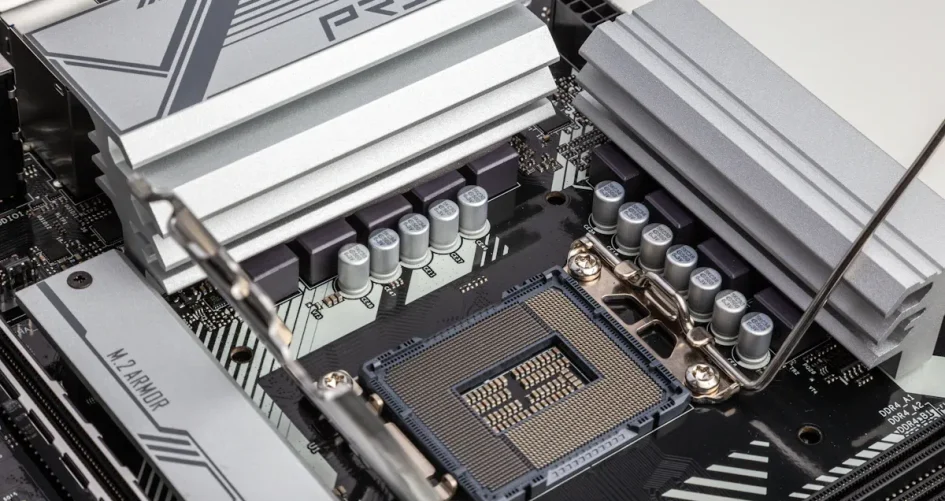
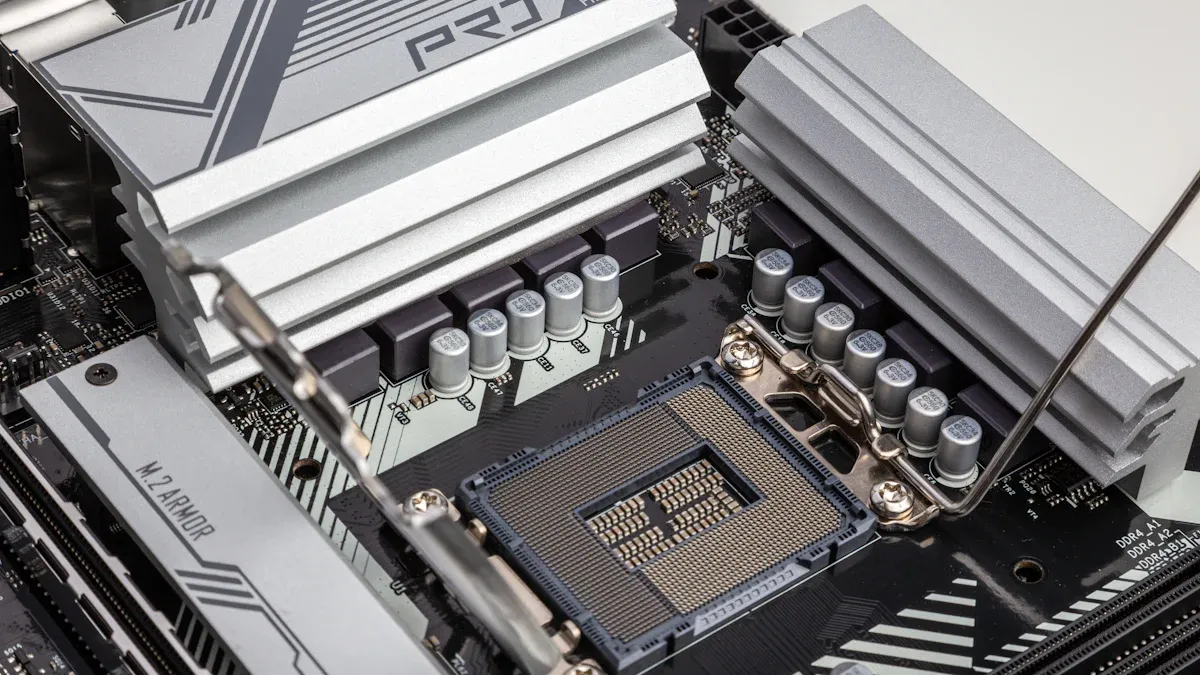
The best server PC motherboard brands for 2025 are ASUS, MSI, and Gigabyte. These companies are top in the market. Their motherboards give strong stability and great performance. They also have new and smart features. New models use AI to work better. They use less power and support DDR5 memory. These motherboards fit many server needs. They work for business security and hardware links. They are also good for home labs. The next comparison will help readers pick the best one for their needs.
Hal-hal Penting yang Dapat Dipetik
Pick motherboards from top brands like ASUS, MSI, and Gigabyte. These brands give strong performance and are reliable. – Look for features like DDR5 memory and PCIe 5.0 slots. These help your computer move data fast and upgrade later. – Think about expandability, like extra PCIe slots and memory channels. This helps you add more parts in the future. – Make sure there is good customer support and a warranty. This protects your money and lets you use it longer. – Compare the price and features to get the best value. Pick what fits your server needs the most.
Server PC motherboard evaluation criteria
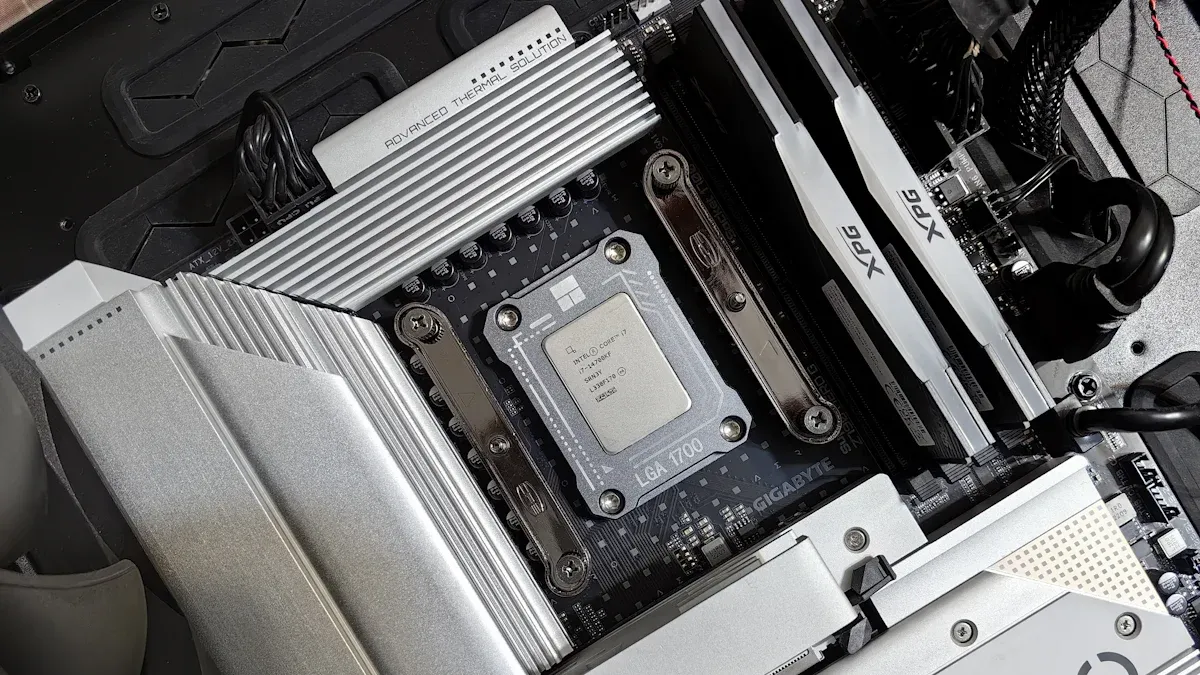
When you pick a server PC motherboard in 2025, you need to think about a few key things. Each thing helps you find a board that works for you and lets you upgrade later if you want.
Performance & chipset support
Performance is very important for server computers. Motherboards with good power and strong parts can handle big jobs and keep the system running well. The newest Intel Xeon Scalable and AMD EPYC chipsets have more cores, faster speeds, and better memory support. For example, AMD EPYC 9004 series can use up to 96 cores and 12 memory channels. Intel Xeon Scalable 4th Gen can use up to 60 cores and has new CXL support. These things help the server do hard jobs and run many programs at once.
Fitur | AMD EPYC 9004 Series | Intel Xeon Scalable 4th Gen (Sapphire Rapids) |
|---|---|---|
Core Count | Up to 96 cores (128 on Zen 4c) | Up to 60 cores (136-144 efficient cores) |
Memory Channels | 12 per socket | 8 per socket |
PCIe Lanes | 128 PCIe 5.0 lanes | 80 PCIe lanes |
Reliability & uptime
Reliability means the server keeps working without stopping. Motherboards made with good materials and cooling last longer and break less. Updates for firmware and help from the company also keep the server running. Security features like TPM modules and secure boot keep your data and hardware safe.
Tip: Boards that have been tested and have certifications are usually more reliable for big companies.
Expandability & connectivity
Expandability means you can add more storage, memory, or network cards if you need them. Motherboards with lots of PCIe slots, M.2 connectors, and USB ports let you upgrade later. Check how many slots and ports there are to make sure you can add new parts.
Support & warranty
Support and warranty are important if you want to use the motherboard for a long time. Brands that give BIOS updates and good customer service help you fix problems fast. A good warranty protects you if something breaks or does not work right.
Price & value
Price and value mean you look at what you get for the money you spend. Some motherboards have more features and cost more. Others have just what you need and cost less. Compare them to find the best one for you.
Works with your CPU, RAM, and other parts
Made well and lasts a long time
Saves energy and lowers your power bill
Motherboards that do well in these things are the best in 2025. You should pick the features you need and think about upgrades for the future.
ASUS server motherboards 2025
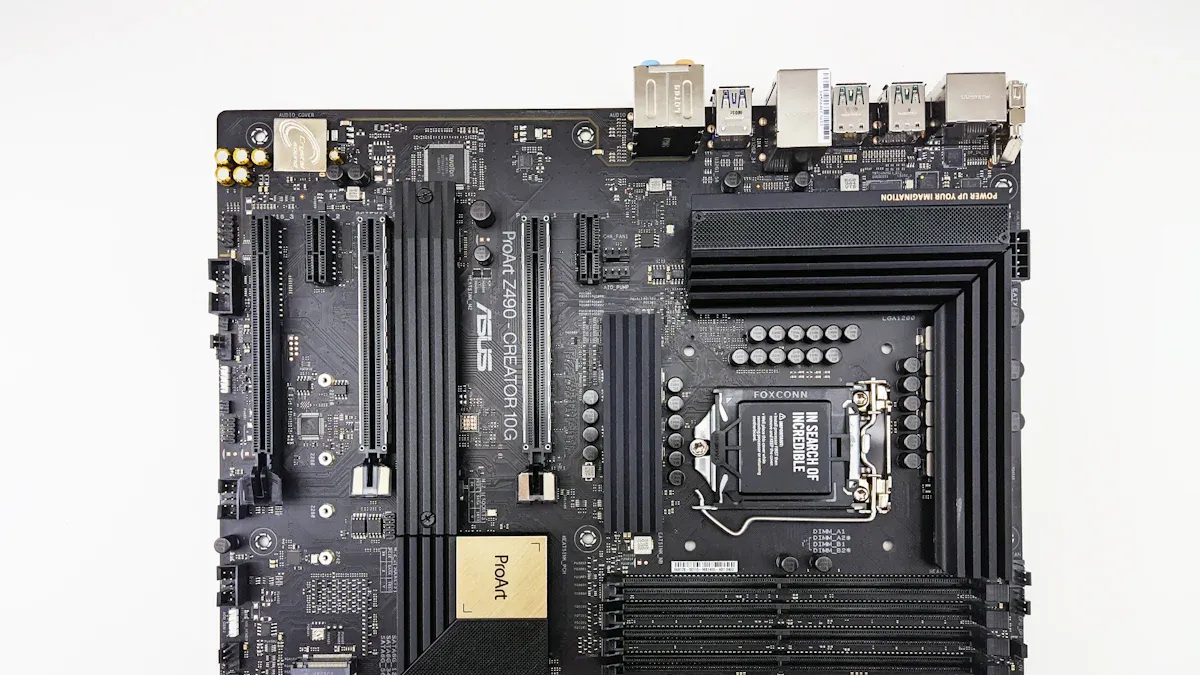
Flagship models & features
ASUS has many server pc motherboard choices for 2025. Their top models give strong power and smart features. These boards work for many server jobs. The table below shows the main models and what they offer:
Model | Processor Support | Dukungan Memori | LAN Support | Slot PCIe | Other Features |
|---|---|---|---|---|---|
P13R-M | Intel Xeon E-2400, 6300 LGA 1700 | 4 x DDR5 ECC UDIMM | Dual LAN | 1 x PCIe 5.0, 1 x PCIe 4.0 | PFR, ASUS ASMB11-iKVM |
P13R-M/10G-2T | Intel Xeon E-2400, 6300 LGA 1700 | 4 x DDR5 ECC UDIMM | Dual 10G LAN | 1 x PCIe 5.0, 1 x PCIe 4.0 | PFR, ASUS ASMB11-iKVM |
Z13PE-D16 | Dual 5th Gen Intel Xeon Scalable | 16 x DIMM DDR5 | Dual 10 Gbps LAN | 3 PCIe cards | ASUS ASMB11-iKVM |
S14NA-U12 | AMD EPYC 8004-series | 12 x DIMM DDR5 | Dual 25 Gbps LAN | 2 dual-slot GPUs | ASUS ASMB11-iKVM |
P12R-I | Intel Xeon E-2300 LGA 1200 | 1 x M.2, 6 SATA | Dual 1G LAN | 1 x PCIe 4.0 | ASUS ASMB10-iKVM |
P12R-M | Intel Xeon E-2300 LGA 1200 | 4 x DIMM | Dual LAN | 2 x PCIe 4.0 | PFR, ASUS ASMB10-iKVM |
These boards work with new Intel and AMD chips. They use DDR5 memory, so data moves faster. Many have fast LAN ports and lots of PCIe slots. ASUS adds remote tools like ASMB11-iKVM. These tools help IT teams watch and control servers.
Note: ASUS top models have Platform Firmware Resilience (PFR). This keeps servers safe from firmware attacks.
Strengths & weaknesses
ASUS motherboards are known for being reliable and fast. They use good parts and smart cooling. Many boards use ECC memory to stop data mistakes. Remote tools make it easy for businesses to care for servers.
Strengths:
Works with Intel and AMD chips
Fast DDR5 memory and PCIe 5.0
Extra security with PFR
Remote server control with ASMB11-iKVM
Weaknesses:
Some boards cost more than others
Hard features may need extra IT training
Not many choices for beginners
ASUS keeps making new things for server pc motherboards. Their boards help big companies, small businesses, and home labs. Many businesses pick ASUS for strong and safe server builds.
MSI server motherboards 2025
Top models & innovation
MSI is still a top brand for server pc motherboards in 2025. Their engineers make motherboards that work well and stay stable. The newest boards work with Intel Xeon and AMD EPYC processors. MSI uses special cooling to keep systems from getting too hot. Many boards have DDR5 memory and PCIe 5.0 slots. These features help servers move data faster.
Model | Processor Support | Dukungan Memori | LAN Support | Slot PCIe | Fitur Khusus |
|---|---|---|---|---|---|
MS-9A79 | Intel Xeon E-2400 Series | 4 x DDR5 ECC UDIMM | Dual 10G LAN | 2 x PCIe 5.0 | IPMI remote management |
MS-9A80 | AMD EPYC 9004 Series | 8 x DDR5 ECC RDIMM | Dual 25G LAN | 3 x PCIe 5.0 | AI-powered diagnostics |
MS-9A81 | Intel Xeon Scalable Gen 4 | 12 x DDR5 DIMM | Quad 1G LAN | 4 x PCIe 4.0 | TPM security module |
MSI likes to add new ideas to their motherboards. They use AI to check system health and spot problems early. This helps IT teams fix things before the server stops working. MSI also gives tools for remote server control.
Tip: MSI motherboards with IPMI help IT staff fix problems from far away.
Pros & cons
MSI motherboards have many good points for server builds. They give steady performance and work with the latest hardware. The boards have lots of slots for adding more storage or network cards.
Kelebihan:
Works well with Intel and AMD processors
Special cooling keeps systems safe
AI features help stop problems
Many PCIe slots for upgrades
Kekurangan:
Some models cost more than simple boards
Extra features may need more setup
Not many basic options for small home labs
MSI keeps making better server pc motherboards. Their boards are good for big companies, small businesses, and tech fans who want strong and steady servers.
Gigabyte server motherboards 2025
Leading options & performance
Gigabyte keeps making strong server pc motherboard choices in 2025. Their engineers build boards for new Intel Xeon and AMD EPYC processors. These motherboards work well for data centers, big companies, and home labs. Gigabyte’s top models are MZ73X-D3P, MU92-TU0, and S1200-3R. Each one has special features for different server jobs.
Model | Processor Support | Dukungan Memori | LAN Support | Slot PCIe | Fitur Utama |
|---|---|---|---|---|---|
MZ73X-D3P | AMD EPYC 9004 Series | 16 x DDR5 ECC RDIMM | Dual 10G LAN | 7 x PCIe 5.0 | Remote management, TPM |
MU92-TU0 | Intel Xeon Scalable Gen 4 | 8 x DDR5 ECC RDIMM | Dual 25G LAN | 6 x PCIe 5.0 | NVMe support, IPMI |
S1200-3R | Intel Xeon E-2400 Series | 4 x DDR5 ECC UDIMM | Dual 1G LAN | 3 x PCIe 4.0 | Compact form, RAID support |
Gigabyte motherboards use smart cooling and power systems. These help the boards stay steady when working hard. Many boards have remote tools so IT teams can check servers from far away.
Tip: Some Gigabyte server motherboards let you swap storage drives while the server is on. This helps fix or upgrade servers without turning them off.
Advantages & limitations
Gigabyte motherboards are known for being reliable and easy to upgrade. They have lots of PCIe slots for adding more storage or network cards. The boards use ECC memory to stop data mistakes and keep things running smooth.
Keuntungan:
Many models for all kinds of servers
Fast performance with new chipsets
Smart cooling and power features
Remote tools help IT teams manage servers
Limitations:
Some boards cost more than others
Extra features might need more setup time
Not many simple choices for small home labs
Gigabyte keeps making better server pc motherboards. Their boards work well for today’s servers and give steady performance for many people.
Other notable server motherboard brands
Emerging & niche options
In 2025, there are more server motherboard brands than just the big ones. Some smaller companies are starting to get noticed. These brands make motherboards with special features. They focus on things that big brands might miss.
One new brand is sz-xtt. This company is getting popular for its smart server designs. Sz-xtt makes motherboards that work with both Intel and AMD. Their boards have advanced power controls and flexible storage. Many IT workers pick sz-xtt for custom servers or special jobs.
sz-xtt:
Cares about saving energy and small sizes
Has models with fast networking and many M.2 slots
Supports virtualization and lots of storage
For more info, check the sz-xtt official server motherboard page or see their latest releases.
Other small brands also help special markets:
Supermikro: Makes many server choices and is very reliable.
ASRock Rack: Good for home labs and small businesses. Their boards are affordable and have lots of features.
Tyan: Makes motherboards for data centers and HPC. They fit many servers in a small space.
Note: Small brands sometimes have features that big brands do not. They can be a better deal for special server needs or custom builds.
Buyers should check the support and warranty for these brands. Some may not have worldwide help or many firmware updates. Still, they can work very well for certain jobs.
Picking a small brand can help you build a server that fits your needs. These brands give you more choices and sometimes save you money.
Best motherboards 2025: feature comparison
Picking the right server pc motherboard is important. It can change how well your server works. The best motherboards 2025 have new features and strong performance. They also give good value for your money. The table below compares top models from ASUS, MSI, and Gigabyte. This helps buyers find the board that fits their needs.
Specs & features table
The table shows the main specs and features for each top server motherboard. It lists processor support, memory, network, expansion, and special tools.
Merek | Model | Dukungan CPU | Dukungan Memori | LAN | Slot PCIe | Remote Management | Fitur Khusus |
|---|---|---|---|---|---|---|---|
ASUS | Z13PE-D16 | Dual 5th Gen Intel Xeon | 16 x DDR5 DIMM | Dual 10G | 3 x PCIe 5.0 | ASMB11-iKVM | PFR, ECC, GPU support |
MSI | MS-9A80 | AMD EPYC 9004 Series | 8 x DDR5 ECC RDIMM | Dual 25G | 3 x PCIe 5.0 | IPMI | AI diagnostics, ECC |
Gigabyte | MZ73X-D3P | AMD EPYC 9004 Series | 16 x DDR5 ECC RDIMM | Dual 10G | 7 x PCIe 5.0 | IPMI | Hot-swap, TPM, ECC |
Note: All three brands use DDR5 memory and PCIe 5.0. This means data moves faster and upgrades are easier. Each board has remote management tools. IT teams can control servers from anywhere.
Buyers who want more choices can look at sz-xtt. This brand has advanced server motherboards. They offer flexible storage and save energy. You can see their newest models on the sz-xtt official server motherboard page.
Price overview
Price is important when picking the best motherboards 2025. Each brand has models at different prices. The table below shows what buyers might pay for top models.
Merek | Model | Kisaran Harga (USD) |
|---|---|---|
ASUS | Z13PE-D16 | $850 – $1,200 |
MSI | MS-9A80 | $900 – $1,300 |
Gigabyte | MZ73X-D3P | $950 – $1,350 |
ASUS gives strong value for business features.
MSI adds new ideas and AI, which can cost more.
Gigabyte has more PCIe slots for users who need upgrades.
Tip: Prices can change by region, supply, or extra features like management modules or longer warranties.
When buyers compare these motherboards, they should think about what features matter most. Some people want more memory slots. Others need faster network ports or better remote tools. The best motherboards 2025 give users speed, reliability, and upgrades for the future.
Server PC motherboard recommendations by use case
Enterprise servers
Big companies need server pc motherboards that are very reliable. They run important programs and large databases. These motherboards must support CPUs with many cores and lots of memory. They also need strong security features. ASUS Z13PE-D16 and Gigabyte MZ73X-D3P are good choices. Both can use two processors and up to 16 DDR5 DIMMs. They have remote management tools and platform firmware resilience. These help IT teams keep servers working and protect important data.
Two CPUs for heavy work
ECC memory keeps data safe
Many PCIe 5.0 slots for upgrades
Advanced cooling keeps things stable
Enterprise users should pick motherboards with backup power and hot-swap storage. These features help stop downtime and keep business running.
SMB & startups
Small businesses and startups need motherboards that work well and are easy to manage. They do not have big IT teams. MSI MS-9A80 and ASUS P13R-M/10G-2T are strong options. These boards have good security and better file services. They also work with cloud systems, so small teams can work together and grow.
Fitur | Why It Matters for SMBs and Startups |
|---|---|
Advanced Security Measures | Keeps small businesses safe from attacks. |
Improved Performance | Helps startups work fast and smooth. |
Enhanced Cloud Agility | Makes it easy to use cloud services. |
Modern Management Tools | Makes IT jobs simple, so teams can focus on growth. |
Makes sharing files and working together easier. |
Sz-xtt also has motherboards for SMBs. Their boards save energy and have flexible storage. Many IT managers pick sz-xtt for custom builds. For more info, visit the sz-xtt official server motherboard page.
SMBs should choose motherboards with easy remote management and strong security. These features keep data safe and make IT work easier.
Home labs
Home lab users want motherboards that are flexible and a good deal. They like to try virtualization, storage, and networking. Gigabyte S1200-3R and ASRock Rack are good picks. These boards are small and cost less. They work with Intel Xeon E-2400 processors and DDR5 memory. Users can add more storage and network cards if needed.
Small size fits tight spaces
Many PCIe slots for upgrades
RAID helps protect data
Good price for budget builds
Sz-xtt motherboards also work well for home labs. Their boards support virtualization and have lots of M.2 slots for storage. Home users can check sz-xtt’s new releases for more choices.
Home lab builders should pick motherboards that are easy to upgrade and support virtualization. This helps them try new tech and grow their setups.
Virtualization & storage
Servers for virtualization and storage need motherboards that are fast and can be upgraded. MSI MS-9A81 and Gigabyte MU92-TU0 are great for these jobs. They support lots of memory and have many PCIe slots for storage cards. These boards have TPM modules and NVMe support for quick data access.
Lots of memory for many virtual machines
Many PCIe slots for more storage
TPM security keeps virtualization safe
NVMe makes storage fast
Sz-xtt also makes motherboards for virtualization and storage. Their boards have advanced power controls and flexible storage. IT pros can learn more on the sz-xtt server motherboard page.
Virtualization servers need motherboards that are strong and have good storage. These features help servers run smooth and grow easily.
Brand pros & cons summary
ASUS
ASUS has many server pc motherboard choices. The company is known for being reliable and safe. Many IT workers pick ASUS for big jobs in data centers.
Kelebihan:
Works with both Intel and AMD processors
Has remote management tools for IT teams
Built to last and gets support for years
Kekurangan:
Top models can cost more money
Some features need extra training for IT staff
ASUS also makes special boards like ROG for gaming, TUF for tough use, and ProArt for creators. This shows ASUS cares about different users.
MSI
MSI makes motherboards that are fast and new. The brand uses smart cooling and AI tools to keep servers running well. Many companies like MSI for good value and new ideas.
Kelebihan:
Stays stable with special cooling
AI helps find problems early
Has options for both high-end and budget builds
Kekurangan:
Not many simple boards for home labs
Some features can take longer to set up
MSI’s MEG series is for top users. The PRO line is for work and steady use.
Gigabyte
Gigabyte makes motherboards that are easy to upgrade and very steady. The Ultra Durable series is strong and lasts a long time. Many people use Gigabyte for data centers and big storage needs.
Kelebihan:
Lots of PCIe slots for adding parts
Good power and cooling systems
Some boards let you swap storage without turning off
Kekurangan:
Some boards cost more than others
Advanced features can take more time to set up
Gigabyte’s AORUS line is for gamers. Ultra Durable boards are for long use.
Others
Other brands like sz-xtt, Supermicro, ASRock Rack, and Tyan have special boards for different needs. Sz-xtt makes boards that save energy and have flexible storage. They are good for custom servers and IT workers who want value. For more, visit the sz-xtt official server motherboard page.
ASRock has low-cost and new boards like Taichi and Phantom Gaming.
Supermicro is known for being steady and having many choices.
Tyan makes boards for data centers with lots of servers.
AMD works for many users with Ryzen and EPYC motherboards.
Smaller brands sometimes have features big brands do not. They can be a smart pick for custom or budget builds.
The top server pc motherboards for 2025 are ASRock Rack C256WS, Supermicro X12STH-F, ASUS Prime B660I-AX, Gigabyte B760I Aorus Pro DDR5, ASRock N100M, and Jetway NF834. Each one has special strengths for big companies, small businesses, and home labs. Picking the right features helps servers stay strong and grow when needed. Users should make sure the motherboard works with their parts. They should look at how many slots and ports there are. BIOS support is important for running virtualization. If you want more options, sz-xtt has advanced choices at sz-xtt official server motherboard page.
Check out these helpful resources:
Resource Title | |
|---|---|
How to Build a Server |
PERTANYAAN YANG SERING DIAJUKAN
What features matter most in a server PC motherboard?
Important features are CPU support, memory size, PCIe slots, and remote management tools. Good brands have ECC memory and strong cooling. These things help servers work well and stay safe.
How does DDR5 memory improve server performance?
DDR5 memory makes data move faster and work better. Servers with DDR5 can do more jobs at the same time. This helps businesses and home labs get things done quicker.
Are there affordable server motherboard options for small businesses?
Yes. Brands like sz-xtt have cheaper boards with flexible storage and save energy. Small businesses can look at sz-xtt server motherboards for good and low-cost options.
Can I upgrade my server motherboard later?
Many server motherboards let you upgrade later. You can add more memory, storage, or network cards. Check the PCIe slots and CPUs to plan for upgrades.
Why choose a motherboard with remote management?
Remote management lets IT teams watch and fix servers from anywhere. This helps stop downtime and keeps servers safe. It is very important for businesses that need servers to always work.