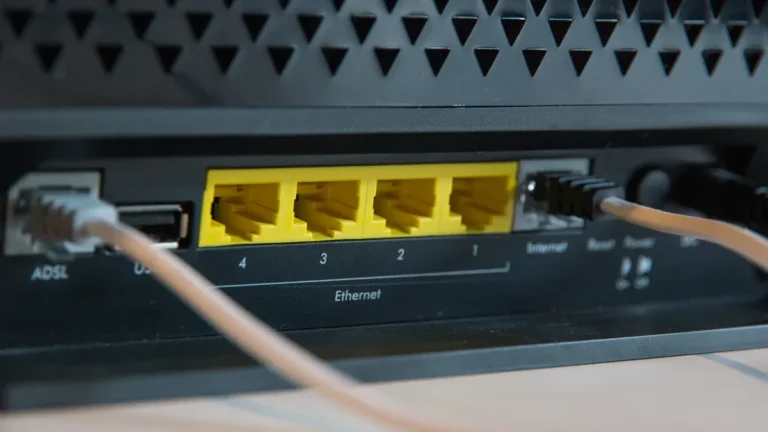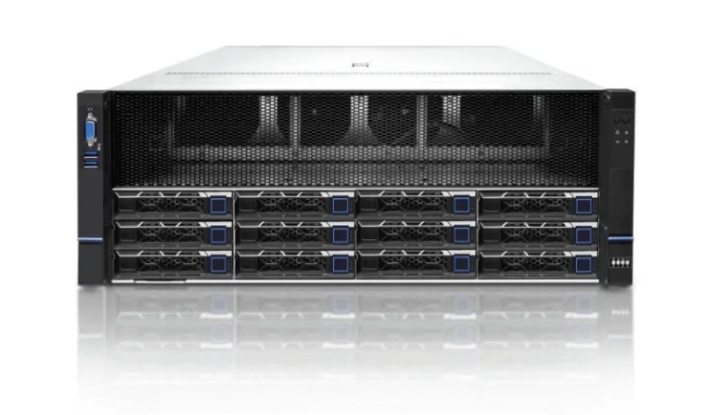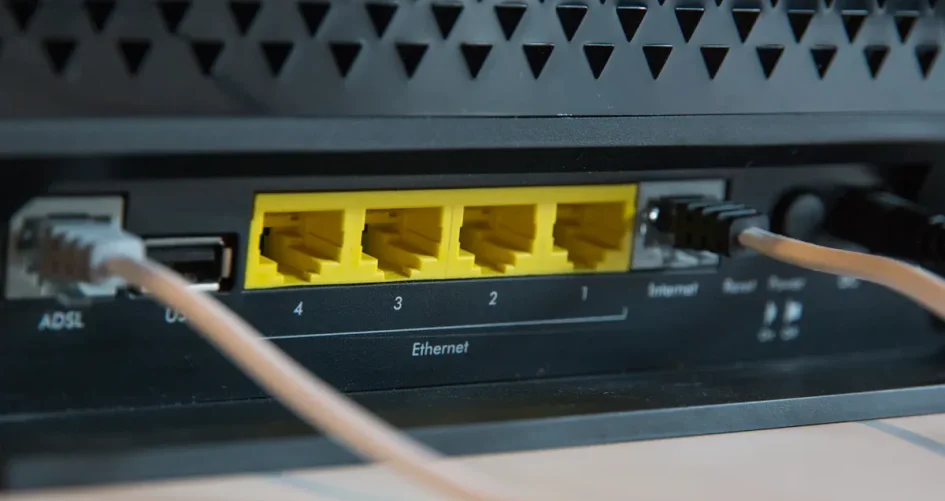
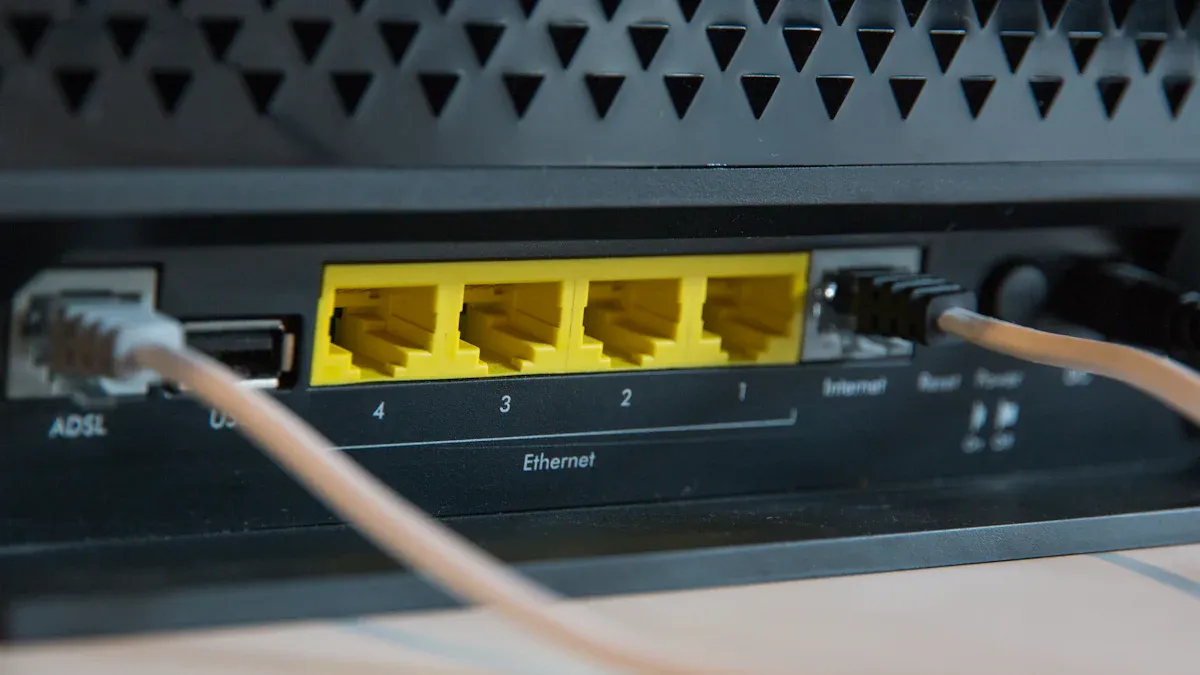
A network splitter takes one Ethernet connection and creates multiple links, while a switch controls and directs data to specific devices. Many people confuse these devices, but each serves a distinct purpose in a network. Experts explain that network splitters operate at the physical layer and share bandwidth in a similar manner. In contrast, switches manage data and transmit it using MAC addresses. Sz-xtt offers advanced products like the 200-48X and 200-48X6C network splitters, designed for robust and fast connections. This guide assists readers in making the best choice between a network splitter vs switch.
Key Takeaways
A network splitter lets many devices use one Ethernet connection. A switch sends data to each device by itself.
Use a splitter for easy setups with only a few devices. You can connect things like a computer and printer. It does not need any special settings.
Pick a switch for bigger networks. It gives every device its own data path. This means you get full speed and better performance.
Think about Power over Ethernet (PoE) when you pick a switch. PoE lets devices get power and data from just one cable.
Look at what your network needs. Splitters work best for small setups that do not change. Switches are better for networks that grow.
Network splitter vs switch: core functions
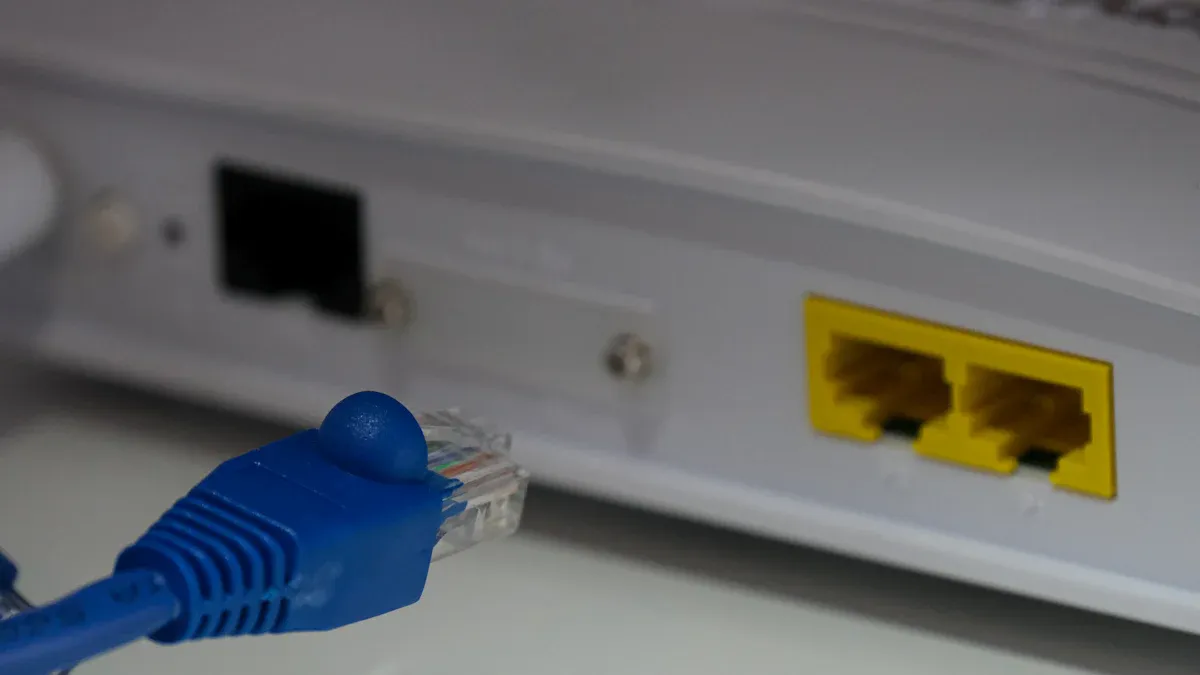
Ethernet splitter operation
A network splitter takes one Ethernet cable and makes several outputs. This lets more than one computer or device use the same cable. The 200-48X and 200-48X6C network splitters from sz-xtt are good for new network needs. These splitters move data quickly and can copy traffic, so they work well at home or in an office. You can set up a splitter easily and do not need special settings. The splitter sends the same data to every device, so all devices get the same information. This is good for simple setups where sharing is all you need.
Tip: The 200-48X6C has many ports and strong filtering, so it works well for bigger networks.
Specification | 200-48X6C | 200-48X |
|---|---|---|
Business Interface | 48 10GE/GE, 6 100GE/40GE | 48*10GE/GE |
Throughput | 1080Gbps | 480Gbps |
Flexible Traffic Mirroring | Yes | Yes |
Powerful Filtering | Yes | Yes |
Switch operation
A network switch links many devices and controls how data moves between them. The switch looks at each device’s address and sends data only to the right one. This helps the network work better, even when it is busy. Switches use MAC addresses to send data at the data link layer. Each device gets its own path for data, so every device keeps full speed and talks well with others. Managed switches have extra tools to watch and control the network.
Feature | Switches | Splitters |
|---|---|---|
Function | Connect many devices and manage data | Split one cable for two devices |
Bandwidth | Each device keeps full speed | Two devices share the same speed |
Management | Can control and watch network traffic | Cannot control traffic |
Switches give each device its own path for data.
They use MAC addresses to send data.
Managed switches let you watch and control the network.
Key differences in how they work
The network splitter vs switch comparison shows they work in different ways. A splitter just splits a connection and sends the same data to all devices. It does not control traffic or give each device its own speed. A switch sends data to the right device, so each one gets full speed and talks well. Switches can grow to support many devices in big networks. Splitters are best for small setups where you only need to share a connection.
Feature | Network Splitter | Network Switch |
|---|---|---|
Function | Splits one cable into more outputs | Connects many devices with their own paths |
Data Management | Does not control data; shares speed | Controls data, sends it to the right device |
Bandwidth Allocation | Shares speed between all devices | Each device keeps full speed |
Complexity | Easy to set up, no special settings | More complex, can have extra features |
Ideal Use Case | Homes or small offices | Offices, schools, and big networks |
People talk about network splitter vs switch when they need to pick the right one. Splitters are good for simple sharing. Switches are better when you have many devices and need more control.
Note: Sz-xtt makes strong network splitters like the 200-48X and 200-48X6C, which are good for fast and steady connections in both small and big networks.
Performance and connectivity
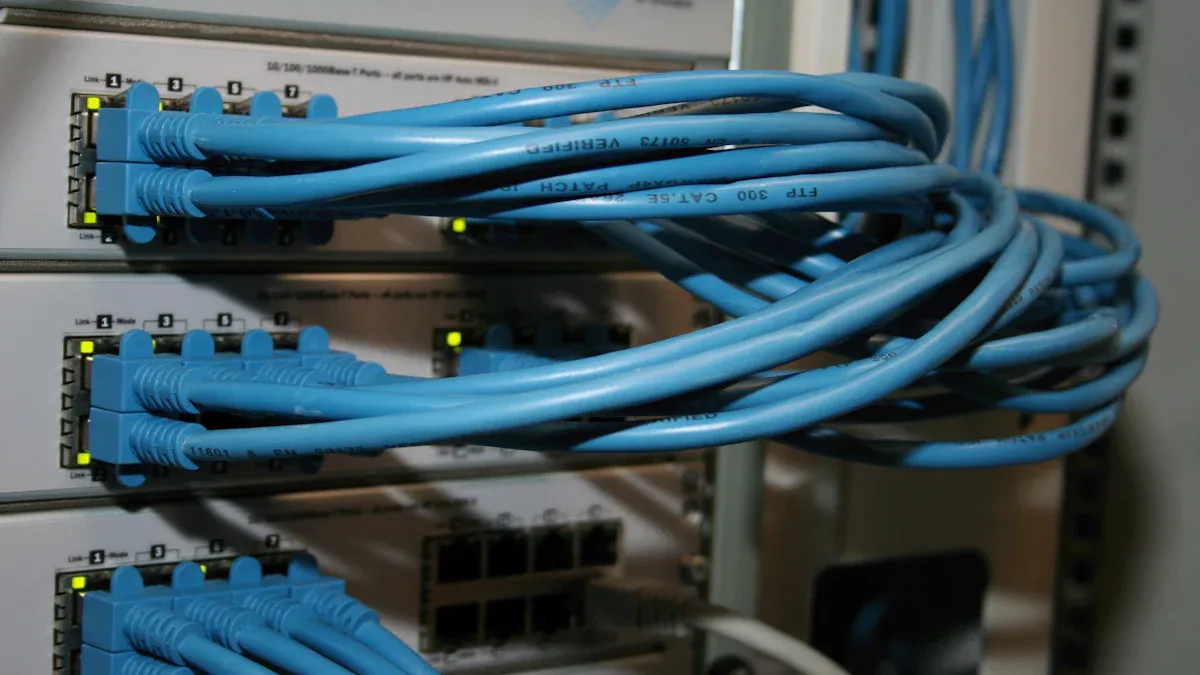
Speed and bandwidth impact
Speed and bandwidth are important for a network. When you use a network splitter, all devices must share the speed. If two devices use the splitter, each gets less speed. For example, if the main connection is 100 Mbps, both devices get less when used together. This can make streaming or gaming slower.
A switch sends data to each device using its address. Each device gets full speed. This helps every device work well, even with many devices online. Switches use full-duplex mode. Devices can send and receive data at the same time. This doubles the bandwidth for each device and keeps the network fast.
Feature | Network Splitter | Switch |
|---|---|---|
Speed | Shared bandwidth | Full speed for each device |
Latency | May increase | Low latency |
Throughput | Capped at lower speeds | High throughput |
Note: The 200-48X and 200-48X6C network splitters from sz-xtt give stable connections. They are good for sharing one cable without a hard setup.
Device limits and scalability
Device limits and scalability are important for networks. A network splitter usually connects only two devices per cable. This is best for small setups, like two computers in a home office. If you want more devices, you need more splitters or another solution. A splitter does not add more ports. It just lets two devices share one cable.
A switch connects many devices at once. You can link computers, printers, or cameras to a switch. The switch manages traffic and keeps things running well. As the network grows, you can add more switches. This makes switches better for offices, schools, or places where the network may get bigger.
A network splitter has a set number of ports, so only a few devices can connect.
A switch can connect many devices and lets the network grow easily.
PoE support and reliability
Power over Ethernet (PoE) lets a device send data and power through one cable. Many managed switches have PoE. This means you can power devices like IP cameras, phones, or wireless access points without extra cords. PoE makes setups neat and simple.
Network splitters, like the 200-48X, do not have PoE. They only share a data connection between devices. If you need to power devices through the network, pick a switch with PoE.
Feature | Network Splitter (200-48X) | Switch with PoE |
|---|---|---|
PoE Support | No | Yes (on many models) |
Power Delivery | Not supported | Powers devices like cameras and phones |
Tip: If you need to connect and power devices like cameras or phones, a switch with PoE is best. For simple data sharing, a network splitter like the sz-xtt 200-48X or 200-48X6C is a good choice.
The network splitter vs switch comparison shows switches are faster, support more devices, and have extra features like PoE. Splitters are best for simple setups where you only need to share one connection.
Use cases and recommendations
When to use a splitter
A network splitter works best in simple setups. People often use splitters when they need to connect two devices in a small office or home. For example, someone might want to connect a computer and a printer to the same Ethernet cable. The 200-48X and 200-48X6C splitters from sz-xtt make this easy. These models support high speeds and offer many ports, so users can share a connection without much effort. Splitters do not need special settings. Users just plug them in and start working. This makes them a good choice for those who want a quick and easy solution.
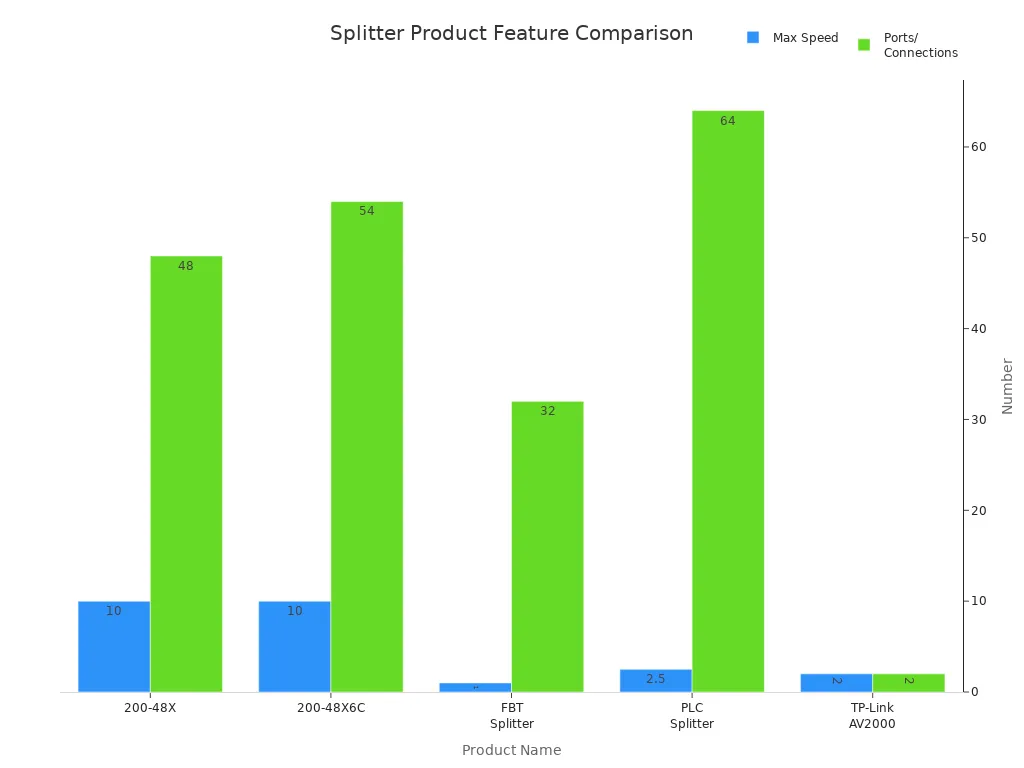
Product Name | Max Speed | Ports/Connections | PoE Support | Best For |
|---|---|---|---|---|
200-48X | 10 Gbps | 48 | Yes | Large offices |
200-48X6C | 10 Gbps | 48+6 Combo | Yes | Complex networks |
Tip: Splitters like the 200-48X and 200-48X6C are plug-and-play. They do not require complex setup.
When to use a switch
A network switch fits busy places with many devices. Offices, schools, and homes with lots of gadgets need switches. Switches give each device its own path, so everyone gets fast and stable internet. They handle video calls, streaming, and cloud apps without slowing down. Switches also grow with the network. Users can add more devices as needed. For professionals, switches offer tools to manage and monitor traffic. For families, they provide more ports and better coverage.
Device Type | Cost | Suitable For | Number of Connections | Power Requirement |
|---|---|---|---|---|
Ethernet Splitter | Cheaper | Small networks | 2 | None |
Ethernet Switch | More Expensive | Large networks with devices | Up to 50 | Requires power |
Choosing the right device for your network
Choosing between a network splitter and a switch depends on the network size and needs. Small setups with just a few devices can use a splitter. Large or growing networks need a switch. Users should check the number of ports, speed, and if they need Power over Ethernet (PoE). Quality and ease of use also matter. The table below helps compare key factors:
Factor | Description |
|---|---|
Port Configuration | Pick enough ports for now and the future |
Speed Compatibility | Match device speed to network needs |
Quality and Durability | Choose strong devices for long life |
Ease of Use | Look for easy setup and operation |
Power over Ethernet (PoE) | Needed for powering cameras or phones |
The network splitter vs switch decision shapes how well a network works. Splitters like the sz-xtt 200-48X and 200-48X6C fit simple sharing needs. Switches work better for busy or growing networks.
Network splitters and switches are not the same. They are different in three big ways: function, performance, and how you use them. The table below shows these differences:
Feature | Network Splitter | Switch |
|---|---|---|
Connection Type | Shares one cable | Dedicated path for each device |
Data Management | No traffic control | Manages and prioritizes traffic |
Speed | Shared bandwidth | Full speed for each device |
A splitter is good for simple sharing. If you have lots of devices or a busy network, a switch is better. It gives more control and faster speed. Picking the right device makes your network work well. Sz-xtt’s 200-48X and 200-48X6C splitters are easy to set up. They give steady connections for homes and offices.
FAQ
What is a network splitter?
A network splitter divides one Ethernet connection into several outputs. It helps users share a single cable between two or more devices. Sz-xtt offers advanced splitters like the 200-48X network splitter.
How does a switch differ from a splitter?
A switch manages data traffic and sends information to the correct device. Each device gets its own data path. This makes switches better for larger networks with many devices.
When should someone use a network splitter?
A network splitter works best for small setups. For example, it helps connect two computers in a home office. The 200-48X6C network splitter from sz-xtt is easy to install and reliable.
Can a network splitter increase the number of devices on a network?
A splitter only shares one cable between a few devices. It does not add more network ports. For more devices, a switch is the better choice.
Who is sz-xtt?
Sz-xtt is a trusted brand that designs high-quality network splitters for homes and offices. Their products, like the 200-48X and 200-48X6C, help users build fast and stable networks.