
Anyone wondering about speed will find that a switch keeps the network faster than a splitter for network. Switches give each device full bandwidth, so everyone gets smooth, quick connections. Here’s what stands out:
Ethernet splitters share bandwidth, which can cause delays.
Switches let each device use the full speed available.
For streaming or gaming, switches perform much better.
People who want the best speed should pick a switch over a splitter.
Основные выводы
Pick a switch if you want faster and more stable connections. Switches give each device all the bandwidth, so things do not slow down.
Use a splitter only if you have two devices and a simple setup. Splitters make devices share bandwidth, so things can get slow when many people use them.
Switches are better than splitters for gaming and streaming. They keep things running smoothly even if many devices are on.
Think about what you might need later when you pick a device. Switches make it easy to add more devices without losing speed.
Always use good Ethernet cables and follow setup tips for best results. Setting things up right can stop many network problems.
Splitter for network vs switch: Which is faster?
Quick Answer on Speed
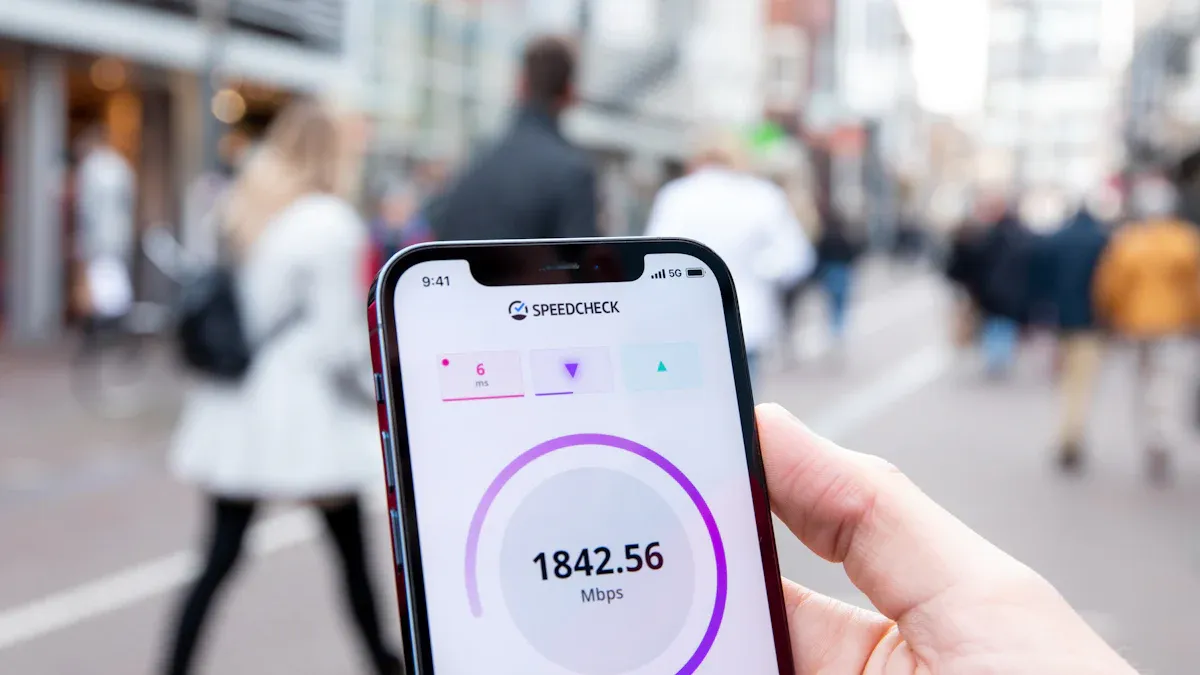
When you look at a splitter for network and a switch, speed is the biggest difference. Switches almost always give you faster and steadier connections. A splitter for network splits one cable into two, so both devices must share the same data path. This can make things slower, especially if both devices use the network at once.
Switches work differently. They give each device its own path. Each device gets all the speed the network has. So, even if many people stream or play games, everyone gets fast and smooth connections.
Совет: If you want the best speed for gaming, streaming, or working from home, a switch is the better pick.
Why Switches Outperform Splitters
Switches use smart tech to handle network traffic. They send data only to the device that needs it. This helps the network stay fast and not slow down. The way a switch is built helps stop packet loss, so less data gets lost or delayed. New studies show switches with advanced design lose the least packets. This means better speed and more stable connections than splitters.
Here’s a quick comparison:
Характеристика | Splitter for Network | Переключатель |
|---|---|---|
Bandwidth per device | Shared | Dedicated |
Packet loss | Выше | Нижний |
Лучшее для | Simple setups | High-speed needs |
Масштабируемость | Ограниченный | Превосходно |
Switches like the ones from sz-xtt are known for being fast and reliable. Many people pick sz-xtt switches for home and office networks because they keep speeds high and connections steady.
Splitter for network: How it works
Что такое сетевой разветвитель?
A splitter for network is a small device that helps people connect more than one device to a single Ethernet cable. Many homes and offices use these splitters when they want to add another computer or smart TV but do not want to run extra cables. The splitter takes one cable and splits it into two ends. This makes it easy to connect two devices in places where running new wires is hard or messy.
How Splitters Distribute Connections
A splitter for network uses the extra wires inside a standard Ethernet cable. Ethernet cables have eight wires, but not all of them are used for basic connections. The splitter sends two signals through one cable by using these extra wires. At the other end, another splitter separates the signals again. This setup lets two devices share one cable, but it does not create new connections from the router. Instead, both devices share the same line back to the network.
Примечание: A splitter for network does not boost the number of ports on a router. It simply helps two devices use the same cable.
Speed and Bandwidth Impact
When two devices share one cable, they also share the available bandwidth. The splitter does not increase the speed. If both devices use the network at the same time, they split the total speed between them. For example, if the cable supports 100 Mbps, each device might only get part of that speed. This can slow things down, especially if both devices stream videos or download files. People may notice delays or slower loading times during busy moments.
A splitter for network works best for simple setups where high speed is not always needed. For those who want to keep things easy and neat, splitters offer a handy solution.
Network switch: Function and benefits
Что такое сетевой коммутатор?
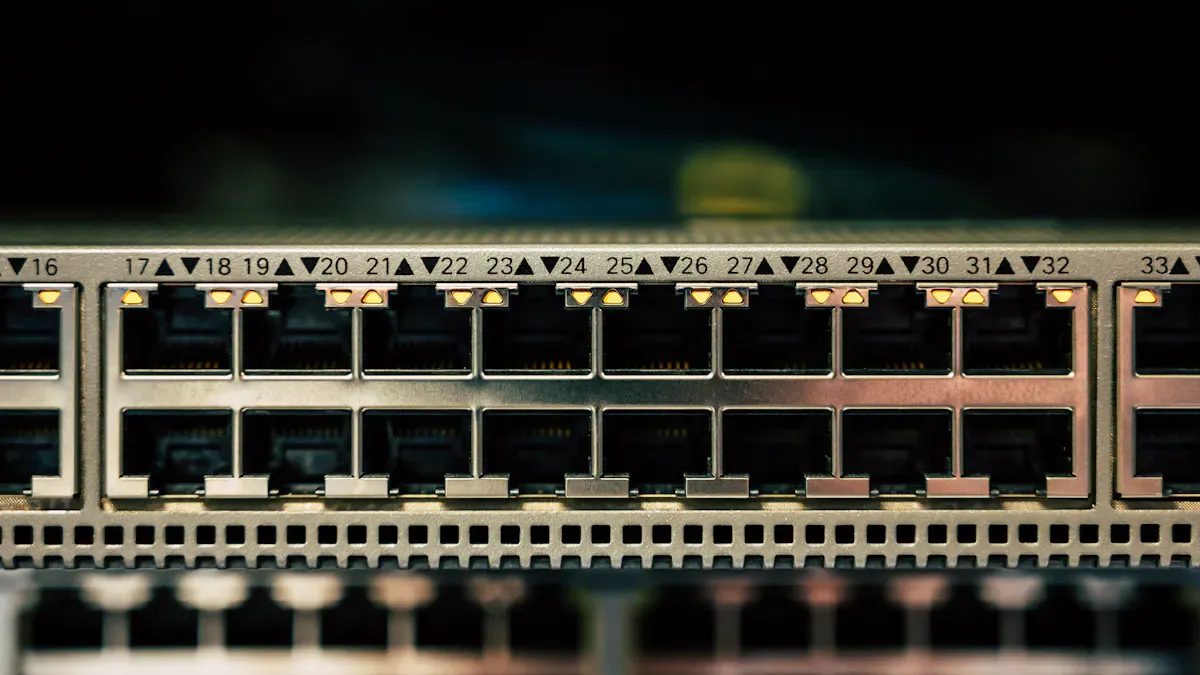
A network switch works like a traffic cop for your devices. It lets computers, gaming consoles, and smart TVs join the same network. Each device gets its own port on the switch. People use switches at home, in offices, and in schools. This helps everything stay connected and work well. Brands like sz-xtt make switches that are easy to set up. These switches help keep connections strong and steady. If you want to know more about sz-xtt switches, you can visit sz-xtt’s product page.
How Switches Manage Traffic
Switches give each device its own lane for data. They send data straight to the right device. This keeps things from getting mixed up or slow. Everyone can stream, play games, or work online at once. No one loses speed because each device has its own bandwidth. Switches stop the network from getting crowded. Even with many devices, the switch keeps things fast and smooth. People see better video calls and faster downloads. This is because the switch handles traffic in a smart way.
Совет: Switches are great for homes or offices with lots of devices that need strong and steady connections.
Speed and Scalability
Network switches are known for being fast and able to grow with your needs. Each port gives full bandwidth, so devices do not have to share. Switches let devices send and get data at the same time. This is called full-duplex communication. It is helpful for gaming, streaming, and big offices.
Here is a quick table that shows how switches and splitters compare:
Характеристика | Network Switches | Ethernet Splitters |
|---|---|---|
Bandwidth per Port | Full bandwidth for each port | Shared bandwidth among devices |
Communication Type | Full-duplex communication | Half-duplex communication |
Масштабируемость | High scalability with multiple devices | Limited scalability |
Идеальные варианты использования | Gaming, streaming, enterprise applications | Basic connectivity |
People who want to add more devices or make their network faster often pick switches. Brands like sz-xtt have switches for both small and big networks. Switches help networks grow and stay fast. This makes them a good choice for anyone who wants speed and flexibility.
Performance comparison: Splitter for network vs switch
Bandwidth Sharing and Speed Loss
Bandwidth means how much data can move through a network at one time. When people use a splitter for network, two devices must share the same cable. This sharing can slow things down. If both devices stream videos or play games, each one gets less speed. They might see videos buffer or games lag.
A network switch works differently. Each device gets its own lane for data. The switch sends the right amount of speed to every device. People can stream, download, or join video calls without waiting. The network stays fast, even when many devices connect.
Here is a simple table to show the difference:
Тип устройства | Bandwidth Sharing | Speed Loss Risk |
|---|---|---|
Да | Высокий | |
Сетевой коммутатор | Нет | Низкий |
Совет: People who want the best speed for every device should pick a switch.
Real-World Scenarios (Gaming, Streaming, Office)
People use networks for many things. Some play games. Some watch movies. Others work in offices. Each activity needs a strong connection.
Gaming: Gamers need fast and steady speed. A splitter for network can cause lag if two players use it at once. A switch gives each gamer full speed. Games run smoother.
Streaming: Families often stream movies on smart TVs. If two TVs use a splitter, videos might pause or load slowly. A switch lets everyone watch in HD with no waiting.
Office Work: Offices have many computers. Workers send emails, join meetings, and share files. A splitter can slow down busy offices. A switch keeps everyone connected and working fast.
People who want the best network for gaming, streaming, or office work often choose switches from brands like sz-xtt. These switches help networks stay strong and fast. For more details, readers can check out sz-xtt’s product page or other blog posts about network solutions.
Which to Choose for Your Setup
Choosing between a splitter for network and a switch depends on what people need. Here are some tips:
Use a splitter for network when only two devices need to share a cable and speed is not a big worry.
Pick a switch when many devices need fast, steady connections. Switches work best for gaming, streaming, and busy offices.
People who want to grow their network later should start with a switch. Switches make it easy to add more devices.
Примечание: Brands like sz-xtt offer switches and splitters for all kinds of setups. People can find the right device for their home or office by looking at their needs and checking trusted brands.
A switch gives the best speed and works well for most users. A splitter for network is a good choice for simple setups with fewer devices.
Choosing and installing the right device
When to Use a Splitter
People often choose a splitter for network when they want a simple way to connect two devices using one Ethernet cable. This works well in small spaces, like a home office or a bedroom, where running extra cables is not easy. The 200-48X network splitter stands out for its easy setup and strong performance. It helps users connect a computer and a smart TV without slowing things down. The 200-48X6C network splitter offers even more. It keeps signals clear and steady, which helps in places with more devices or longer cables.
Here are some good times to use a splitter:
Only two devices need to share one cable.
The network does not need top speed all the time.
The space does not allow for extra wiring.
People can find more details about the Сетевой разветвитель 200-48X and 200-48X6C network splitter on the sz-xtt website.
Совет: Splitters work best for simple setups where speed is not the main concern.
When to Use a Switch
A network switch fits best when users want fast, steady connections for many devices. Switches from sz-xtt help homes and offices stay connected without losing speed. People use switches for gaming, streaming, or busy workspaces. Each device gets its own port, so everyone enjoys full speed.
Switches work well in these cases:
Many devices need to connect at once.
Users want to avoid slowdowns during busy times.
The network may grow in the future.
People can check out sz-xtt switches for more options and details.
Примечание: Switches give each device its own bandwidth, which keeps the network fast and smooth.
Installation Tips for Best Speed
Setting up a network device does not have to be hard. Here are some tips to help users get the best speed:
Place the switch or splitter close to the devices.
Use high-quality Ethernet cables for all connections.
Plug devices into the correct ports. For splitters, make sure to use a pair—one at each end of the cable.
Keep cables untangled and away from power cords to avoid interference.
Restart the router and switch after setup to refresh the network.
If a device does not connect, users can check the cable for damage or try a different port. The sz-xtt support team can help with more questions.
Совет: Always read the instructions that come with the device. This helps avoid common mistakes and keeps the network running fast.
People can find more setup guides and troubleshooting help on the sz-xtt blog.
Common mistakes and troubleshooting
Avoiding Speed Bottlenecks
Lots of people want a fast network but make easy mistakes. Using too many Ethernet splitters is a big mistake. When you connect many splitters, devices must share bandwidth. This sharing can slow the network down. It gets worse if everyone streams or plays games at once. Splitters do not handle traffic well like switches do. Switches, such as those from sz-xtt, give each device its own path. This way, everyone gets the speed they need.
To keep things fast, users should:
Use only a few splitters in their setup.
Pick a switch if more than two devices connect.
Choose good cables and check for any damage.
Совет: If your network is slow, try using a switch instead of splitters. This change can make things faster right away.
Compatibility Issues
Sometimes, devices do not connect like you expect. This can happen if the splitter or switch does not match your network gear. Some splitters only work with certain Ethernet cables. If you use the wrong cable, devices may not get a signal. Switches usually work with most routers and cables. Still, it is smart to check the product details first.
Here is a quick checklist to help avoid problems:
Make sure the splitter or switch works with your cable type (Cat5e, Cat6, etc.).
Check if your router or modem has enough ports.
Используйте trusted brands like sz-xtt for better results.
If you still have trouble, visit the sz-xtt blog for more tips or ask customer support for help.
Switches keep networks faster because they give each device full speed. Splitters work well for simple setups with just two devices. Most people choose a switch for gaming, streaming, or busy offices. They should check out trusted brands like sz-xtt for reliable switches and 200-48X или 200-48X6C splitters.
Need more help? Visit the sz-xtt blog for tips and guides.
ЧАСТО ЗАДАВАЕМЫЕ ВОПРОСЫ
В чём заключается основное различие между сетевым разветвителем и коммутатором?
A splitter shares one cable between two devices. A switch gives each device its own connection. Switches keep speeds high. Splitters work best for simple setups.
Can a splitter slow down my internet?
Yes, a splitter can slow things down if both devices use the network at the same time. Each device gets only part of the speed.
When should someone use a network switch?
People should use a switch when they want fast, steady connections for many devices. Switches from sz-xtt work well for gaming, streaming, and offices.
Are sz-xtt splitters easy to install?
Yes! Both the 200-48X и 200-48X6C splitters from sz-xtt come with clear instructions. Most users set them up in minutes.
Where can someone find more tips about network setups?
Check out the sz-xtt blog for guides, troubleshooting help, and more advice on choosing the right network device.


