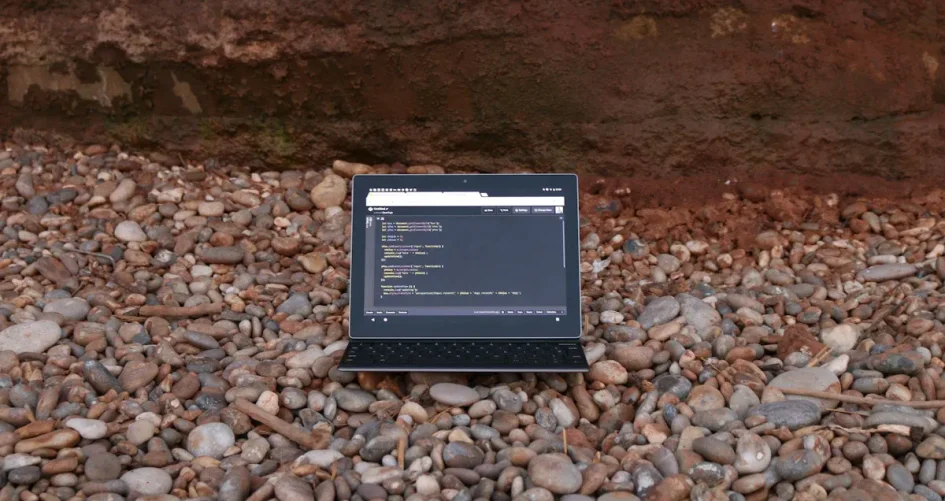
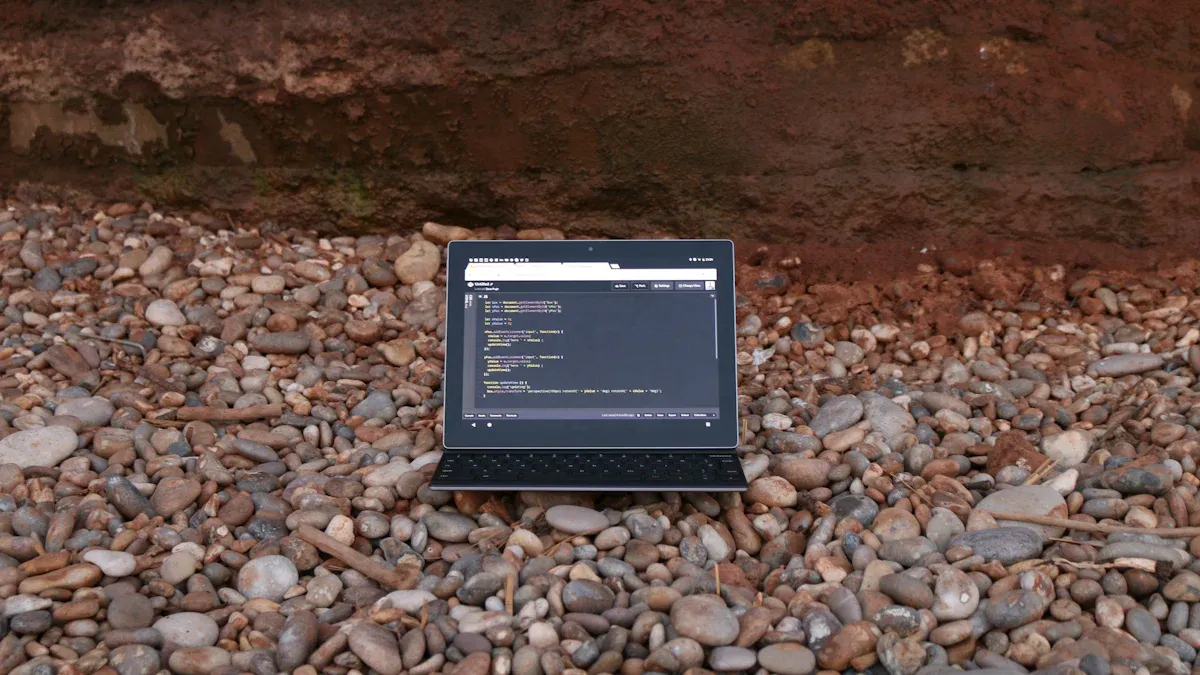
You know how tough it gets working outside. Dust, rain, and bumps can ruin your gear fast. If you work in construction, military, or field service, you need tools that can handle anything. Rugged Laptops help you stay productive, even in rough conditions. Think about what your job throws at you every day:
Extreme weather
Drops and shocks
Dirt and moisture
Pick a device that matches your work. Your laptop should work as hard as you do.
Key Takeaways
Rugged laptops can handle tough places like drops, dust, and water. This makes them very important for people who work outside.
When you pick a rugged laptop, think about how strong it is. Also, check how fast it works, how long the battery lasts, and how it connects to other devices. Make sure it fits your job needs.
Find laptops with bright screens so you can see outside. Long battery life helps you work longer in hard places.
Clean your rugged laptop often and handle it with care. This helps it last longer and keeps it working well.
Some jobs need special rugged laptops. Pick one that works best for your job, like construction, military, or field service.
Top 10 Rugged Laptops Overview
Quick List of the Best Models
You need a laptop that can take a lot. Here are the top 10 rugged laptops that many professionals use in the field:
Panasonic Toughbook 40 Mk2
Durabook S15
Dell Latitude 7330 Rugged Extreme
Dell Latitude 7424 Rugged Extreme
Getac B360 G2
101PAD-A Rugged Computer
156JG Rugged Computer
156PAC Rugged Computer
156PLA-III Rugged Computer
173PAC-MC Rugged Computer
Tip: Each laptop has something different to offer. Some are easy to carry. Others have bigger screens or more power. Think about what you need most for your job.
Key Features Comparison
When you look at rugged laptops, you should see what makes them special. They are made to handle drops, dust, and rain. Here is a table that shows what experts look for when picking the best ones:
Criteria | Description |
|---|---|
Durability | Built to meet military standards like MIL-STD-810G for drops and hard use. |
Performance | Has fast processors, at least 8GB RAM, and SSDs for speed. |
Connectivity | Has many ports, Wi-Fi, Bluetooth, and 4G/5G options. |
Display Quality | Bright screens that are easy to see outside and from the side. |
Ergonomics | Keyboards and touchpads are comfy for long work hours. |
Battery Life | Lasts at least 8 hours, with batteries you can swap in the field. |
Now, let’s see how rugged laptops compare to regular ones:
Feature | Standard Laptop | |
|---|---|---|
MIL-STD-810G Testing | Yes | No |
Operating Thermal Range | -20°F to 145°F | Limited |
Non-Operating Range | -60°F to 160°F | Limited |
Ingress Protection (IP Rating) | IP-65 | N/A |
Build Material | Magnesium alloy, shock-absorbent | Varies |
Display Visibility | Outdoor-readable | Standard |
Touch Screen | Resistive multi-touch | Capacitive |
You can see why rugged laptops are best for tough jobs. They keep working when other laptops stop. If you need a laptop that can survive hard work, these are good choices.
Why Rugged Laptops Are Essential for Field Work
Field Challenges and Demands
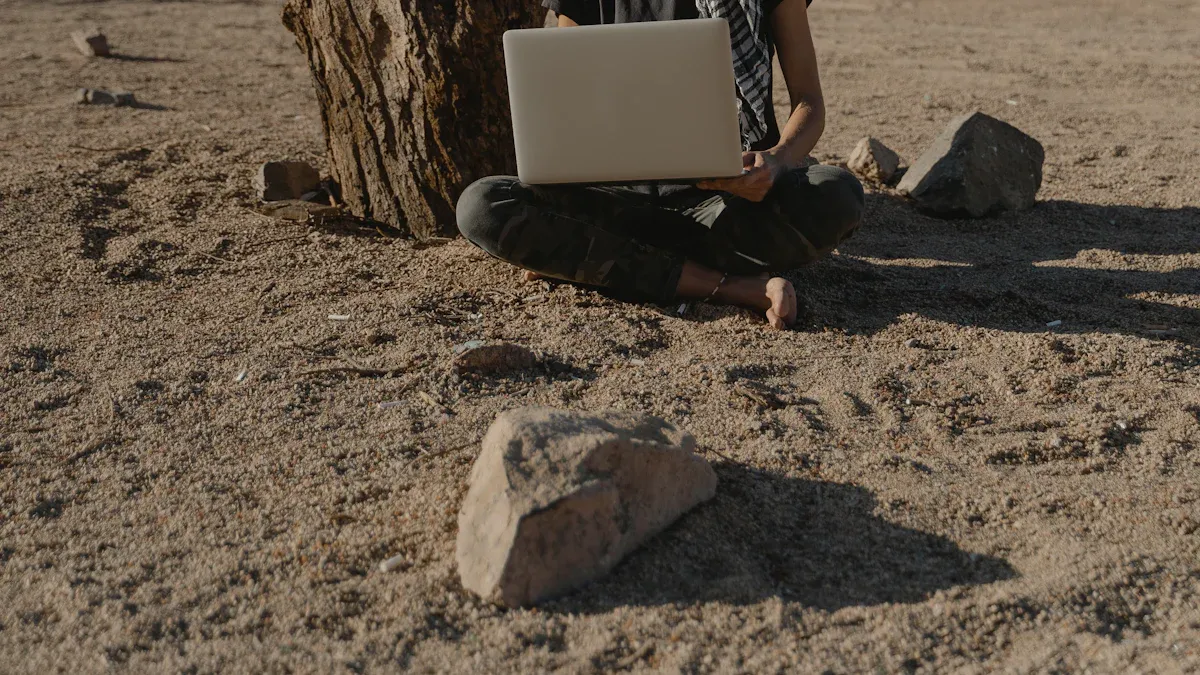
You know that working in the field is never easy. Every day brings new surprises. Sometimes, you face heavy rain or blazing sun. Other times, you deal with dust, mud, or even snow. Your laptop might get dropped or bumped while you move from one place to another. Water can splash on your screen. Dirt can get into the keyboard. These things can break a regular laptop fast.
Here are some common challenges you might face:
Sudden drops or falls
Extreme heat or cold
Dust, sand, or mud
Water spills or rain
Vibration from vehicles or machines
If your laptop stops working, your job can get much harder. You might lose important data or miss deadlines.
Benefits of Rugged Laptops
Rugged Laptops help you keep working, no matter what happens around you. These laptops are tough. They can handle drops, shocks, and even water. You do not have to worry about dust or dirt getting inside. The screens stay bright, even in sunlight. The batteries last a long time, so you can work all day.
Check out some key benefits:
Strong cases protect against drops and bumps
Sealed ports keep out dust and water
Bright screens work well outdoors
Long battery life keeps you going
Easy to use with gloves or wet hands
Rugged Laptops give you peace of mind. You can focus on your work, not your equipment. When you use one, you know you have a tool built for your world.
Choosing the Right Rugged Laptop
Durability and Build Quality
When you pick a laptop for tough jobs, you want something that can take a hit. Look for models that meet military standards like MIL-STD-810G. This means your laptop can handle drops, dust, and even rain. Some laptops, like the LG Gram 16 and Lenovo Thinkpad X13 Gen 2, have passed these tests. You can trust them to keep working when things get rough. If you work outside or move around a lot, strong build quality matters. A solid case and sealed ports help keep your laptop safe from dirt and water.
Tip: Always check if your laptop has a rugged rating before you buy. It can save you from headaches later.
Performance and Hardware
You need a laptop that runs fast and smooth. Choose one with a good processor and enough RAM. If you use heavy software or work with big files, more power helps you get things done quicker. SSDs make your laptop start up fast and keep your files safe. Some Rugged Laptops come with extra features like fingerprint readers or smart card slots. These help keep your data secure.
Connectivity and Ports
Staying connected is key when you work in the field. You might need to send reports, access maps, or talk to your team. Look for laptops with Wi-Fi, Bluetooth, and mobile data options like 4G or 5G. Police officers use laptops with real-time data access to do their jobs better. The Panasonic Toughpad tablets let you connect through 4G, so you can work from almost anywhere. More ports mean you can plug in tools, charge devices, or use extra screens.
Wi-Fi and Bluetooth for easy connections
4G/5G for mobile work
Plenty of USB and HDMI ports
Display and Battery Life
A bright screen helps you see your work outside, even in sunlight. Some laptops have displays that resist scratches and glare. If you work long hours, battery life matters. Pick a laptop that lasts at least eight hours. Swappable batteries let you keep working without stopping to charge. You can find Rugged Laptops with screens that work with gloves or wet hands. This makes your job easier when the weather gets bad.
Note: A good display and strong battery keep you productive all day.
Top 10 Rugged Laptops Reviewed

Panasonic Toughbook 40 Mk2
You want a laptop that works anywhere. The Panasonic Toughbook 40 Mk2 is made for hard jobs. The magnesium alloy case keeps it safe from drops. The screen stays bright in sunlight. You can change the battery without turning it off. This laptop is good for police, military, and field engineers. You can use it in rain, dust, or very hot or cold places. The keyboard is easy to use with gloves. If you need a laptop that always works, this is a great pick.
Strengths:
Super durable build
Bright, outdoor-readable display
Hot-swappable battery
Many ports for connections
Best for:
Law enforcement
Military
Construction sites
Durabook S15
The Durabook S15 is strong and easy to carry. It has a slim shape but still protects like military gear. The screen is big and clear for outdoor work. The battery lasts all day. You can use this laptop for field service, logistics, or outdoor research. The case keeps out dust and water. You can trust it to keep working when things get tough.
Strengths:
Lightweight for a rugged device
Large, clear display
Long battery life
Sealed ports
Best for:
Field service
Outdoor research
Logistics
Dell Latitude 7330 Rugged Extreme
You need a laptop that survives drops and spills. The Dell Latitude 7330 Rugged Extreme is ready for tough jobs. The case meets military standards. The screen works well in sunlight. You get fast speed with new processors. The battery lasts for hours and you can swap it. You can use this laptop in trucks, job sites, or emergencies. The keyboard works with gloves, so you keep working.
Strengths:
Tough, shock-resistant case
Fast processor
Outdoor-friendly display
Swappable battery
Best for:
Emergency response
Utility workers
Construction
Dell Latitude 7424 Rugged Extreme
The Dell Latitude 7424 Rugged Extreme gives more protection. It can handle drops, dust, and water. The screen is easy to read outside. The battery lasts all day. You can use this laptop in oil fields, farms, or factories. The ports are sealed, so dirt and water stay out. You get strong security to keep your data safe.
Strengths:
Extra tough build
Bright, anti-glare screen
Long battery life
Secure data protection
Best for:
Oil and gas
Agriculture
Manufacturing
Getac B360 G2
You want speed and strength together. The Getac B360 G2 gives you both. The laptop is light but very tough. The screen is bright and easy to see outside. You get fast processors for hard tasks. The battery lasts for hours and you can swap it. You can use this laptop in cars, job sites, or in the field. The case protects against drops, dust, and water.
Strengths:
Lightweight design
Fast performance
Sunlight-readable display
Swappable battery
Best for:
Transportation
Field service
Public safety
101PAD-A Rugged Computer
You need a laptop that is easy to carry and tough. The 101PAD-A Rugged Computer is made for both. The strong case protects it from drops and rough use. The laptop works in very hot or cold places. The battery lasts a long time, so you can work all day. You can use this model for construction, field service, or military work. The design keeps dust and water out, so you do not worry about it breaking.
Strengths:
Portable and lightweight
Handles extreme temperatures
Long battery life
Dust and moisture protection
Best for:
Construction
Military
Field service
156JG Rugged Computer
You want more power for your work. The 156JG Rugged Computer has strong processing power. The tough outside keeps out dust and water. You can use this laptop for big data jobs, outdoor work, or research. The screen is clear and easy to read. The battery lasts for hours, so you keep working. You get a laptop that works well in hard places.
Strengths:
Powerful processor
Dust and moisture resistance
Clear display
Long battery life
Best for:
Data analysis
Outdoor projects
Research
156PAC Rugged Computer
You need a laptop that is strong and works well. The 156PAC Rugged Computer has advanced features for many software types. The case is tough and keeps out dirt and water. The screen is bright and the battery lasts all day. You can use this laptop in construction, field service, or logistics. The design makes it easy to use anywhere.
Strengths:
Balanced performance
Advanced features
Strong, sealed case
Bright display
Best for:
Construction
Logistics
Field service
156PLA-III Rugged Computer
You want the best tech in a tough laptop. The 156PLA-III Rugged Computer has high performance and a strong case. The laptop works well for hard jobs in rough places. The screen is big and easy to see. The battery lasts for hours. You can use this model for military, research, or field engineering. The case protects against hits and scratches.
Strengths:
High-performance hardware
Large, clear display
Impact and scratch resistance
Long battery life
Best for:
Military
Research
Field engineering
173PAC-MC Rugged Computer
You need a bigger screen that is still tough. The 173PAC-MC Rugged Computer has a large display that resists scratches and hits. The case is strong and keeps out dust and water. The battery lasts all day. You can use this laptop for mapping, surveying, or field analysis. The design makes it easy to use in rough places.
Strengths:
Large, impact-resistant display
Tough, sealed case
Long battery life
Dust and moisture protection
Best for:
Mapping
Surveying
Field analysis
Tip: Rugged Laptops help you work anywhere. Pick the model that fits your job and do not worry about your laptop stopping.
Rugged Laptops Comparison Table
Picking a rugged laptop can be hard. You want to know how each one compares. This table lets you see the top 10 rugged laptops together. Check the specs that help you work outside. You can find differences in durability, performance, display, battery, and connectivity.
Model | Durability | Performance | Display | Battery Life | Connectivity |
|---|---|---|---|---|---|
Panasonic Toughbook 40 Mk2 | MIL-STD-810H, IP66 | Intel i5/i7, 16GB+ | 14″ FHD, 1200 nits, touch | Up to 18 hrs | Wi-Fi 6, 4G/5G, many ports |
Durabook S15 | MIL-STD-810G, IP5X | Intel i5/i7, 8-32GB | 15.6″ FHD, 1000 nits | Up to 13 hrs | Wi-Fi, Bluetooth, USB, HDMI |
Dell Latitude 7330 Rugged | MIL-STD-810H, IP65 | Intel i5/i7, 16GB+ | 13.3″ FHD, 1400 nits, touch | Up to 25 hrs | Wi-Fi 6, 4G/5G, USB, HDMI |
Dell Latitude 7424 Rugged | MIL-STD-810G, IP52 | Intel i5/i7, 8-32GB | 14″ FHD, 1000 nits, touch | Up to 14 hrs | Wi-Fi, 4G, USB, HDMI |
Getac B360 G2 | MIL-STD-810H, IP66 | Intel i5/i7, 8-64GB | 13.3″ FHD, 1400 nits, touch | Up to 15 hrs | Wi-Fi 6, 4G LTE, USB, HDMI |
101PAD-A Rugged Computer | MIL-STD-810G, IP65 | Intel, 8GB+ | 10.1″ HD, sunlight readable | Up to 10 hrs | Wi-Fi, Bluetooth, USB |
156JG Rugged Computer | MIL-STD-810G, IP65 | Intel, high power | 15.6″ FHD, anti-glare | Up to 12 hrs | Wi-Fi, Bluetooth, USB, HDMI |
156PAC Rugged Computer | MIL-STD-810G, IP65 | Intel, advanced | 15.6″ FHD, bright | Up to 12 hrs | Wi-Fi, Bluetooth, USB, HDMI |
156PLA-III Rugged Computer | MIL-STD-810G, IP65 | Intel, high-end | 15.6″ FHD, large, clear | Up to 13 hrs | Wi-Fi, Bluetooth, USB, HDMI |
173PAC-MC Rugged Computer | MIL-STD-810G, IP65 | Intel, strong | 17.3″ FHD, impact-resistant | Up to 12 hrs | Wi-Fi, Bluetooth, USB, HDMI |
Tip:
If you work outside, look at battery life and screen brightness. These help you work in the sun and far from outlets.
Use this table to find the best laptop for you. Maybe you want a bigger screen for maps. Maybe you need a battery that lasts all day. Choose the features that help you most. This way, your laptop will keep up with your work.
Maintenance Tips for Rugged Laptops
Taking care of your rugged laptop helps you get the most out of it. Even though these devices are built tough, a little attention goes a long way. You want your laptop to last through every job, so let’s talk about some easy ways to keep it in top shape.
Clean your laptop often. Grab a soft cloth or microfiber towel and wipe down the screen and keyboard. This keeps dust and dirt from scratching the surface.
Keep your laptop out of direct sunlight. Sunlight can heat up your device and damage the screen over time. If you work outside, find some shade when you take a break.
Use a shockproof bag. Carrying your laptop in a sturdy bag protects it from bumps and drops. You never know when you might trip or set your bag down a little too hard.
Cover the keyboard when not in use. Place a thin fabric sheet over the keyboard before closing the lid. This simple trick helps protect the screen from scratches.
Handle the screen with care. Always open and close the laptop gently. Avoid pressing on the display or using sharp objects near it.
Manage your battery wisely. Follow the manufacturer’s instructions for charging. Don’t let the battery drain completely every time. Plug it in before it gets too low to help it last longer.
Avoid extreme temperatures. Leaving your laptop in a hot car or outside in freezing weather can hurt its performance. Try to store it somewhere safe when you’re not using it.
Tip:
A little maintenance now saves you trouble later. You’ll spend less time fixing problems and more time getting your work done.
If you follow these steps, your rugged laptop will stay reliable and ready for action. You don’t need fancy tools or special skills—just a bit of care and attention. Your laptop works hard for you, so give it the support it deserves! 🛠️
Recommendations by Industry
Picking the right rugged laptop depends on your job. Different jobs have different needs. Your laptop should fit your work place. Let’s see what is best for some jobs.
Construction
You work near dust and big machines. Your laptop must be tough and keep working. Dell is a good choice for construction. Dell laptops are strong and work well. They use materials that do not scratch or break easily. Dell’s warranty helps you feel safe at work. Many people use Latitude and Precision because they last a long time.
Dell Latitude 7424 Rugged Extreme
Dell Latitude 7330 Rugged Extreme
Dell Precision Series
Tip: Choose a laptop with a bright screen and long battery. You need to see your plans outside and work all day.
Military
You need a laptop that works in hard places. Military-grade strength is important. Look for security like Trusted Platform Module and BIOS rollback. These keep your data safe. Military laptops get extra tests. You can change hardware and software for your job. Rugged laptops help with drops and bumps.
Panasonic Toughbook 40 Mk2
Getac B360 G2
156PLA-III Rugged Computer
Feature | Why It Matters for Military Use |
|---|---|
Military-grade build | Works in tough places |
Security features | Keeps your information safe |
Customization options | Lets you pick what you need |
Impact resistance | Handles drops and shocks |
Field Service and Logistics
You go to many places and need a light laptop. The 101PAD-A Rugged Computer is easy to carry. It works in hot and cold weather. Durabook S15 is light and has a big screen. Both keep out dust and water, so you can keep working.
101PAD-A Rugged Computer
Durabook S15
156PAC Rugged Computer
Note: If you travel a lot, pick a light laptop with good wireless. You can send reports and talk to your team anywhere.
You know your job best. Pick a rugged laptop that fits your work. This helps you focus on your job, not your laptop.
Choosing the right laptop matters when you work in tough places. Rugged Laptops help you stay productive, no matter what your day brings. Think about your job, your environment, and what features you need most. Check the brand and see if it matches your work style. Have you used a rugged laptop before? Share your story or ask a question in the comments!
FAQ
What makes a laptop “rugged”?
A rugged laptop has a tough case, sealed ports, and a strong screen. You can drop it, get it wet, or use it in the sun. It keeps working when regular laptops stop.
Can I use a rugged laptop in the rain?
Yes, you can. Rugged laptops have sealed ports and water-resistant cases. You do not need to worry about rain or splashes. Just wipe it dry after use.
How do I clean my rugged laptop?
Use a soft, damp cloth to wipe the screen and keyboard. Avoid harsh cleaners. Keep dust and dirt away from the ports. Your laptop will last longer with regular cleaning.
Do rugged laptops have good battery life?
Most rugged laptops last 8 hours or more. Some models let you swap batteries without turning off the laptop. You can work all day without searching for a charger.
Tip:
If you need extra battery life, carry a spare battery. Swapping is quick and easy!