
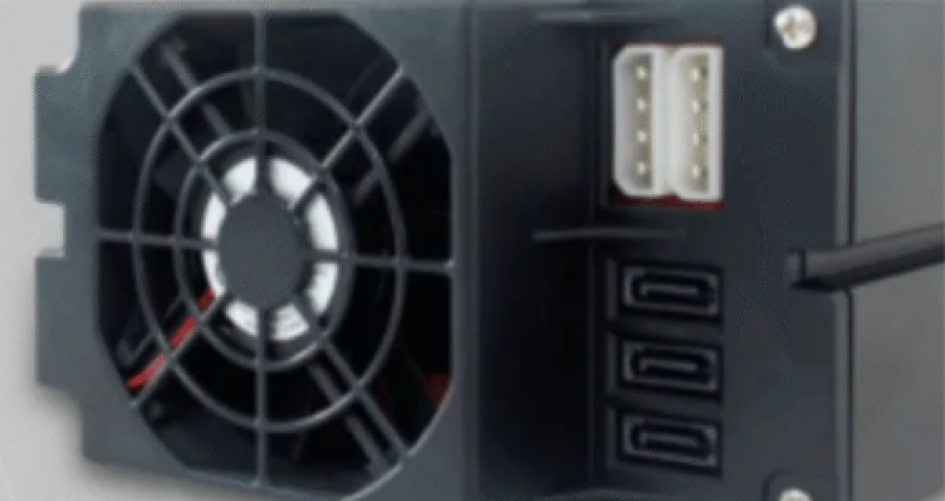
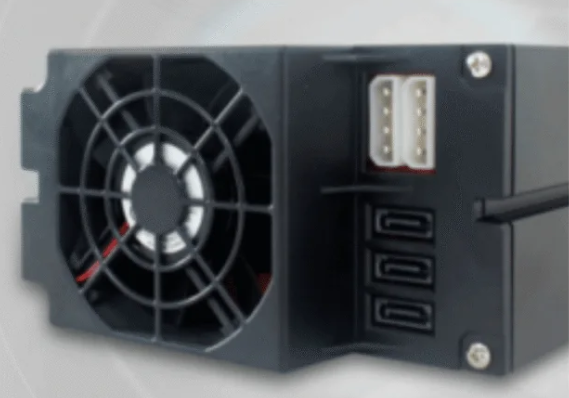
2026 yılında soğutma ve genişletme açısından en iyi 4U sunucu kasaları sz-xtt, Supermicro, RackChoice ve Broadberry markalarına aittir. Bu kasalar, güçlü soğutma özelliğini desteklemeleri, kolay yükseltme imkânı sunmaları ve çevre dostu bir şekilde çalışması nedeniyle tercih edilebilir. 4U sunucu kasaları, birçok BT görevi için esneklik sunar. Sürücü eklemek veya donanımı yükseltmek oldukça kolaydır. Bir kasa seçerken, BT çalışanları soğutma ve genişletme özelliklerini göz önünde bulundurmalı ve kasanın ihtiyaçlarına uygun olup olmadığını değerlendirmelidir.
Su soğutma ve modüler sistemler gibi gelişmiş soğutma yöntemleri, ısının kontrol edilmesine yardımcı olur.
Modüler tasarımlar, parçaların yükseltilmesini ve değiştirilmesini kolaylaştırır.
Çevre dostu özellikler enerji tasarrufuna yardımcı olur.
Önemli Çıkarımlar
Sunucunuzun daha iyi çalışması için soğutma performansı iyi olan bir 4U sunucu kasası seçin.
Daha sonra daha fazla depolama alanı ekleyebilmeniz için bol sayıda sürücü yuvası bulunan modelleri seçin.
Şasinin durumunu kontrol edin anakartınıza uyar ve güç kaynağı arasında iyi bir uyum sağlanması için.
Yükseltme ve onarım işlemleri için kolayca açılabilen bir kasa seçin; böylece zamandan tasarruf eder ve sunucunuzun kesintisiz çalışmasını sağlarsınız.
Şasinin durumunu kontrol edin daha az enerji tüketir çevreye katkıda bulunmak ve tasarruf etmek için.
4U Sunucu Kasaları Hızlı Karşılaştırması
En İyi Modeller Genel Bakış
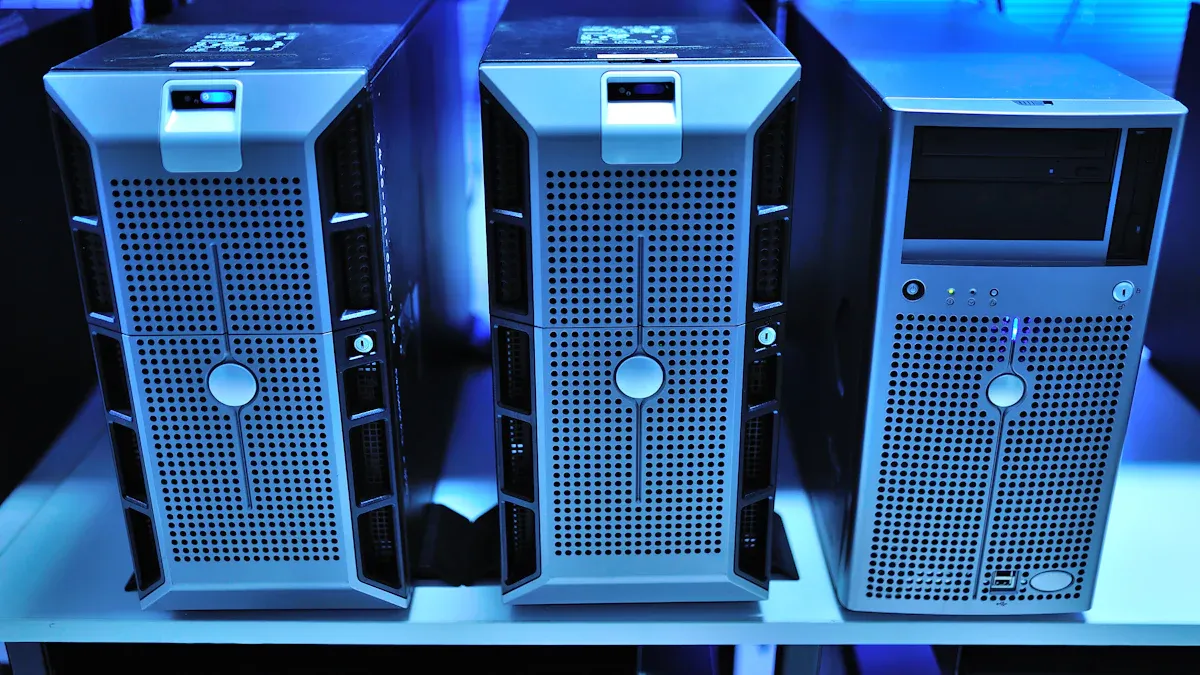
Doğru seçimi yapmak sunucu şasisi Önemlidir. Sunucunuzun sorunsuz çalışmasına ve güvenilirliğini korumasına yardımcı olur. BT ekipleri, iyi bir soğutma sistemine sahip rafa monte edilebilir sunucu kasaları arar. Ayrıca, yükseltmeler için bol miktarda alana da ihtiyaç duyarlar. İşte sz-xtt, Supermicro, RackChoice, Broadberry, Chenbro ve SilverStone markalarının en iyi modellerinden bazıları.
Marka | Fiyat Aralığı | Soğutma Verimliliği | Genişletme Kapasitesi |
|---|---|---|---|
sz-xtt | $150–$300 | Asgari soğutma | 8–12 bölme |
RackChoice | $300–$600 | Daha iyi hava akışı | 16–24 sürücü yuvası |
Broadberry | $600+ | Gelişmiş termal | 36 ve üzeri yuva |
Supermicro | $300–$600 | Yüksek | 16–24 bölme |
Chenbro | $300–$600 | Yüksek | 16–24 bölme |
SilverStone | $300–$600 | Yüksek | 16–24 bölme |
İpucu: Kaç adet sürücü yuvasına ihtiyacınız olduğunu kontrol edin. Satın almadan önce soğutma özelliklerine bakın. Bu, doğru sunucu kasasını seçmenize yardımcı olur.
Soğutma ve Genleşme Değerleri
Bazı sunucu kasaları, soğutma ve yükseltme açısından daha avantajlıdır. Broadberry, gelişmiş soğutma sistemine ve bol miktarda alana sahiptir. Büyük sunucu kurulumları için idealdir. Supermicro, Chenbro ve SilverStone da iyi soğutma sağlar ve genişletme imkânları bakımından iyidir. RackChoice, sz-xtt’ye kıyasla daha iyi hava akışına sahiptir. Ancak Broadberry kadar iyi değildir.
BT ekipleri, zorlu görevler için güçlü soğutma özelliğine sahip rafa monte sunucu kasalarını tercih eder. Ekstra depolama alanı için daha fazla sürücü yuvası bulunan modelleri seçerler. İyi bir soğutma sistemi, sunucuların sorunsuz çalışmasını sağlar. Ayrıca sunucuların daha iyi performans göstermesine de yardımcı olur. Genişletme özelliği sayesinde ekipler, ihtiyaç duyduklarında sürücü ekleyebilir veya donanımı yükseltebilir.
sz-xtt gibi minimum soğutma özelliğine sahip bir sunucu kasası, küçük kurulumlar için en uygun seçenektir. Yüksek performans ve yükseltme imkânı arayan ekipler, Broadberry veya Supermicro modellerini değerlendirmelidir. Bu modeller ısıyı iyi yönetir ve daha fazla sürücü barındırabilir. Yoğun kullanımdaki sunucu odaları için idealdir.
Sunucu Kasası Seçiminde Önemli Faktörler
Soğutma Performansı
Her BT ekibi, yoğun yük altında bile serin kalan bir sunucu ister. Bir sunucu kasasına baktıklarında, hava akışını ne kadar iyi yönettiğine dikkat ederler. İyi bir hava akışı, sunucunun aşırı ısınmadan çalışmaya devam edebileceği anlamına gelir. Birçok 4U raf tipi model, birden fazla fan bölmesi kullanır ve yüksek CFM değerine sahip fanları destekler. Bu yapı, sıcak havanın hızla dışarı atılmasına yardımcı olur. Bazı kasalarda su soğutma veya modüler soğutma sistemleri için yerler bile bulunur. Bu özellikler, özellikle yoğun sunucu odalarında performansı artırır. Ekipler ayrıca termal test sonuçları bulunan modelleri tercih eder. Sunucu yoğun bir şekilde çalıştığında kasanın nasıl bir performans gösterdiğini görmek isterler.
İpucu: Aletsiz fan montaj sistemine sahip bir sunucu kasası, yükseltme ve bakım işlemlerini çok daha kolay hale getirir.
Genişletme Olanakları
4U sunucu kasası, ekiplere yükseltmeler için bolca alan sağlar. Ekipler daha fazla sürücü ekleyebilir, ilave PCIe kartları takabilir veya hatta çoklu GPU sistemleri kurabilir. Sürücü yuvalarının sayısı büyük önem taşır. Bazı modellerde 36 veya daha fazla yuva bulunur. Bu, depolama yoğun işler için idealdir. PCIe yuvaları, ekiplerin ağ kartları veya RAID denetleyicileri eklemesine olanak tanır. Doğru sunucu kasası, hem çalışırken değiştirilebilir sürücüleri hem de aletsiz tepsileri destekler. Bu özellikler zaman tasarrufu sağlar ve kesinti sürelerini azaltır. Ekipler, satın almadan önce her zaman genişletme seçeneklerini kontrol etmelidir.
Kriterler | Açıklama |
|---|---|
Sürücü Bölmeleri | Yuva sayısı arttıkça depolama seçenekleri de artar. |
PCIe Yuvaları | Ekstra yuvalar, ağ, depolama veya GPU yükseltmelerine olanak tanır. |
Çalışırken Değiştirme Desteği | Çalışırken değiştirilebilir yuvalar, sürücülerin değiştirilmesini hızlı ve kolay hale getirir. |
Uyumluluk ve Üretim Kalitesi
Her biri değil sunucu kasası uyumludur Her kurulumda. Takımlar, kasayı anakart, işlemci ve güç kaynağı ile uyumlu hale getirmelidir. Çoğu 4U raf montajlı model, ATX’ten E-ATX’e kadar geniş bir anakart yelpazesini destekler. Ayrıca, daha verimli enerji kullanımı için 80 PLUS sertifikalı güç kaynaklarını tercih ederler. Üretim kalitesi de önemlidir. Sağlam bir kasa daha uzun ömürlüdür ve içindeki sunucuyu korur. Hızlı erişim panelleri ve ses yalıtımı gibi özellikler, bakım ve gürültü kontrolüne yardımcı olur.
İşte 4U raf tipi sunucu kasalarının 13 tip arasında neden öne çıktığına dair kısa bir özet:
Şasi Tipi | Temel Özellikler |
|---|---|
4U Rackmount | Maximum space, great for storage and multi-GPU setups |
1U/2U Rackmount | Compact, less room for expansion or cooling |
Tower Server | Quiet, easy access, but not for dense racks |
Blade Server | High density, shared cooling, higher cost |
A 4U server chassis gives teams the best mix of cooling, expansion, and flexibility. It works well in data centers, labs, and even small offices.
Best 4U Server Chassis Reviews
sz-xtt 4U Server Chassis
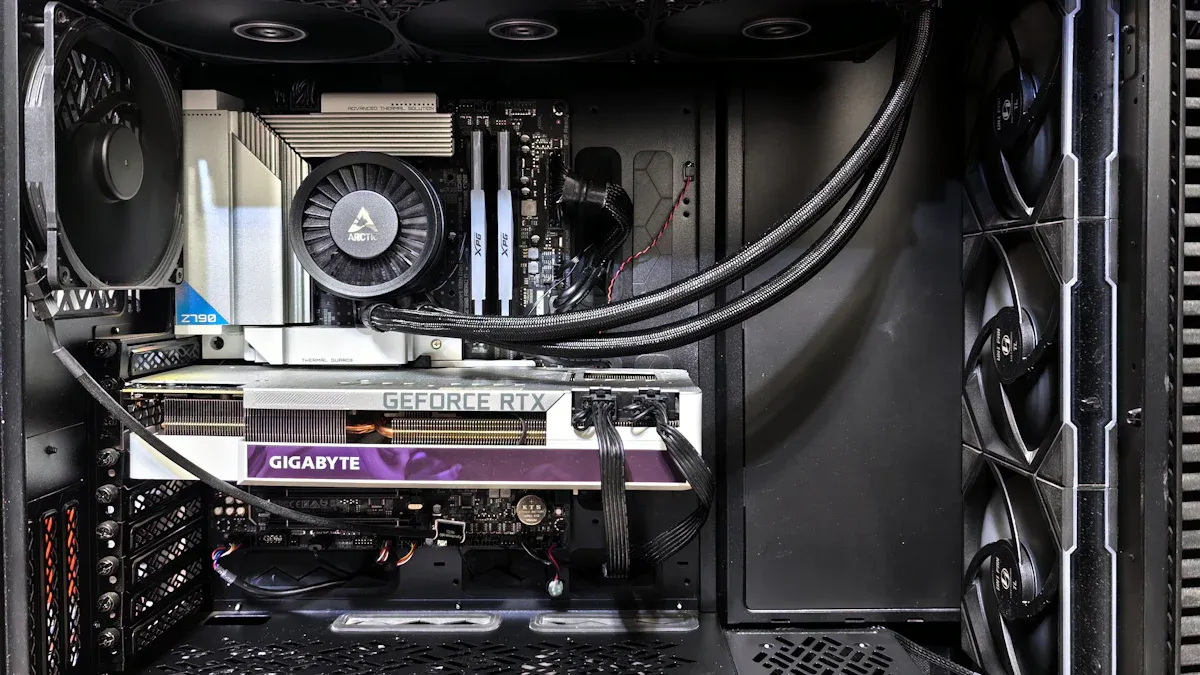
The sz-xtt brand is a top pick for IT teams who want a reliable 4u sunucu kasası. These models are made for easy upgrades and flexibility. The sz-xtt 4u rackmount chassis comes in two types: UB and LPB. Both can hold up to 36 drive bays. This means there is lots of space for data that keeps growing. The UB model has four full-height and three low-profile PCIe slots. The LPB version has seven low-profile slots. These choices help users find the right mix of expansion cards and storage.
Seçenek | Sürücü Bölmeleri | PCIe Yuvaları | Açıklama |
|---|---|---|---|
UB | 36 | 4 full-height, 3 low-profile | Supports SuperMicro’s proprietary UIO expansion cards. |
LPB | 36 | 7 low-profile | Supports maximum number of high-speed slots for low-profile cards. |
The cooling system in sz-xtt rackmount chassis is simple. It works best in small offices or home labs. These places do not need strong cooling. Users can add more fans if they want. The basic setup is good for light or medium jobs.
Artıları:
Lots of drive bays for big storage jobs
Many PCIe slot choices
Low starting price
Eksiler:
Basic cooling at first
Not great for busy data centers
İdeal Kullanım Durumları:
Small business servers, backup storage, and home labs are a good fit for sz-xtt’s 4u sunucu kasası. People who want to know more can visit the official website for details.
Supermicro 4U Rackmount
Supermicro is known for its strong cooling and expansion in the 4u rackmount market. This sunucu şasisi uses five hot-plug cooling fans. These fans give full cooling backup. It also has a powerful 1200W Titanium Level power supply. It can hold up to 24 hot-swap 3.5″ SAS3 drive bays. The design has an 8cm exhaust fan and four 92x38mm hot-swap fans. This keeps air moving and the server cool.
Özellik | Açıklama |
|---|---|
Cooling Redundancy | 100% cooling redundancy with 5 hot-plug redundant cooling fans |
Sürücü Bölmeleri | 24x 3.5″ Hot-swap SAS3 Drive Bays |
Güç Kaynağı | Redundant 1200W Titanium Level high efficiency power supply |
Fans | 1x 8cm hot-swap exhaust fan and 4x 92x38mm Hot-Swap Cooling Fans |
Backplane | Dual SAS3 (12Gbps) expander backplane |
Supermicro’s 4u sunucu kasası fits many motherboard sizes. It has seven low-profile expansion slots. This makes it a favorite for big companies and research labs.
Özellik | Detaylar |
|---|---|
Supported Motherboard Sizes | 12″ x 10″, 13.68″ x 13″, 9.6″ x 9.6″ |
Sürücü Bölmeleri | 36 x 3.5″ hot-swap SAS/SATA, optional 2 x 2.5″ hot-swap |
Backplane Support | 12-port 2U SAS3 12Gbps, 24-port 4U SAS3 12Gbps |
Güç Kaynağı | 1U 1280W Redundant Platinum 95%+ |
Genişleme Yuvaları | 7 low-profile expansion slots |
Cooling Fans | 7 x 8cm (7000 RPM) hot-swap PWM cooling fans |
Artıları:
Great cooling and keeps things cool
Can add lots of parts
Power supply is very reliable
Eksiler:
Costs more money
Too much for small jobs
İdeal Kullanım Durumları:
Supermicro’s 4u rackmount chassis is best for data centers, research labs, and places where uptime and speed are important.
RackChoice 4U Server Chassis
RackChoice has a 4u sunucu kasası that is good for price and performance. It comes with a 12cm fan already inside. This fan cools the server well for most jobs. Users can add more fans if they need extra cooling. This helps keep the server cool as it works harder.
Soğutma Teknolojisi | Açıklama |
|---|---|
Pre-installed 12cm fan | Provides efficient cooling for the server. |
Additional fan slots | Allows for enhanced airflow if needed. |
RackChoice models can hold up to 24 drive bays. This is good for adding more storage. The chassis also has PCIe slots for network or GPU upgrades.
Artıları:
Good airflow and can add more fans
Many drive bays for storage
Fair price
Eksiler:
Not as fancy as top models
May need more fans for hard jobs
İdeal Kullanım Durumları:
RackChoice 4u sunucu kasası is great for growing businesses, branch offices, and teams who want a good deal.
Broadberry 4U Rackmount
Broadberry’s 4u rackmount chassis is a leader for big jobs and strong cooling. It can hold up to 12 hot-swap 2.5″ drives. These drives can be SATA, SAS, or NVMe. The chassis also has eight GPU slots and can use up to 4.1TB of RAM. This is perfect for AI, big data, and virtualization.
Özellik | Detaylar |
|---|---|
Form Faktörü | 4U |
Sürücü Bölmeleri | Hot-Swap Drives |
HDD Size | 2.5″ Drives |
Quantity Drives | 12 |
Drive Interface | SATA, 12Gb/s SAS, NVMe |
GPU Slots | 8x Double / Single Width GPU |
Max RAM Capacity | 4.1TB |
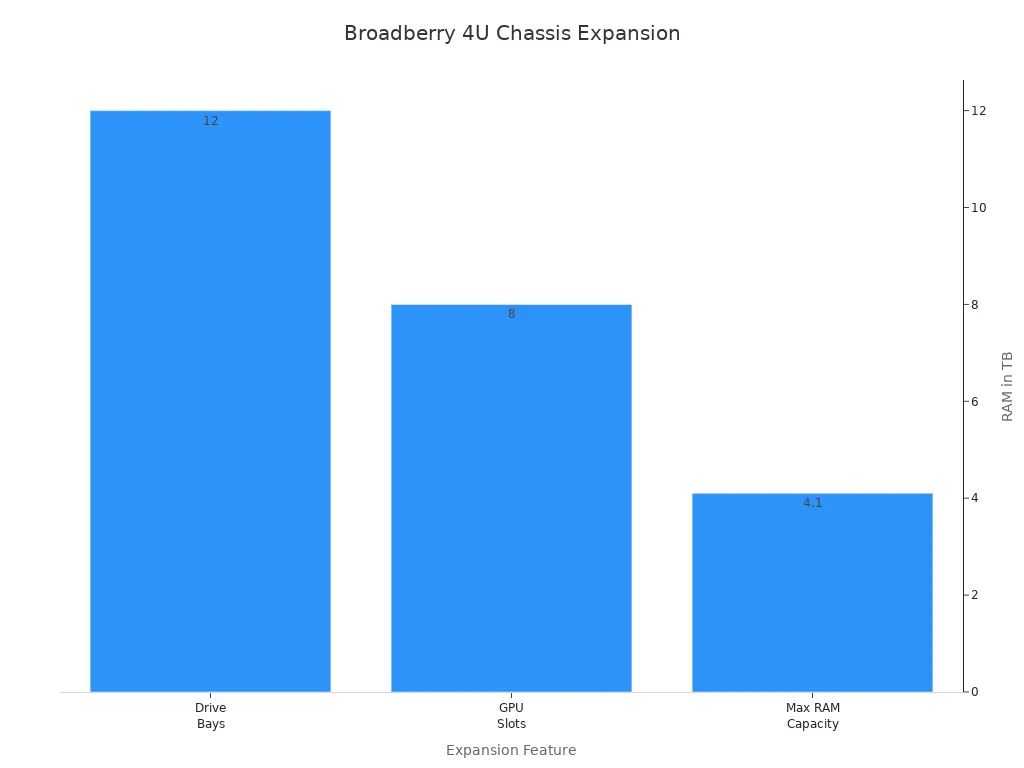
Broadberry’s rackmount chassis is made for NVIDIA GPUs. It also has backup power supplies for safety.
Artıları:
Top expansion for storage, GPU, and RAM
Strong cooling for hard jobs
Works with NVMe and SAS drives
Eksiler:
Costs a lot
May be too big for small offices
İdeal Kullanım Durumları:
Broadberry’s 4u sunucu kasası is best for data centers, AI research, and teams that need top speed and space.
Chenbro RM414 Series
Chenbro’s RM414 Series gives good cooling and expansion in the 4u rackmount market. The chassis can hold up to 24 drive bays and many PCIe slots. This makes it good for storage servers and virtualization. Chenbro uses strong fans and a tough frame. This keeps the server cool and safe.
Artıları:
Good cooling with strong fans
Can add more storage and PCIe cards
Built to last
Eksiler:
Not as many GPU slots as others
Can be a bit noisy
İdeal Kullanım Durumları:
Chenbro’s rackmount chassis is great for mid-sized businesses, storage groups, and teams who want a solid server for daily work.
SilverStone RM400 Series
SilverStone’s RM400 Series is a smart 4u sunucu kasası with good cooling and easy upgrades. The chassis has a 120mm front fan and two 80mm rear fans. There is also space for another 80mm fan in the front. This setup helps keep the server cool when it is busy.
Konum | Fan Boyutu | Quantity | Included |
|---|---|---|---|
Front | 120mm x 1 | 1 | Evet |
Front | 80mm x 1 | 1 | Hayır |
Rear | 80mm x 2 | 2 | Yes (1) |
SilverStone’s rackmount chassis can hold up to 24 drive bays and has PCIe slots. This makes it a good choice for many IT jobs.
Artıları:
Good cooling with fans included
Easy to add more fans or drives
Good value for what you get
Eksiler:
Not as many features as top models
Not much GPU support
İdeal Kullanım Durumları:
SilverStone’s 4u sunucu kasası is best for small to medium businesses, backup servers, and teams who want good performance for less money.
Her biri 4u sunucu kasası in this review has something special. sz-xtt is best for small jobs and saving money. Supermicro and Broadberry are great for data centers and big jobs. RackChoice, Chenbro, and SilverStone are good for growing businesses and teams who need options. Picking the right rackmount chassis helps IT teams get the best cooling, expansion, and performance for their servers.
Pros, Cons, and Use Cases
Model Strengths and Weaknesses
Doğru seçimi yapmak sunucu şasisi is important for IT teams. Each model has good points and bad points. The table below shows what people like and dislike about these server chassis.
Model Türü | Güçlü Yönler | Weaknesses |
|---|---|---|
4U Rackmount Server Case | Made for server motherboards | Uses more power and makes more heat |
Custom 4U Rackmount Case | Lets you pick size, materials, and layout | Takes longer to design and build |
Premium Material & Build Quality | Uses strong materials like steel or aluminum | N/A |
Advanced Cooling System | Has powerful cooling with efficient fans | N/A |
Many teams want a server chassis with strong cooling and lots of drive bays. These features help servers work better and last longer. Some models use tough materials, so they stay strong in busy rooms. Others focus on cooling, so the server does not get too hot. But some server chassis can be loud or use more power because of their cooling.
Note: Teams should check if the server chassis fits their hardware and cooling needs before buying.
Recommended Applications
Different server chassis models are best for different places. Here are some common uses:
Data centers use rackmount server chassis with strong cooling for lots of servers.
Small businesses pick models that are easy to upgrade and quiet for office servers.
Research labs need server chassis with lots of drive bays and good airflow for big data jobs.
Home labs often choose simple server chassis with basic cooling for learning and testing.
A server chassis with good cooling and room for upgrades helps teams get the best performance. Picking the right model keeps the server cool, fast, and ready for upgrades.
Buying Guide for 4U Server Chassis
Matching Chassis to Needs
IT teams want to pick the right sunucu şasisi. They check what their remote workstation needs now and later. Here are some things to think about:
GPU capacity is important. Teams count how many GPUs they need. They plan for more if their workstation grows.
Cooling solutions keep the cpu and server safe. Using many fans and good airflow helps a lot.
Power supply must match the cpu, GPUs, and storage. A strong power supply keeps the server working.
Future expansion lets teams add more drives or cards. A flexible server chassis supports upgrades for workstations and cloud storage.
Teams should keep cables neat. Messy cables block cooling and airflow. This can make the server overheat.
Maximizing Cooling
Cooling helps the cpu and server work well. Teams use water cooling systems to keep temperatures low. Cooler temperatures help the cpu and server perform better. Bigger server chassis fit larger cooling systems. These systems control heat more easily.
Dynamic airflow control changes fan speeds with sensors. This stops overheating in the rackmount server.
Dual path airflow sends air to different parts. This keeps heat from spreading.
Push-pull setups use intake and exhaust fans together. This boosts cooling and airflow for the cpu and server.
Upgrading often and keeping good records makes maintenance easier. It also helps cooling work better.
Genişleme için Planlama
Teams plan for expansion by picking a server chassis that fits their cpu and hardware needs. They check storage space and make sure the server can grow with their workstation.
Compatibility with hardware is important. Teams look for extra bays or slots for upgrades.
Easy upgrades matter. A server chassis that lets teams add drives or cards without trouble saves time.
Build quality affects how long the server lasts. Strong materials protect the cpu and server.
Balancing features and budget helps teams get the most from their workstation.
Not planning for future growth can cause problems. Teams should always plan ahead for expansion.
Picking the best 4U server chassis helps teams make a strong workstation. The best choices are good for cooling and expansion.
Find a chassis with airflow that keeps things cool.
Choose drive bays that are easy to use and change.
Make sure power is steady and has backup.
A workstation needs features that fit IT goals. Bigger chassis can handle special jobs and give more room to grow. Teams should check if the workstation fits what they need.
Steps for picking a workstation:
Decide how you will use the workstation.
Make sure the motherboard fits.
Check how many drives you need.
Look at cooling for the workstation.
Think about backup power.
Check how you can add more parts.
Make sure it fits in your space.
Stay away from specs that are not clear.
With the right chassis, a workstation stays cool, grows easily, and can be upgraded later.
SSS
What makes a 4U server chassis better for cooling?
A 4U server chassis gives more space for fans and airflow. They keep servers cool during heavy workloads. Teams can add extra cooling systems if needed.
How many drives can most 4U server chassis hold?
Most 4U server chassis support between 16 and 36 drive bays. Some models offer hot-swap bays for easy upgrades. Teams should check their storage needs before choosing.
Can a 4U server chassis fit any motherboard?
Many 4U server chassis fit ATX, E-ATX, and other common motherboard sizes. Teams must teknik özelliklere bakın to make sure their motherboard matches the chassis.
Is it easy to upgrade parts in a 4U server chassis?
Yes! Most 4U server chassis have tool-less trays and quick-access panels. Teams can add drives, fans, or cards without much trouble.