Each different level of server chassis has its own design and job. These designs help businesses with their computer needs. A server chassis is a box that holds hardware parts, keeping them safe and cool while also providing space to add more components later. Tower, rackmount, blade, and special chassis types serve different purposes, affecting how well servers operate and their longevity. Security features like lock doors protect important data. Sz-xtt offers many server chassis models, enabling companies to select the option that best fits their needs.
Önemli Çıkarımlar
Each server chassis has its own job. Pick the best one for your business.
Tower chassis work well in small offices. They are easy to upgrade. They make less noise than other chassis.
Rackmount chassis help save space in data centers. You can stack many servers in a neat way.
Blade chassis fit big data centers. They use less power and space. Many servers share resources in blade chassis.
Specialized chassis are made for hard places. They keep equipment safe in factories or outside.
Different Level of Server Chassis Overview
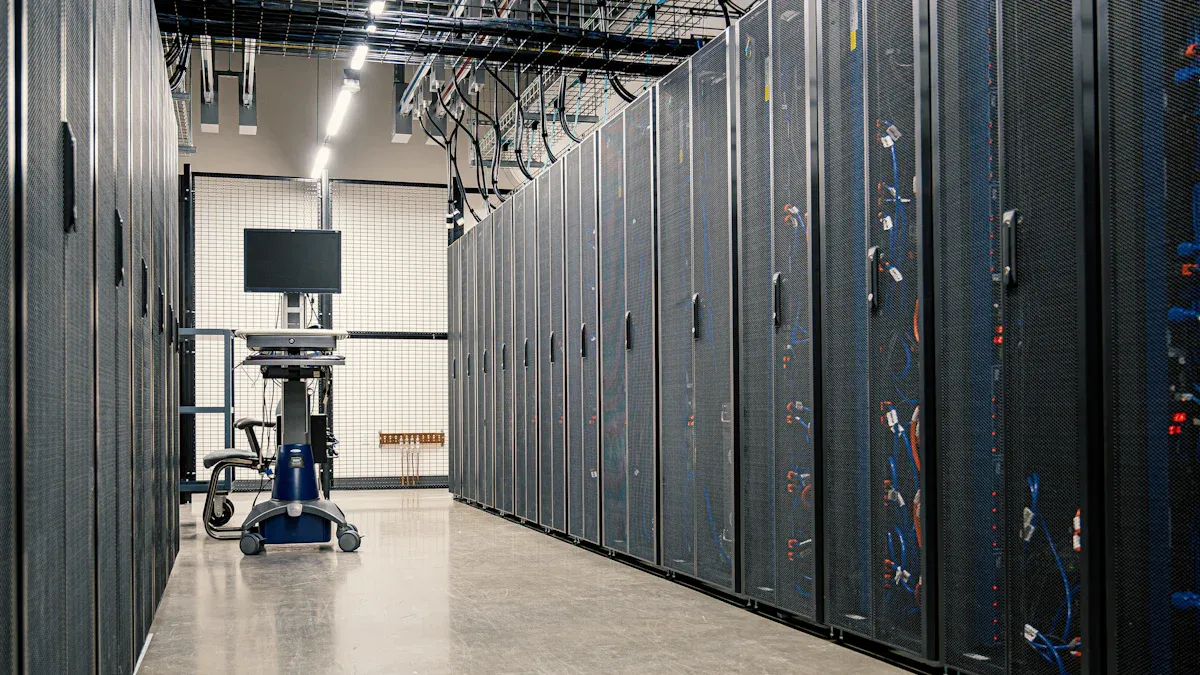
Each server chassis level has its own design and job. These types help companies pick what works best for them. The next parts show the main groups and how sz-xtt’s models fit in.
Tower Chassis
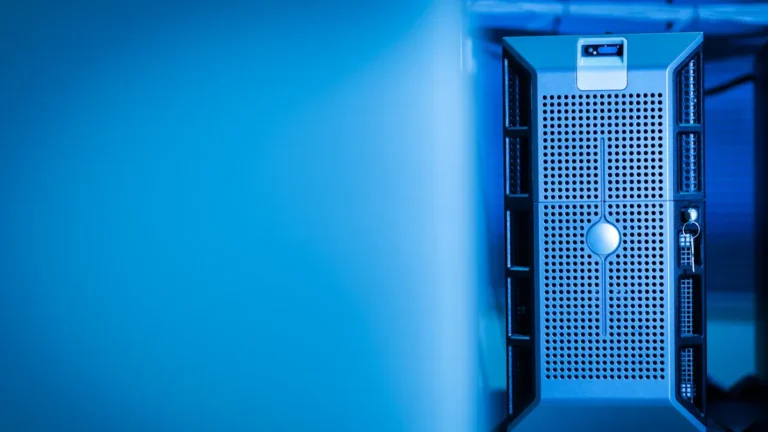
Tower chassis look like desktop computers. They stand up tall and let you reach inside easily. Many companies use tower chassis for their first servers. These chassis give:
Great room to add more parts
Quieter than rack servers
Cheaper because racks are not needed
Can use many GPUs and cool well
The sz-xtt 101S25 Server Chassis is special in this group. It has a lock door to keep hardware safe from people who should not get in. This model uses strong materials so it lasts longer. Tower chassis are good for graphic design, engineering, science, and software work. They also work for virtualization and gaming.
Rackmount Chassis
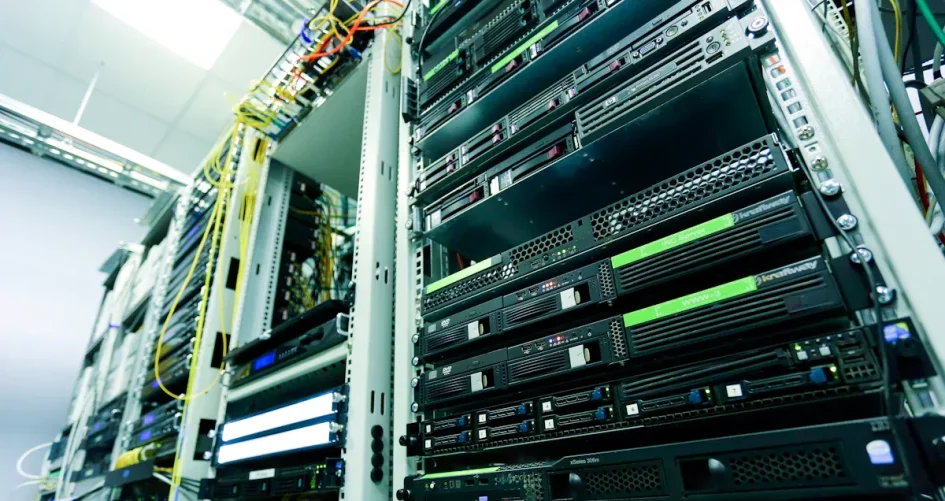
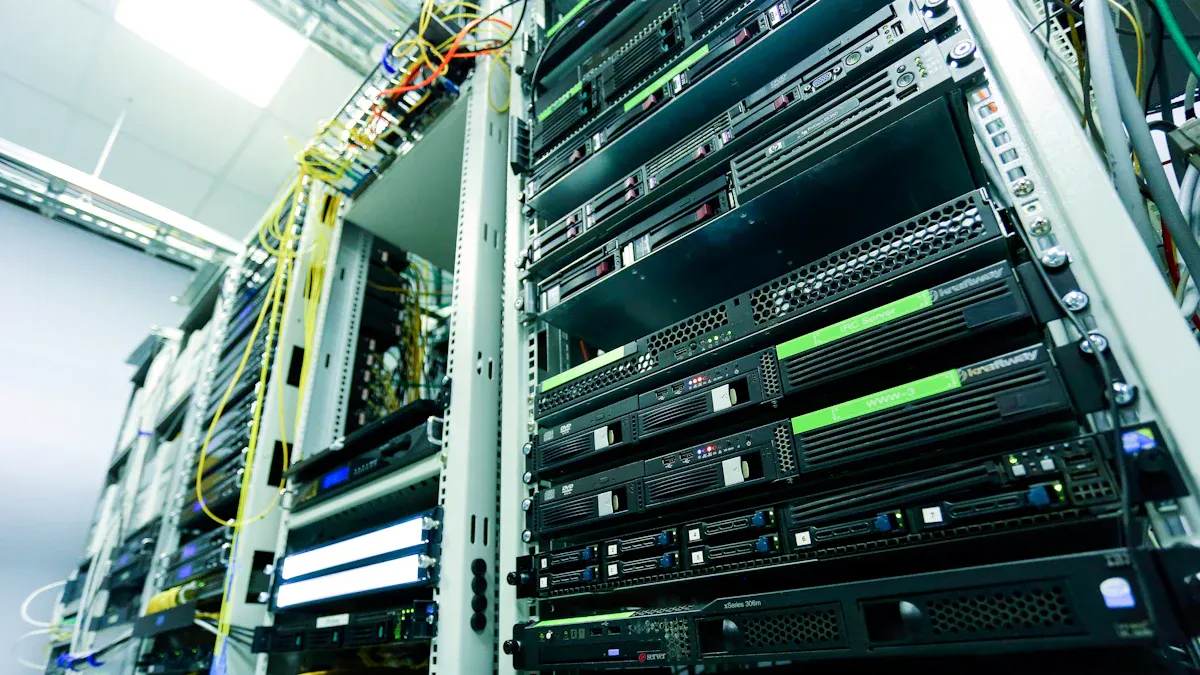
Rackmount chassis go into racks that are all the same size. Data centers and big companies use these to save space and keep servers neat. Stacking servers lets many fit in a small spot. Rackmount chassis are good for lots of servers and easy cable setup.
Model | 5.25″ Bays | 3.5″ Bays | 2.5″ Bays | Fans |
|---|---|---|---|---|
104H-T3 | 0 | 16 | 16 | 3*12038 (max:4) |
2003 | 1 (Opt.) | 20 | 20 | 312038, 28038 |
The sz-xtt 104H-T3 and 2003 models have lots of space for drives and strong cooling. These chassis use steel or aluminum to last longer. Many rackmount chassis have lock doors to keep equipment safe. Companies can pick 2U, 3U, or 4U sizes for storage and growth.
Blade Chassis
Blade chassis use a modular design. Each blade is a server that slides into a shared box. This lets more servers fit in one rack and saves space and power. Blade chassis share power and cooling, so bills go down.
Blade chassis make managing servers easier. They use one console to check and fix things. This means less cables and less daily work.
The sz-xtt 212H-T3E model is good for lots of servers in a small space. It has advanced features for businesses that need many servers close together. Blade chassis are best for big data centers with lots of servers.
Specialized Chassis
Specialized chassis are made for special jobs. These include industrial computer platforms, embedded box PCs, and edge server chassis. They are built for tough places like factories or outside. Features include:
Waterproof boxes to keep out water
Strong frames to last longer
Meet safety rules
Sz-xtt has models for extreme conditions. These chassis work well for a long time, even in hard places. Specialized chassis help industries like telecommunications, manufacturing, and IoT with their computer needs.
Different server chassis levels give companies choices for every job. Each type has features for lasting longer, growing, and staying safe. Sz-xtt’s big selection helps companies find the right chassis for them.
Design Features & Functional Advantages
Space & Cooling
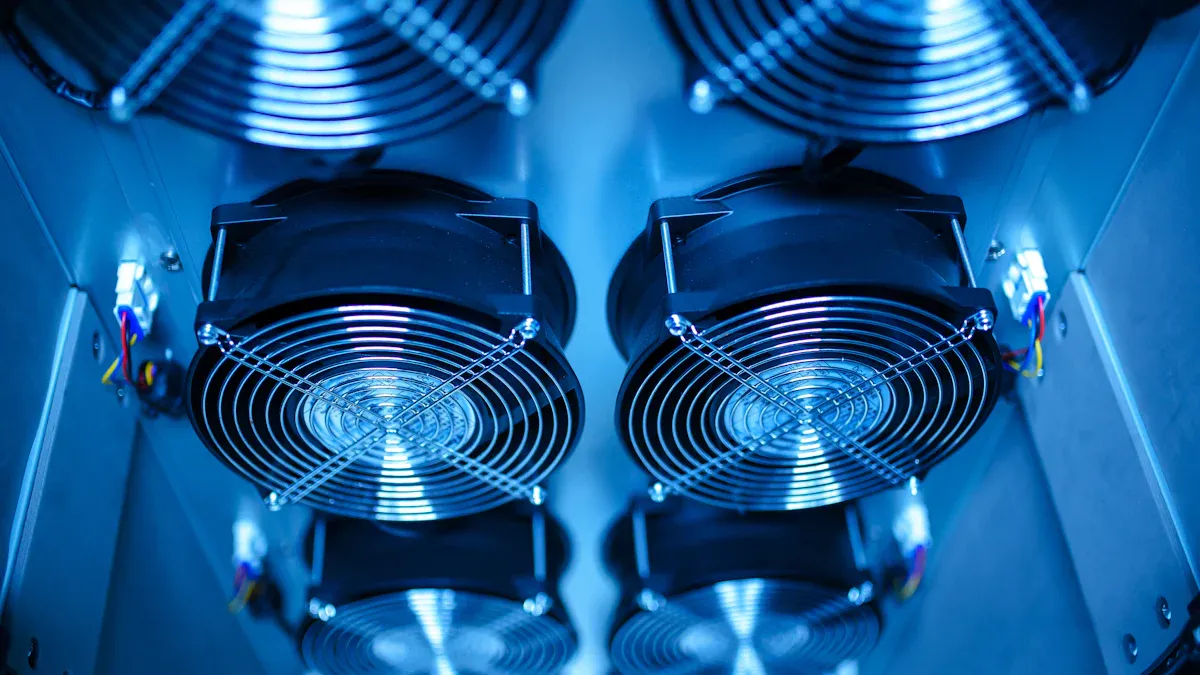
Each server chassis level has its own way to handle space and cooling. Tower chassis, like the sz-xtt 101S25, have lots of room inside. This makes upgrades easy and helps air move better. Fans and vents cool the hardware. Rackmount chassis, like the sz-xtt 104H-T3 and 2003, push air from front to back. Cool air comes in the front and hot air goes out the back. This works well in data centers with many servers stacked together. Blade chassis, like the sz-xtt 212H-T3E, save space by holding many servers in one box. They often share cooling systems, which uses less energy. Some chassis use liquid cooling or special doors to stop overheating. Good cable management lets air flow freely and keeps everything cool.
Security & Durability
Security and durability are important for every server chassis. Many sz-xtt models, like the 101S25, have lock doors to keep people out. Strong materials like stainless steel and aluminum help the chassis last longer. Builders use laser cutting and welding to make strong frames. Specialized chassis from sz-xtt can work in tough places like factories or outside. These models may have waterproof cases and extra-strong frames. All these features protect the server parts and keep data safe.
Scalability & Performance
Scalability means the server can grow as the business grows. The sz-xtt 2U chassis models can add more parts easily. IT teams can put in more drives, network cards, or GPUs when needed. Many models have extra slots and bays for upgrades. Modular designs let companies change parts without turning off the server. Blade chassis can grow more by adding new blades. Performance depends on the drives used. Small drives fit more in one chassis and make it faster. Large drives are good for storing lots of data. Modern chassis let you swap parts quickly. These features help companies keep up with changes.
Tip: Picking the right chassis helps companies balance space, cooling, security, and growth. Sz-xtt has many choices to fit every need.
Choosing the Right Server Chassis
Kullanım Örnekleri
Picking the right server chassis depends on what a business needs to do. Companies should think about a few things before they choose:
Size: The chassis should fit in the space you have and leave room to grow.
Cooling: The design must cool all the server parts.
Expansion Potential: There should be space for more drives and upgrades.
Redundancy Features: The chassis should let you add backup systems so servers keep working.
Tower chassis are good for small offices or teams that want easy upgrades. Rackmount chassis are best for data centers where saving space is important. Blade chassis work well when you need lots of servers in one place. Specialized chassis are made for factories or outside jobs.
Budget & Customization
How much money you have matters when picking a server chassis. The price changes with the type and how much you want to change it.
Rack Type | Typical Use Case | Approximate IT Cost Range |
|---|---|---|
Low-density rack | File servers, light workloads | $10,000 – $30,000 |
Mid-density rack | Virtualization, mixed workloads | $30,000 – $80,000 |
High-density rack | Compute-intensive or AI workloads | $80,000 – $150,000+ |
You can pick special cooling, different power setups, or unique materials. Some companies want light aluminum chassis for vehicles or strong ones for tough places. Sz-xtt has many models, like the 101S25 and 212H-T3E, that you can change to fit your needs.
Installation & Maintenance
Setting up and taking care of servers helps them last longer. Teams should check that the wires follow local rules and use the right tools, like screwdrivers and ESD straps. Two people should lift heavy chassis to stay safe. Good airflow around the chassis helps keep it cool. Tower chassis are easy to upgrade fast, but rackmount and blade chassis need more planning and save space. Sz-xtt has models that are easy to put in and gives help at every step.
For expert help and a fast quote, companies can talk to sz-xtt. The team helps find the right chassis for every business.
Each server chassis level has its own special benefits. The table below shows how different sizes give more or less room for upgrades and cooling.
Chassis Size | Expansion Bays | PCIe Yuvaları | Example Models |
|---|---|---|---|
1U | 2-4 | 1-2 | 314L65, 316H-T3 |
2U | 4-8 | 2-4 | 314S48, 415S48 |
3U | 8-12 | 4-6 | 415L65, 420H-T3 |
4U | 12-16 | 6-8 | 420H-T3E, 424H-T3 |
5U | 16+ | 8+ | 424H-T3E, 470 |
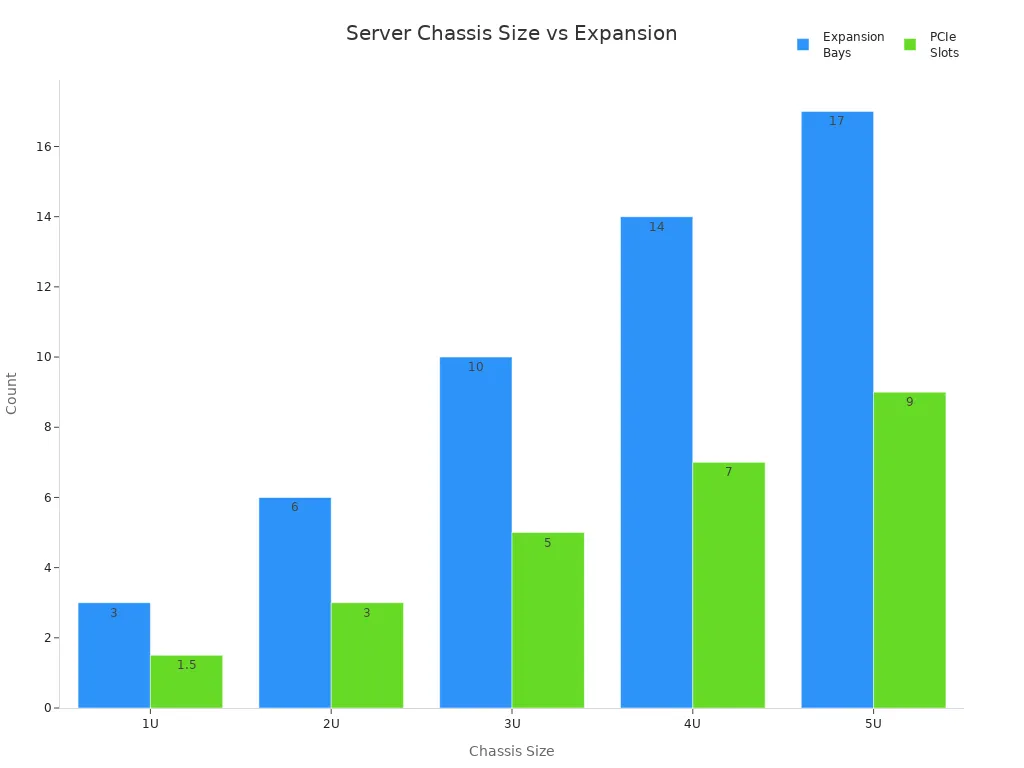
Picking the right chassis helps a business stay neat and work better. Sz-xtt gives advice and has many models to fit what every company needs.
SSS
Sunucu kasası nedir?
A sunucu şasisi is a strong box that holds all the parts of a server. It keeps the hardware safe and cool. Sz-xtt offers many types of sunucu şasisi for different needs.
How does a rackmount chassis save space?
A rackmount chassis fits into a rack with other servers. This design lets people stack many servers in a small area. Data centers use rackmount chassis to keep equipment organized.
Why is cooling important in server chassis?
Cooling stops servers from getting too hot. Good airflow helps parts last longer and work better. Sz-xtt designs sunucu şasisi with strong cooling systems for safe operation.
What makes sz-xtt chassis secure?
Sz-xtt uses lock doors and strong materials in models like the 101S25 Sunucu Kasası. These features protect hardware from damage or theft.
Can a business upgrade its server chassis later?
Yes. Many sz-xtt chassis, such as the 2003 model, allow for easy upgrades. Companies can add more drives or cards as they grow.