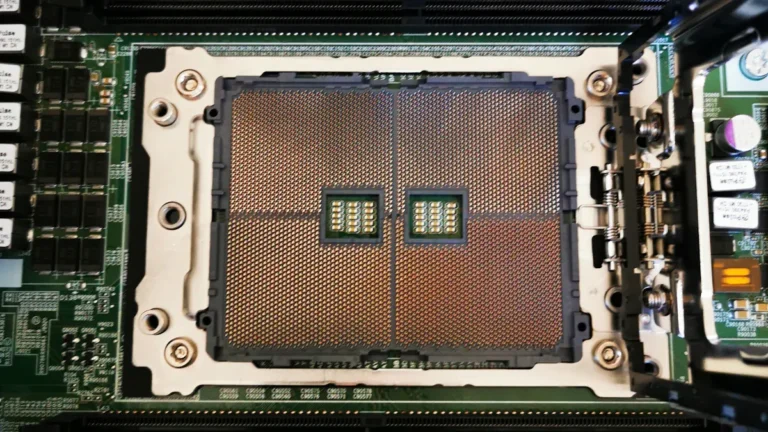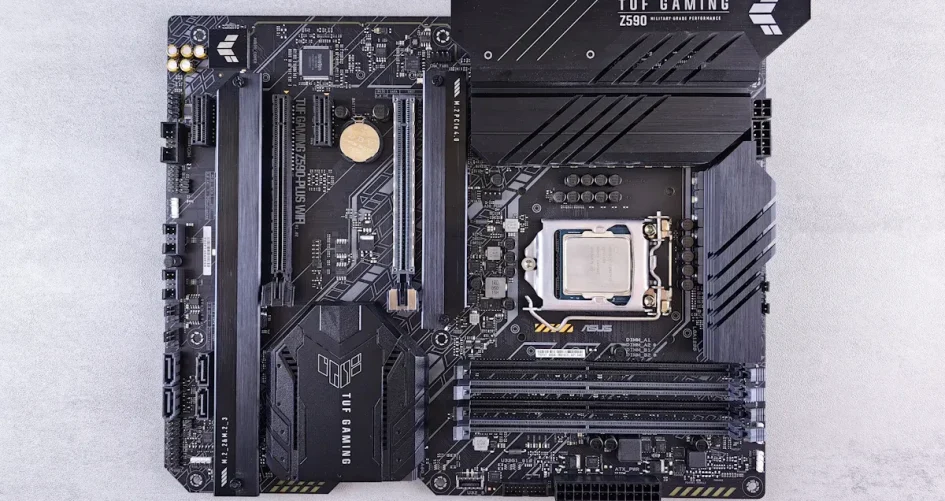
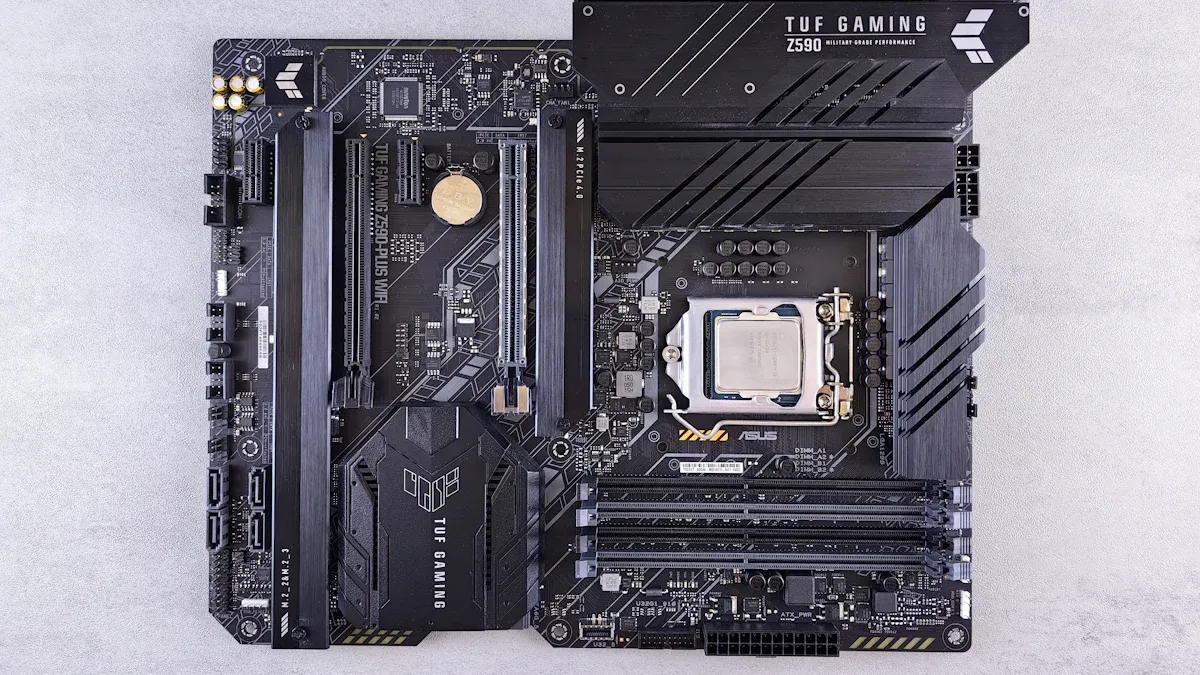
This year, mini ITX server motherboards have seen significant advancements, making them faster and smarter than ever before. What’s New in Mini ITX Server Motherboards This Year includes enhanced cooling systems and innovative features. Engineers have integrated Wi-Fi 6 and Thunderbolt support, which facilitate quicker connections and efficient data transfer. Many of these motherboards now offer improved cooling solutions, ensuring that systems operate effectively and have a longer lifespan.
Innovation | Impact on Performance and Efficiency |
|---|---|
Integrated Wi-Fi 6 | Enhances connections and accelerates data transfer |
Thunderbolt support | Facilitates faster data movement and broader device connectivity |
Improved thermal management | Maintains system stability and extends longevity |
The market for mini ITX server motherboards is expanding rapidly. Experts predict a growth rate of 5.20% annually from 2024 to 2031. There is a rising demand for both AMD and Intel boards, with many consumers opting to purchase them online. These advancements empower users to construct robust server systems in compact spaces. IT professionals and enthusiasts should take note, as these updates provide enhanced performance and support for real-world applications.
Key Takeaways
Mini ITX server motherboards have better cooling now. This helps servers work well and last longer.
Wi-Fi 6 and Thunderbolt make connections faster. You can move data quickly and work better with servers.
These motherboards work with new AMD and Intel processors. This gives people more choices for strong server builds.
Many mini ITX boards can use up to 256GB of DDR5 RAM. They also support ECC memory for tough jobs and steady work.
More people want mini ITX motherboards now. This shows a move to small, energy-saving servers that fit in small places.
What’s New in Mini ITX Server Motherboards This Year
Mini-itx server motherboards have changed a lot this year. Many new models have cool features for home labs and server rooms. These boards now support stronger CPUs and better GPUs. They also let users add more parts to their servers. These updates help people build powerful servers in small spaces.
CPU Advancements and Compatibility
Manufacturers made new mini-itx motherboards for the newest processors. The Asus ROG Strix X870-I, Milk-V Jupiter, Minisforum BD790i X3D, and MinisForum BD795i SE all have special features. Many boards now work with AMD and Intel chips. Some boards use AMD AM5 and Intel LGA1851 sockets. This lets users pick AMD Ryzen 7000 or 9000 series. They can also choose Intel 13th, 14th, or 15th generation CPUs.
Note: Some mini-ITX boards now work with RISC-V mini ITX platforms. This gives developers and researchers new options.
The table below shows some of the best new features in mini-itx server motherboards this year:
Feature | Details |
|---|---|
Processor Support | 12/13th Gen Intel Core (LGA1700), Intel Atom x7-E3950, Intel Alder Lake-N, AMD AM5 |
Memory | Dual channel DDR5 5600MHz, max. 96GB; Up to 16GB DDR4 3200MT/s |
I/O Capabilities | PCIe x16 Gen4, USB3.2 Gen2, 2.5GbE, many USB ports |
Display Options | Four 4K displays, three displays at once |
Expansion Slots | M.2 for NVMe SSD, MiniPCIe, lots of USB and COM ports |
Power Input | 12-24V DCin with ATX 8pin+5VSB pin header |
Operating System Support | Windows 10 LTSC, Ubuntu 22.04 LTS, Embedded Software APIs |
Mini-itx server motherboards now handle CPUs with more cores. Some boards support up to 16-core processors or even more. This is great for data centers and real-time analytics. AMD AM5 support is now common. Many boards also work with the newest Intel chips. Users have more choices because of AMD and Intel compatibility.
Feature | Description |
|---|---|
Supported Processors | AMD Ryzen 7000/9000 Series and Intel 13th–15th Gen processors |
Core Count Support | Can handle 16-core and higher processors |
Application | Good for data centers and analytics |
GPU Integration and Support
GPU support is better in mini-itx motherboards now. Some boards focus on both built-in and separate GPUs. The MSI MS-CF10 has PCIe Gen 5 slots. This lets users add new graphics cards for 3D work or AI. Many boards have Intel ARC Graphics. This helps with graphics and media without needing a separate GPU.
The table below lists some new GPU features in mini-itx motherboards:
Feature | Description |
|---|---|
Fewer components | Simple board design |
Lower latency | Better power use |
Mobile-grade processing | Desktop-style socketed design |
TDP range | 15W for fanless, 65W for heavy work |
Integrated GPU | Intel ARC Graphics improves graphics and media |
Can show on four monitors at once | |
Dual USB Type C Ports | First Mini ITX with two USB Type-C ports |
DDR5 System Memory | Up to 64GB non-ECC memory at 5600MHz |
Dual Intel Ethernet Controller | Fast network for tough jobs |
Some mini-itx boards now show on four screens at once. This helps servers that need many monitors or signs. The MSI MS-CF10 supports Intel 14th, 13th, and 12th Gen processors. It has up to 64GB DDR5 memory. It also has three 2.5GbE LAN ports and PCIe x16 Gen 5 slots for fast upgrades.
Feature | Description |
|---|---|
Motherboard Model | MSI MS-CF10 |
Supported Processors | Intel 14th/13th/12th Gen (Raptor Lake-S Refresh/Raptor Lake-S/Alder Lake-S) |
Memory Support | Up to 64GB DDR5 5200 MT/s ECC/non-ECC SODIMM |
Display Outputs | Four outputs (2 DisplayPort, 2 HDMI 2.0, LVDS/eDP) |
LAN Ports | Three 2.5GbE |
Expansion Slots | One PCIe x16 Gen 5, one M.2 E key with CNVi, one M.2 B key with SIM card slot |
Chipset | R680E/Q670E/H610E |
SATA RAID Support | RAID 0/1/5 features |
Mini-itx server motherboards now use less power but still work well. AMD AM5 and Intel LGA1851 support help users build fast and efficient systems. Mini-itx boards fit many server types, from home NAS to big data centers.
Mini-itx technology keeps getting better. The newest boards work with AMD and Intel, have lots of cores, and better GPU options. Mini-itx server motherboards now focus on flexibility, speed, and saving energy. Users can build strong servers in a small size. Mini-itx is a great choice for today’s server needs.
Mini-ITX Performance and Efficiency Trends
VRM and Thermal Management
Mini-itx motherboards have special VRM designs for stability. Engineers make strong VRMs for fast amd and intel processors. These VRMs help control heat and keep things running well. Many mini-itx motherboards use heat sinks and better airflow to stay cool. The BD790i X3D is 12-17°C cooler than the 7945HX. This cooling is important in small cases with heavy work. Air coolers can bump into tall memory sticks, so aio coolers help air move better. Users should check if parts fit and test their setup before using it in a real server.
Aspect | Details |
|---|---|
CPU Cooler Clearance | Air coolers may hit tall DIMMs; AIO coolers help air move. |
VRM Design for High-Frequency | Strong VRMs and heat solutions keep systems stable. |
Best Practices | Make sure parts fit and test before using in servers. |
Power Consumption and Cooling Solutions
Mini-itx motherboards are made to save energy. Many amd and intel boards use less power but still work well. Some setups with intel i3-10320 on a Gigabyte H470M DS3H use only 6 watts when not busy. An ATX ASUS H770 board uses 7 watts when idle. The intel D201GLY motherboard uses about 25 watts, and D20GLY2 models use around 28 watts. Idle power can be as low as 6-7 watts with some mini-itx boards. The intel N100 mini PC uses 8 watts when idle and 15 watts with a 14TB HDD, which is like a small LED bulb.
Mini-itx motherboards have small cooling parts.
Many models use heat pipes and tiny fans for airflow.
Good cooling keeps amd and intel processors working well.
Efficient cooling helps mini-itx boards do jobs like 3D work and simulation.
Component | Power Consumption (Watts) |
|---|---|
Intel N100 Mini PC (idle) | 8 |
With 14TB HDD | 15 |
Comparison with LED light bulb | 15 |
Mini-itx motherboards use less power and stay cool in small spaces. They work with amd and intel chips, save energy, and keep cool under stress. These things make mini-itx motherboards a good pick for people who want strong performance and efficiency.
RAM, Storage, and Expansion
Memory Capacity and ECC Support
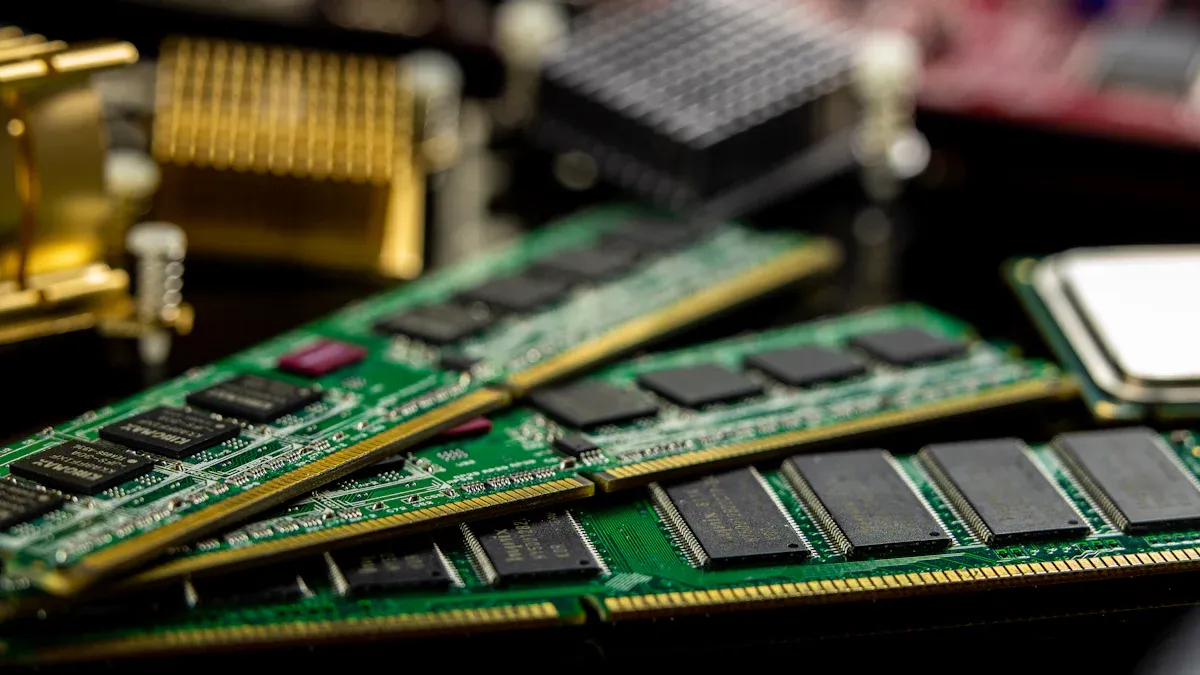
Mini-itx motherboards have made big steps in memory support this year. Many now use ddr5 memory, which gives faster speeds and better efficiency. Some mini-itx boards can use up to 256GB of ddr5 ram with amd processors, but most consumer models only support up to 16GB per module. Server-focused mini-itx motherboards sometimes allow 32GB ECC dimms, but this is rare in regular consumer boards. ECC memory helps servers catch and fix errors, making them more reliable for important jobs.
ddr5 memory is now common in mini-itx boards.
Some mini-itx motherboards support ECC, especially those made for servers.
amd CPUs can handle large amounts of ram, but the motherboard sets the real limit.
Motherboard Model | ECC Support | Notes |
|---|---|---|
Yes (with compatible CPU) | Supports ECC Un-buffered DIMM 1Rx8/2Rx8 memory modules; compatibility varies by CPU. | |
ASRock DeskMeet X600 Series | Yes (with Ryzen Pro CPUs) | Supports AMD Socket AM5 Ryzen™ 8000 and 7000 Series Processors; BIOS must support ECC. |
Mini-itx motherboards with ECC support give users more choices for building reliable amd or intel servers. These features help mini-itx boards work well in both home labs and business settings.
PCIe, NVMe, and SATA Options
Storage and expansion options in mini-itx motherboards have improved a lot. Most new mini-itx boards now offer ddr5 support, fast pcie slots, and multiple storage connections. Users can find boards with two m.2 slots for nvme ssds, which give fast read and write speeds. Some mini-itx motherboards also have up to six sata ports, letting users connect many hard drives for storage-heavy tasks.
Feature | N100 | N5105 |
|---|---|---|
SATA Ports | 6 (5 from JMicron, 1 from CPU) | 2 (from CPU) |
M.2 Slots | 2 | 2 |
PCIe Configuration | 9 PCIe 3.0 lanes | 8 PCIe 3.0 lanes |
USB Ports | 2 x 10Gbps USB3 Type A | 2 x 10Gbps USB3 Type A |
Ethernet Ports | 4 x 2.5GbE | 4 x 2.5GbE |

Mini-itx motherboards now use pcie express slots for better performance. Older mini-itx boards had only a standard pci slot, but new models support pcie 3.0 and even pcie 4.0. This change lets users add faster nvme storage and new graphics cards. Micro atx motherboards still offer more sata and pcie slots, but mini-itx boards now close the gap for most server needs.
New mini-itx motherboards use pcie slots for high-speed devices.
Most boards have at least two m.2 slots for nvme ssds.
Some mini-itx boards support up to six sata drives.
Mini-itx motherboards with ddr5, pcie, and nvme support give users strong options for building compact, high-performance servers. Both amd and intel platforms now offer these features, making mini-itx a smart choice for modern server builds.
Best Mini-ITX Motherboards for Servers
Top Picks for High Performance
Choosing the right mini-itx motherboard depends on what you need. Some people want fast gaming, while others want steady business use. The Asus ROG Strix X870-I is great for speed and strong graphics. It works with amd AM5 and intel 13th, 14th, and 15th gen chips. You can add up to 64GB DDR5 memory and use pcie Gen 5 slots for new graphics cards. The Minisforum BD790i X3D and BD795i SE have lots of cores and cool well, so they are good for hard jobs.
Many mini-itx motherboards now have more pcie slots. This lets you add NVMe SSDs and network cards. These boards work with both amd and intel, so you have more choices. Gamers and workers like motherboards with strong VRMs and good cooling. This keeps their computers steady when working hard.
Tip: Make sure your mini-itx motherboard works with your amd or intel processor before you build your server.
Reliability and NAS Applications
Reliability is very important for NAS and rackmount servers. The best mini-itx motherboards for these jobs have ECC support, lots of SATA ports, and steady networking. Good picks are:
B650I Aorus Ultra: Works with amd, has 2.5GbE networking, and can get 10GbE with pcie cards.
AsRock Rack E3C246D4U2-2T: Works with intel Xeon and uses DDR4 ECC UDIMM memory.
X10SDV: Many people buy this intel board used to save money.
Mini-itx motherboards fit in small NAS cases because they are tiny. They use little power and work with amd and intel chips. Many have lots of SATA ports, M.2 slots, and pcie slots for more storage. Fast ethernet ports and two NICs help move data quickly and keep connections strong.
Feature | Description |
|---|---|
Compact Size | Fits in small NAS cases, only 170mm x 170mm. |
Low Power Consumption | Uses less energy and stays cool even when always on. |
Efficient Processors | Works with amd Ryzen and intel Core or Xeon for strong computing. |
Diverse Connectivity | Has many SATA, M.2, and pcie slots for storage. |
Networking Capabilities | Has fast ethernet ports, some with two NICs. |
Effective Cooling Design | Can use liquid cooling and smart fans. |
User-friendly BIOS/UEFI | Easy to set up and control. |
Remote Management | Has IPMI for checking and fixing from far away. |
Mini-itx motherboards with ECC and lots of SATA ports are good for NAS and rackmount servers. You can build strong systems with amd or intel using the best mini-itx motherboards for your needs.
Benchmark Comparisons and Real-World Use
Mini-ITX vs. Previous Generations
Mini-itx motherboards are much better now than before. New models work faster with many cores. Users see quicker speeds for server jobs. The table below shows how CPUs do in tests:
CPU Type | Performance Improvement | Benchmark Test |
|---|---|---|
Intel Xeon Bronze | Big improvement | NAMD |
Intel Xeon Silver | Better results | OpenSSL |
Intel Xeon Scalable | Much faster | UnixBench |
Intel Xeon E-2100 | Slower | GROMACS |
Current Generation | Various Tests |
Current mini-itx boards can be nine times faster in some tests. They move more data and finish jobs quickly. Users also see better energy use and reliability. New mini-itx boards support more cores for tough jobs.
Mini-ITX vs. Larger Form Factors
Mini-itx motherboards are small and flexible for many servers. They work with strong CPUs and GPUs for different uses. Many people use mini-itx boards for digital signs and edge computing because they are tiny.
Mini-itx boards fit in small places and cases.
They are good for home labs and embedded uses.
Some users think airflow and adding parts is harder than with big boards.
The table below lists the good and bad sides of mini-itx boards:
Pros | Cons |
|---|---|
Very small size | |
Easy to move | Can get hot |
Saves energy | Costs more for each feature |
Mini-itx boards give a mix of small size and good speed. They use less power and fit in tight spaces. But they may not have lots of room for extra parts. Many IT workers pick mini-itx boards when space and saving energy are important. These boards are great for light and medium server jobs. Bigger boards may be better for heavy work.
Note: Users should think about their needs before picking mini-itx boards for servers. Mini-itx boards are best for small, efficient setups but may not work for every job.
Choosing and Deploying Mini-ITX Server Motherboards
Selection Criteria Based on Current Trends
Picking the right mini-itx server board means checking features and if it works with your CPU. IT professionals want boards that work with new CPUs and give good performance in small computers. The table below shows what to look for when picking mini-itx server motherboards:
Criteria | Description |
|---|---|
Chipset Compatibility | Make sure your CPU works with the board’s chipset. AMD AM5 needs B650 or X670 chipsets. |
VRM Quality | Boards should have at least 6+2 phases for Ryzen 7 or i7. This helps stop slowdowns when working hard. |
Storage Options | It is better if the board has two M.2 slots. One should be PCIe 4.0 or 5.0 for fast SSDs. |
Rear I/O | Look for ports like 2.5Gb Ethernet, USB-C, and HDMI 2.1. These are useful for many jobs. |
Cooling Headers | Make sure there are enough fan and pump headers. This helps keep the computer cool in small cases. |
Mini-itx boards with good VRMs and more M.2 slots can handle tough jobs. Boards with strong rear I/O and cooling headers help users build computers that work well in different places. IT teams pick mini-itx boards that give both good speed and ways to add more parts.
Tip: Always check if the motherboard works with your CPU and memory before you buy it.
Deployment Tips for IT Professionals
Mini-itx server boards are great for edge computing and small servers. Their small size lets them fit in tight spots, like offices, labs, and far-away places. IT professionals use mini-itx boards where big boards do not fit. These boards do jobs like managing networks, storing files, and showing digital signs.
Mini-itx boards are not the same as ATX or E-ATX boards. ATX boards have more slots for adding parts and can do bigger jobs. Mini-itx boards save space and use less power. IT teams use mini-itx boards for light server jobs and edge devices.
Put mini-itx boards in cases with good airflow.
Use small cooling parts to stop overheating.
Watch system temperatures when working hard.
Pick boards with remote management to make fixing easier.
Mini-itx boards help IT professionals build flexible and efficient servers. Their small size and new features let them work for many different uses.
This year, mini-itx server motherboards got much faster. They also cool better and use more memory. Mini-itx boards now work with the newest processors. They have strong network features. Many mini-itx boards fit in small places. They work well even in tough spots. The table below shows important things to think about when picking mini-itx boards:
Aspect | Details |
|---|---|
Size | Mini-itx fits in places with little room. |
Compatibility | Mini-itx works with ATX and microATX cases. |
Performance | Mini-itx supports new Intel and AMD chips. |
Connectivity | Mini-itx has fast network and extra slots. |
Applications | Mini-itx is good for automation, kiosks, and multimedia. |
Mini-itx boards can handle hot and cold temperatures. They use processors that do not need much power. Many mini-itx boards have lots of USB ports. They also have Gigabit Ethernet. When picking mini-itx, users should look at size, if it fits, and cooling. Mini-itx gives good speed, saves energy, and works well for many servers.
Mini-itx works in factories and homes.
Mini-itx can run without fans and saves power.
Mini-itx has good network and extra slot options.
Mini-itx server motherboards let people build strong, efficient, and fast systems.
FAQ
What makes Mini ITX server motherboards different from regular desktop boards?
Mini ITX server motherboards are smaller than regular boards. They have special features for servers, like ECC memory and many SATA ports. Some models have better cooling and network choices. People can make small servers for home or work.
Can Mini ITX server motherboards handle heavy workloads?
Yes, they can. Many Mini ITX server motherboards use strong CPUs and fast memory. They are good for jobs like virtualization, file storage, and streaming. Some have advanced cooling to keep them working well.
Do Mini ITX server motherboards support ECC memory?
Most Mini ITX server motherboards for servers support ECC memory. ECC memory finds and fixes errors. This makes the system more reliable for important work. People should check if the motherboard and CPU work together before buying.
How many drives can a Mini ITX server motherboard support?
Some Mini ITX server motherboards let you use up to six SATA drives. Many also have two M.2 slots for NVMe SSDs. You can build a server with lots of storage in a small case.
Are Mini ITX server motherboards energy efficient?
Mini ITX server motherboards use less power than big boards. Many models stay cool and do not make much noise. Saving energy helps lower costs and keeps systems steady.